About Quick Barcode Scan & Generator
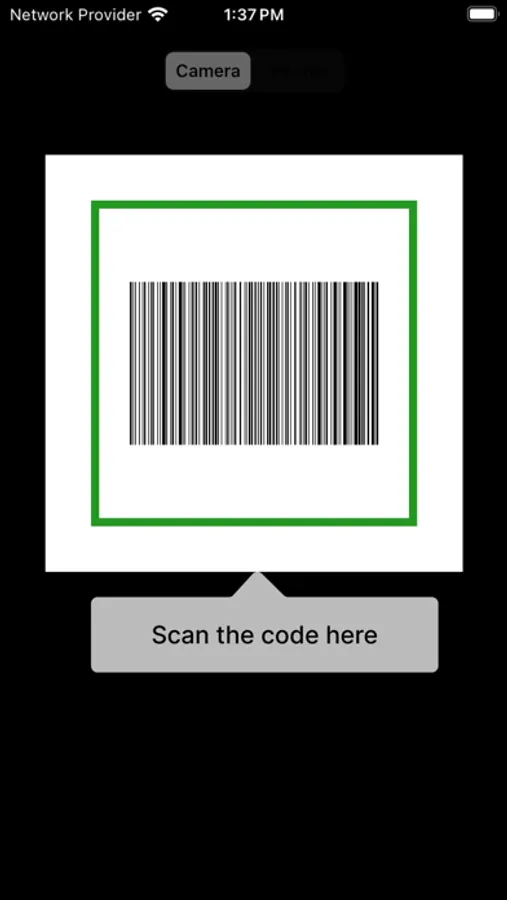
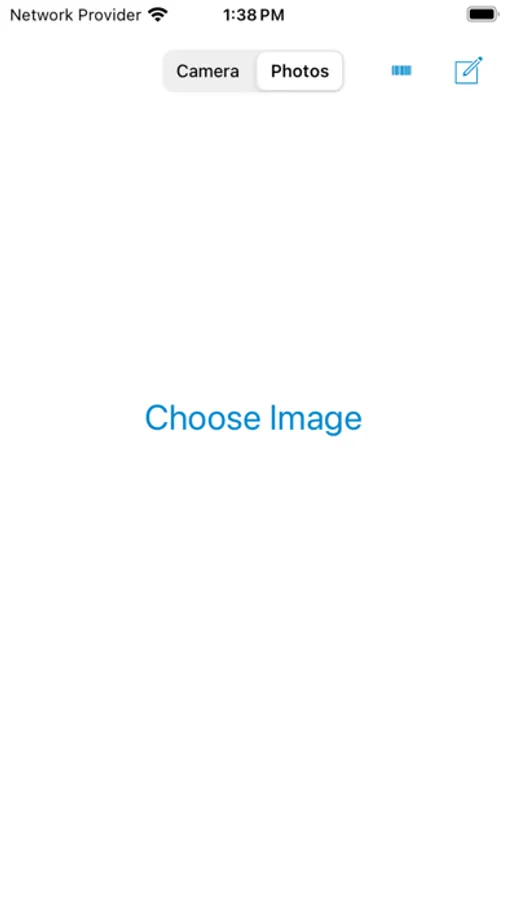
To scan a Barcode simply open the app, point the camera at the code or choose the appropriate image from the photos, that’s it. Barcode Reader will automatically recognize and take you to the new screen with the contents in the Barcode.
You can copy and do whatever, if it contains links, just tap over the link it will automatically direct to the link.
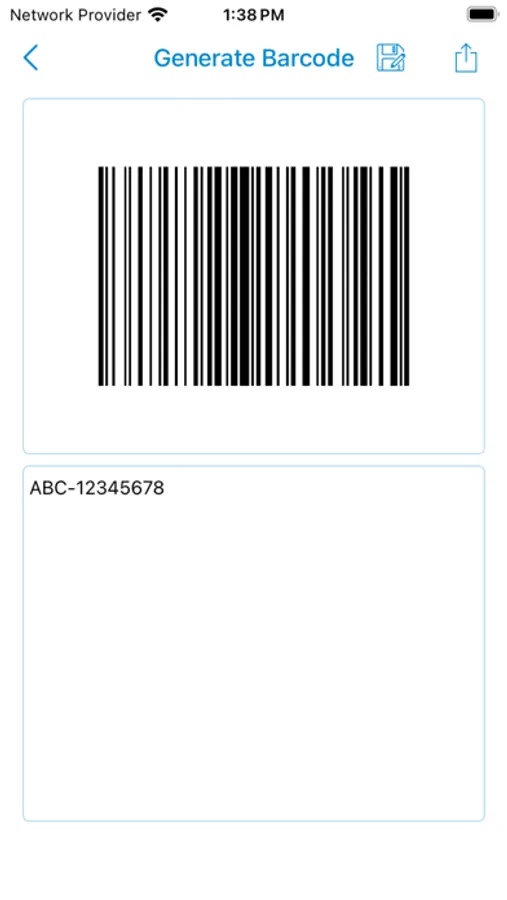
To Generate an own Barcode, just click Generator Icon, it will take you to the Generator screen. Just type your text in the textbox. Your own Barcode is ready and you can share or share or whatever you want.
Some of the app features are
1. Barcode Scanner
2. Barcode Generator
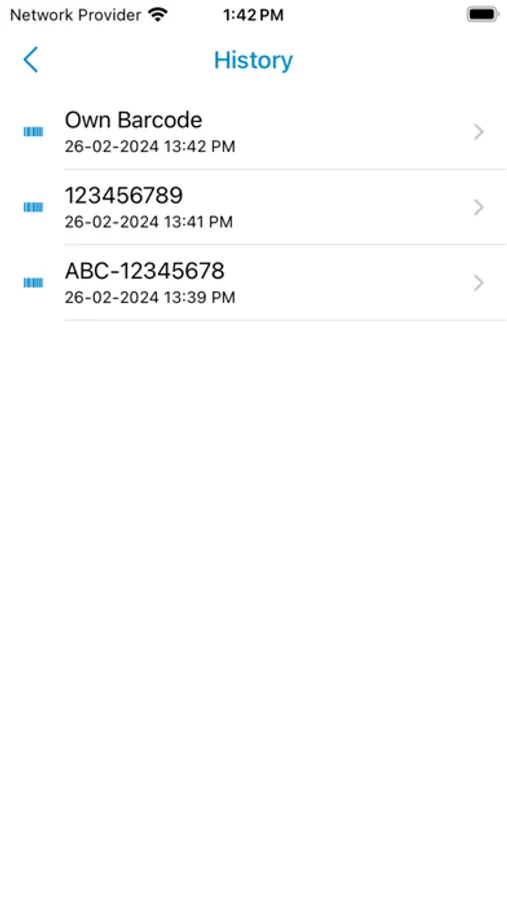
3. Scan history
4. Share Scan Results
5. Save Scan Results
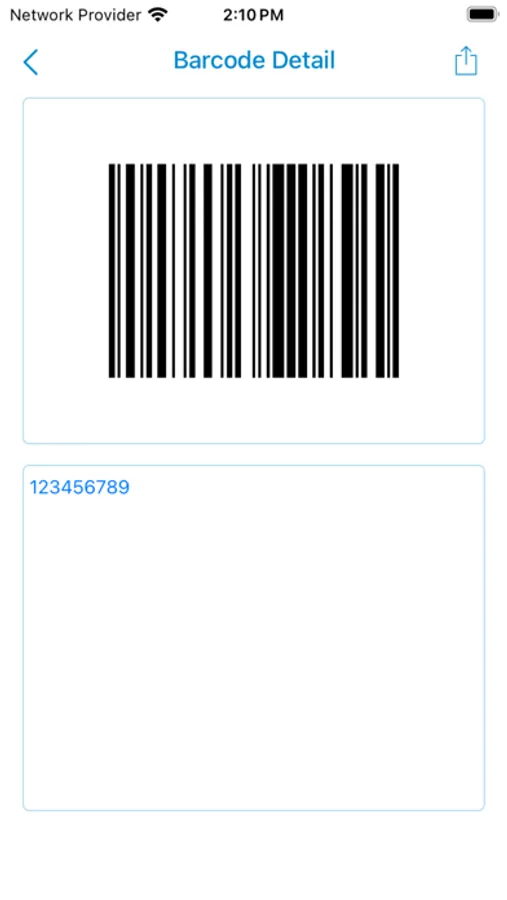
6. Retrieve the saved Barcodes
Any concern about the application, feel free to send your valuable comments to ravlogdeenan@gmail.com.
You can copy and do whatever, if it contains links, just tap over the link it will automatically direct to the link.
To Generate an own Barcode, just click Generator Icon, it will take you to the Generator screen. Just type your text in the textbox. Your own Barcode is ready and you can share or share or whatever you want.
Some of the app features are
1. Barcode Scanner
2. Barcode Generator
3. Scan history
4. Share Scan Results
5. Save Scan Results
6. Retrieve the saved Barcodes
Any concern about the application, feel free to send your valuable comments to ravlogdeenan@gmail.com.
Quick Barcode Scan & Generator Screenshots
Tap to Rate: