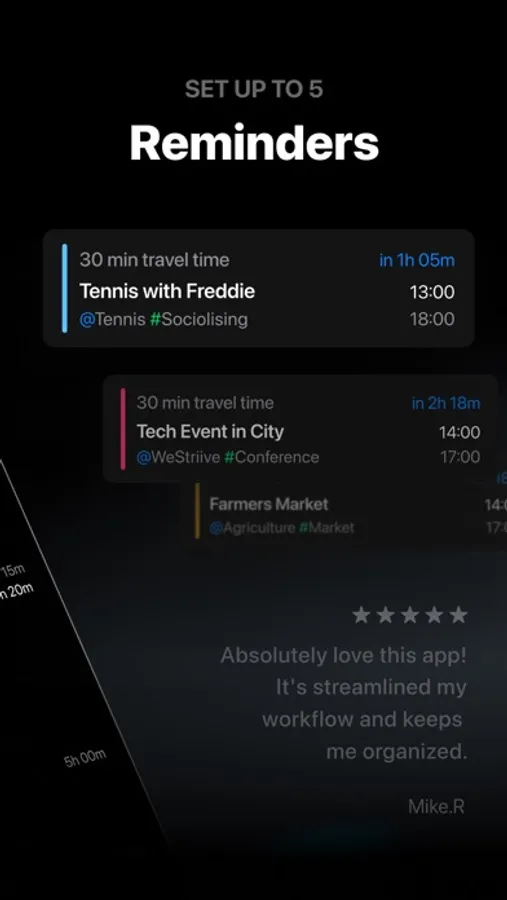
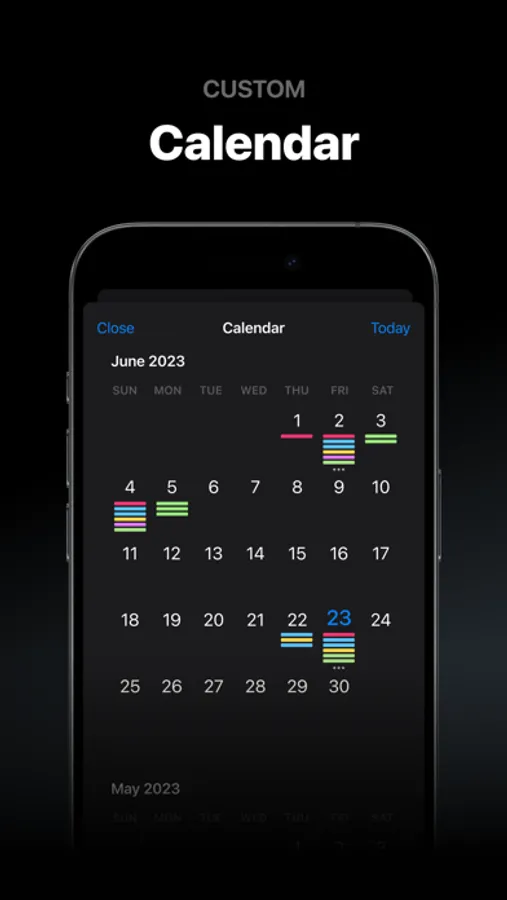
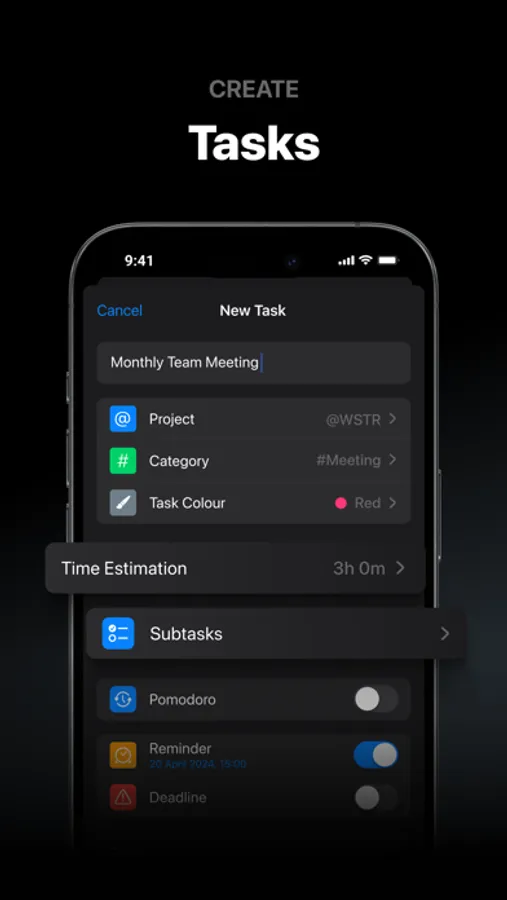
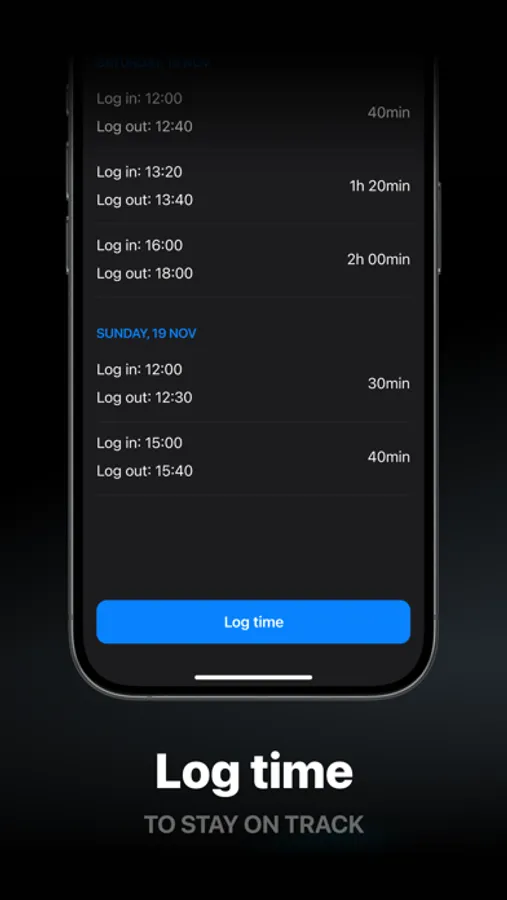
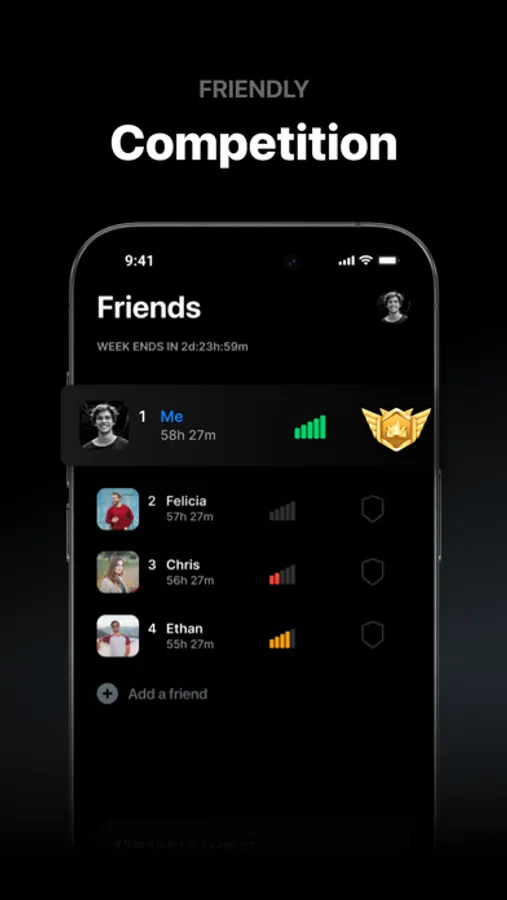
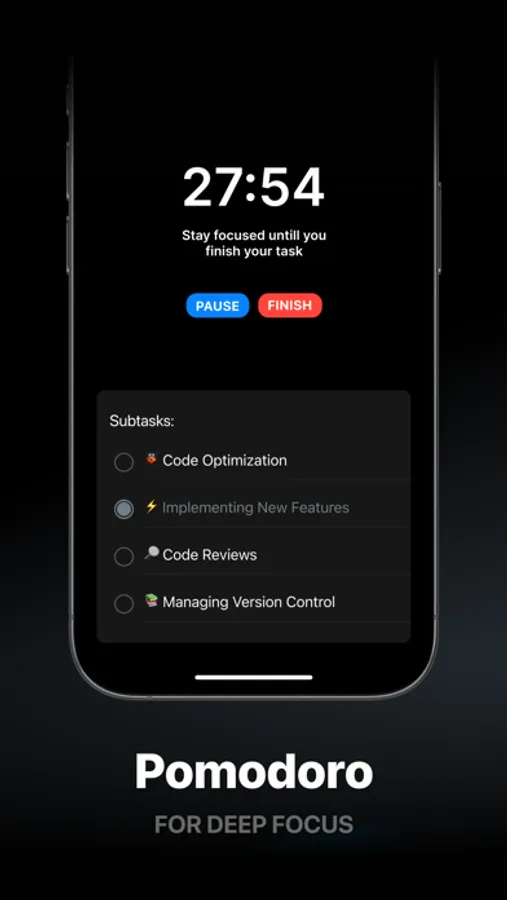
With this task management app, you can create to-do lists, set reminders, and organize your schedule. Includes a built-in calendar and goal tracking features.
AppRecs review analysis
AppRecs rating 4.5. Trustworthiness 71 out of 100. Review manipulation risk 27 out of 100. Based on a review sample analyzed.
★★★★☆
4.5
AppRecs Rating
Ratings breakdown
5 star
82%
4 star
4%
3 star
4%
2 star
2%
1 star
8%
What to know
✓
Low review manipulation risk
27% review manipulation risk
✓
Credible reviews
71% trustworthiness score from analyzed reviews
✓
High user satisfaction
82% of sampled ratings are 5 stars
About WSTR: Daily Planner Schedule
SUBSCRIPTION PRICING & TERMS
That Girl is free to download. Continued use requires an active subscription, which can be yearly. New customers who choose a yearly subscription have a free trial period.
All payments made through iTunes are controlled and managed by Apple. Payments will be deducted from your iTunes account when you confirm your purchase. Subscription automatically renews unless auto-renew is turned off at least 24 hours before the end of the current period. Within 24 hours before the end of the current period, the renewal fee will be deducted from your account, which will indicate the cost of the renewal. You can manage your subscriptions and turn off auto-renewal by going into your iTunes account settings after purchase. Any unused part of the free trial period when offered will be cancelled if you purchase a subscription to the publication, if applicable. By continuing, you accept our Privacy Policy and Terms of Use.
Privacy Policy: https://sites.google.com/view/soloweigroup-privacy-policy
Terms of Use: https://sites.google.com/view/soloweigroup-terms-of-usee/home
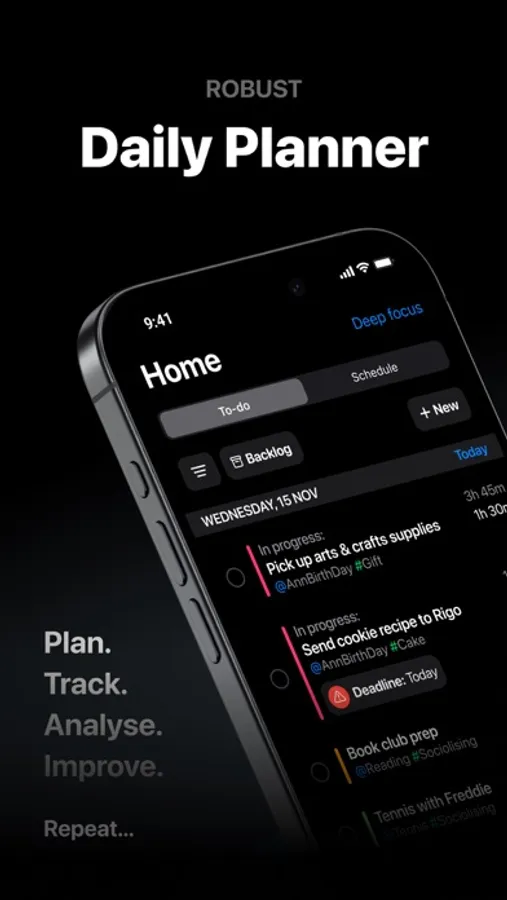
WSTR: Daily Planner Schedule Screenshots

Tap to Rate:
Reviews for WSTR: Daily Planner Schedule
oml620
not worth it
i paid for access but i don’t have any of the features advertised. the only thing i can see is a list of things from my calendar, and my profile.
Lauryn-02
Time mode & customer service
I originally loved this app. It was perfect for everything I needed it for. Then I realized that when I create events and view them- it’s in 24hr mode instead of 12. This is the only app I have this problem with and I’ve tried different settings on my phone to see if maybe I could fix it but no luck. So I hit the button that says to contact the developer. I have done that now 4 times and each time I get an email back that says the email address does not exist. So I haven’t been able to contact anyone for customer service. I also already paid for the subscription for a year. So I’m really hoping that I will be able to get in touch with someone to get this problem fixed.