AppRecs review analysis
AppRecs rating 5.0. Trustworthiness 0 out of 100. Review manipulation risk 0 out of 100. Based on a review sample analyzed.
★★★★★
5.0
AppRecs Rating
Ratings breakdown
5 star
100%
4 star
0%
3 star
0%
2 star
0%
1 star
0%
What to know
✓
High user satisfaction
100% of sampled ratings are 5 stars
About WhatsPass
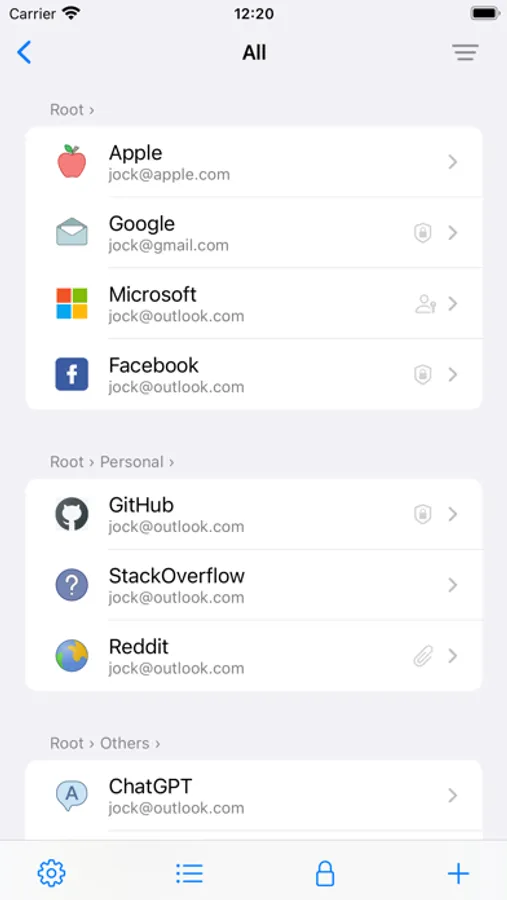
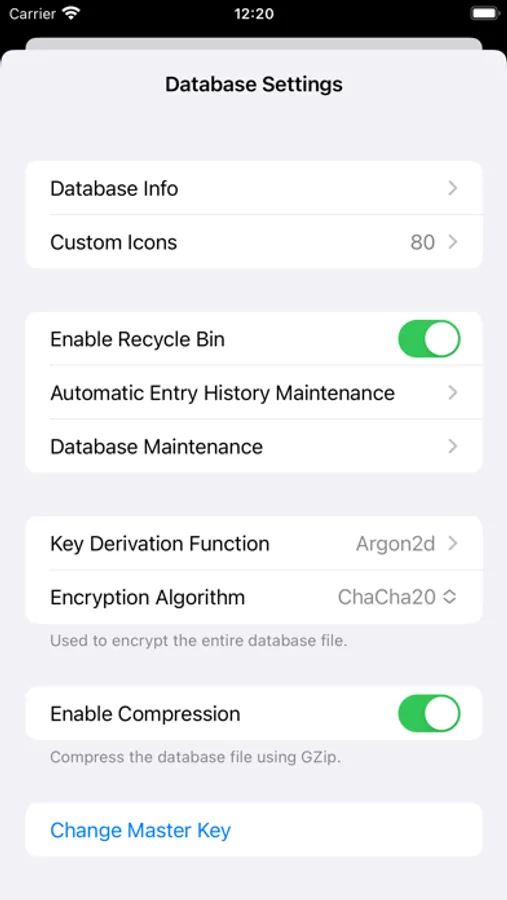
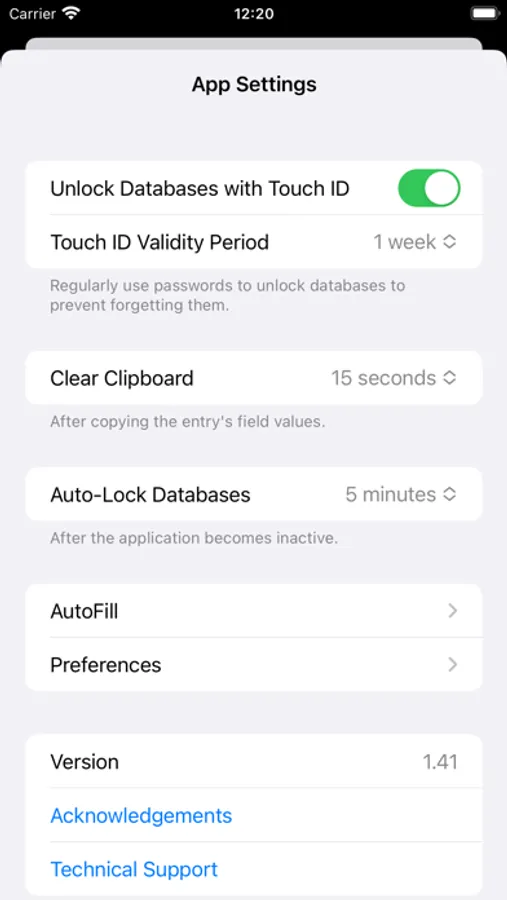
A modern KeePass client with built-in support for Passkeys and TOTP for two-factor authentication (2FA). It makes password management easy and keeps your digital life secure.
Key Features:
KeePass Compatibility: Your data is encrypted in KeePass database format, ensuring seamless cross-platform use.
Passkey Support: A safer way to authenticate—immune to phishing and faster to log in.
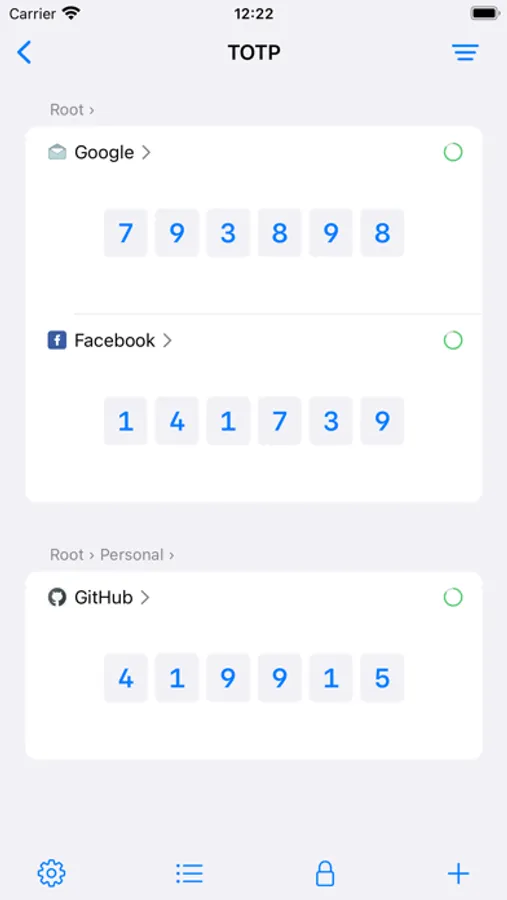
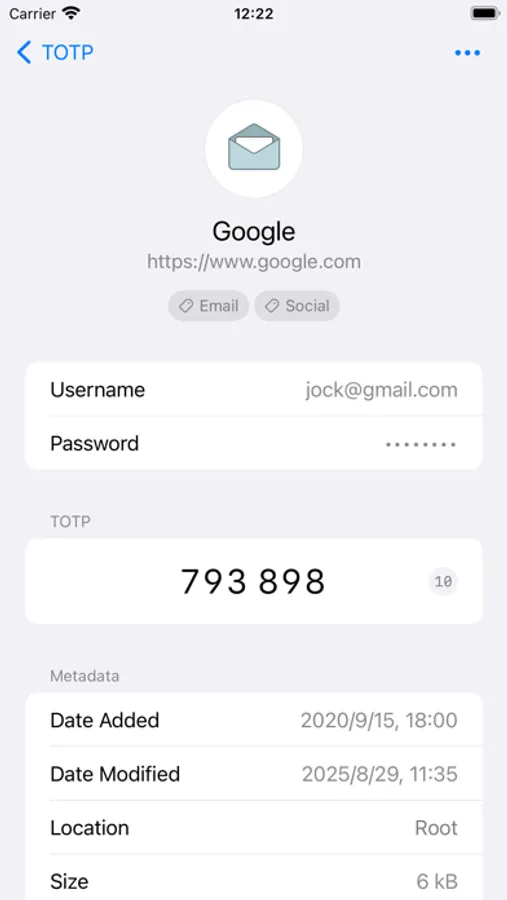
Two-Factor Authentication (2FA): Generate and view time-based one-time passwords (TOTP) effortlessly.
AutoFill: Automatically fill usernames, passwords, passkeys, and TOTP codes into websites and apps—quickly and securely.
Auto-Type (macOS): Define custom input sequences and automate typing across any application.
Cloud Drive: Access database files directly from cloud drives, including Google Drive, OneDrive, Dropbox, and WebDAV.
WhatsPass is free to download and use (with some feature limitations). Unlock all features via subscription or a one-time purchase. All purchases are cross-platform (iOS and macOS) and support Family Sharing. You can manage or cancel subscriptions anytime in your system settings.
Terms of Use: https://www.apple.com/legal/internet-services/itunes/dev/stdeula/
Key Features:
KeePass Compatibility: Your data is encrypted in KeePass database format, ensuring seamless cross-platform use.
Passkey Support: A safer way to authenticate—immune to phishing and faster to log in.
Two-Factor Authentication (2FA): Generate and view time-based one-time passwords (TOTP) effortlessly.
AutoFill: Automatically fill usernames, passwords, passkeys, and TOTP codes into websites and apps—quickly and securely.
Auto-Type (macOS): Define custom input sequences and automate typing across any application.
Cloud Drive: Access database files directly from cloud drives, including Google Drive, OneDrive, Dropbox, and WebDAV.
WhatsPass is free to download and use (with some feature limitations). Unlock all features via subscription or a one-time purchase. All purchases are cross-platform (iOS and macOS) and support Family Sharing. You can manage or cancel subscriptions anytime in your system settings.
Terms of Use: https://www.apple.com/legal/internet-services/itunes/dev/stdeula/
WhatsPass Screenshots
Tap to Rate:
Reviews for WhatsPass
dl97ag
Best Keepass app
Have tried so many, free and paid, this one checks all the boxes. Cloud sync, UI, MFA/TOTP. The dev is very responsive and open to suggestions. Worth every penny, very reasonable.