AppRecs review analysis
AppRecs rating 4.4. Trustworthiness 76 out of 100. Review manipulation risk 23 out of 100. Based on a review sample analyzed.
★★★★☆
4.4
AppRecs Rating
Ratings breakdown
5 star
73%
4 star
0%
3 star
18%
2 star
9%
1 star
0%
What to know
✓
Low review manipulation risk
23% review manipulation risk
✓
Credible reviews
76% trustworthiness score from analyzed reviews
✓
High user satisfaction
73% of sampled ratings are 4+ stars (4.4★ average)
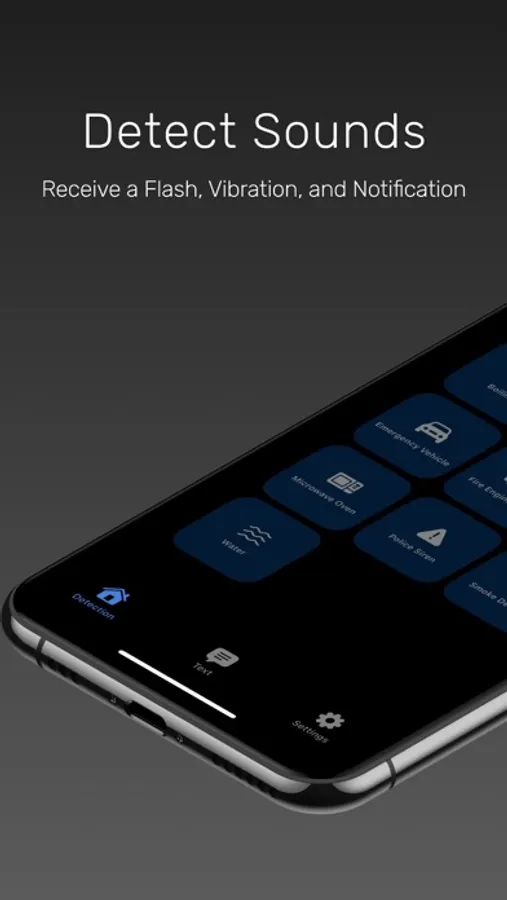
About Taptic d/Deaf Support
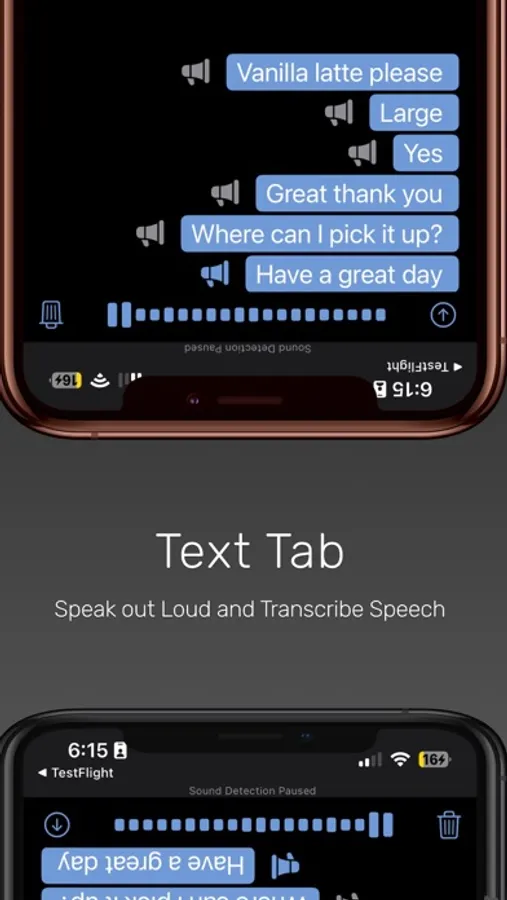
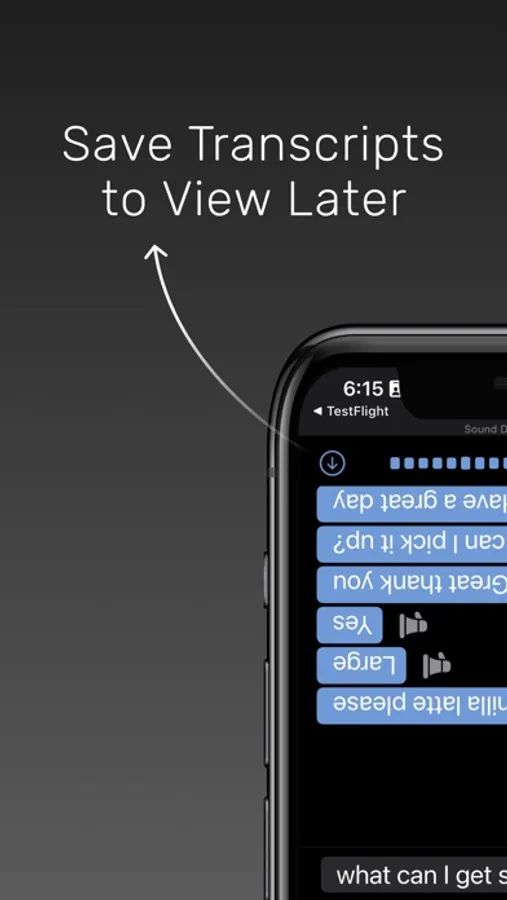
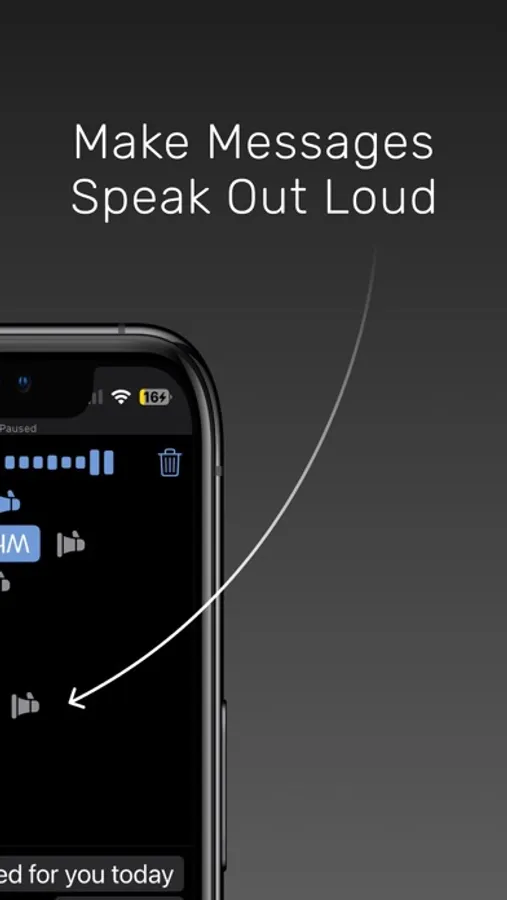
Text Tab: Type a message. Typed responses are displayed in a flipped orientation and automatically spoken out loud. Press record to listen to speech and receive accurate real-time transcriptions. Save transcripts.
https://www.tapticapp.com/terms-and-conditions
https://www.tapticapp.com/privacy-policy
Taptic d/Deaf Support Screenshots
Tap to Rate:
Reviews for Taptic d/Deaf Support
SinghSaj
Needs improvement and phone gets really hot
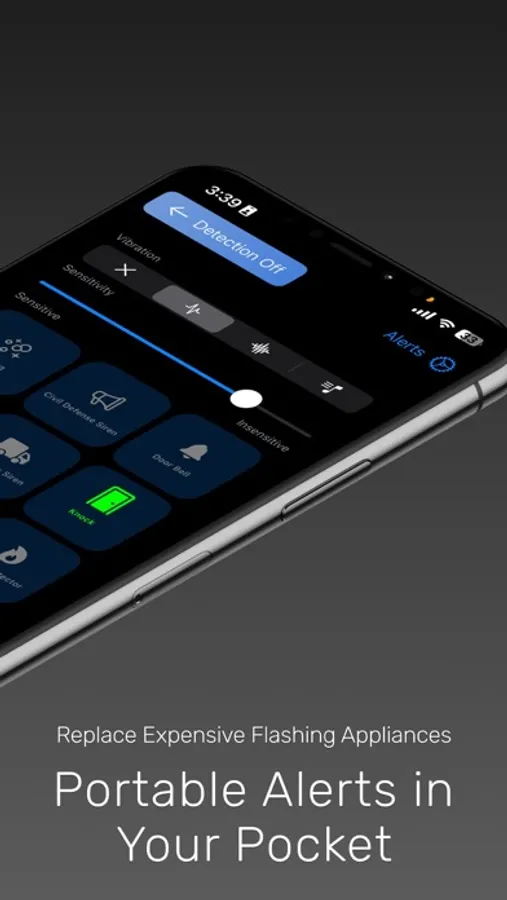
First of all kudos to create a solution for people who are hard of hearing. Couple items I would like to bring to attention: 1) The phone gets really hot while running this app. Perhaps because it keeps microphone always on. This is a major concern 2) The Bluetooth enable message kept showing over and over again although Bluetooth was enabled. 3) The vibration intensity on Apple Watch didn’t really make me feel the alert while I was sleeping. Had turned on the vibration intensity to Prominent on the watch settings. Perhaps it’s more to do with how weak the haptic is on Apple Watches 4) The sensitivity settings were not visible on my app contrary to what is shown on the website. Would love to get this app and paid version unfortunately there are couple shortcomings that need to be fixed.
Lukeaal
Works well
Clean app that does what it says!