AppRecs review analysis
AppRecs rating 4.9. Trustworthiness 0 out of 100. Review manipulation risk 0 out of 100. Based on a review sample analyzed.
★★★★☆
4.9
AppRecs Rating
Ratings breakdown
5 star
96%
4 star
0%
3 star
4%
2 star
0%
1 star
0%
What to know
✓
High user satisfaction
96% of sampled ratings are 5 stars
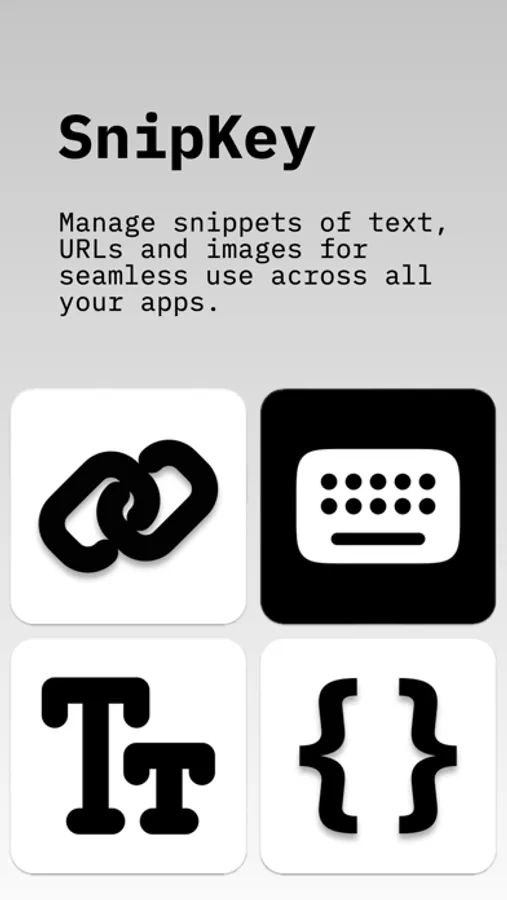
About SnipKey - Keyboard Extension
SnipKey is a Keyboard Extension.
Why SnipKey Stands Out?
- Simple & Modern Design
Intuitive interface that's a joy to use
Clean, minimalist aesthetics for distraction-free productivity
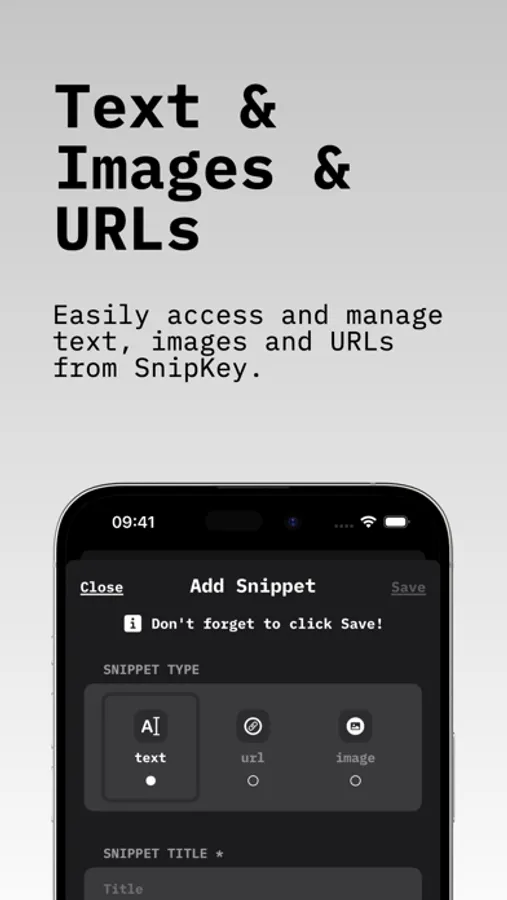
- Effortless Management
Easily create, store, and categorize snippets and images
Custom tags for quick retrieval and organization
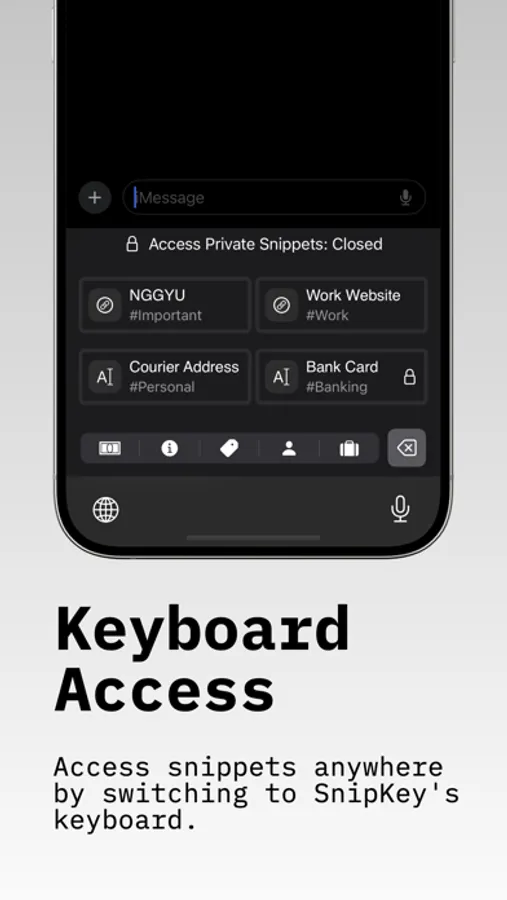
- Smart Keyboard Extension
Access snippets instantly in any app
Seamlessly switch to SnipKey without leaving your current task
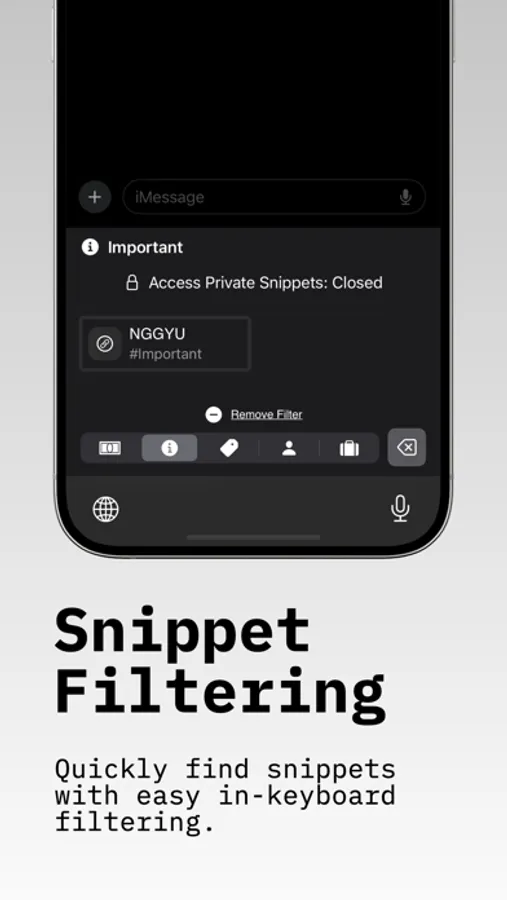
- Advanced Filtering
Find exactly what you need with tag-based filtering
Categorize snippets by type (Personal, Work, Banking) or custom tags
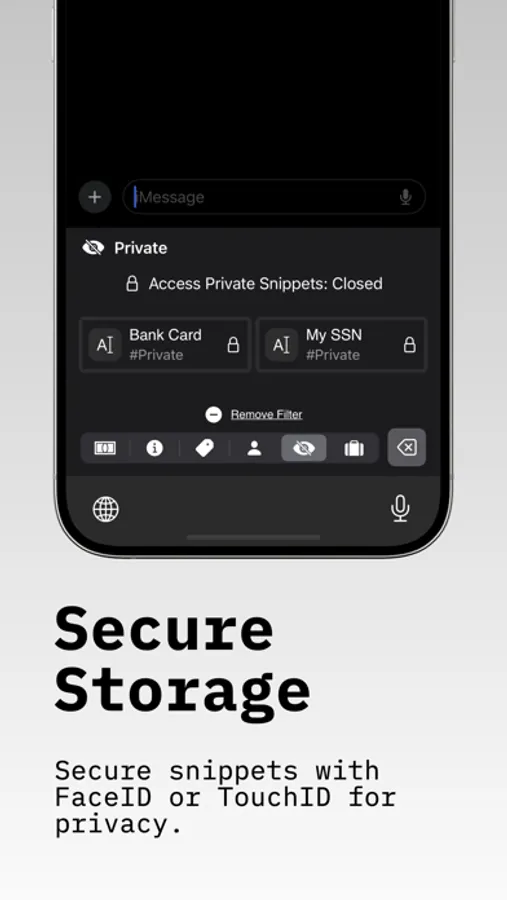
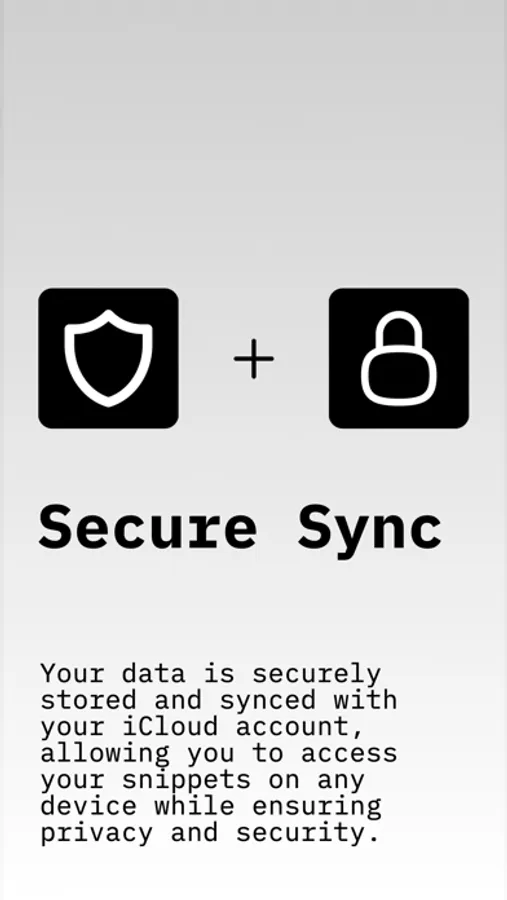
- Enhanced Security
Protect sensitive data with robust encryption
Secure snippets with FaceID or TouchID for privacy
- Universal Compatibility
Works flawlessly across your favorite apps
Access snippets wherever you are, whenever you need them
SnipKey isn't just a snippet manager—it's a comprehensive, modern solution designed to enhance your productivity and simplify your digital life. With its sleek interface and powerful features, SnipKey transforms how you handle information.
Learn more at https://snipkey.jrtv.online
Terms of Service: https://snipkey.jrtv.online/terms-conditions
Privacy Policy: https://snipkey.jrtv.online/privacy-policy
EULA: https://www.apple.com/legal/internet-services/itunes/dev/stdeula/
SnipKey - Keyboard Extension Screenshots
Tap to Rate:
Reviews for SnipKey - Keyboard Extension
Gaul6000
I really like this once I remember I have this installed
Though one feature but it not be possible but would be nice to be able to quickly add directly from keyboard
johnfromberkeley
Best in class
If you simply need to manage shortcuts… snippets of text URLs or images, this is the app. Previously, I used Kuaiboard, which was a great app, but is no longer available in the App Store. This app is simple, straightforward, it includes tagging, and iCloud syncing so that your snippets are available on all iOS devices. Fantastic. Thank you so much.