Screenshot Editor - ScreenCut
Programacion Viktor Seraleev EIRL
4.5 ★
95 ratings
Free
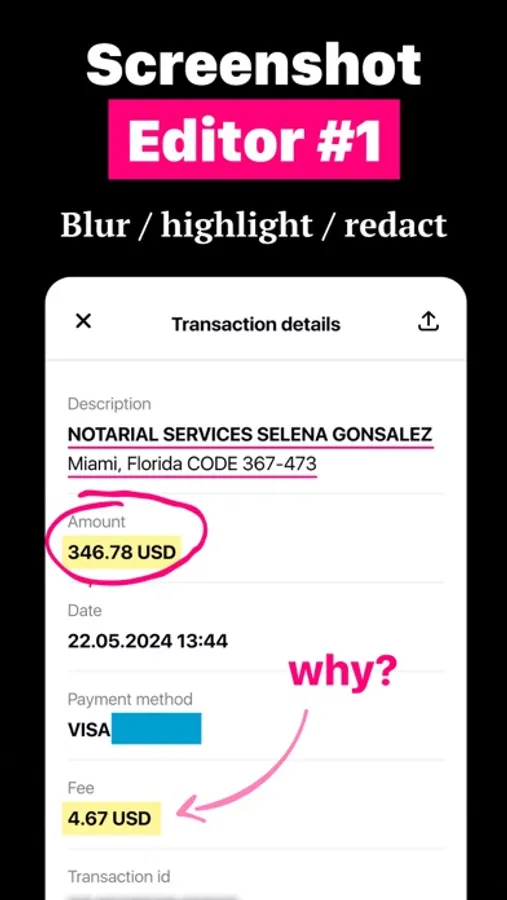
With this screenshot editor, you can create and customize screenshots using tools like highlight, redact, blur, and pixelate. Includes multiple device mockups, annotation options, and trending templates.
AppRecs review analysis
AppRecs rating 4.5. Trustworthiness 55 out of 100. Review manipulation risk 39 out of 100. Based on a review sample analyzed.
★★★★☆
4.5
AppRecs Rating
Ratings breakdown
5 star
81%
4 star
4%
3 star
5%
2 star
2%
1 star
7%
What to know
✓
High user satisfaction
85% of sampled ratings are 4+ stars (4.5★ average)
✓
Authentic reviews
No red flags detected
About Screenshot Editor - ScreenCut
Create and edit your screenshots. Highlight the important and hide the confidential. We added new 7 tools for your screenshots: Redact, Highlight, Underline, Strike, Blur, Blend and Pixel
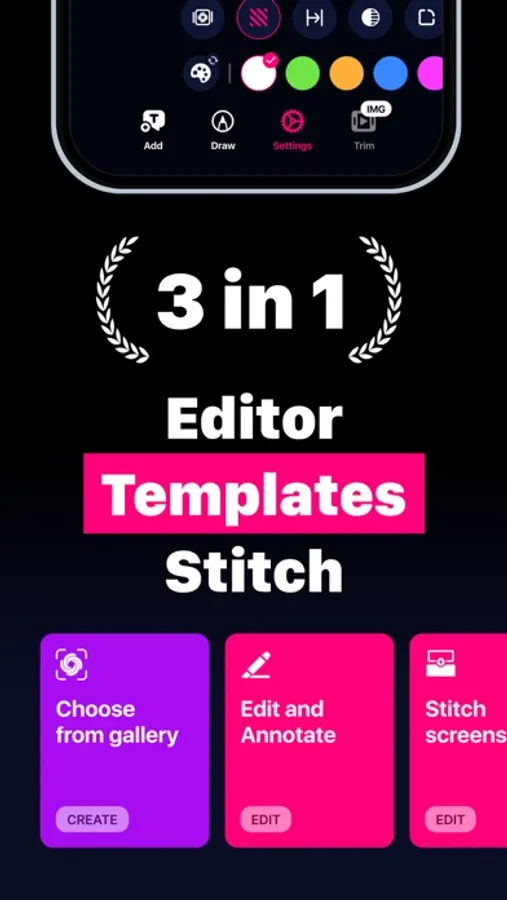
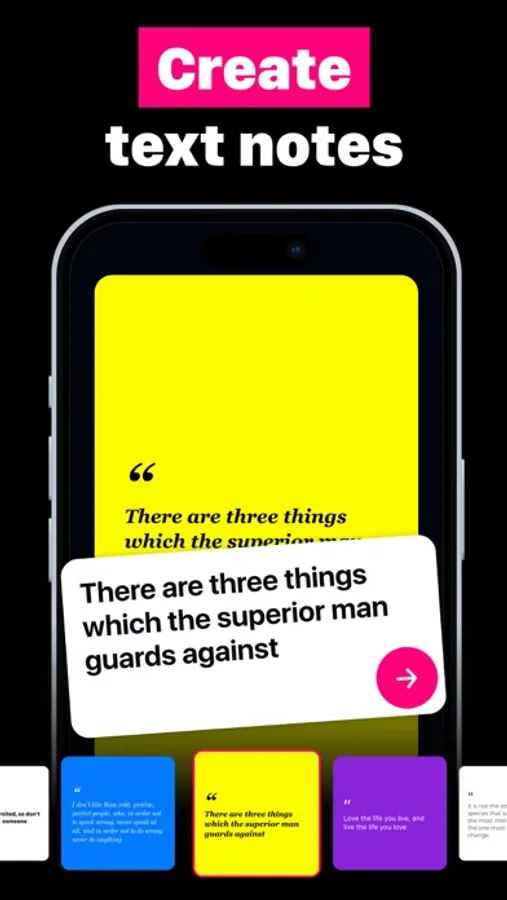
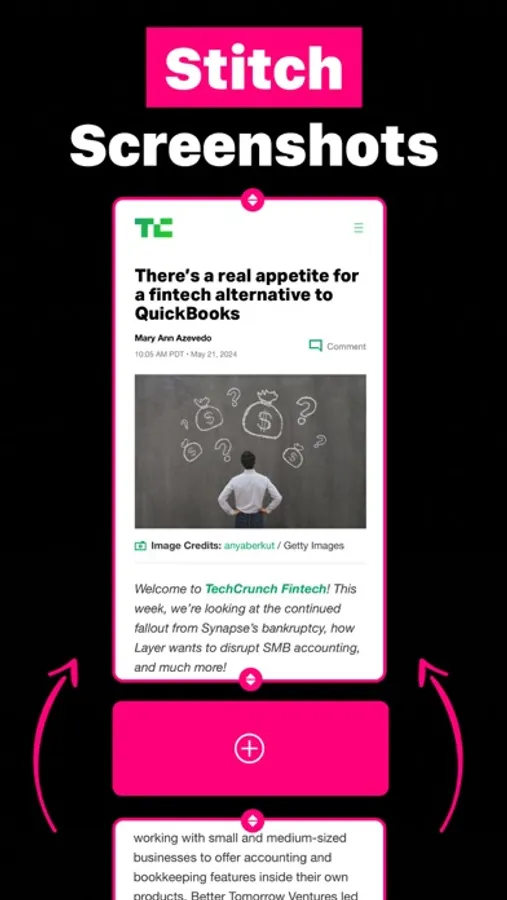
Screencut is an application for quickly creating beautiful screenshots. Easily create screenshots in a powerful editor that supports photos and videos, multiple device mockups, adding notes, overlaying text and GIF animations, and flexible settings for shadows and fillets.
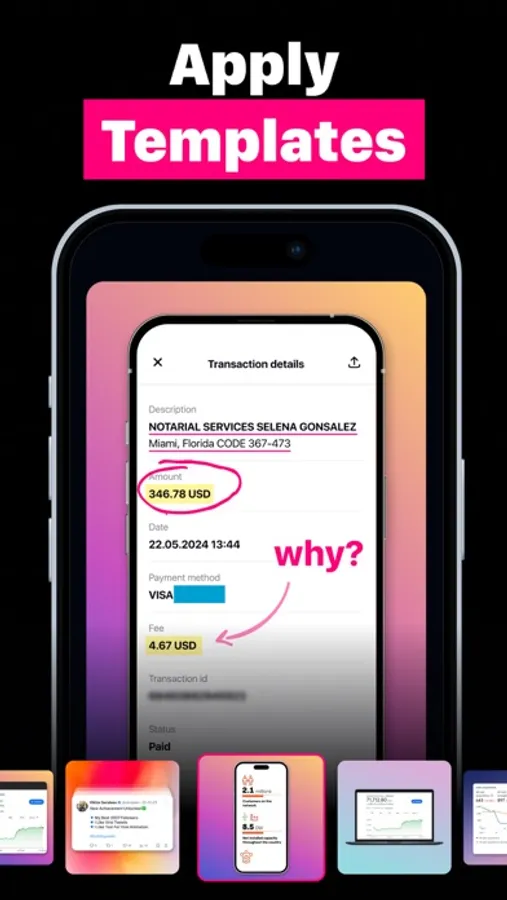
The app also offers dozens of the most trending screenshot templates to make your images look stylish and professional.
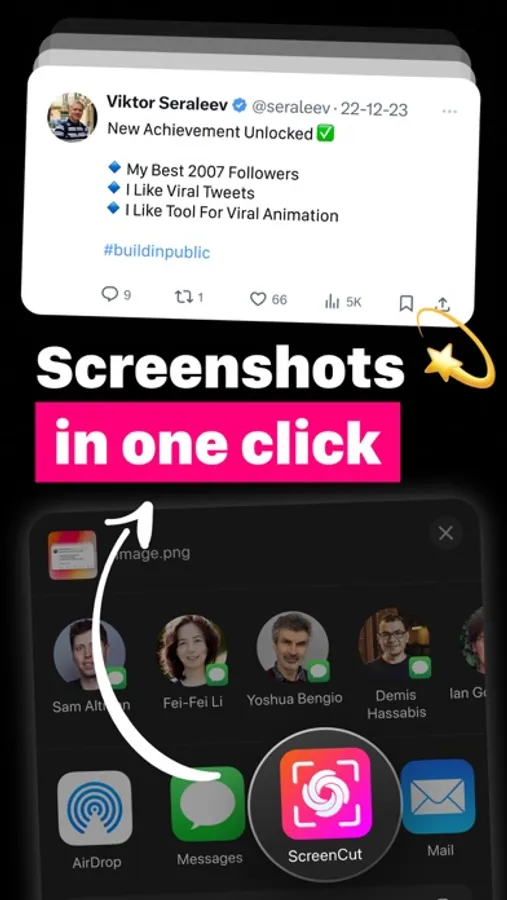
You can create screenshots in just two clicks, directly from the share menu, making the process even faster and more convenient
Terms of use: https://seraleev.com/terms
Privacy Policy: https://seraleev.com/privacy
Support address: programadorviktor@icloud.com
Screencut is an application for quickly creating beautiful screenshots. Easily create screenshots in a powerful editor that supports photos and videos, multiple device mockups, adding notes, overlaying text and GIF animations, and flexible settings for shadows and fillets.
The app also offers dozens of the most trending screenshot templates to make your images look stylish and professional.
You can create screenshots in just two clicks, directly from the share menu, making the process even faster and more convenient
Terms of use: https://seraleev.com/terms
Privacy Policy: https://seraleev.com/privacy
Support address: programadorviktor@icloud.com
Screenshot Editor - ScreenCut Screenshots
Tap to Rate:
Reviews for Screenshot Editor - ScreenCut
masziX
Blank
Nice clean simple
Dev monkey
Pixelate text
I used to pixelate private text inside screenshots before sharing them, you do it literally in 2 taps