
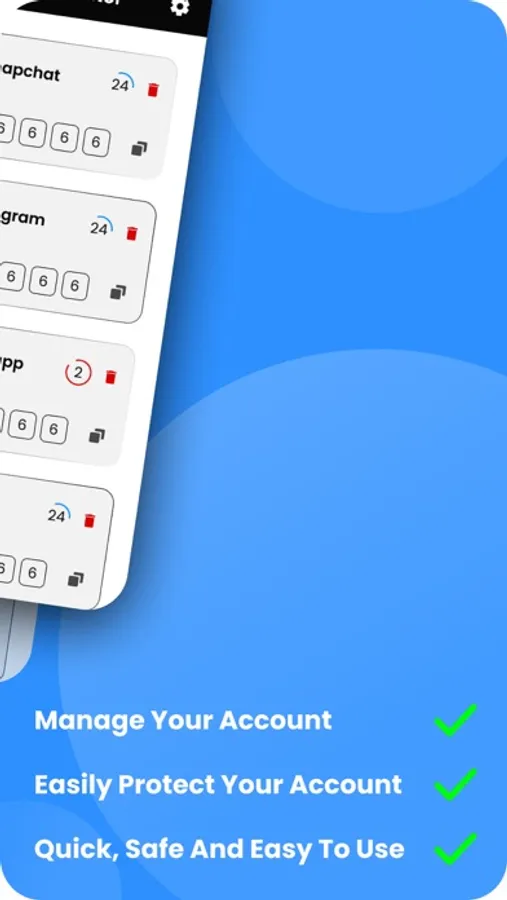
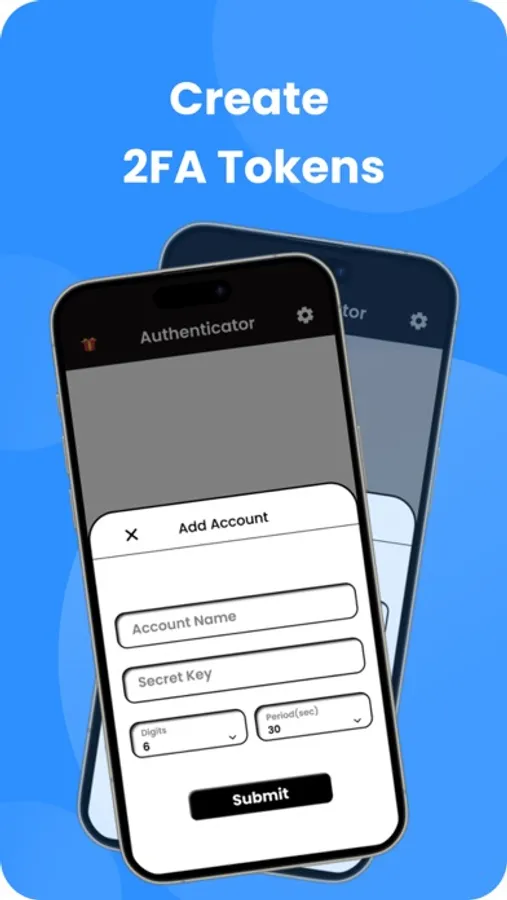
With this 2FA app, you can generate time-based one-time passwords and scan QR codes for account security. Includes biometric unlocking and manual code entry features.
AppRecs review analysis
AppRecs rating 4.4. Trustworthiness 89 out of 100. Review manipulation risk 24 out of 100. Based on a review sample analyzed.
★★★★☆
4.4
AppRecs Rating
Ratings breakdown
5 star
79%
4 star
6%
3 star
2%
2 star
2%
1 star
11%
What to know
✓
Low review manipulation risk
24% review manipulation risk
✓
Credible reviews
89% trustworthiness score from analyzed reviews
✓
High user satisfaction
84% of sampled ratings are 4+ stars (4.4★ average)
About Authe for Google Authenticator
Authenticator - 2FA App is a highly recommended free 2FA app used for securing your accounts on different platforms such as Instagram, Google, Facebook, Github, Twitter, X, Binance, Salceforce, and many more.
Scan QR Code: Effortlessly add your accounts by scanning QR codes. No more manual entry or hassle.
Manual Code Entry: Easily enter authentication codes manually for added flexibility.
Biometrics Integration: Unlock the app effortlessly with your fingerprint or face recognition for enhanced security.
No Password Stored: The Authenticator application generates Time-based One-time Passwords (TOTP), stored on the user's phone without internet access. This solution dramatically increases login security.
For a safe and secure experience try the application NOW!
Privacy Policy: https://sites.google.com/view/authenticator-policy/privacy-policy
Terms of Use: https://sites.google.com/view/authenticator-policy/terms-of-use
Authe for Google Authenticator Screenshots



Tap to Rate:
Reviews for Authe for Google Authenticator
Beaver eater2
Waste of time
How can you can the barcode when it’s on your Phone? Plus it doesn’t work even after manually inputting your websites
DocApple
DOESN’T FUNCTION
After I opened it app, it just sits there. It remains unresponsive to input, even after repeatedly deleting and reinstalling. I’m deleting it for a final time. Unless and until it is fixed, it’s a waste of time even just to install.