With this file management app, you can organize, view, and share various file types across multiple platforms. Includes cloud integration, file encryption, and format support.
AppRecs review analysis
AppRecs rating 3.9. Trustworthiness 66 out of 100. Review manipulation risk 37 out of 100. Based on a review sample analyzed.
★★★☆☆
3.9
AppRecs Rating
Ratings breakdown
5 star
60%
4 star
18%
3 star
12%
2 star
2%
1 star
9%
What to know
✓
High user satisfaction
77% of sampled ratings are 4+ stars (4.2★ average)
✓
Authentic reviews
Natural distribution, no red flags
⚠
Ad complaints
Many low ratings mention excessive ads
About Portable USB · Cloud Ready
No complicated operations needed—efficiently organize, view all types of files, and quickly share them with others. The interface is simple and easy to use, while packing powerful and practical features:
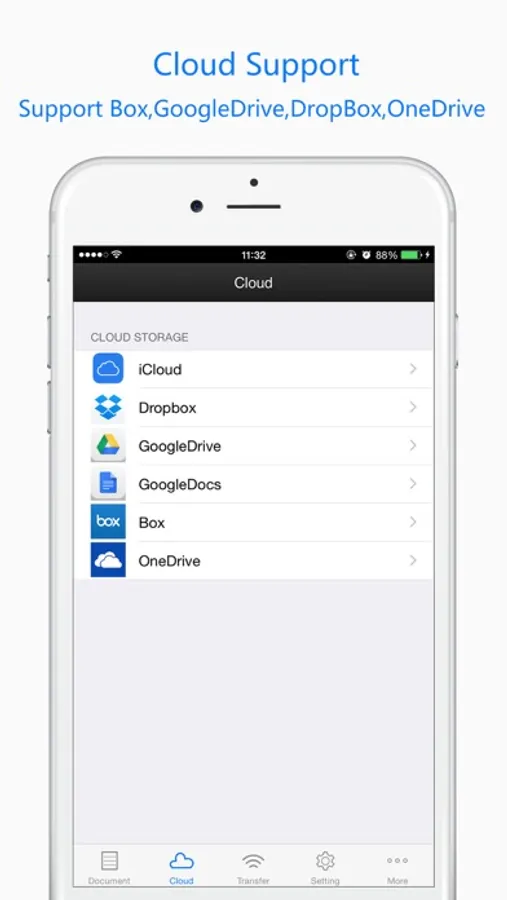
◆ Seamless Multi-Platform Cloud Integration
Supports GoogleDrive, DropBox, OneDrive, and iCloud for one-step file synchronization;
◆ Flexible Transfer & Easy Sharing
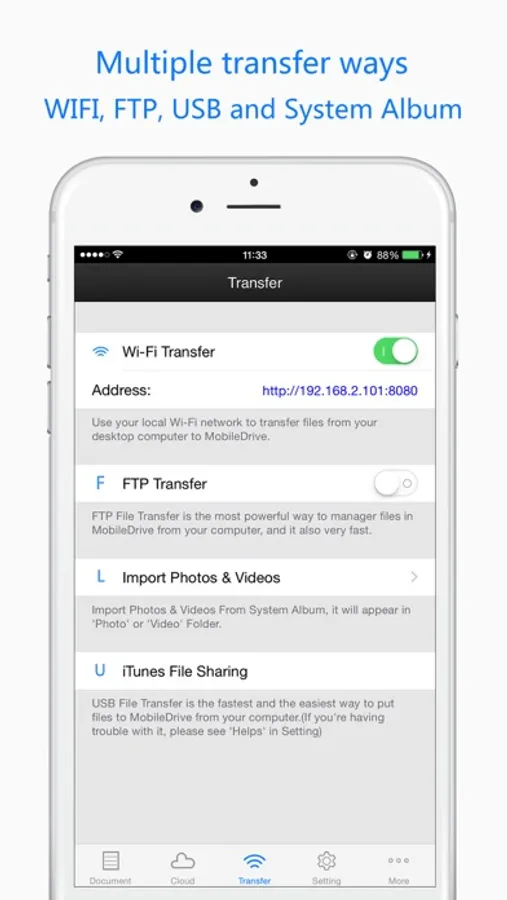
・Wi-Fi Transfer: Wirelessly move files between your phone and computer with ease.
・USB Cable Sharing: For the fastest speed, use iTunes on Windows or Finder on macOS.
・Share files bidirectionally with other apps, or via email attachments.
◆ Multi-Layer Encryption for Your Privacy
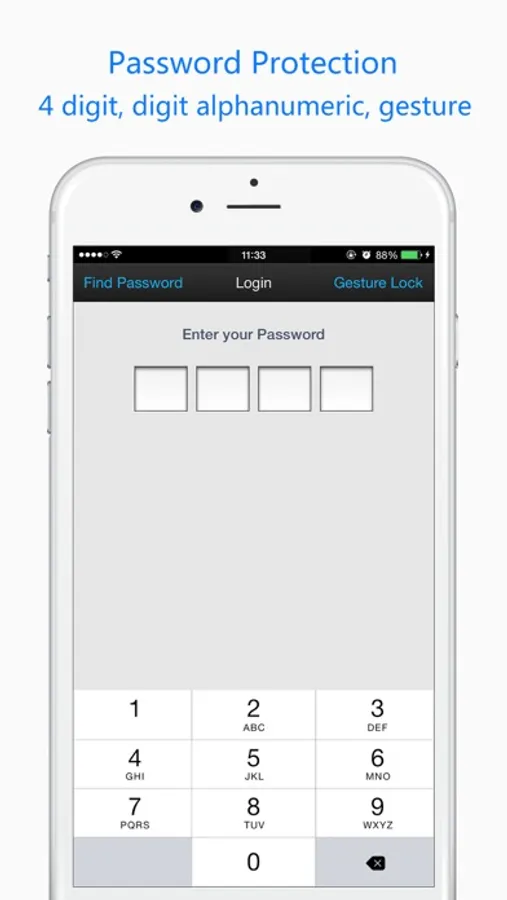
Keep your data safe with a secure 4-digit passcode, complex password, pattern lock, or Touch ID;
◆ All-in-One File Management
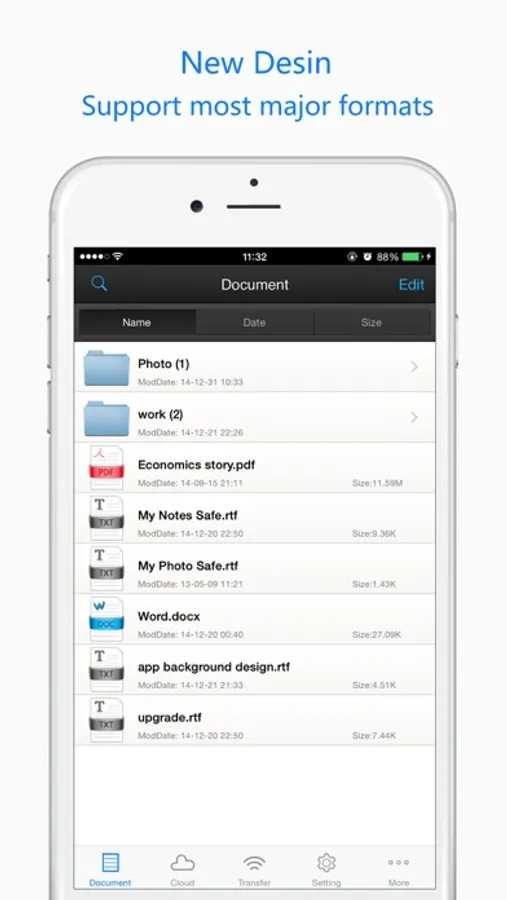
Global search, folder categorization, rename/move/compress/decompress (ZIP), and multi-dimensional sorting;
◆ Full Format Support for Smooth Viewing
・PDFs (thumbnails, bookmarks, printing)
・Images (swipe to browse, zoom)
・Documents (Word, Excel, PPT, iWork, html)
・Audio & Video (mp4, mp3 and other mainstream formats)
We also provide handy usage tips and professional technical support to make file management simpler for you!
Have questions? Contact us: awfsksk@gmail.com
Portable USB · Cloud Ready Screenshots
Tap to Rate:
Reviews for Portable USB · Cloud Ready
Franklin merkle
Great app download Windows software
I love because the multipurpose USB drive just like for your computer unless you can do it with an iPhone vagina but I’m gonna save money to buy inWorst drug-utilizing thisIs the best app that works with windows over to reprogram your computer or laptop or transfer files between iPhone PC
Where ask a question
What an underhanded trick for a freemium app!
Yes, you need to make an in app purchase to remove ads. The ads have a little X button to close like every other app, right? Well the developer took advantage of the IPhones filleted screen corners and placed that X button visible, but out of reach of the touch sensitive area! You can’t close the ads. You can’t use the app.