
AppRecs review analysis
AppRecs rating 1.7. Trustworthiness 70 out of 100. Review manipulation risk 25 out of 100. Based on a review sample analyzed.
★☆☆☆☆
1.7
AppRecs Rating
Ratings breakdown
5 star
0%
4 star
0%
3 star
33%
2 star
0%
1 star
67%
What to know
✓
Low review manipulation risk
25% review manipulation risk
✓
Credible reviews
70% trustworthiness score from analyzed reviews
⚠
Mixed user feedback
Average 1.7★ rating suggests room for improvement
About Quintic Ball Roll
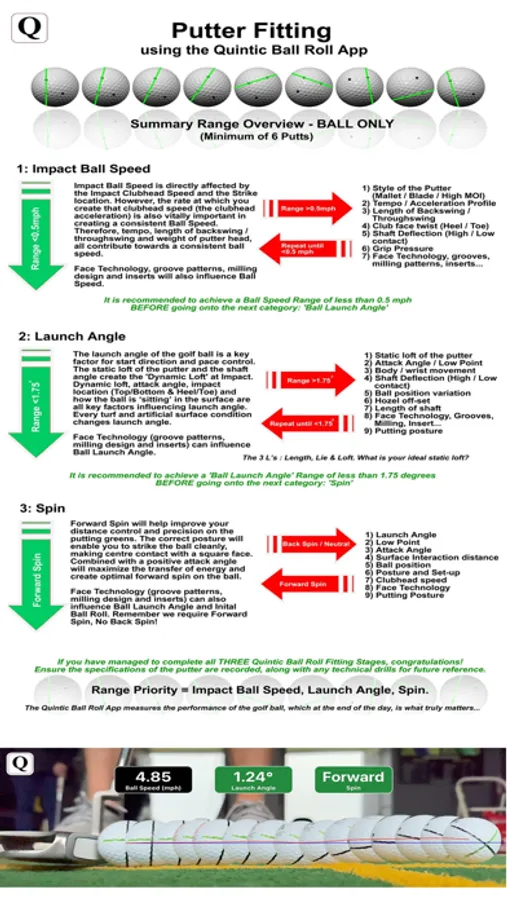
Quintic utilizes the high-speed camera of the phone(see note1 below) to track the golf ball over the first 12 inches (30cm) of the putt. Quintic gives you the chance to now objectively measure; ball speed, launch angle, and spin, allowing you to make informed decisions on putter design, putter fitting, and putter swing mechanics.
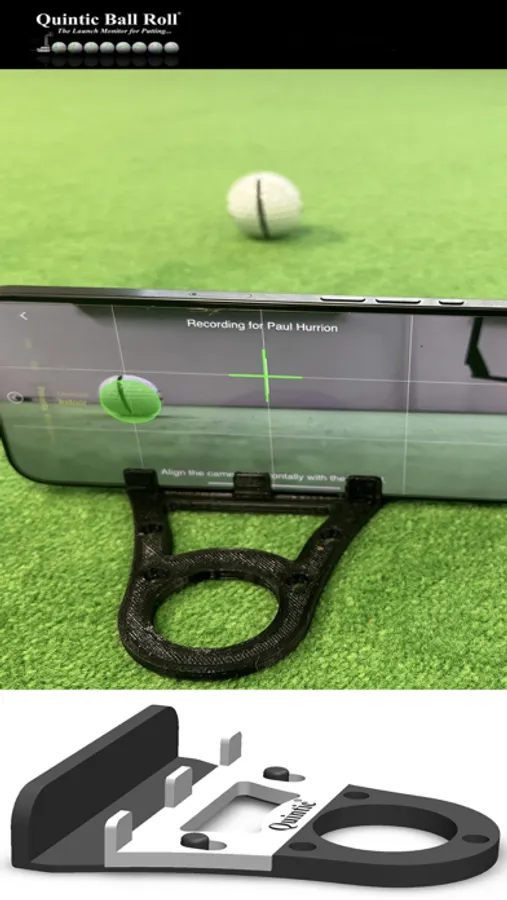
Position the camera between 9-12” (23-30cm) from the ball to the target line depending on the type of phone camera. The camera will rotate to the correct position. The camera should be parallel to the target line with the camera lens close to the ground. Please align the camera parallel with the ball to the target line.
There are several camera options including Composite Delay, Manual Recording, Focus, Shutter, and ISO along with 3 presets for ease of use:
(i) Indoor - Optimise camera settings for indoor environment
(ii) Outdoor (overcast) Optimise camera settings for outdoor overcast weather conditions
(iii) Outdoor (sunny) Optimise camera settings for outdoor sunny weather conditions
Once the software detects the golf ball the yellow circle will turn green and you will hear an audio beep. For a right-handed golfer, the ball must be hit from the left-hand side of the screen, and from the right-hand side of the screen for a left-hander. When you have the final ball position, it is a good idea to mark the spot on the putting surface where you will be hitting the golf ball for multiple putts.
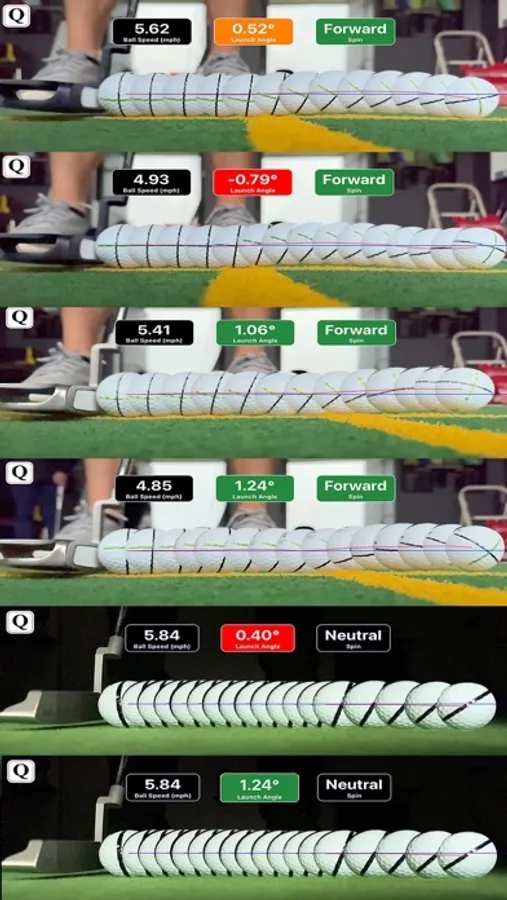
The software will calculate the ball speed, launch angle, and Spin. To measure spin (Forward, Neutral, or Backward) please draw a thick black line across the ball. Please align the black line vertically when at the address. If there is no black line present on the golf ball, the software will not give a Spin result.
The composite image produced after a successful putt is the positions of the ball all combined to make a new image. The image is saved into Photos, Quintic Album, and Players Folder.
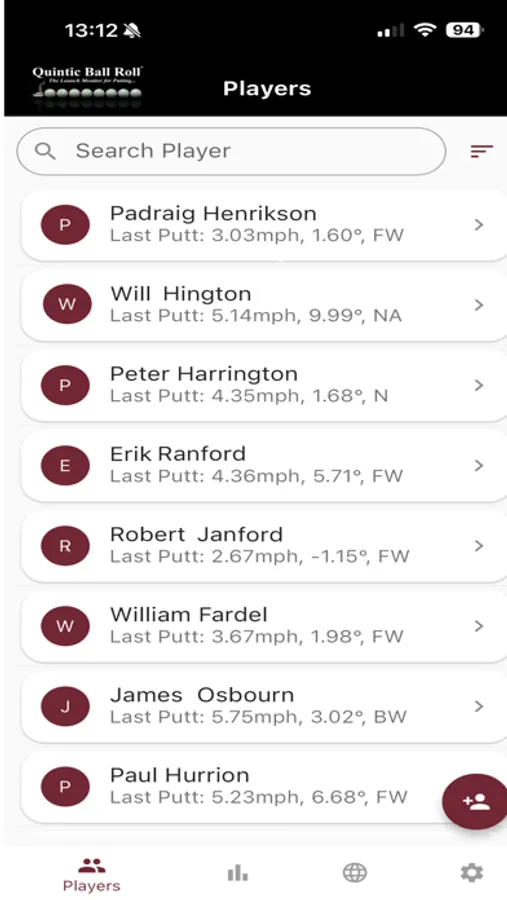
It is also possible to create a Players Summary where all the putts are saved and displayed in the Players Summary. They are dated and time-coded: morning, afternoon, or evening. Average, Standard Deviation, and Range are displayed.
note1:- Quintic app requires 1080p recording @ 240 FPS for best results. If your device doesn't support 1080p @ 240 FPS then you may see unexpected results.
Terms of use: https://www.apple.com/legal/internet-services/itunes/dev/stdeula/
Privacy Policy: https://www.quinticballroll.com/Quintic_Ball_Roll_Privacy_Policy.html
Quintic Ball Roll Screenshots
Tap to Rate:
Reviews for Quintic Ball Roll
JuanDaly
Doesn’t work
App crashes when clicking record
MurrayFlint
Very useful data, but no setup instructions.
I was very excited about this app, and the data seems very useful. However, there are no setup or calibration instructions. More specifically, the wide camera angle makes it so that the only way to line the ball up properly is to “aim” the line at the camera lens—however, the putt analysis clearly shows the ball rolling away from the lens, making the data suspect. I imagine, phone is meant to be aligned parallel to the putting line with the verticals ball line perpendicular to that line. It’s very difficult to know for sure without extensive trial and error, but with the phone situated on the ground, my back starts to hurt quickly. Very cool app, but needs more instructions.