With this ear training app, you can practice tapping along to rhythmic patterns and track your progress. Includes exercises for single and two-hand rhythms, progress monitoring, and goal setting.
AppRecs review analysis
AppRecs rating 4.2. Trustworthiness 80 out of 100. Review manipulation risk 23 out of 100. Based on a review sample analyzed.
★★★★☆
4.2
AppRecs Rating
Ratings breakdown
5 star
69%
4 star
11%
3 star
4%
2 star
6%
1 star
10%
What to know
✓
Low review manipulation risk
23% review manipulation risk
✓
Credible reviews
80% trustworthiness score from analyzed reviews
✓
High user satisfaction
80% of sampled ratings are 4+ stars (4.2★ average)
About Rhythm Trainer - Ear Training
KEY FEATURES:
⌘ RHYTHM TRAINING
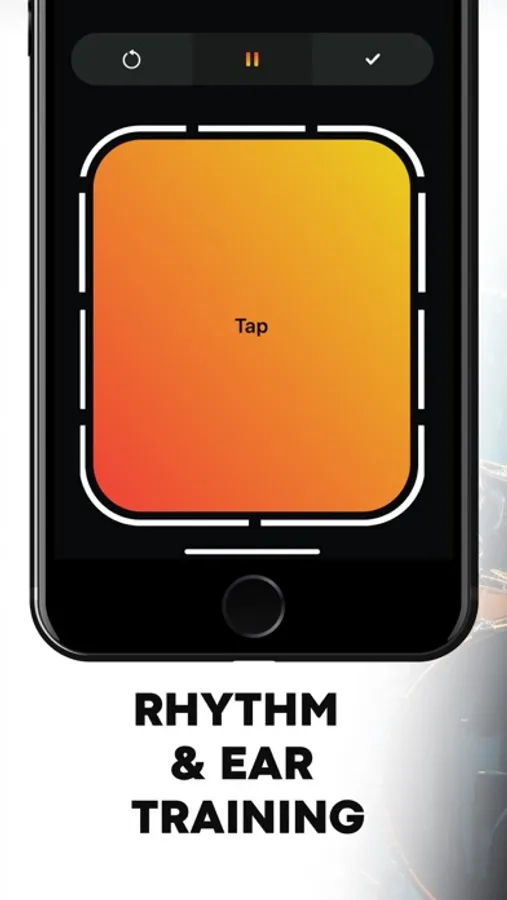
> Practice tapping along to a variety of rhythmic patterns, ranging from simple to complex.
> Improve your timing and groove by matching your taps precisely to the beat.
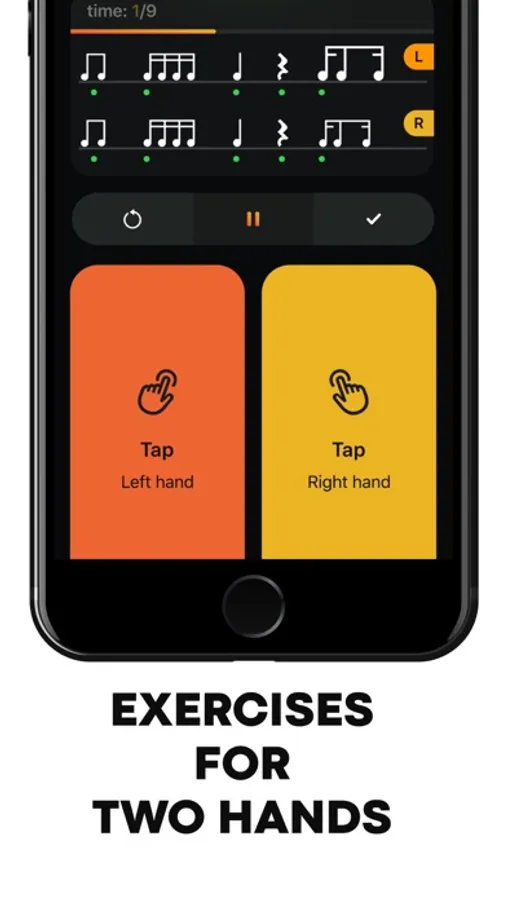
> Also you can practice rhythms with one or two hands.
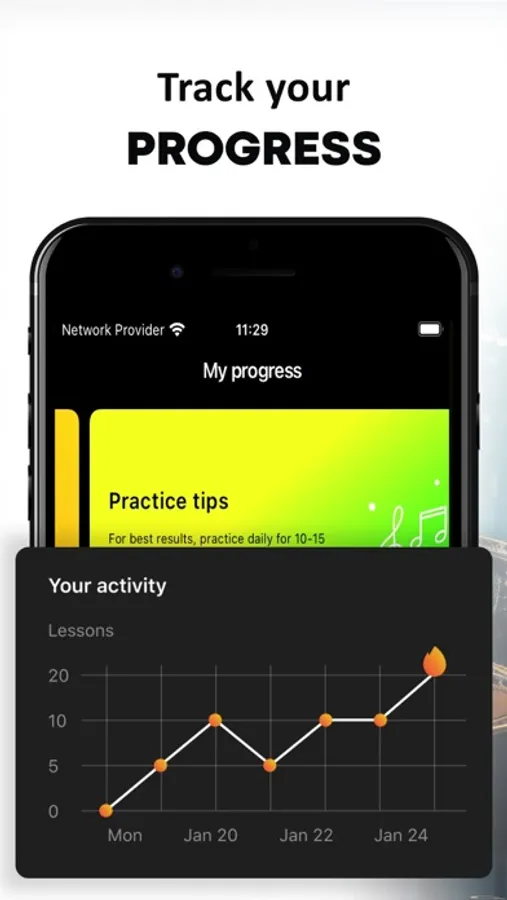
⌘ PROGRESS TRACKING
> Monitor your progress over time
> Track your proficiency in rhythm practice.
> Set personalized goals to improve your skills.
Rhythm Ear Trainer is a comprehensive tool suitable for beginners embarking on their musical journey and experienced musicians looking to enhance their skills.
With its diverse range of training exercises and features, the app offers a dynamic and interactive platform for musicians to refine their rhythm and ear training abilities.
Download now and embark on a journey to musical excellence!
Rhythm Trainer - Ear Training Screenshots
Tap to Rate:
Reviews for Rhythm Trainer - Ear Training
have lamegame
Great Idea
I would love this app if they changed a few things. i would like the loops to last longer. sometimes they run for only 2 or 3 bars then quit. also sometimes i can be obviously off and it gives me a perfect score. is this the “everybody gets a trophy “ mindset ?
Kirpy Derpy
Good, but I’d like more
I’m a really big fan of how the UI looks and works, but the only thing that really I feel sets me AND the app back (A LOT) is the fact that there’s no rest notation, and while I sometimes can get what’s going on, it’s just ultimately really confusing. Another note I have would be a more visible indicator of the time signature (maybe on the tapping button).