With this utility app, you can explore networks, monitor signals, and view your environment using various sensors. Includes Wi-Fi scanning, magnetic field monitoring, visual filters, and AI lens analysis.
AppRecs review analysis
AppRecs rating 4.3. Trustworthiness 45 out of 100. Review manipulation risk 52 out of 100. Based on a review sample analyzed.
★★★★☆
4.3
AppRecs Rating
Ratings breakdown
5 star
85%
4 star
4%
3 star
4%
2 star
2%
1 star
5%
What to know
✓
Authentic reviews
No red flags detected
⚠
Questionable review patterns
52% review manipulation risk - some review patterns appear unusual
⚠
Rating authenticity concerns
High rating concentration (85% 5-star) in sampled ratings
About WiFi Analyzer: Device Finder
Stay aware and improve your digital security with this all-in-one utility app.
It brings together different scanners and tools to help you explore networks, monitor signals, and view your environment in new ways.
# Key Features
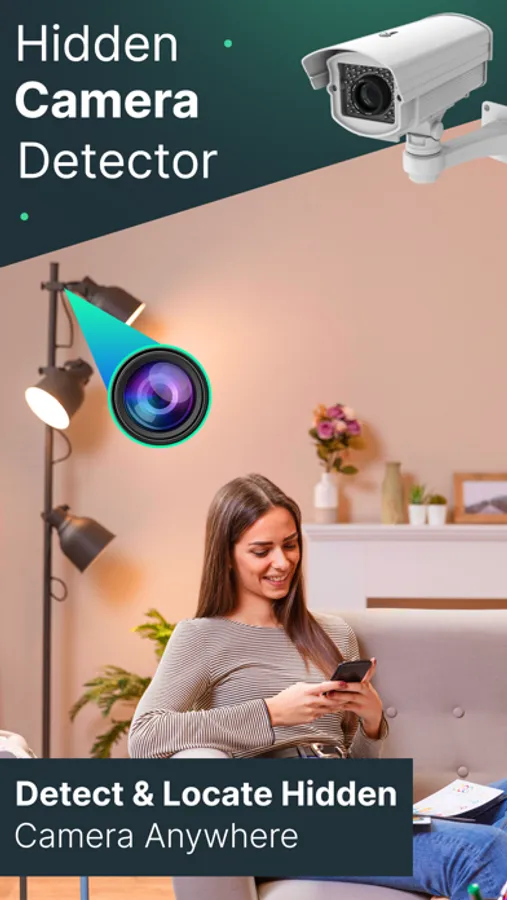
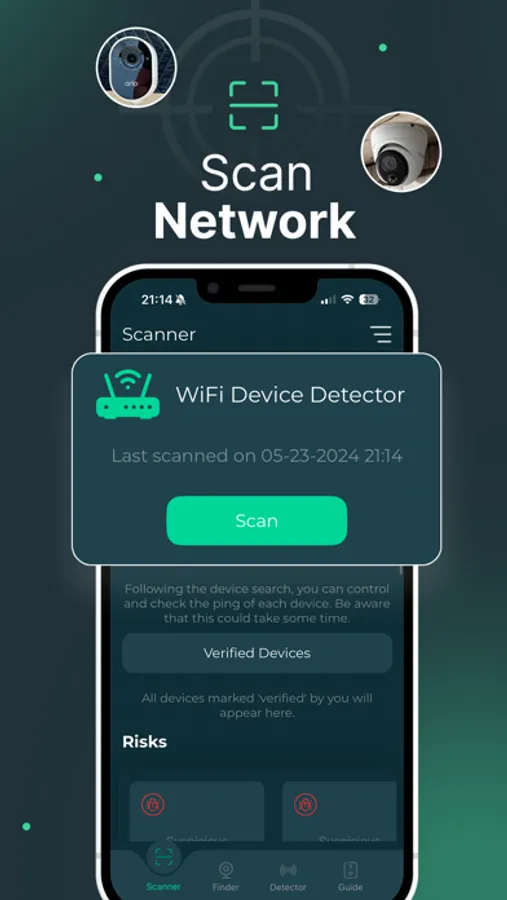
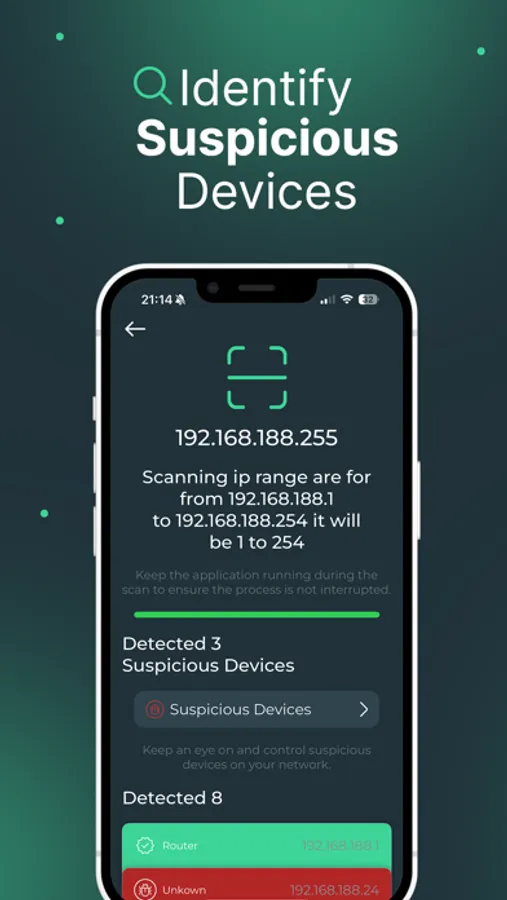
- Wi-Fi Scanner – Explore available networks and see connected devices.
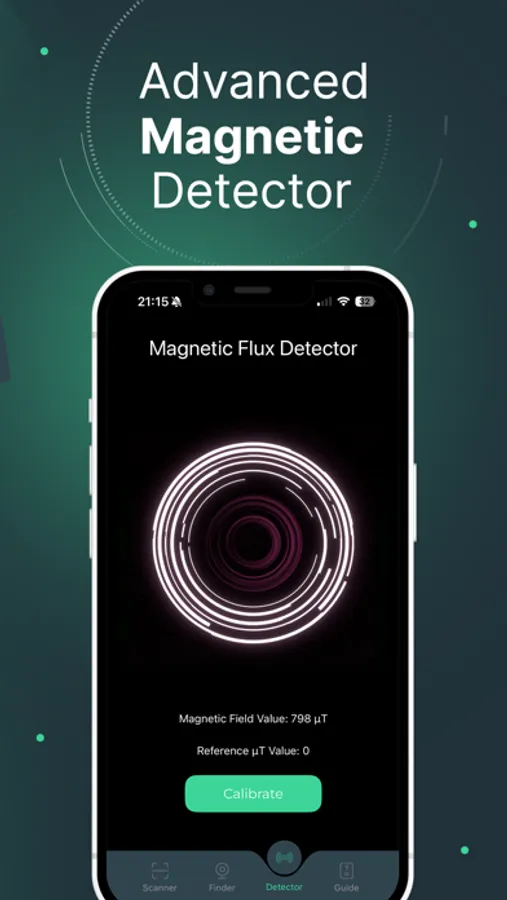
- Magnetic Sensor – Monitor changes in magnetic fields using your phone’s built-in sensor.
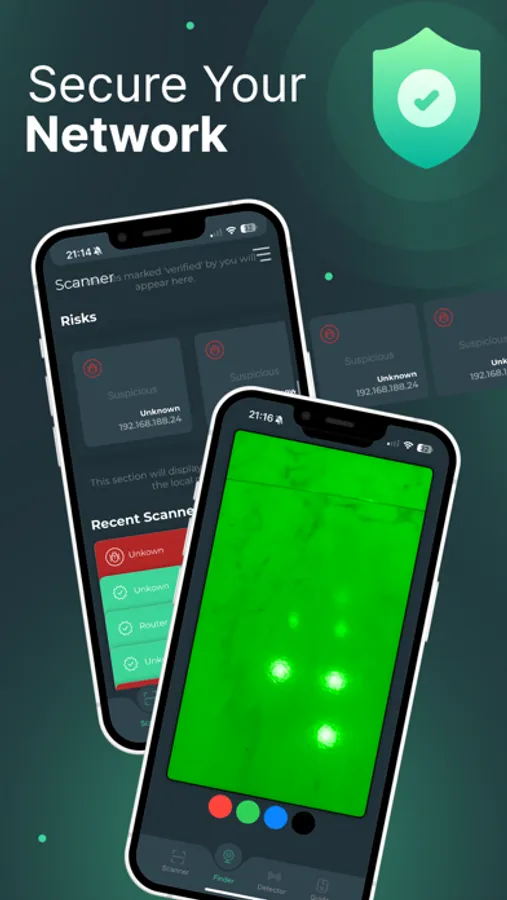
- Camera Filters – Apply different visual filters to highlight reflections and light variations.
- AI Lens – Use artificial intelligence to analyze lens data and provide enhanced insights.
- Scan History – Keep track of past scans for quick reference.
# Simple and Accessible
The app is designed to be easy for everyone. Just open it, choose a tool, and start scanning. No technical expertise required.
# Why Choose This App?
- Explore Networks – Gain visibility into Wi-Fi activity.
- Multi-Sensor Tools – Combine wireless, magnetic, and visual analysis in one place.
- AI-Powered Lens – Unlock an additional layer of insights with advanced AI.
- User-Friendly – A clear and intuitive design for fast results.
Download today and take control of your security, privacy, and awareness.
SUBSCRIPTION:
We offer one auto-renewing subscription: Weekly
- Payment will be charged to iTunes Account at confirmation of purchase
- You will be able to access the Premium features of the app for the duration of the subscription
- Subscription automatically renews for the same price and duration period as the original period unless auto-renew is turned off at least 24-hours before the end of the current period
- The account will be charged for renewal within 24-hours prior to the end of the current period at the cost of the chosen package.
- Subscriptions may be managed by the user and auto-renewal may be turned off by going to the user's iTunes Account Settings after purchase
- No cancellation of the current subscription is allowed during the active subscription period
- You may cancel a subscription during its free trial period via the subscription setting through your Apple account. This must be done 24 hours before the end of the subscription period to avoid being charged. Please visit https://support.apple.com/en-us/HT202039 for more information on how to proceed.
- You may turn off the auto-renewal of your subscription via your Apple Account Settings. However, you are not able to cancel the current subscription during its active period
- Any unused portion of a free-trial period will be forfeited when the user purchases a subscription.
By using our app, you agree to our Terms of Use, Privacy Policy & EULA
Terms of Use: https://blastly.es/legal.php?app_id=18&doc=terms
Privacy Policy: https://blastly.es/legal.php?app_id=18&doc=privacy
EULA: https://blastly.es/legal.php?app_id=18&doc=eula
If you have any enquire? Contact us: support@blastlystudio.com
It brings together different scanners and tools to help you explore networks, monitor signals, and view your environment in new ways.
# Key Features
- Wi-Fi Scanner – Explore available networks and see connected devices.
- Magnetic Sensor – Monitor changes in magnetic fields using your phone’s built-in sensor.
- Camera Filters – Apply different visual filters to highlight reflections and light variations.
- AI Lens – Use artificial intelligence to analyze lens data and provide enhanced insights.
- Scan History – Keep track of past scans for quick reference.
# Simple and Accessible
The app is designed to be easy for everyone. Just open it, choose a tool, and start scanning. No technical expertise required.
# Why Choose This App?
- Explore Networks – Gain visibility into Wi-Fi activity.
- Multi-Sensor Tools – Combine wireless, magnetic, and visual analysis in one place.
- AI-Powered Lens – Unlock an additional layer of insights with advanced AI.
- User-Friendly – A clear and intuitive design for fast results.
Download today and take control of your security, privacy, and awareness.
SUBSCRIPTION:
We offer one auto-renewing subscription: Weekly
- Payment will be charged to iTunes Account at confirmation of purchase
- You will be able to access the Premium features of the app for the duration of the subscription
- Subscription automatically renews for the same price and duration period as the original period unless auto-renew is turned off at least 24-hours before the end of the current period
- The account will be charged for renewal within 24-hours prior to the end of the current period at the cost of the chosen package.
- Subscriptions may be managed by the user and auto-renewal may be turned off by going to the user's iTunes Account Settings after purchase
- No cancellation of the current subscription is allowed during the active subscription period
- You may cancel a subscription during its free trial period via the subscription setting through your Apple account. This must be done 24 hours before the end of the subscription period to avoid being charged. Please visit https://support.apple.com/en-us/HT202039 for more information on how to proceed.
- You may turn off the auto-renewal of your subscription via your Apple Account Settings. However, you are not able to cancel the current subscription during its active period
- Any unused portion of a free-trial period will be forfeited when the user purchases a subscription.
By using our app, you agree to our Terms of Use, Privacy Policy & EULA
Terms of Use: https://blastly.es/legal.php?app_id=18&doc=terms
Privacy Policy: https://blastly.es/legal.php?app_id=18&doc=privacy
EULA: https://blastly.es/legal.php?app_id=18&doc=eula
If you have any enquire? Contact us: support@blastlystudio.com
WiFi Analyzer: Device Finder Screenshots
Tap to Rate:
Reviews for WiFi Analyzer: Device Finder
meer17
Mee
Fhfg