MOVAhome
Spacewalker Technology (Suzhou) Co., Ltd
3.5 ★
67 ratings
Free
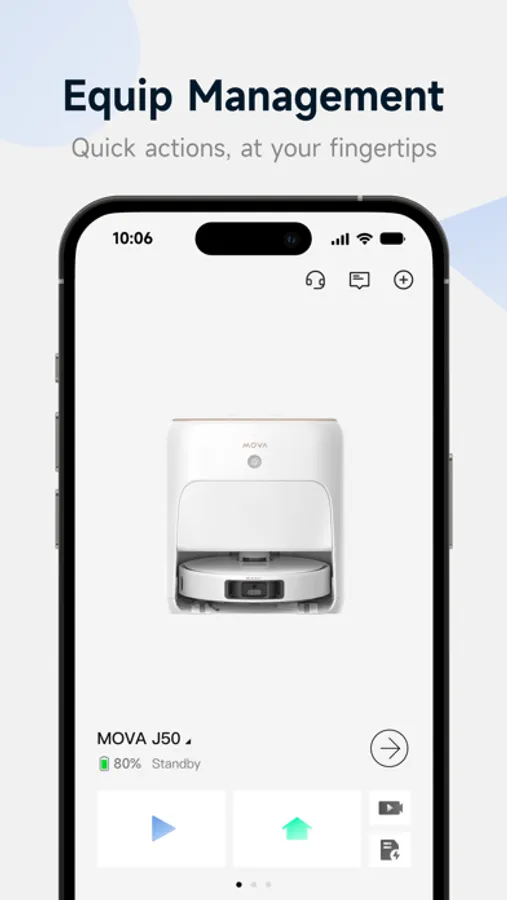
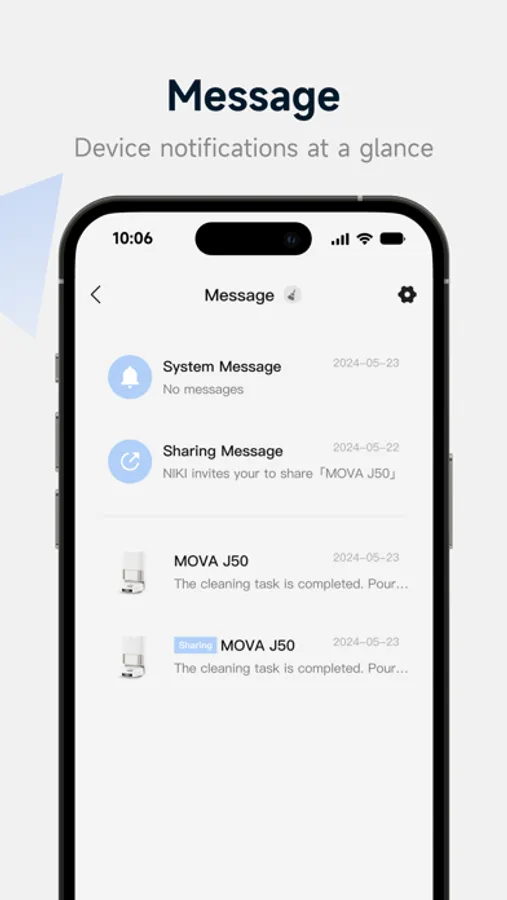
In this home management app, you can remotely control and schedule your MOVA sweeping robot, customize cleaning zones, and monitor its real-time status. Includes device monitoring, scheduling, and zone editing features.
AppRecs review analysis
AppRecs rating 3.3. Trustworthiness 79 out of 100. Review manipulation risk 23 out of 100. Based on a review sample analyzed.
★★★☆☆
3.3
AppRecs Rating
Ratings breakdown
5 star
46%
4 star
12%
3 star
13%
2 star
6%
1 star
22%
What to know
✓
Low review manipulation risk
23% review manipulation risk
✓
Credible reviews
79% trustworthiness score from analyzed reviews
✓
Authentic reviews
Natural distribution, no red flags
About MOVAhome
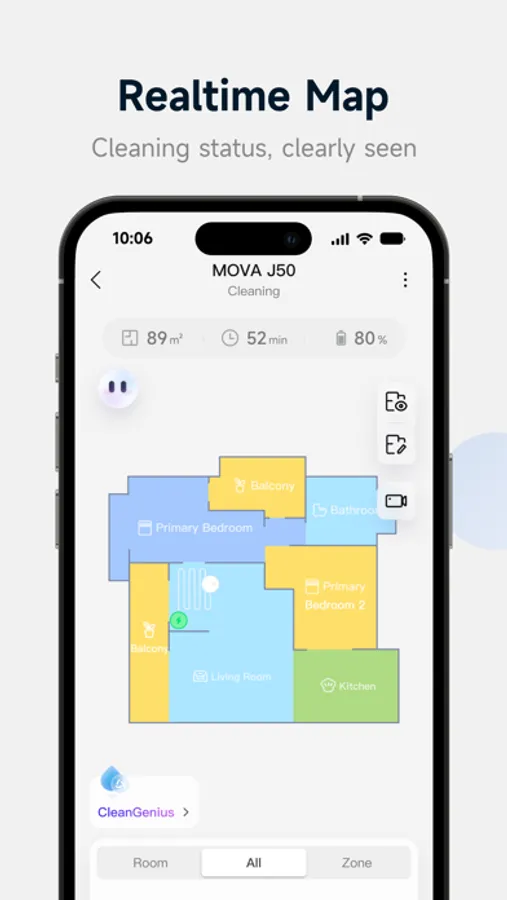
[Equipment Information]: By monitoring the robot in real-time, it can accurately grasp its cleaning progress and path, working status, any faults or abnormalities, as well as the service life of cleaning consumables.
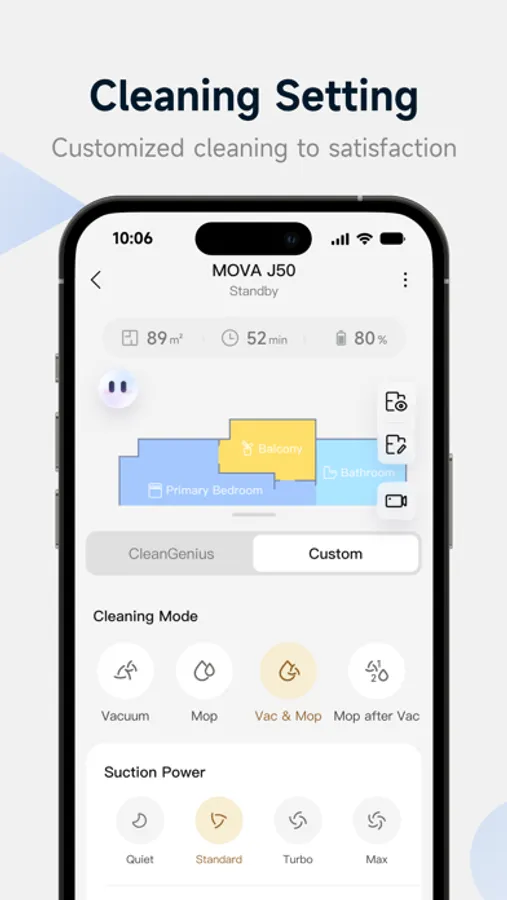
Remote control: By connecting devices, remote control of the machine can be achieved, setting the robot's cleaning plan, adjusting multiple parameters such as water volume and suction strength.
[Zoning and Selection Cleaning]: Through the map interface, visually select and customize the cleaning area of the robot, accurately specifying any location you want to clean.
[Appointment Cleaning]: Schedule a scheduled cleaning task, and the robot will start executing the task at the specified time. After completion, it will automatically return to the charging dock.
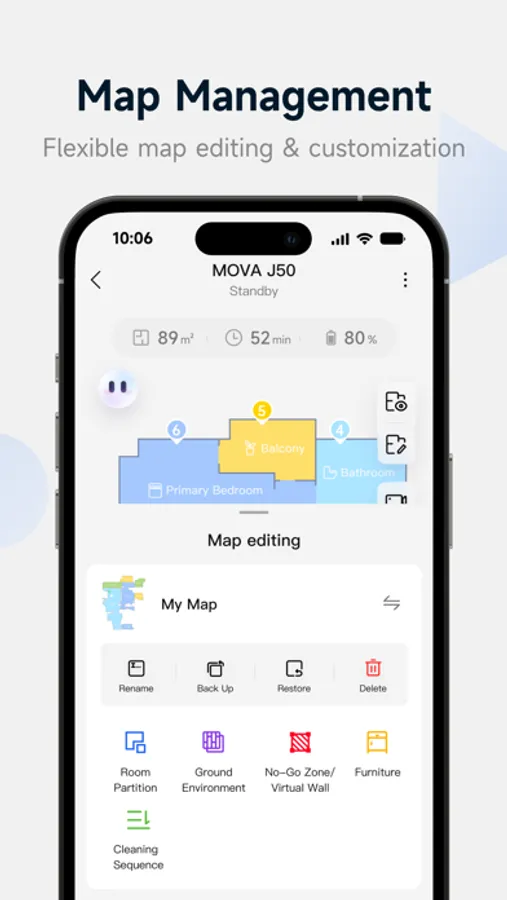
【 Layout Map 】: Create a personalized home map, customize room names, divide areas, and plan floor materials and cleaning sequences to meet household needs.
[Prohibited Area Setting]: Define cleaning restricted areas on the layout map, and robots will avoid these areas according to the setting to ensure that they do not enter the designated prohibited areas during the cleaning process.
Firmware Upgrade: With OTA technology, upgrade your robot to the latest firmware version with just one click, allowing you to experience cutting-edge features first.
【 Voice Connection 】: Register and log in to the application, establish a connection with the robot, and you will be able to enjoy compatibility with third-party voice assistant platforms, achieving convenient voice control functions.
MOVAhome Screenshots
Tap to Rate:
Reviews for MOVAhome
JonRC
Privacy Violating Spyware
App won’t even try to connect to vacuum robot unless you share your precise location, WiFi passwords, and other info it doesn’t need to function.
Blades741
Very poorly designed interface
I really am trying to like this app because I love the MOVA. The truth is, the app is just horrible, and I get half-answers to my questions from support. Unless they drastically improve this app, I can’t really recommend the MOVA. 2 stars is being generous.