In this camera app, you can automatically add timestamps, geotags, and location details to your photos and videos. Includes live maps, altitude display, customizable text, and various timestamp formats.
AppRecs review analysis
AppRecs rating 4.3. Trustworthiness 75 out of 100. Review manipulation risk 33 out of 100. Based on a review sample analyzed.
★★★★☆
4.3
AppRecs Rating
Ratings breakdown
5 star
85%
4 star
2%
3 star
5%
2 star
0%
1 star
8%
What to know
✓
Credible reviews
75% trustworthiness score from analyzed reviews
✓
High user satisfaction
85% of sampled ratings are 5 stars
✓
Authentic reviews
No red flags detected
About Timestamp Camera: GPS Map
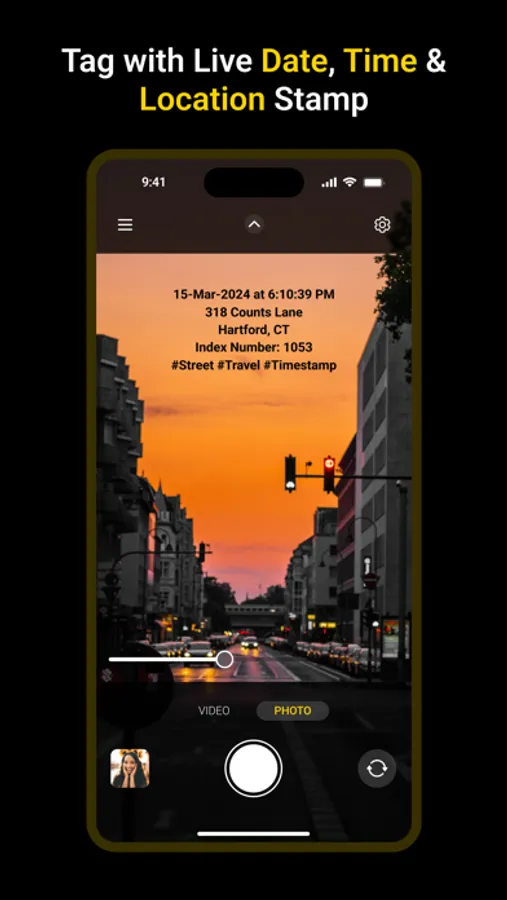
Timestamp Camera: GPS Map is your go-to app for automatically adding timestamps to your photos and videos in real time. Whether you're a field worker or a traveler, capture every moment with precise time, date, and location stamps. This app not only stamps time but also lets you add live maps, altitude, and addresses to your media. It's perfect for vloggers and service professionals who need to document their work with accuracy.
With Timestamp Camera, marking your photos and videos with exact time, date, and location is effortless. The app functions as a photo stamp and video stamper, automatically adding time, geotag, and date stamps. Whether you're on a trip, documenting your travel memories, or noting important work details, this app serves as a reliable tool. The basic features are free, providing you with essential tools like auto date and time tagging, watermark addition, and more.
Key Features:
-Automatic Timestamping: Add the current time and address to your photos and videos as you capture them.
-Multiple Formats: Choose from various timestamp and address formats to suit your needs.
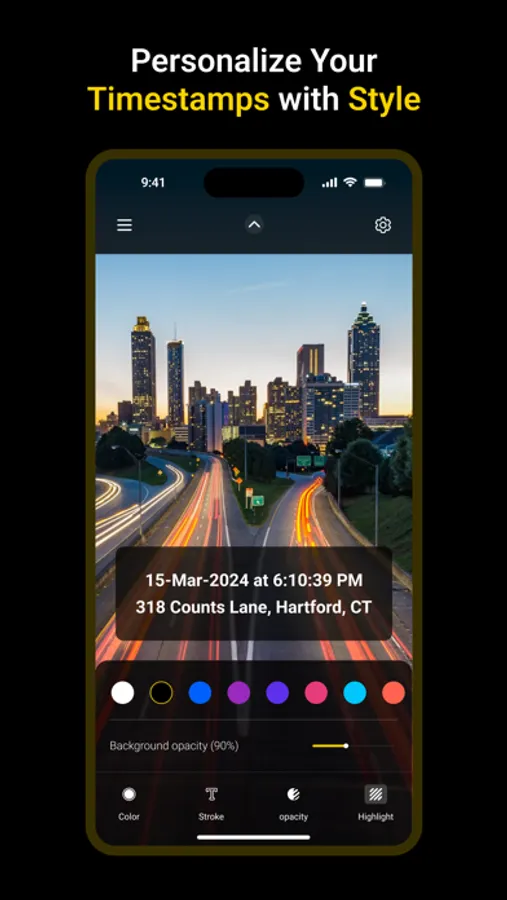
-Customizable Text: Change font style, color, and size. Position the timestamp in six different locations: top left, top center, top right, bottom left, bottom center, and bottom right.
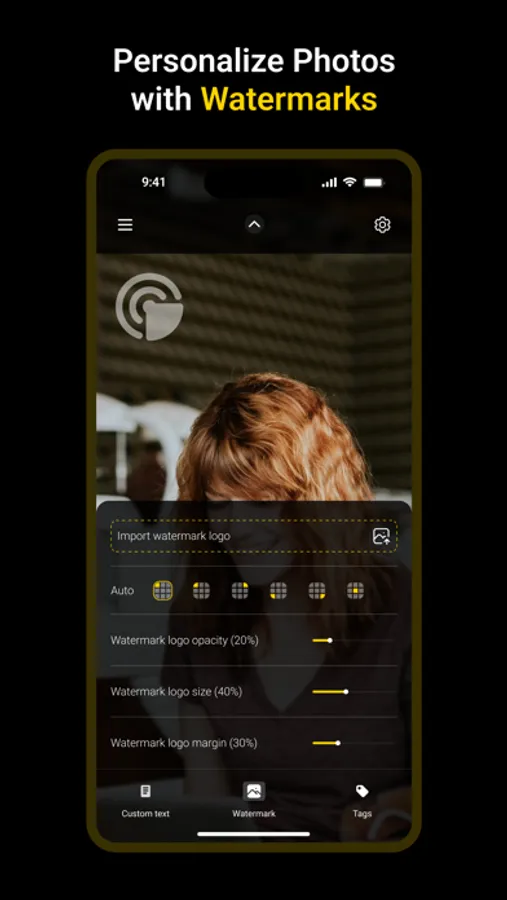
-Personalized Watermarks: Add custom text, hashtags, and watermark logos to your media.
-Adjustable Opacity: Modify the opacity of your text and background to enhance visibility.
-Text Margin Modes: Select from four margin modes: no margin, one line margin, half line margin, and print-friendly margin.
-Altitude and Speed: Display altitude and speed on your camera screen.
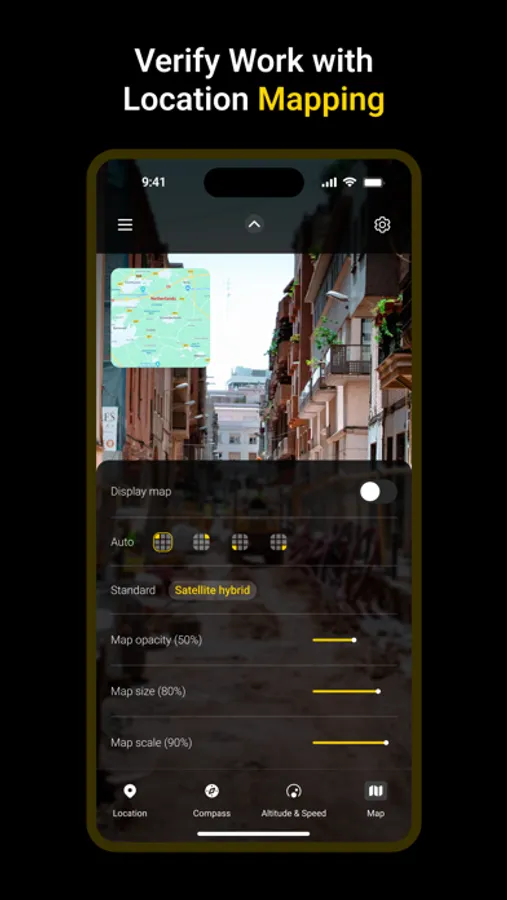
-Live Maps: Overlay a map on your camera while capturing media.
-High Resolution: Change photo and video resolution up to the maximum supported by your device.
-Video Editing: Pause and resume recording to combine clips into one video.
-Aspect Ratios: Choose from 1:1, 4:3, 16:9, and square ratios for your photos and videos.
- Real-Time Effects: Apply filters and effects in real time while taking photos or videos.
-Battery Saver Mode: Adjust screen brightness to save battery life.
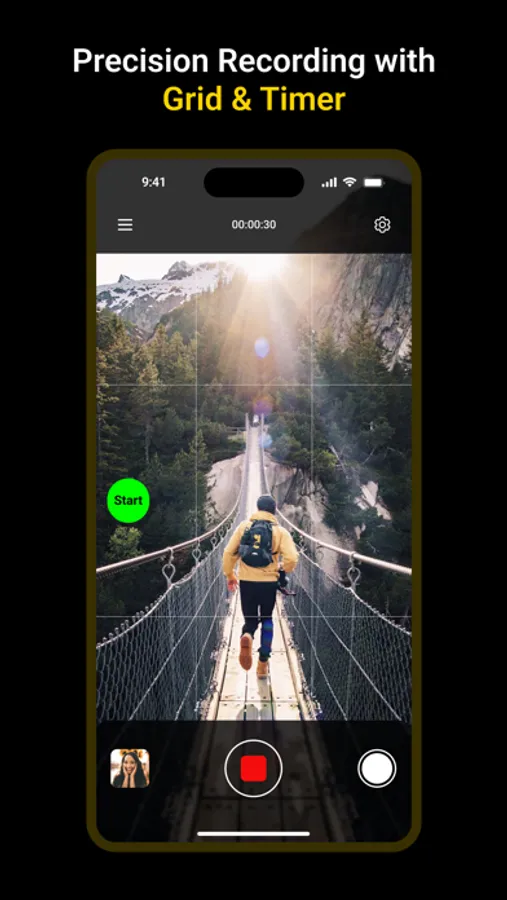
-Grid Display: Use the 3x3 grid for better composition.
-Import Photos: Bring existing photos into the app for timestamping.
-Orientation Support: Capture media in both portrait and landscape modes.
-Camera Roll: Save all photos and videos directly to your Camera Roll.
Download Timestamp Camera now and effortlessly mark your memories with time, date, and location stamps.
Privacy Policy: https://frosted-screw-5f4.notion.site/Privacy-Policy-639e812ec7ce4715b2e4d3be15b45555
Terms of Use: https://frosted-screw-5f4.notion.site/Terms-of-Service-8c505d8f287744558b4994e8a5c641b8?pvs=25
Key Features:
-Automatic Timestamping: Add the current time and address to your photos and videos as you capture them.
-Multiple Formats: Choose from various timestamp and address formats to suit your needs.
-Customizable Text: Change font style, color, and size. Position the timestamp in six different locations: top left, top center, top right, bottom left, bottom center, and bottom right.
-Personalized Watermarks: Add custom text, hashtags, and watermark logos to your media.
-Adjustable Opacity: Modify the opacity of your text and background to enhance visibility.
-Text Margin Modes: Select from four margin modes: no margin, one line margin, half line margin, and print-friendly margin.
-Altitude and Speed: Display altitude and speed on your camera screen.
-Live Maps: Overlay a map on your camera while capturing media.
-High Resolution: Change photo and video resolution up to the maximum supported by your device.
-Video Editing: Pause and resume recording to combine clips into one video.
-Aspect Ratios: Choose from 1:1, 4:3, 16:9, and square ratios for your photos and videos.
- Real-Time Effects: Apply filters and effects in real time while taking photos or videos.
-Battery Saver Mode: Adjust screen brightness to save battery life.
-Grid Display: Use the 3x3 grid for better composition.
-Import Photos: Bring existing photos into the app for timestamping.
-Orientation Support: Capture media in both portrait and landscape modes.
-Camera Roll: Save all photos and videos directly to your Camera Roll.
Download Timestamp Camera now and effortlessly mark your memories with time, date, and location stamps.
Privacy Policy: https://frosted-screw-5f4.notion.site/Privacy-Policy-639e812ec7ce4715b2e4d3be15b45555
Terms of Use: https://frosted-screw-5f4.notion.site/Terms-of-Service-8c505d8f287744558b4994e8a5c641b8?pvs=25
Timestamp Camera: GPS Map Screenshots
Tap to Rate:
Reviews for Timestamp Camera: GPS Map
TelosPego
Works great when it works.
I am unable to use the timestamp camera if I’m talking to someone on the phone and for some reason whenever I use the app, my display goes very dark and I have to go into display settings and slide the bar to bright again. It’s almost so dark that I can’t see The screen to make the correction.
Constantino24
Great
App