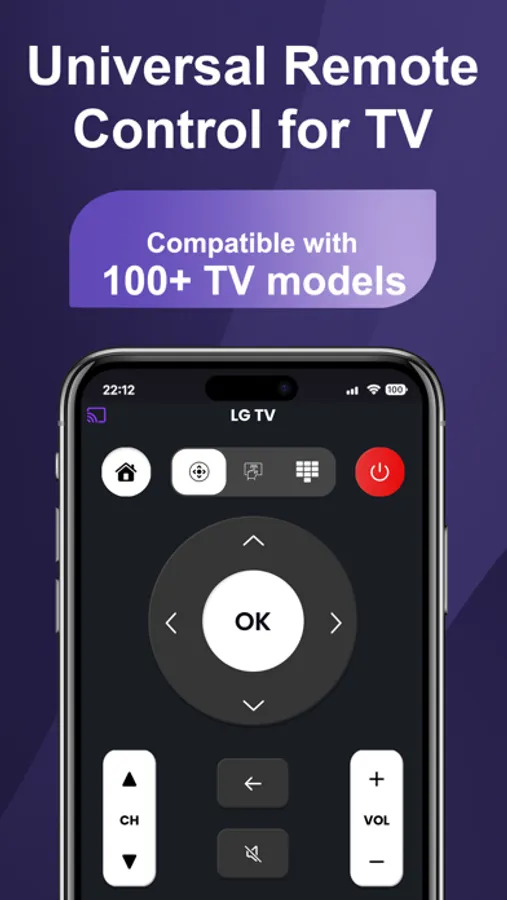
With this remote control app, you can operate your TV using WiFi connection and customizable controls. Includes support for hundreds of TV models, automatic device detection, and an easy-to-use interface.
AppRecs review analysis
AppRecs rating 4.7. Trustworthiness 60 out of 100. Review manipulation risk 31 out of 100. Based on a review sample analyzed.
★★★★☆
4.7
AppRecs Rating
Ratings breakdown
5 star
83%
4 star
7%
3 star
3%
2 star
3%
1 star
4%
What to know
✓
High user satisfaction
83% of sampled ratings are 5 stars
✓
Authentic reviews
No red flags detected
About iRemote - Universal Remote TV
iRemote - Universal Remote transforms your smartphone into a powerful Universal TV Remote Control, completely eliminating the need for physical remotes. Whether you have lost your remote, have a classic model, or the latest Smart TV with advanced hardware, iRemote ensures seamless connectivity and full control.
Beyond standard controls, iRemote serves as an all-in-one Screen Mirroring solution, allowing you to share your favorite moments, web videos, and photos on the big screen with zero latency.
KEY FEATURES:
1. Universal TV Remote Control:
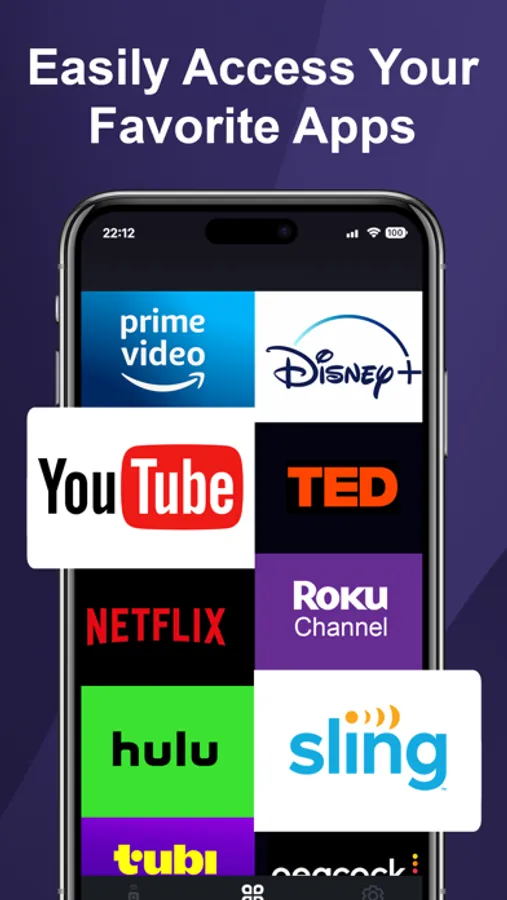
Intuitive Trackpad: Navigate menus and apps smoothly with a responsive, mouse-like touchpad. Perfect for browsing Netflix, YouTube, and Amazon Prime.
Smart Keyboard: Type passwords and search terms quickly on your phone—no more struggling with clumsy plastic remotes.
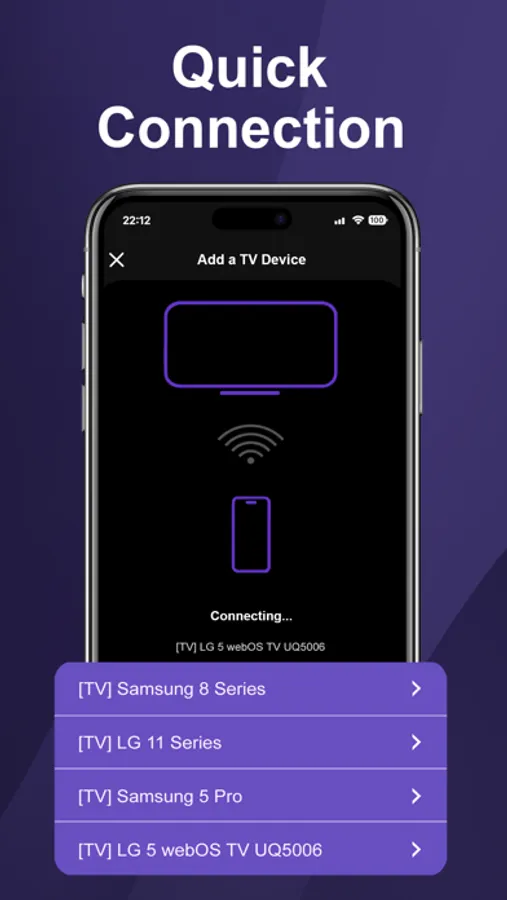
Auto-Connect: Automatically detects Smart TVs on your Wi-Fi network for instant setup. The ultimate replacement remote for your home.
2. Screen Mirroring:
Real-Time Mirroring: Duplicate your phone's screen to your TV in high definition.
Lag-Free Experience: The ideal wireless display tool for streaming mobile games, giving presentations, or scrolling through TikTok and social media on a larger display.
HOW TO USE:
Step 1: Ensure your phone and Smart TV are connected to the same Wi-Fi network.
Step 2: Open iRemote and tap the "Tap to Connect TV" icon to scan for devices.
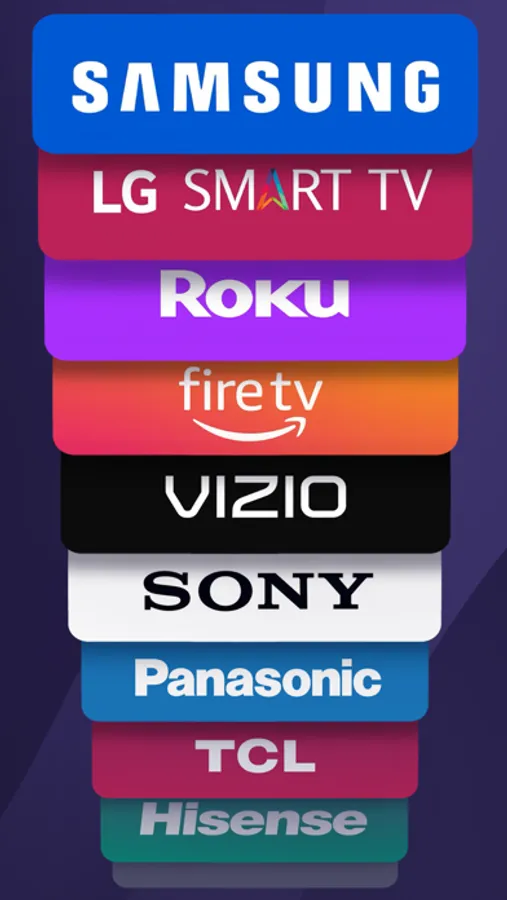
Step 3: Select your TV brand (e.g., Roku TV, Samsung, LG, Sony) from the list.
Step 4: You are all set! Enjoy full TV control, casting, and mirroring features immediately.
COMPATIBILITY:
iRemote is the best remote control app designed to work with a wide range of major TV brands and operating systems. It supports: Samsung TV Remote (Tizen), LG TV Remote (WebOS), Roku TV Remote & Streaming Stick, Sony Bravia, Vizio, Hisense, TCL, Google TV, and more.
Simply connect devices to the same Wi-Fi network to begin using your phone as a remote.
Terms of Use: https://techsmart.bio/remotetv/remote-tv-terms-of-use.html
Privacy Policy: https://techsmart.bio/remotetv/remote-tv-privacy-policy.html
Beyond standard controls, iRemote serves as an all-in-one Screen Mirroring solution, allowing you to share your favorite moments, web videos, and photos on the big screen with zero latency.
KEY FEATURES:
1. Universal TV Remote Control:
Intuitive Trackpad: Navigate menus and apps smoothly with a responsive, mouse-like touchpad. Perfect for browsing Netflix, YouTube, and Amazon Prime.
Smart Keyboard: Type passwords and search terms quickly on your phone—no more struggling with clumsy plastic remotes.
Auto-Connect: Automatically detects Smart TVs on your Wi-Fi network for instant setup. The ultimate replacement remote for your home.
2. Screen Mirroring:
Real-Time Mirroring: Duplicate your phone's screen to your TV in high definition.
Lag-Free Experience: The ideal wireless display tool for streaming mobile games, giving presentations, or scrolling through TikTok and social media on a larger display.
HOW TO USE:
Step 1: Ensure your phone and Smart TV are connected to the same Wi-Fi network.
Step 2: Open iRemote and tap the "Tap to Connect TV" icon to scan for devices.
Step 3: Select your TV brand (e.g., Roku TV, Samsung, LG, Sony) from the list.
Step 4: You are all set! Enjoy full TV control, casting, and mirroring features immediately.
COMPATIBILITY:
iRemote is the best remote control app designed to work with a wide range of major TV brands and operating systems. It supports: Samsung TV Remote (Tizen), LG TV Remote (WebOS), Roku TV Remote & Streaming Stick, Sony Bravia, Vizio, Hisense, TCL, Google TV, and more.
Simply connect devices to the same Wi-Fi network to begin using your phone as a remote.
Terms of Use: https://techsmart.bio/remotetv/remote-tv-terms-of-use.html
Privacy Policy: https://techsmart.bio/remotetv/remote-tv-privacy-policy.html
iRemote - Universal Remote TV Screenshots
Tap to Rate:
Reviews for iRemote - Universal Remote TV
HarrySwift
Pretty stable so far
Been using this for a week now. It's much more convenient than looking for the remote under the sofa every time. The interface is simple, nothing too fancy, but the connection is stable
Queen Dark Knight Rose
This i remote it’s not suitable for me
It’s app doesn’t work on tv can you please remove this app from my phone please