In this voice typing app, users can convert spoken words into text with real-time transcription and support for multiple languages. Includes speaker identification, export options, and editing features.
AppRecs review analysis
AppRecs rating 4.5. Trustworthiness 79 out of 100. Review manipulation risk 27 out of 100. Based on a review sample analyzed.
★★★★☆
4.5
AppRecs Rating
Ratings breakdown
5 star
82%
4 star
7%
3 star
4%
2 star
1%
1 star
7%
What to know
✓
Low review manipulation risk
27% review manipulation risk
✓
Credible reviews
79% trustworthiness score from analyzed reviews
✓
High user satisfaction
82% of sampled ratings are 5 stars
About Speech to Text – Voice Typing
Speech to Text – Voice Typing
The Ultimate App to Convert Speech into Text with AI-Powered Accuracy
Easily convert voice to text, transcribe audio and video files, and type using your voice with Speech to Text – Voice Typing, your all-in-one transcription and productivity assistant. Whether you need to transcribe interviews, meetings, lectures, voice notes, or videos, our advanced AI ensures fast, accurate, and multilingual transcription – anytime, anywhere.
Why Choose Speech to Text – Voice Typing
• Voice Typing in Real Time
Type with your voice in any situation — emails, notes, messages, or documents. Just speak, and watch your words appear instantly. Perfect for hands-free productivity and accessibility.
• Accurate AI-Powered Transcription
Delivers highly accurate speech-to-text results using advanced artificial intelligence, even in noisy environments or with diverse accents.
• Live Voice-to-Text Transcription
Real-time transcription for meetings, lectures, and conferences. Ideal for note-taking and live captioning.
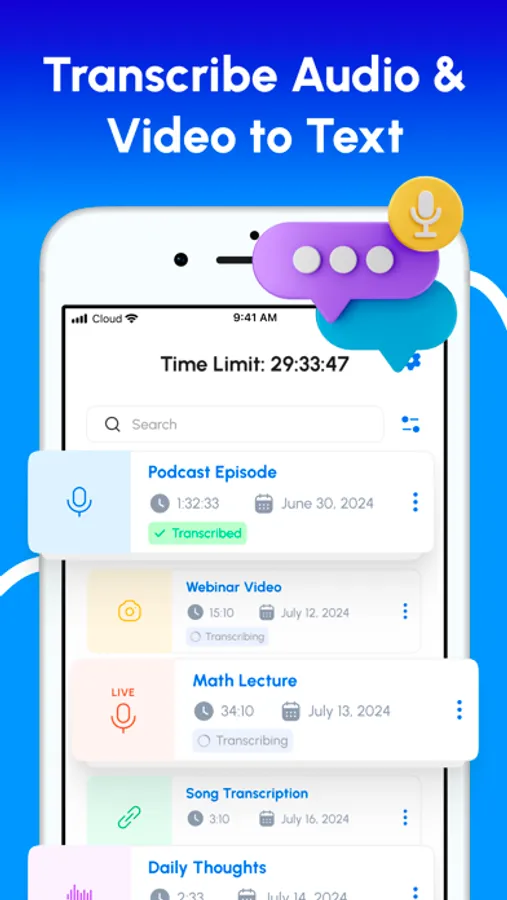
• Transcribe Audio and Video Files
Upload audio or video from your device or use a link. Supports formats like MP3, WAV, M4A, and more.
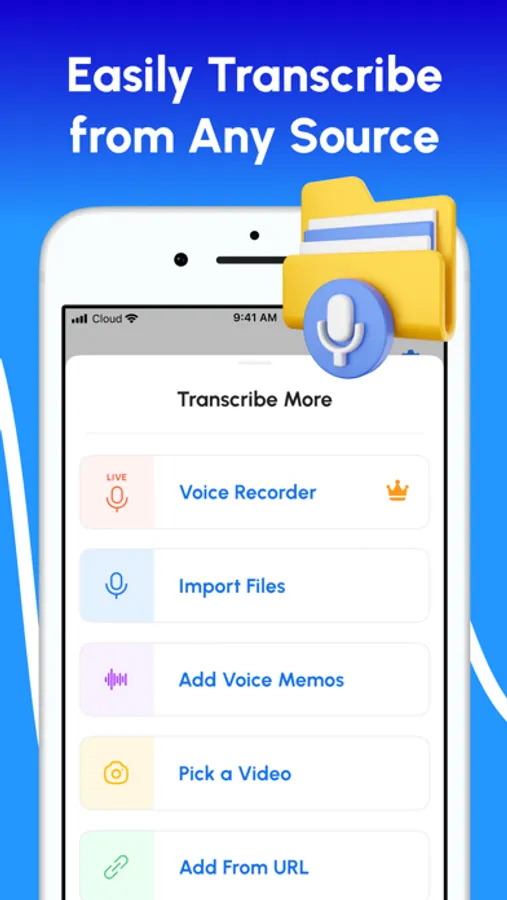
• Voice Memo Transcription
Turn voice memos into text in seconds. Great for capturing personal notes or conducting interviews.
• Transcription from URLs
Transcribe audio and video directly from online sources such as YouTube and podcasts.
• Speaker Identification
Automatically distinguishes between speakers for clean, structured transcripts.
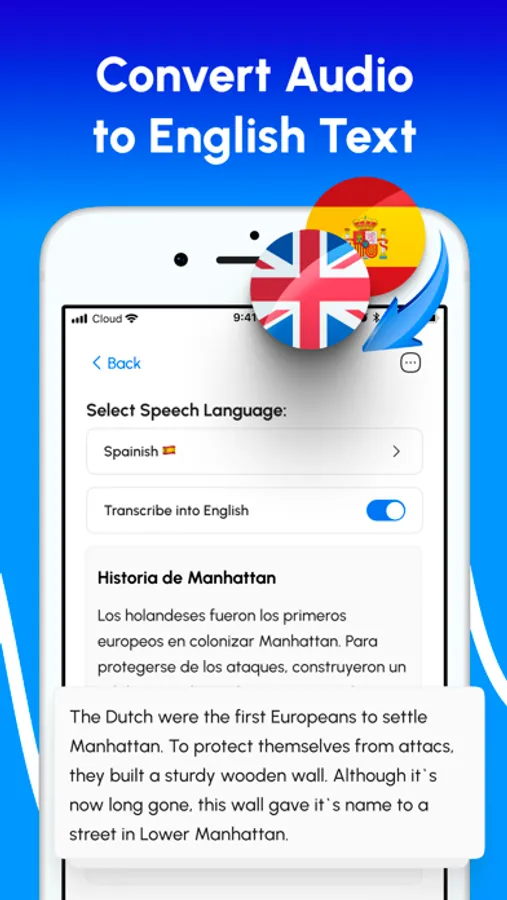
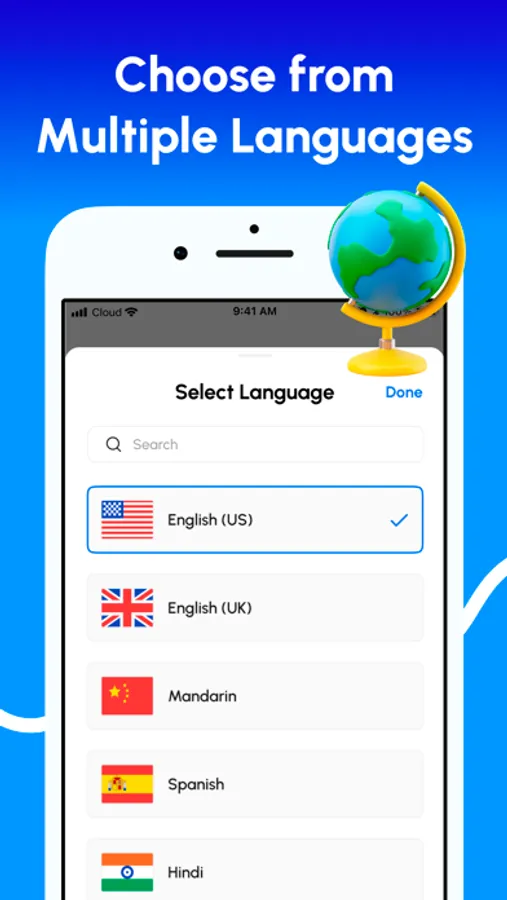
• Multi-Language Support and Translation
Transcribe speech in over 90 languages and dialects, and translate non-English audio into English.
• Transcript Editing and Customization
Rename speakers, format text, and prepare transcripts for sharing or publication.
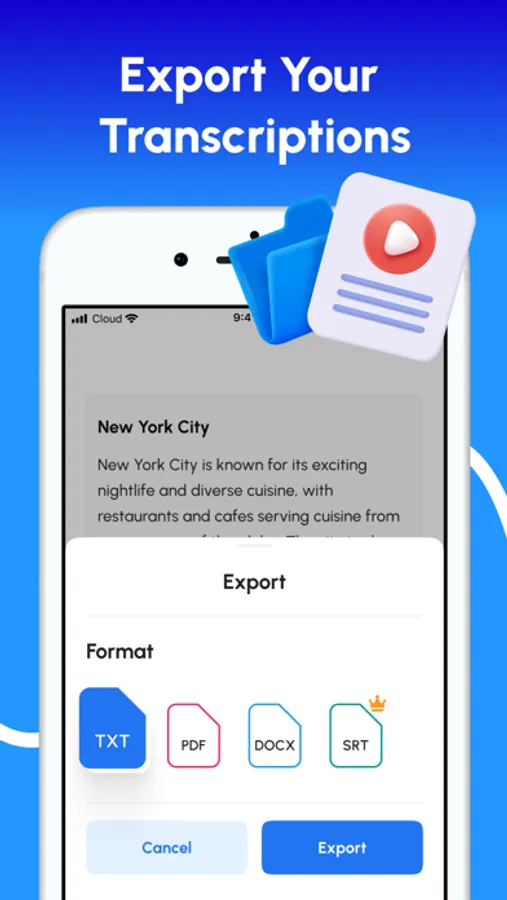
• Export Options
Save transcripts as TXT, PDF, DOCX, or SRT for easy sharing, editing, or subtitle generation.
• Ad-Free Experience
Work without interruptions or distractions.
Use Cases
• Voice-type emails, notes, and documents
• Transcribe meetings and business calls
• Generate subtitles for videos
• Convert lectures and lessons into notes
• Document voice recordings automatically
• Enable live captions for accessibility
• Translate international content
• Save time with hands-free typing and automated transcription
Download Speech to Text – Voice Typing and transform your voice into text — whether you’re typing hands-free or transcribing with AI precision.
Privacy policy: https://www.getpaoapps.com/privacy
Terms of use: https://www.getpaoapps.com/terms
The Ultimate App to Convert Speech into Text with AI-Powered Accuracy
Easily convert voice to text, transcribe audio and video files, and type using your voice with Speech to Text – Voice Typing, your all-in-one transcription and productivity assistant. Whether you need to transcribe interviews, meetings, lectures, voice notes, or videos, our advanced AI ensures fast, accurate, and multilingual transcription – anytime, anywhere.
Why Choose Speech to Text – Voice Typing
• Voice Typing in Real Time
Type with your voice in any situation — emails, notes, messages, or documents. Just speak, and watch your words appear instantly. Perfect for hands-free productivity and accessibility.
• Accurate AI-Powered Transcription
Delivers highly accurate speech-to-text results using advanced artificial intelligence, even in noisy environments or with diverse accents.
• Live Voice-to-Text Transcription
Real-time transcription for meetings, lectures, and conferences. Ideal for note-taking and live captioning.
• Transcribe Audio and Video Files
Upload audio or video from your device or use a link. Supports formats like MP3, WAV, M4A, and more.
• Voice Memo Transcription
Turn voice memos into text in seconds. Great for capturing personal notes or conducting interviews.
• Transcription from URLs
Transcribe audio and video directly from online sources such as YouTube and podcasts.
• Speaker Identification
Automatically distinguishes between speakers for clean, structured transcripts.
• Multi-Language Support and Translation
Transcribe speech in over 90 languages and dialects, and translate non-English audio into English.
• Transcript Editing and Customization
Rename speakers, format text, and prepare transcripts for sharing or publication.
• Export Options
Save transcripts as TXT, PDF, DOCX, or SRT for easy sharing, editing, or subtitle generation.
• Ad-Free Experience
Work without interruptions or distractions.
Use Cases
• Voice-type emails, notes, and documents
• Transcribe meetings and business calls
• Generate subtitles for videos
• Convert lectures and lessons into notes
• Document voice recordings automatically
• Enable live captions for accessibility
• Translate international content
• Save time with hands-free typing and automated transcription
Download Speech to Text – Voice Typing and transform your voice into text — whether you’re typing hands-free or transcribing with AI precision.
Privacy policy: https://www.getpaoapps.com/privacy
Terms of use: https://www.getpaoapps.com/terms
Speech to Text – Voice Typing Screenshots
Tap to Rate:
Reviews for Speech to Text – Voice Typing
Captom601
Hard to Say
I got the lifetime for free offer, which seemed great in principle, but it won’t let me use the app without leaving a review. How would you rate it?
Rary Tempor
Seems to be accurate mostly. Simple to use. Works
See title