AppRecs review analysis
AppRecs rating 4.5. Trustworthiness 65 out of 100. Review manipulation risk 22 out of 100. Based on a review sample analyzed.
★★★★☆
4.5
AppRecs Rating
Ratings breakdown
5 star
0%
4 star
100%
3 star
0%
2 star
0%
1 star
0%
What to know
✓
Low review manipulation risk
22% review manipulation risk
✓
High user satisfaction
100% of sampled ratings are 4+ stars (4.5★ average)
About Ed - Game Tile Editor
- Import your sprite sheets and automatically slice them into sprites,
- Set terrain bit mask rules for different sprites and export them to brushes that automatically detect and draw terrain corners appropriately,
- Create Tile Definitions (TileDefs) that have custom tile sizes, animations, background colors and more,
- Rule Brushes: Define rules with which the editor automatically picks and chooses tiles based on criteria you set,
- Auto Brushes: Whitebox your levels and define auto brush regions to automatically transform whiteboxed tiles into polished areas,
- Pick tiles randomly based on assigned probability weights,
- Manage multiple levels per project (world),
- Draw on multiple boards on each level,
- Set parallax parameters per board,
- Draw colliders using a brush and craft secret areas,
- Export to an intuitive and easy to parse text format, as integer, hex, or char grid,
- The file format is ZIP containing images and pure JSON, ready to be imported into your code,
- Go back and forth between the desktop and tablet versions and create your game on the go or at your desk!
- Built-in support to export to Unity
- Create Enums, Classes and other data structures. Built-in support for MonoBehaviours.
The iPhone version of the app allows you to open your projects and edit levels in a more compact user interface, optimized for the smaller device form factor. While the environment is compatible with the full version, the iPhone app has a more limited feature set.
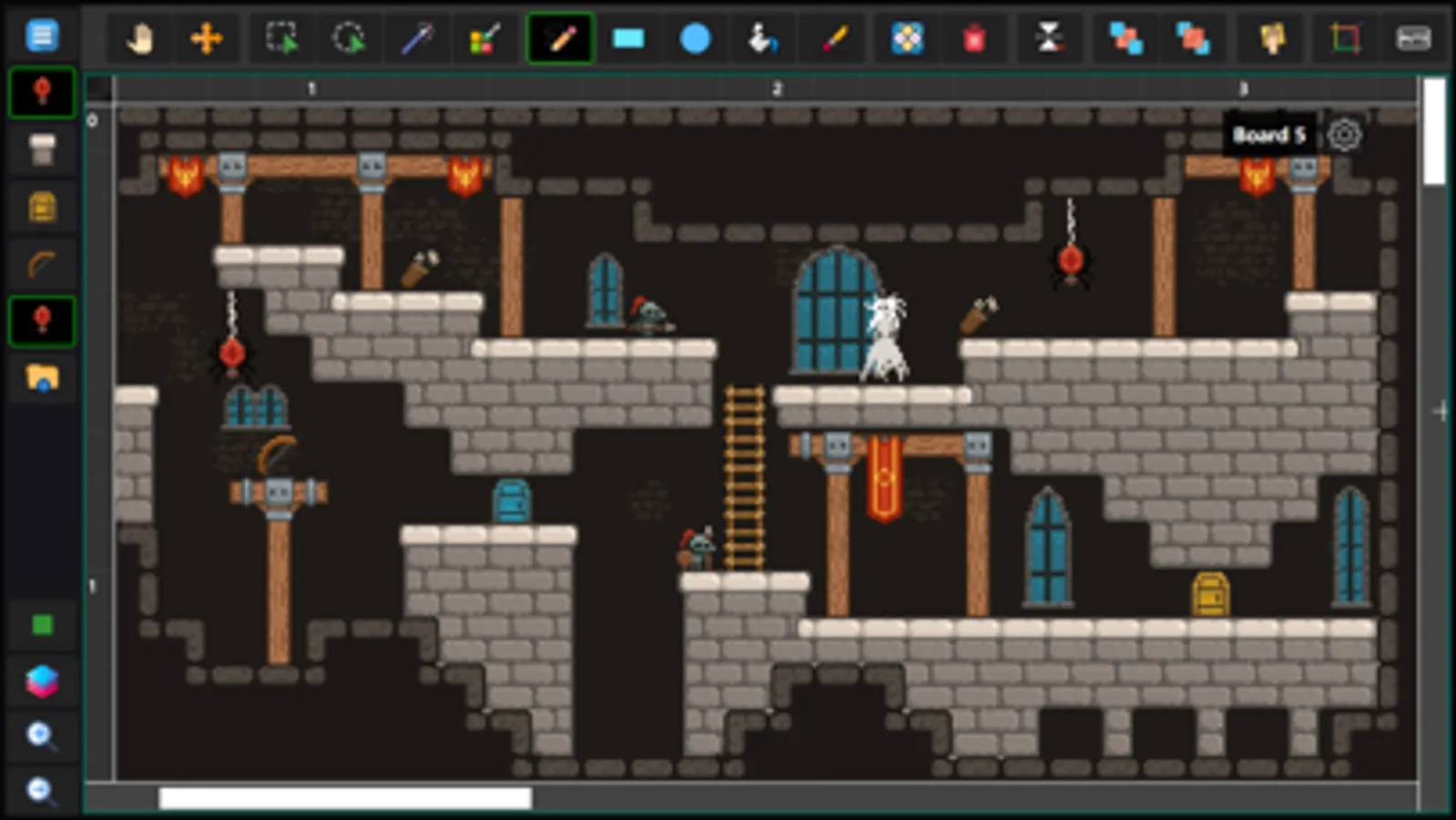
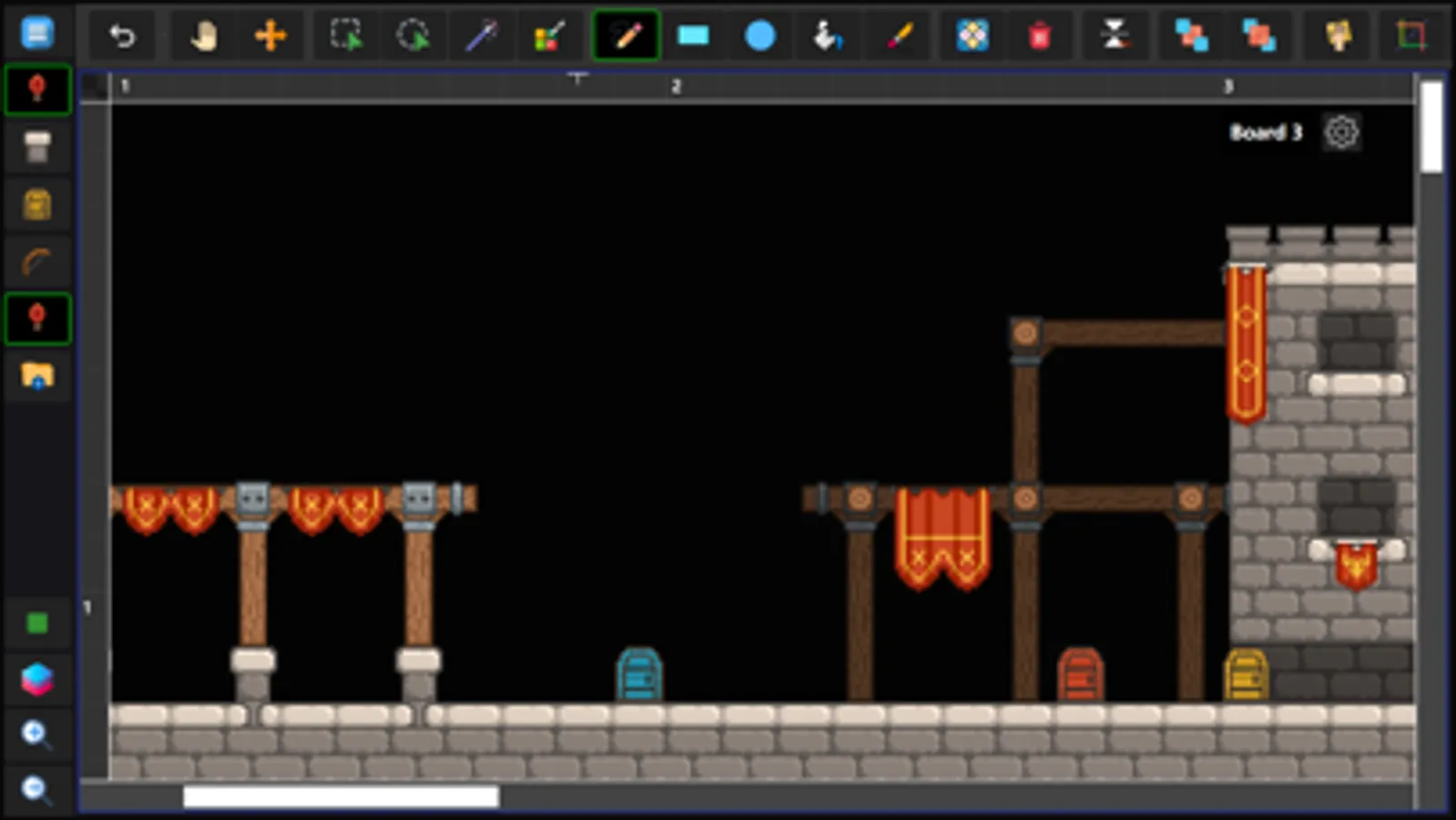
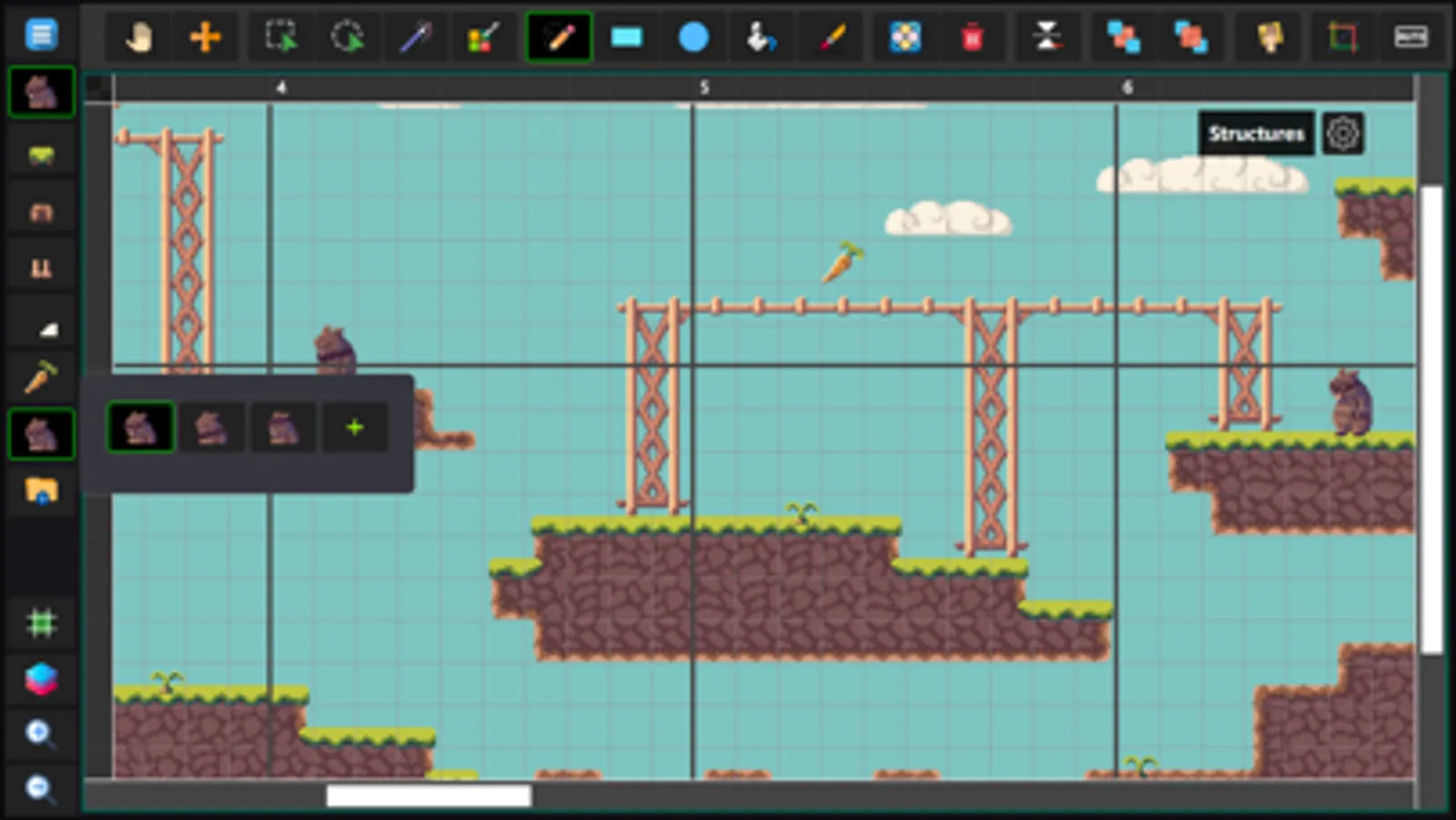
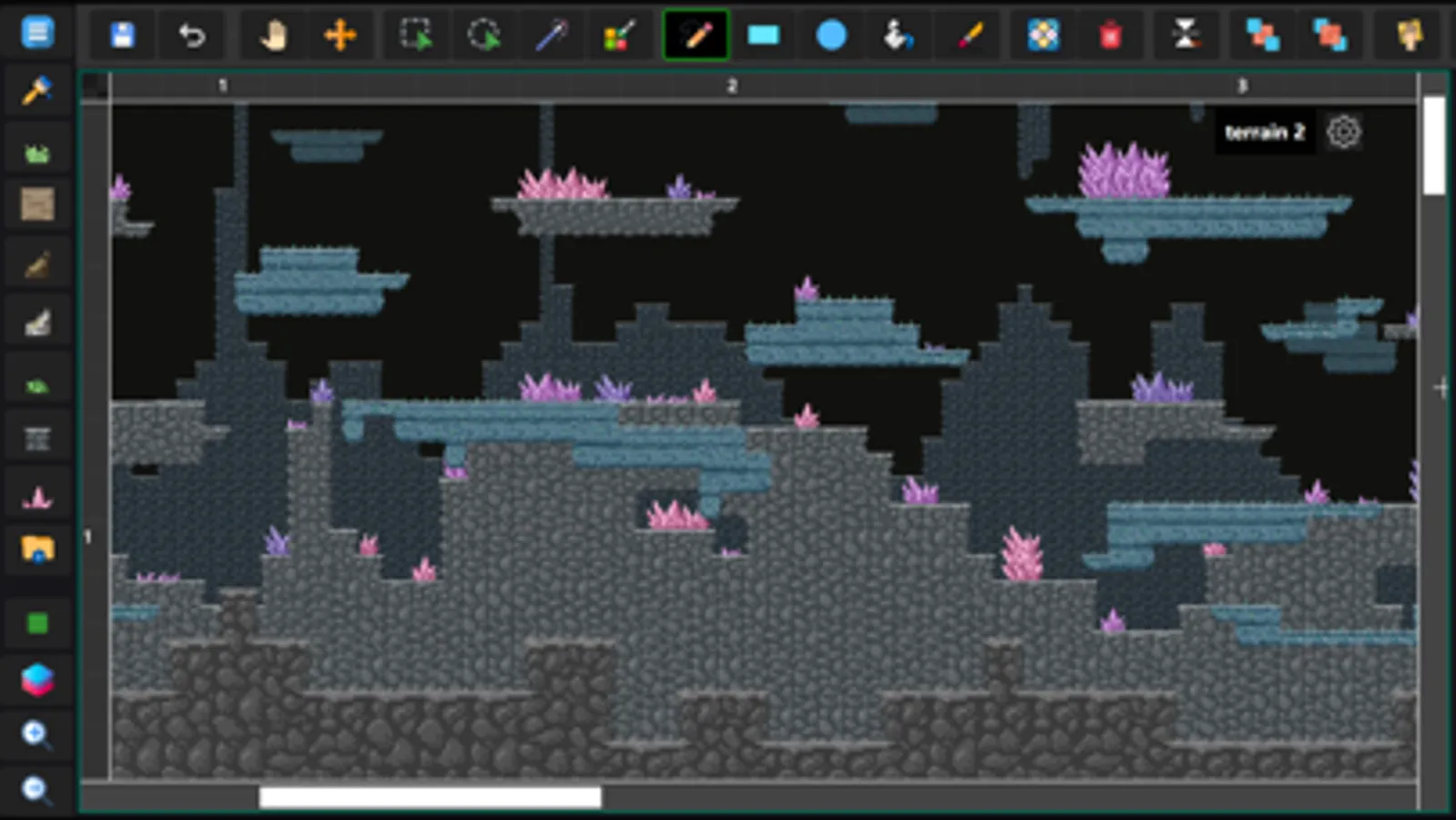
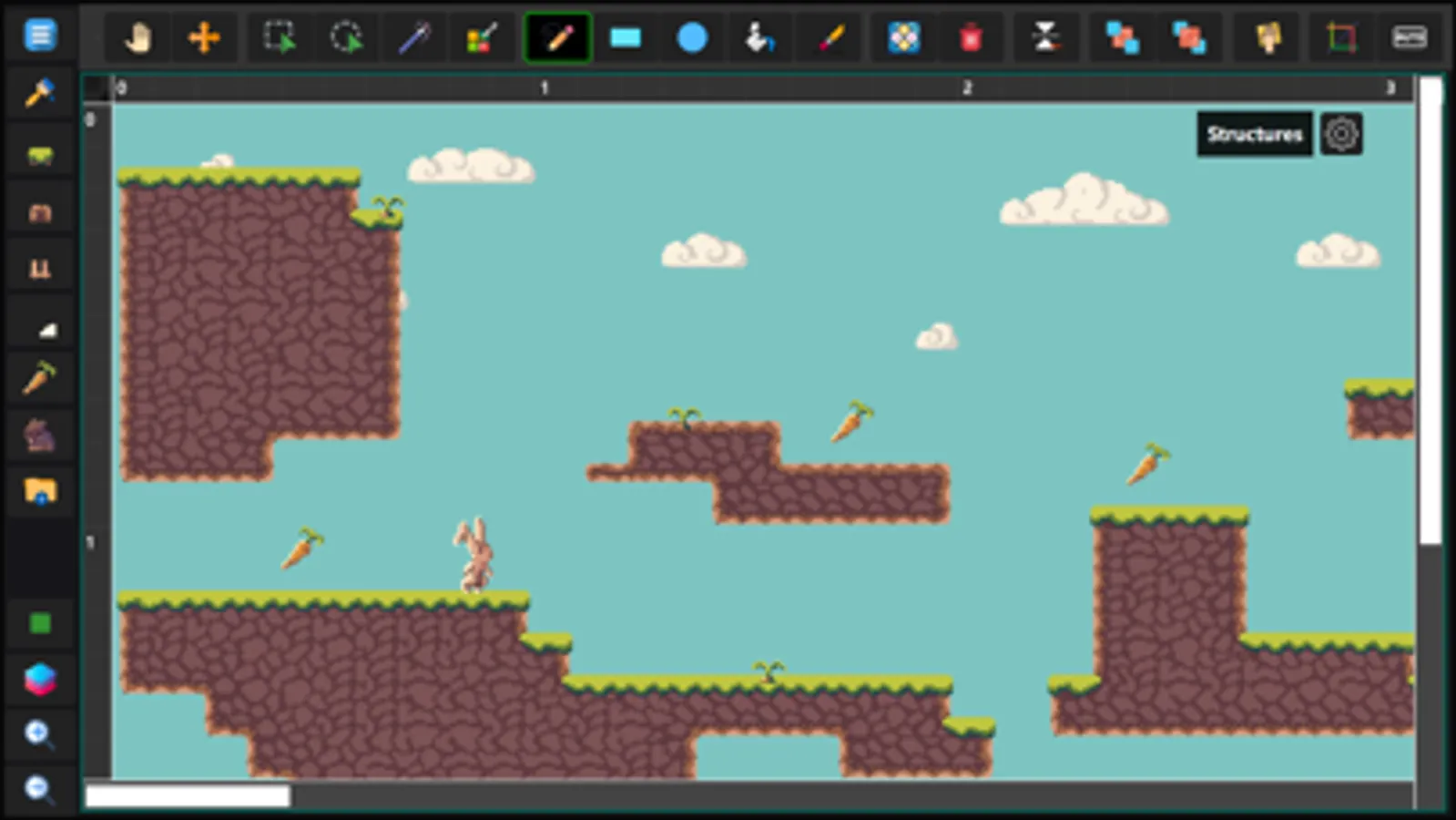
Ed - Game Tile Editor Screenshots
Tap to Rate:
Reviews for Ed - Game Tile Editor
Wenceslavski
Great editor, but needs performance improvements
I really enjoy using Ed – Tile Editor. The tool feels powerful and unique on iPad — especially the animated brush feature, which I’ve only seen before in Pro Motion on desktop. The interface is intuitive, and it’s clear that the app is actively supported with frequent updates. However, I’ve been experiencing long freezes while working on larger tilemaps, which makes it difficult to rely on the app for bigger projects. For context, I’m using iPad Air 13 (2025), so the hardware should not be a limitation. This is why I’m giving 4 stars instead of 5: the app has great potential, but performance optimization is essential. Once stability improves, it will be a perfect tool for pixel art and tilemap design on iPad.