About Adjust Volume
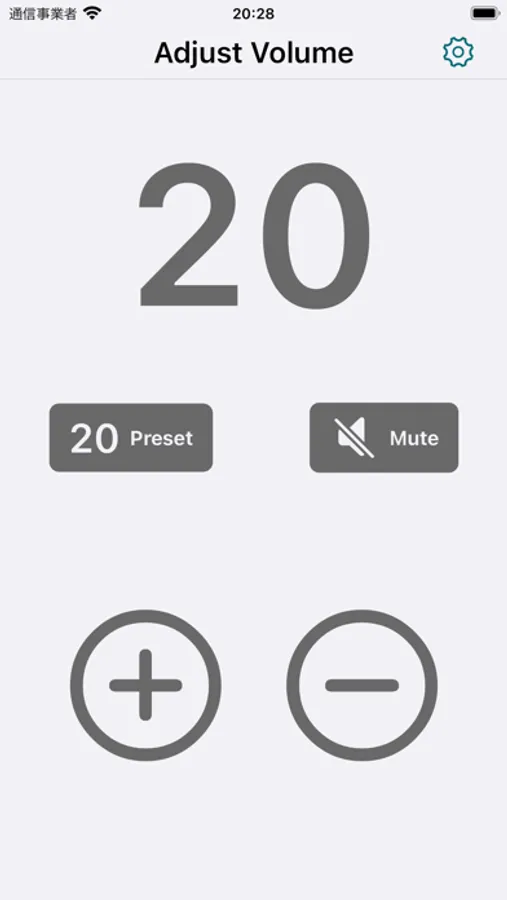
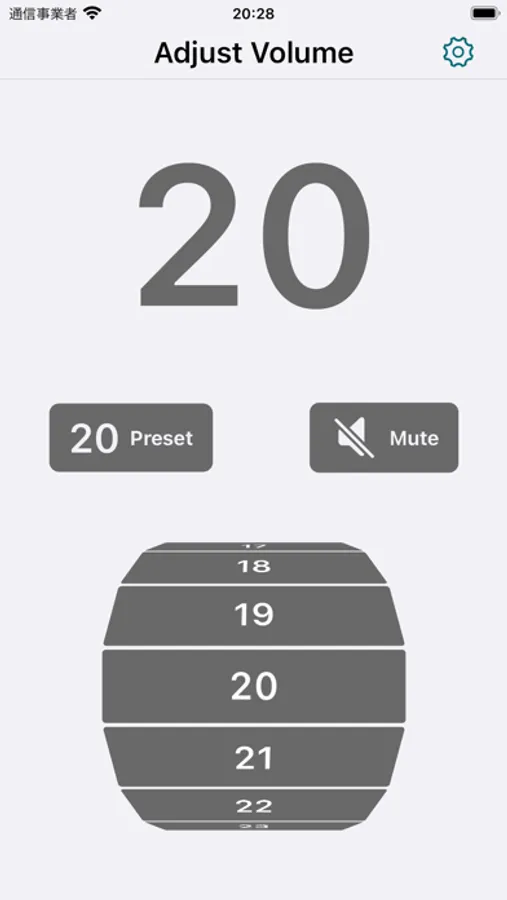
You can adjust the volume more precisely than with the physical buttons.
(Only when using the on-screen buttons within the app. Physical buttons follow the standard iPhone volume steps.)
A simple design that anyone can use with ease.
Allows you to select a volume level lower than the iPhone’s minimum volume.
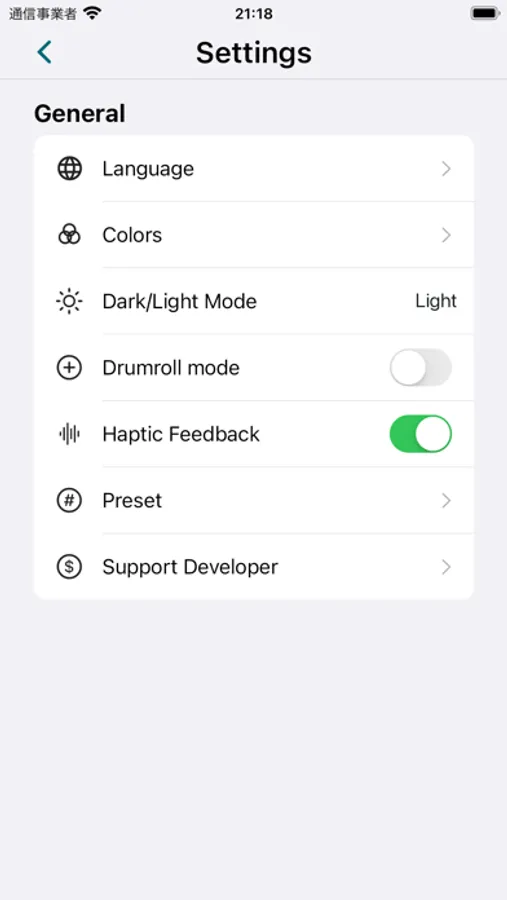
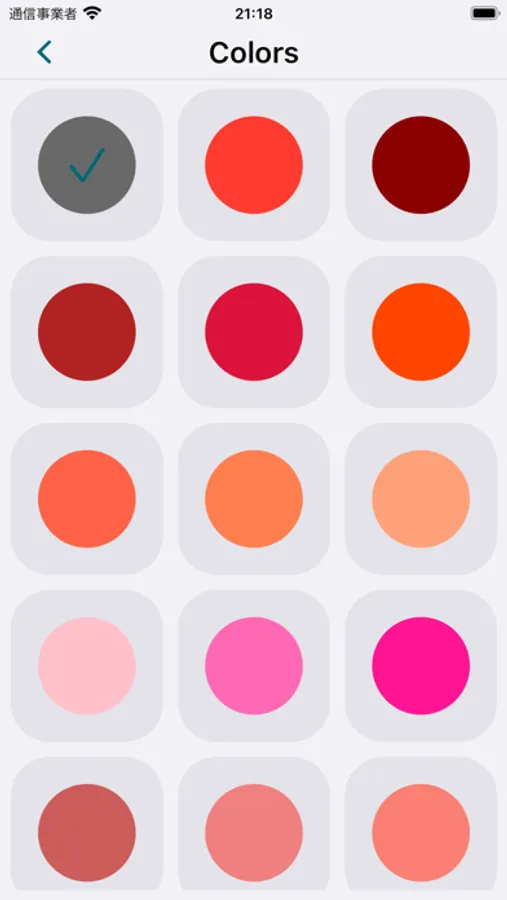
Customize the appearance by changing the color.
Mute function included.
Preset function included.
-- Recommended for --
Those who want to enjoy music at their preferred volume.
Those who want to find the optimal volume for movies and videos.
Those who want finer volume control during music playback.
You can fine-tune the volume in 1% increments (when adjusting within the app).
A simple and easy-to-understand interface.
【Notes for Bluetooth earphone users】
When using Bluetooth earphones or certain external audio devices, the minimum volume step and adjustment range may vary depending on the device specifications.
Even if you adjust the volume in 1% increments within the app, the connected device may not support such fine adjustments and may follow the same step size as the iPhone system volume.
This behavior is due to the characteristics of Bluetooth technology. Thank you for your understanding.
(Free version & Pro mode)
• About widget behavior:
The newly added widget feature can be placed and tested even in the free version. Please feel free to try it!
When changing the volume via the widget, the main app may open due to iOS system specifications. This is required for security and system control. Thank you for your understanding.
• Widget editing in Pro mode:
Customizing or changing the presets displayed in the widget is available only when Pro mode is enabled.
(Only when using the on-screen buttons within the app. Physical buttons follow the standard iPhone volume steps.)
A simple design that anyone can use with ease.
Allows you to select a volume level lower than the iPhone’s minimum volume.
Customize the appearance by changing the color.
Mute function included.
Preset function included.
-- Recommended for --
Those who want to enjoy music at their preferred volume.
Those who want to find the optimal volume for movies and videos.
Those who want finer volume control during music playback.
You can fine-tune the volume in 1% increments (when adjusting within the app).
A simple and easy-to-understand interface.
【Notes for Bluetooth earphone users】
When using Bluetooth earphones or certain external audio devices, the minimum volume step and adjustment range may vary depending on the device specifications.
Even if you adjust the volume in 1% increments within the app, the connected device may not support such fine adjustments and may follow the same step size as the iPhone system volume.
This behavior is due to the characteristics of Bluetooth technology. Thank you for your understanding.
(Free version & Pro mode)
• About widget behavior:
The newly added widget feature can be placed and tested even in the free version. Please feel free to try it!
When changing the volume via the widget, the main app may open due to iOS system specifications. This is required for security and system control. Thank you for your understanding.
• Widget editing in Pro mode:
Customizing or changing the presets displayed in the widget is available only when Pro mode is enabled.
Adjust Volume Screenshots
Tap to Rate: