With this PDF signing app, you can add digital signatures, fill forms, and scan documents using your device. Includes secure encryption, reusable signatures, and sharing options.
AppRecs review analysis
AppRecs rating 4.6. Trustworthiness 0 out of 100. Review manipulation risk 0 out of 100. Based on a review sample analyzed.
★★★★☆
4.6
AppRecs Rating
Ratings breakdown
5 star
80%
4 star
10%
3 star
4%
2 star
3%
1 star
3%
What to know
✓
High user satisfaction
80% of sampled ratings are 5 stars
✓
Authentic reviews
Natural distribution, no red flags
About Sign Docs - Signature on PDF
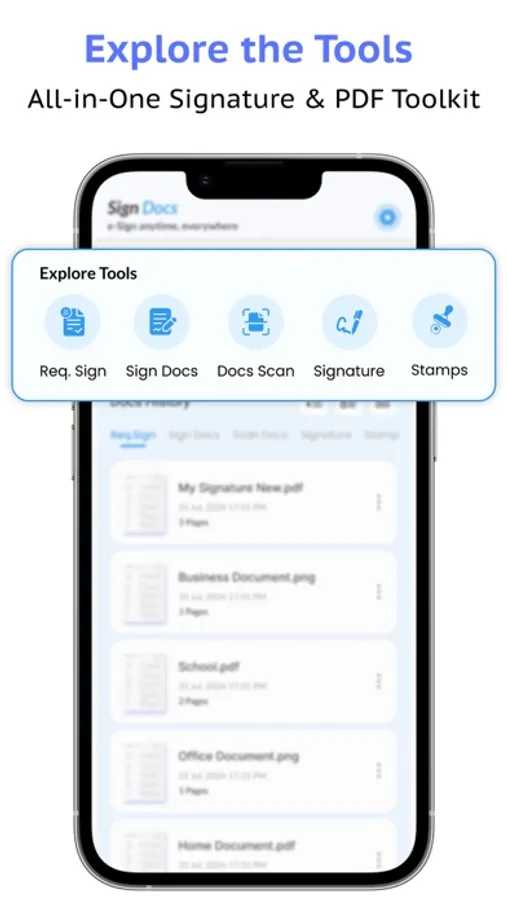
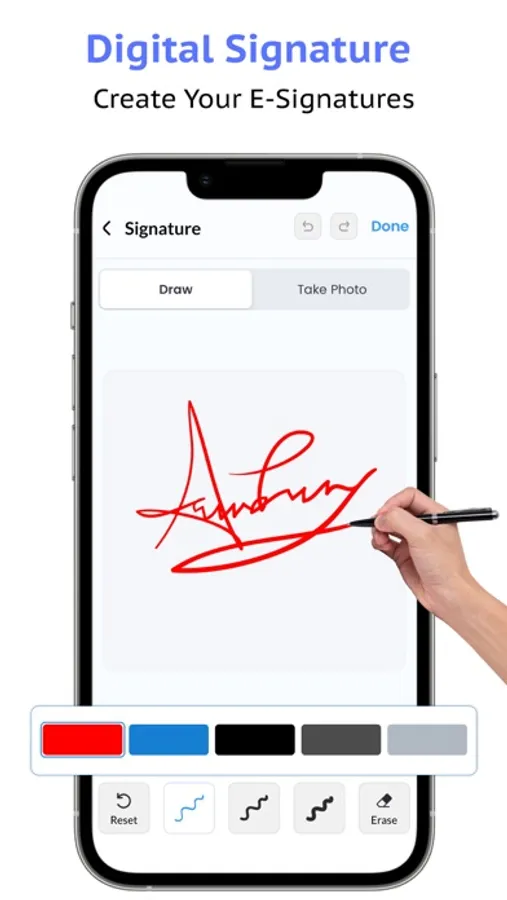
Sign Docs – Signature on PDF makes it fast and simple to sign PDF documents, create e-signatures, and fill forms right on your iPhone or iPad. No printer or scanner needed. Add digital signatures, scan documents to PDF, fill forms, and share securely in seconds.
Use it to sign contracts, invoices, NDAs, and business forms with legally binding signatures. Perfect for professionals, freelancers, real estate agents, HR teams, and small businesses.
Key features:
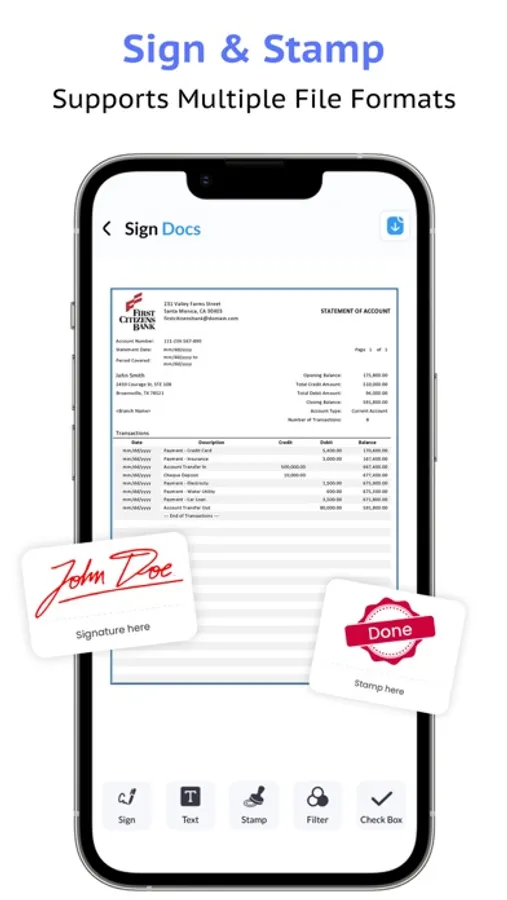
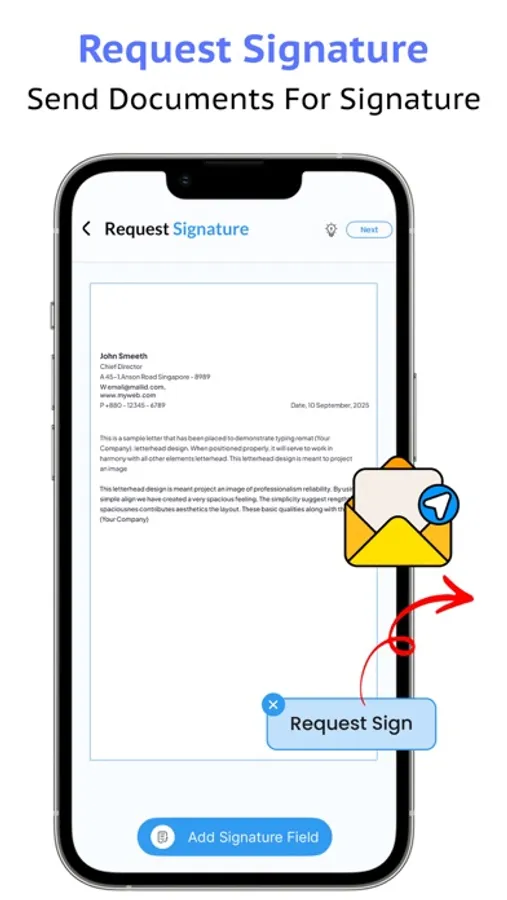
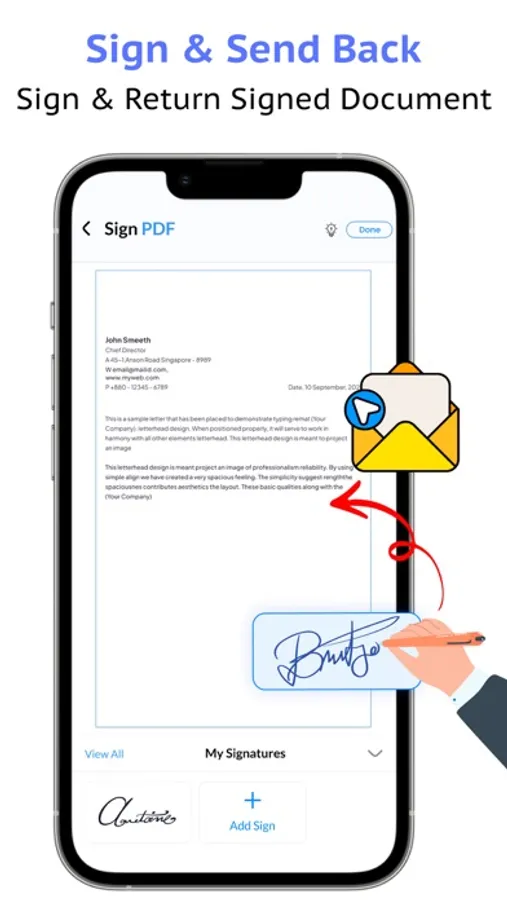
Sign PDF instantly with your e-signature
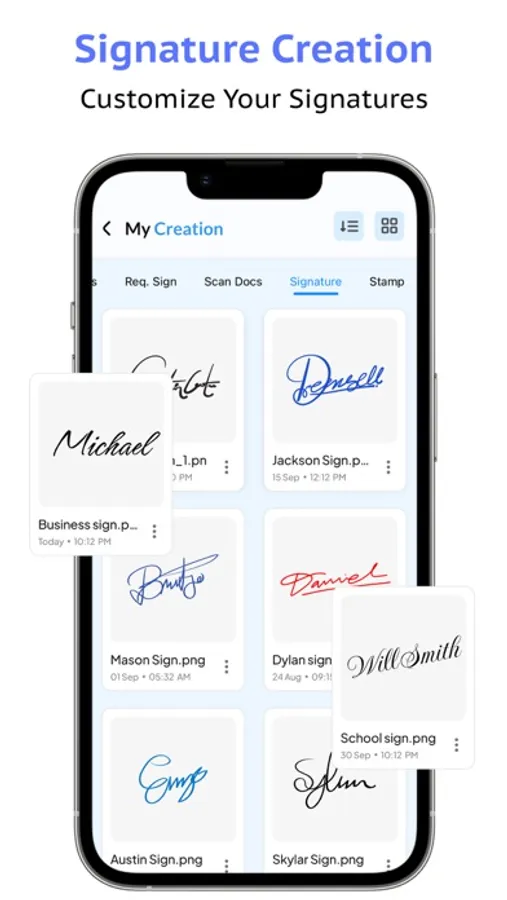
Create and save digital signatures for reuse
Fill and sign PDF forms quickly on iPhone
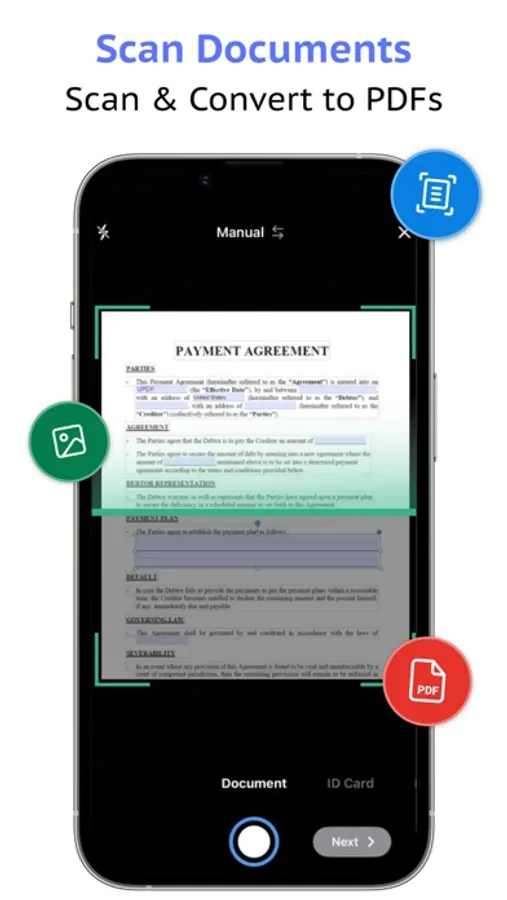
Scan to PDF using your phone camera
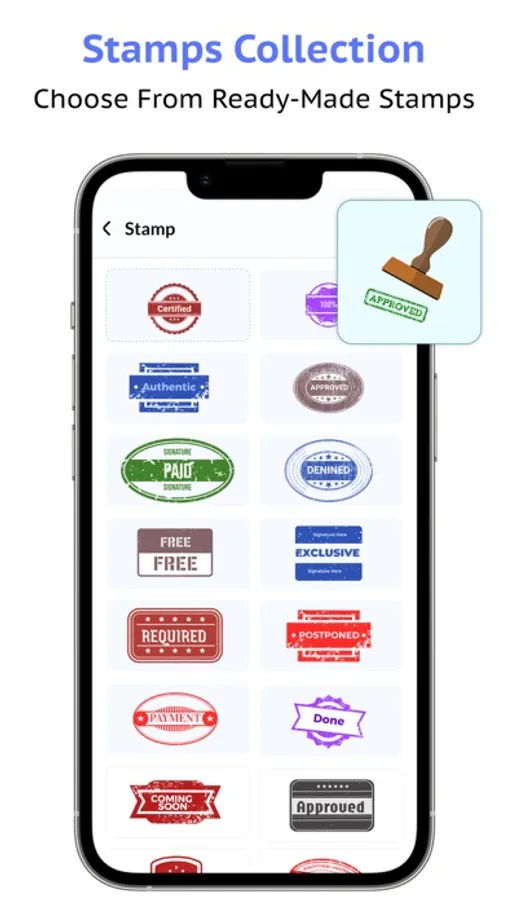
Add stamps and marks to official documents
Convert images to PDF and share easily
Keep contracts secure with encryption
Why choose Sign Docs:
Save time with fast PDF signing
Easy and secure for all types of contracts
Trusted by professionals across the USA
No more printers or scanners needed
Download Sign Docs today and experience the easiest way to sign PDFs, create e-signatures, and manage contracts directly from your iPhone or iPad.
Use it to sign contracts, invoices, NDAs, and business forms with legally binding signatures. Perfect for professionals, freelancers, real estate agents, HR teams, and small businesses.
Key features:
Sign PDF instantly with your e-signature
Create and save digital signatures for reuse
Fill and sign PDF forms quickly on iPhone
Scan to PDF using your phone camera
Add stamps and marks to official documents
Convert images to PDF and share easily
Keep contracts secure with encryption
Why choose Sign Docs:
Save time with fast PDF signing
Easy and secure for all types of contracts
Trusted by professionals across the USA
No more printers or scanners needed
Download Sign Docs today and experience the easiest way to sign PDFs, create e-signatures, and manage contracts directly from your iPhone or iPad.
Sign Docs - Signature on PDF Screenshots
Tap to Rate: