AppRecs review analysis
AppRecs rating 4.5. Trustworthiness 65 out of 100. Review manipulation risk 30 out of 100. Based on a review sample analyzed.
★★★★☆
4.5
AppRecs Rating
Ratings breakdown
5 star
100%
4 star
0%
3 star
0%
2 star
0%
1 star
0%
What to know
✓
Low review manipulation risk
30% review manipulation risk
✓
High user satisfaction
100% of sampled ratings are 5 stars
About QK Connect
COMPATIBLE DEVICES
This app does not work with devices other than those listed below:
HomeSpot JM320
HomeSpot JY300
HomeSpot JY538
HomeSpot BA310
HomeSpot BA358
Uiskey HD90LE
MarsCurve MC50LE
FEATURES
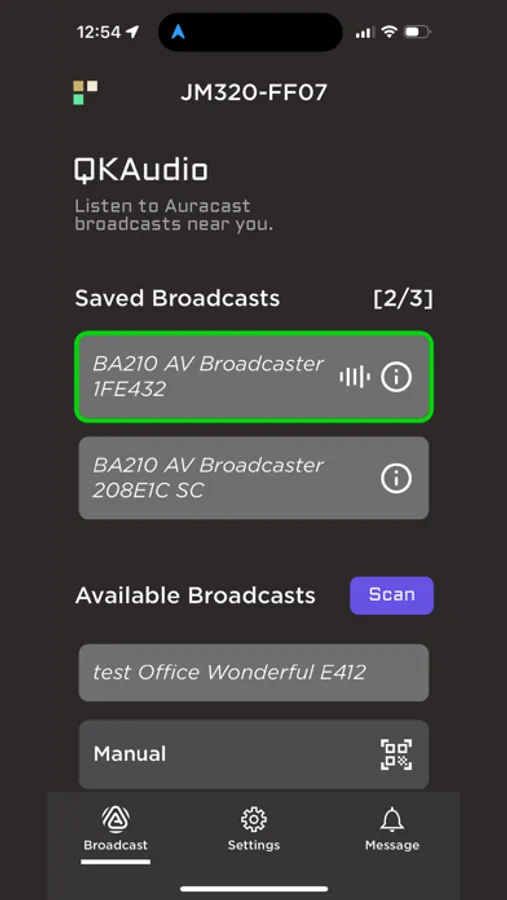
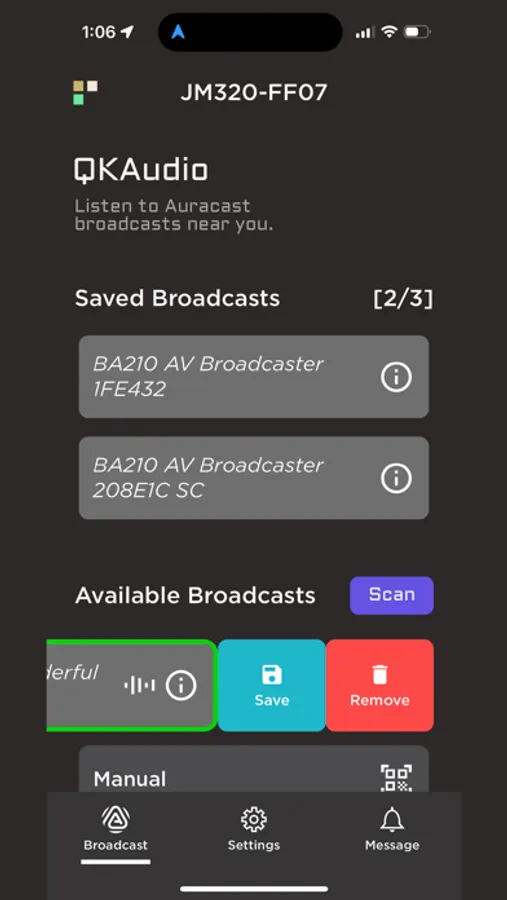
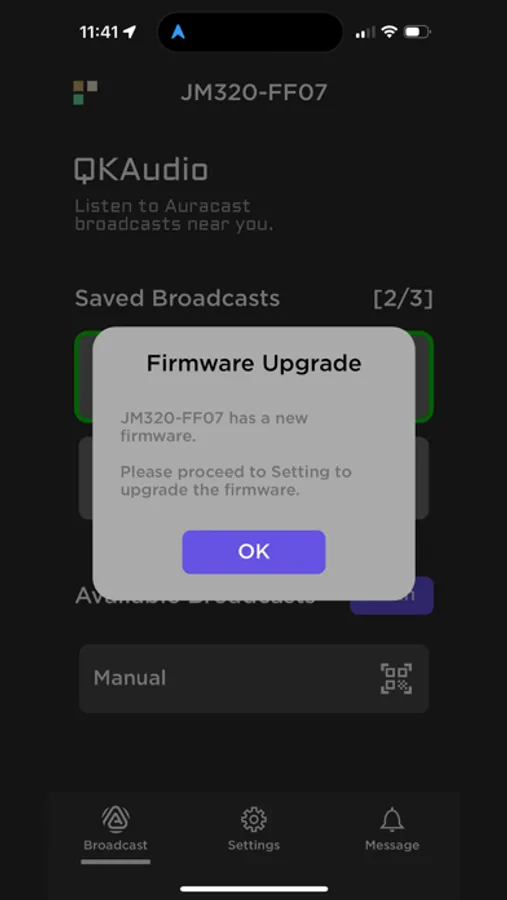
Search and tune into surrounding Auracast broadcasts.
Scan public broadcast QR code of different formats, including the Bluetooth SIG Broadcast Audio URI Specification (UUID 184F).
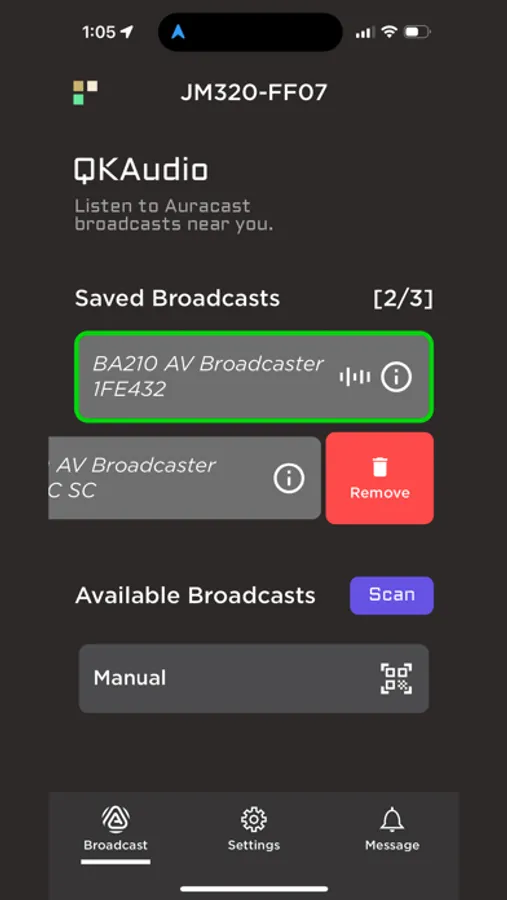
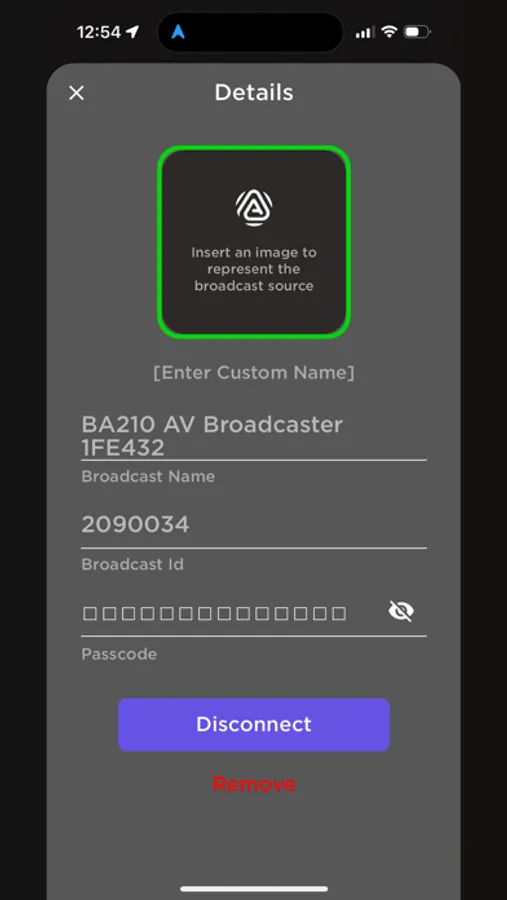
Save up to 3 broadcast sources for automatic power up and rejoin.
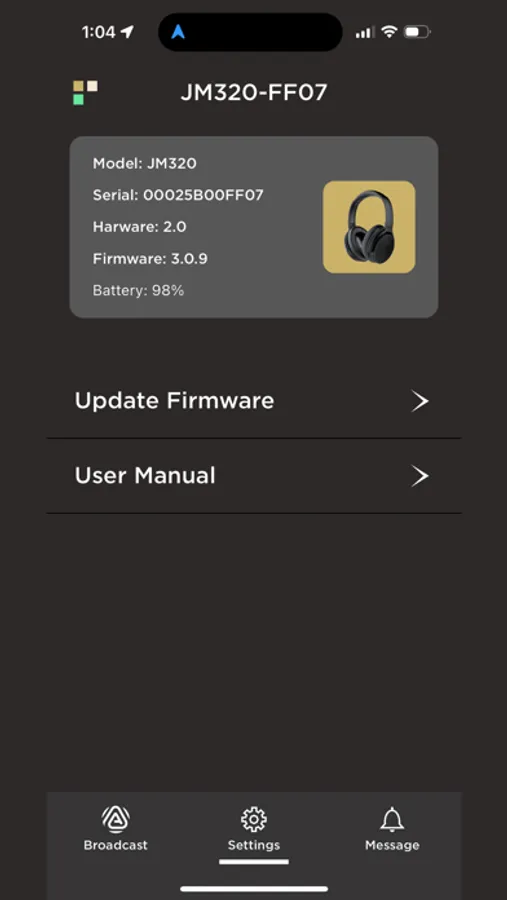
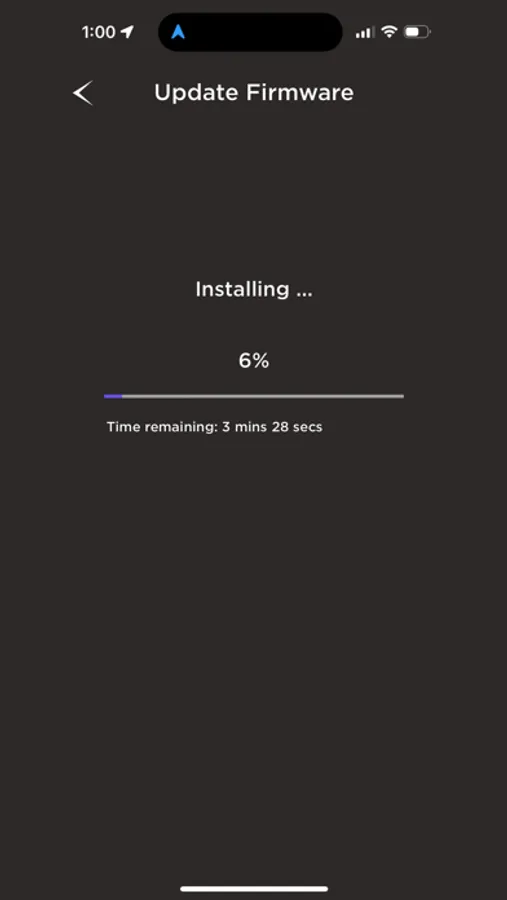
Upgrade the firmware on your devices to get the newly added features.
Get the latest news on products powered by QKAudio.
QK Connect Screenshots
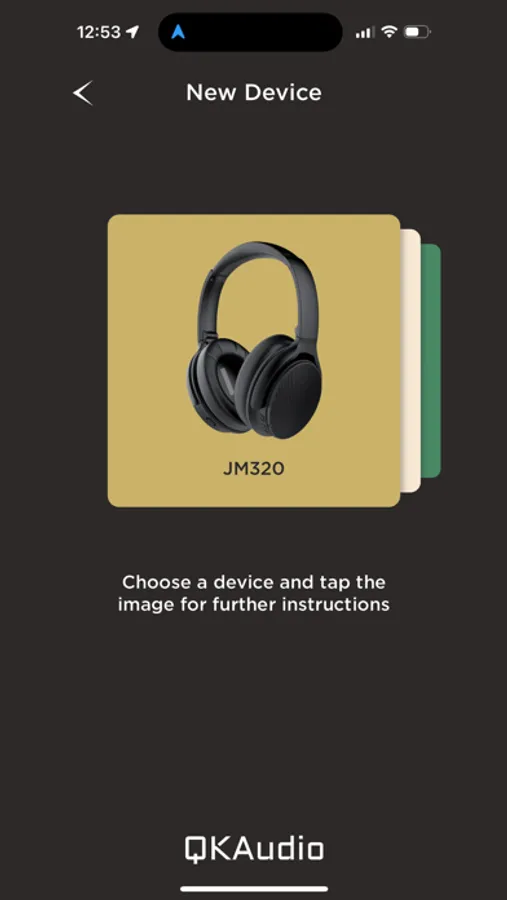
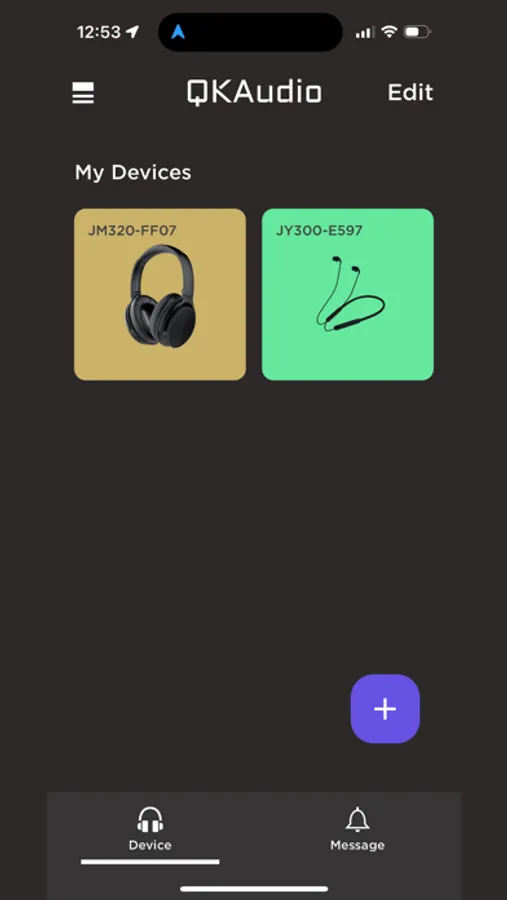
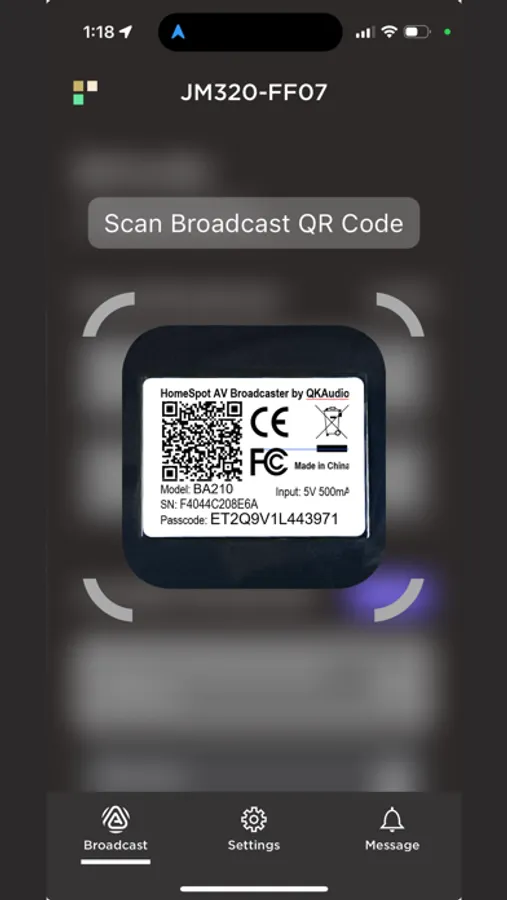
Tap to Rate:
Reviews for QK Connect
Poh Poh L
Highly recommended
Our church installed a Homespot BA210 v2 in the sanctuary. Unfortunate my Oticon doesn’t work with Auracast yet. So I bought the 300 neckband headset and gave it a try. The app initially didn’t connect to the headset but ok after another try. Everything was smooth afterwards. It’s easy to search and find the broadcast. The headset volume is adequate. Finally I am able to understand what’s being spoken fully!
Roger Ing
Auracast in action finally!!
QK Connect app works seamlessly with Homespot BA210 and JM320, delivering smooth Auracast streaming and broadcast tuning. Took 10 minutes to set it up with the living room TV. Be aware of the PCM setting of TV however. The saved broadcast and power up and auto join the last broadcast feature seems to be available on QK Connect only as of today. The set up works perfectly for my dad’s Resound Vivia as well. He has to use Resound Smart 3d app for his hearing aids to connect BA210. Plan to buy another BA210 for the bedroom TV.