
AppRecs review analysis
AppRecs rating 4.0. Trustworthiness 65 out of 100. Review manipulation risk 22 out of 100. Based on a review sample analyzed.
★★★★☆
4.0
AppRecs Rating
Ratings breakdown
5 star
0%
4 star
100%
3 star
0%
2 star
0%
1 star
0%
What to know
✓
Low review manipulation risk
22% review manipulation risk
✓
High user satisfaction
100% of sampled ratings are 4+ stars (4.0★ average)
About SyncFlow: Reminders to Events
FEATURES:
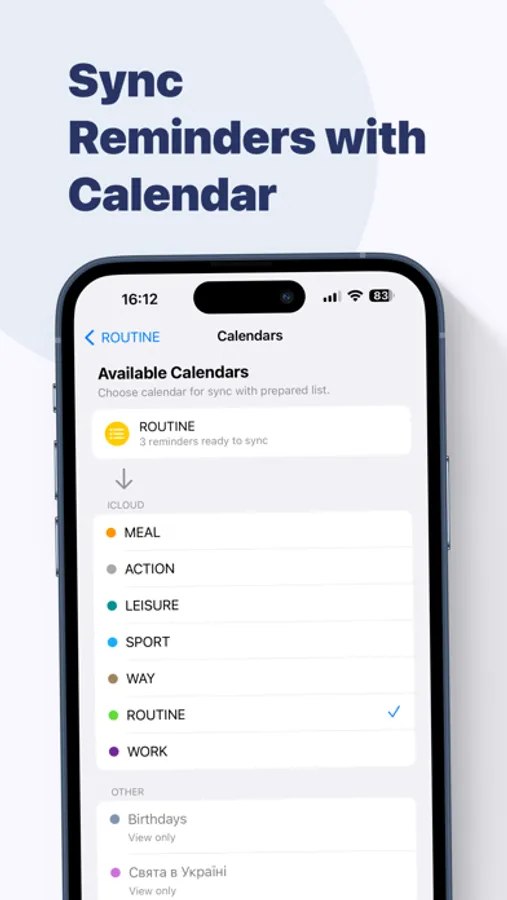
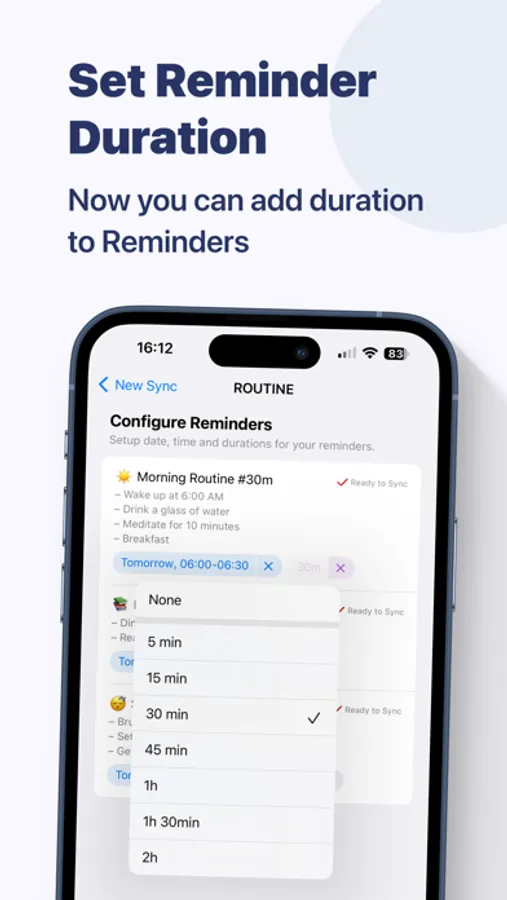
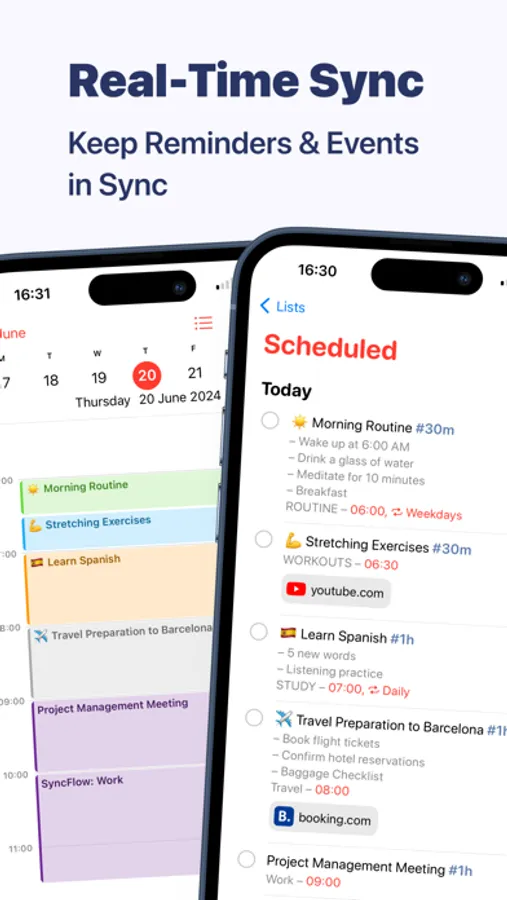
• Reminders & Calendar Synchronization: Sync reminders into calendar events with ease. Set durations for your reminders and watch as they seamlessly integrate into your calendar. Any changes you make to your reminders or calendar events are synced.
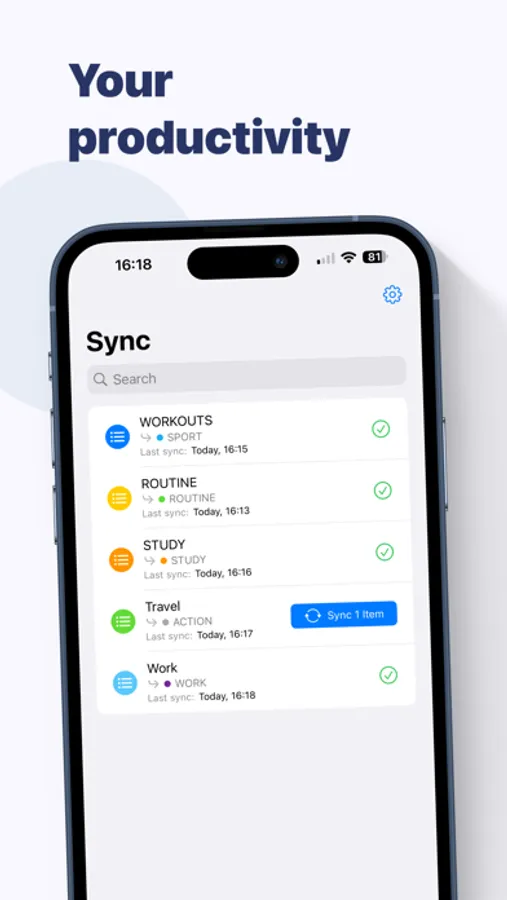
• Easy Configuration: Get started quickly with minimal setup. SyncFlow’s user-friendly interface makes it simple to link your reminders and calendar events.
• Data Security: Your data stays on your device, ensuring your privacy. SyncFlow uses secure synchronization methods to keep your reminders and calendars safe.
Why SyncFlow?
Apple’s ecosystem lacks integration between Reminders and Calendar, making it difficult to manage tasks and schedules in one place. SyncFlow brings your tasks and schedules together, creating a unified and organized scheduling experience. Whether you’re a busy professional, a student juggling multiple responsibilities, or anyone looking to streamline their task management, SyncFlow is here to help.
SyncFlow: Reminders to Events Screenshots
Tap to Rate:
Reviews for SyncFlow: Reminders to Events
Geekplaya
Beautiful interface, missing some features
This app is beautifully designed from a user interface perspective. I’d like to see a couple features added: - Default reminder duration (for reminders you don’t assign a time to) - Default event time for all-day reminders - Default calendar alert time for new events (eg 15 mins before) With the above integrated, then I would be able to create a Reminders calendar and sync to my Alexa, and have my Alexa announce my iOS reminders (as calendar events) at the default event alert time.