
AppRecs review analysis
AppRecs rating 4.5. Trustworthiness 45 out of 100. Review manipulation risk 20 out of 100. Based on a review sample analyzed.
★★★★☆
4.5
AppRecs Rating
Ratings breakdown
5 star
50%
4 star
0%
3 star
0%
2 star
0%
1 star
50%
About PhonePad - Computer Remote
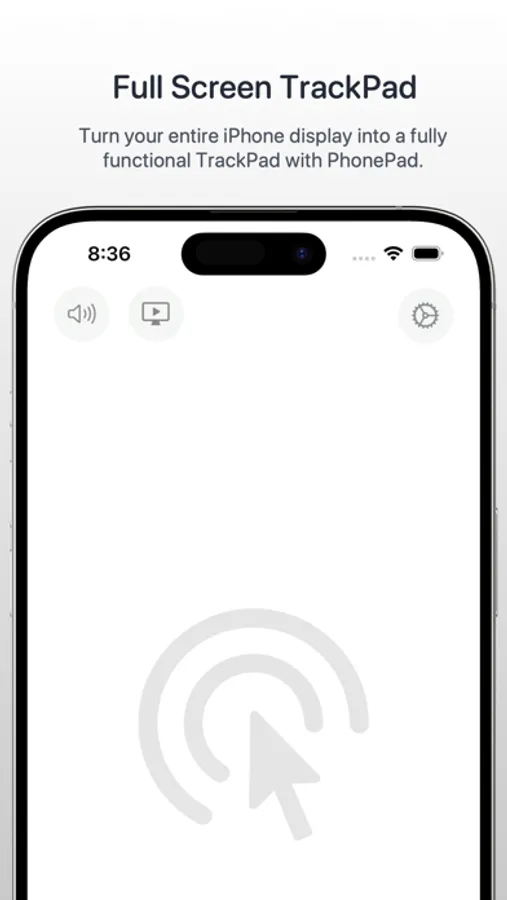
Transform your iPhone into a fully functional trackpad for your Mac with PhonePad. Whether you’re on the go or simply prefer the convenience of using your iOS device as a trackpad, PhonePad delivers a seamless and intuitive experience.
Key Features:
1. PhonePad integrates seamlessly with your Mac, providing a natural and responsive trackpad experience.
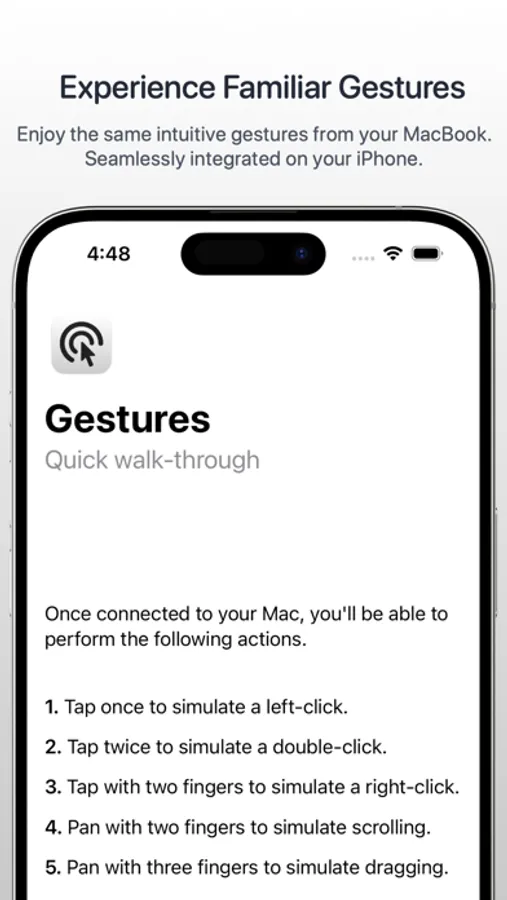
2. Enjoy the familiar gestures and controls you’re used to.
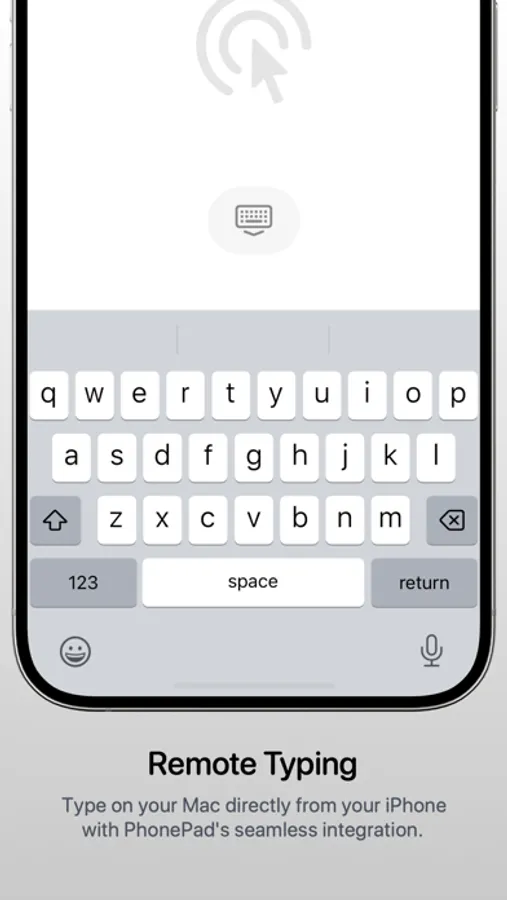
3. Using PhonePad's keyboard, easily type text on your Mac remotely.
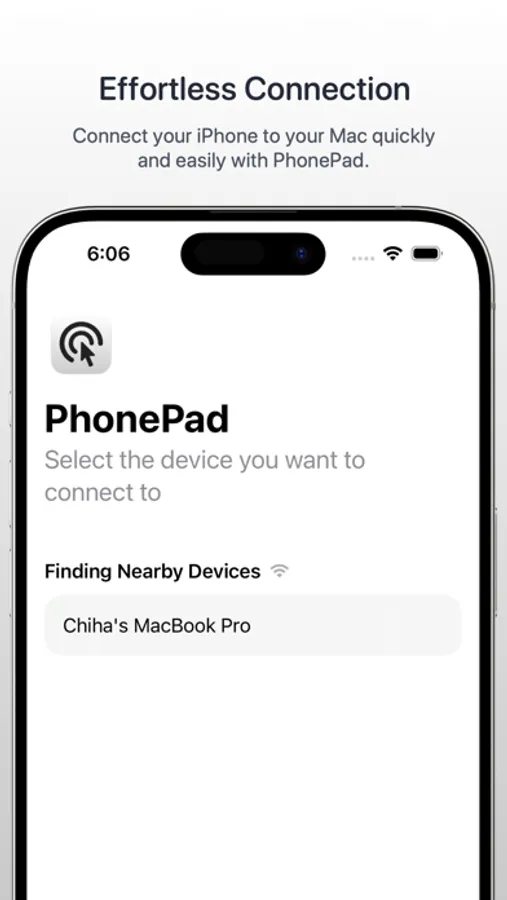
4. Easily connect your device to your Mac by running the PhonePad for Mac app.
Functionality:
1. Tap once to left-click
2. Tap twice to double-click
3. Tap with two fingers to right-click
4. Pan with two fingers to scroll
5. Pan with three fingers to drag
6. Tap on the keyboard icon to start typing on your Mac
Requirements:
1. PhonePad app is also required to be installed on your Mac.
2. Network connection is required (connecting your Mac to your hotspot also works!)
3. Requires macOS 10.13 and iOS 16.0 or later.
Download PhonePad today and unlock the full potential of your iOS device as a powerful, intuitive trackpad for your Mac!
Security & Privacy: PhonePad does not collect any data from your devices. All communication is made between your iPhone and your Mac.
Terms of Use: https://www.apple.com/legal/internet-services/itunes/dev/stdeula/
PhonePad - Computer Remote Screenshots
Tap to Rate:
Reviews for PhonePad - Computer Remote
ImaGreenie
Unable to even try
Installed on my MacBook Pro and my iPhone 16 and when I try to connect the two, I get a screen telling me I need to choose a subscription in order to trial, but no subscription options show up to choose from. I've tried closing out completely and restarting the app, but I am never provided with any subscription options to signup with. Also tried to click "contact support", but it takes me to the developer's "X" (Twitter) account, but I am not allowed to send a message to the developer without paying for a premium "X" account... so I'm blocked at all angles from even purchasing or even trying out this app.
omarhaidar
Great app
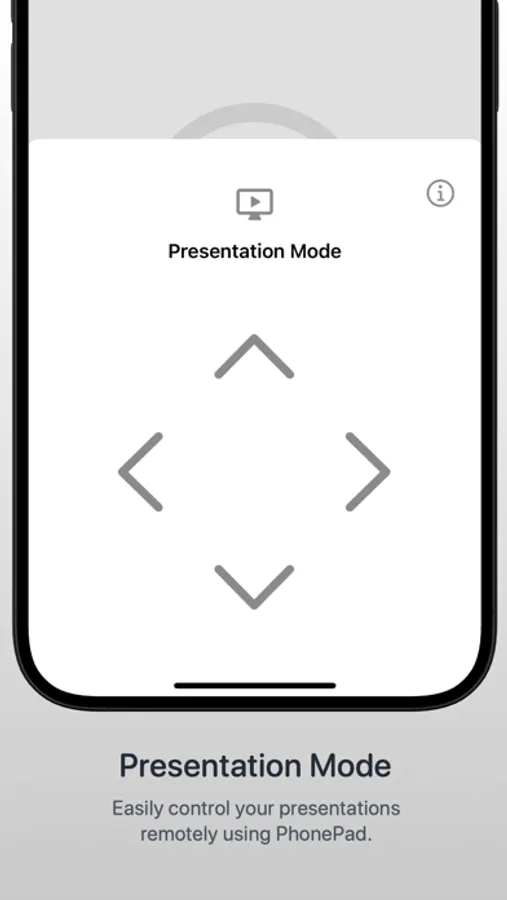
Really helpful during conference meetings