
In this scheduling app, you can organize pickleball games, connect with players, and manage sessions with calendar and messaging features. Includes real-time notifications, court maps, and multi-device support.
AppRecs review analysis
AppRecs rating 4.6. Trustworthiness 73 out of 100. Review manipulation risk 31 out of 100. Based on a review sample analyzed.
★★★★☆
4.6
AppRecs Rating
Ratings breakdown
5 star
84%
4 star
5%
3 star
1%
2 star
2%
1 star
7%
What to know
✓
Credible reviews
73% trustworthiness score from analyzed reviews
✓
High user satisfaction
84% of sampled ratings are 5 stars
⚠
Pricing complaints
Many low ratings mention paywalls or pricing
About PlayTime Scheduler
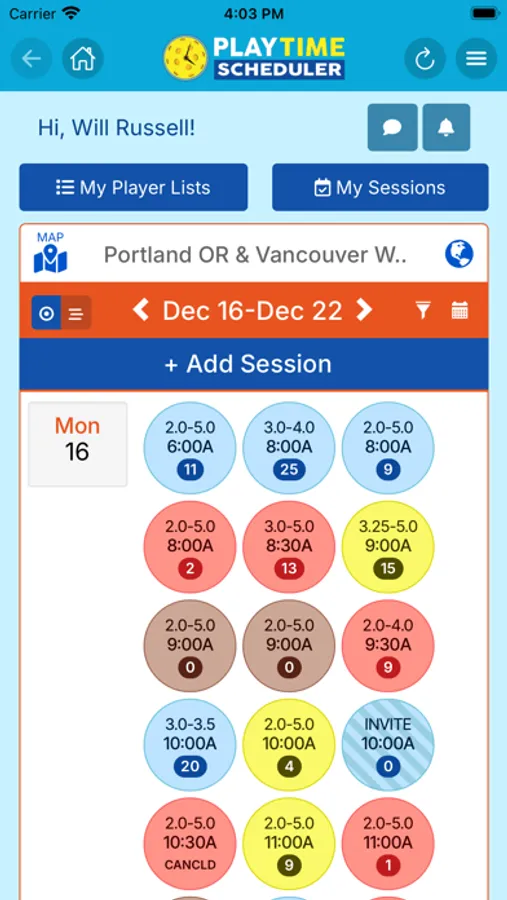
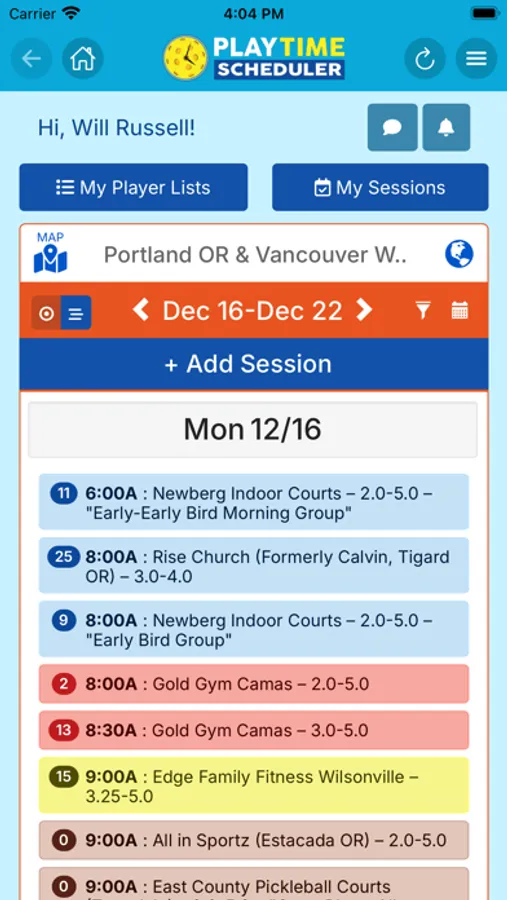
• Accurate Play Calendars: View real sessions posted by local players—no outdated or auto-generated listings.
• Easy Sign-Up: Join sessions that match your format and skill level with just one tap—no group codes required.
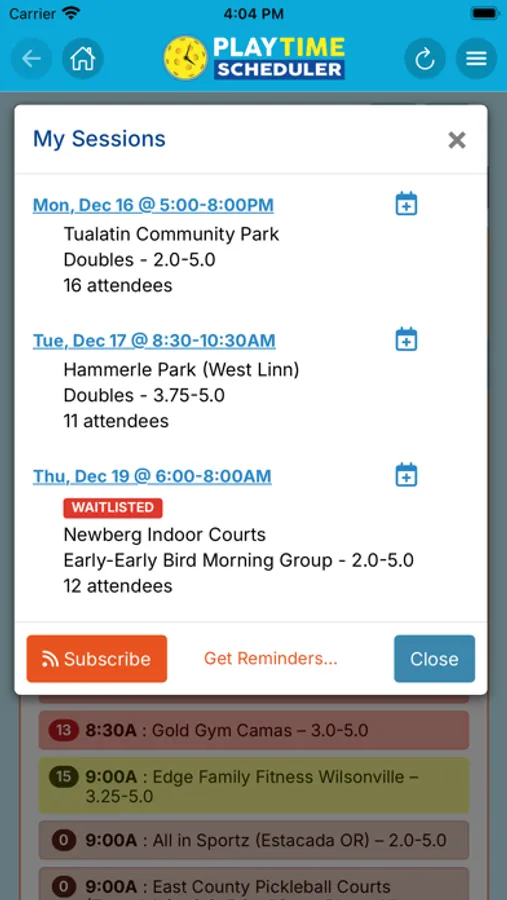
• Custom Notifications: Get instant alerts for new games, session changes, player messages, and more.
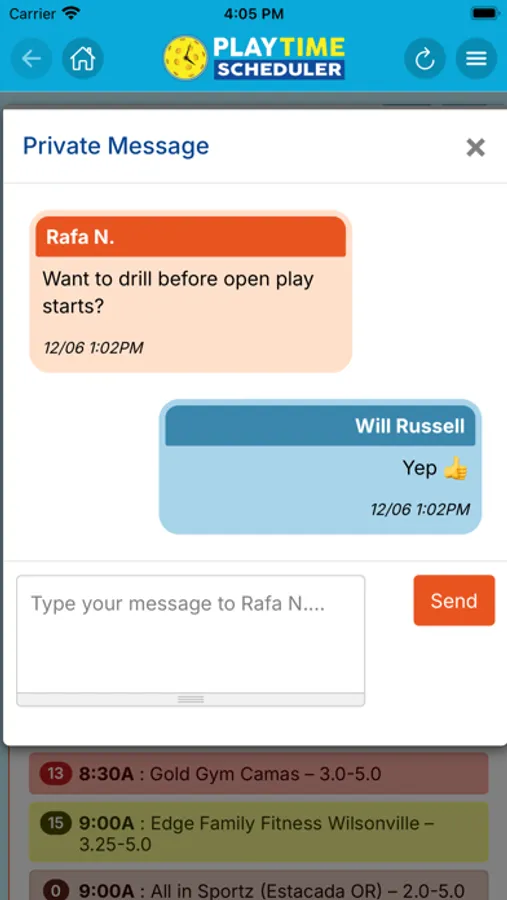
• Player Communication: Stay connected with regional alerts, session notes, private messages, and group chats.
• Court Maps & Directories: Discover new court locations, vetted and maintained by local admins.
• Cross-Device Compatibility: Seamlessly switch between your desktop, smartphone, and tablet.
Registration is fast, free, and easy. Log in to your home region and explore a weekly calendar with pickleball sessions posted by other local players. Sessions are labeled by time, location, skill level, gender, and format. If you would like to join one, just tap the "Add My Name" button. You can also add notes that other players can read and respond to, and exchange group or private messages.
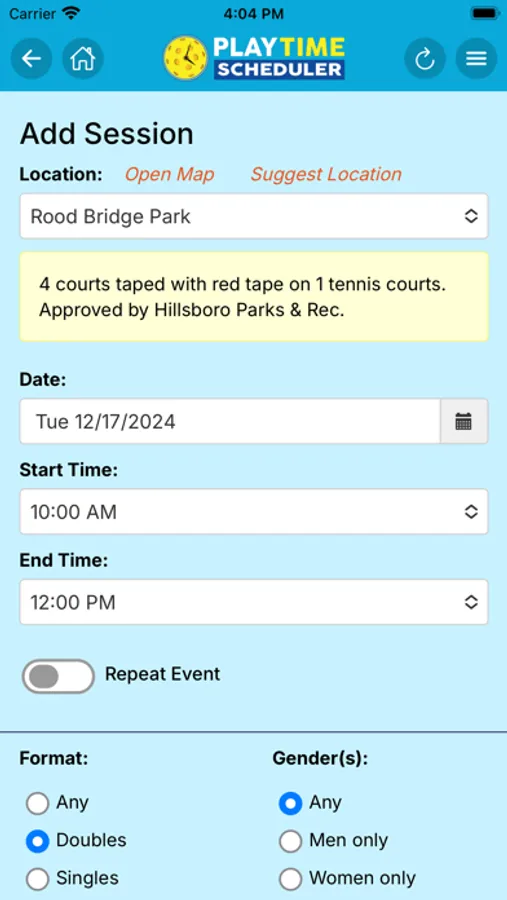
Can’t find a session that works for you? Post your own in just seconds and connect with players instantly! Just tap the "Add Session" button and fill in the form. Matching players in your region will be notified and have the opportunity to sign up. You'll get a notification when your session reaches the minimum number of players, so you know it's "game on!"
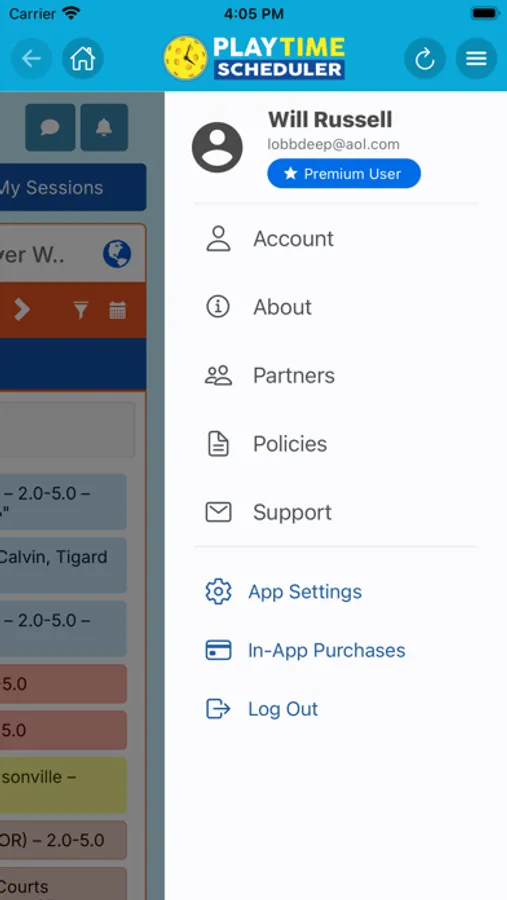
Choose from three levels of access: Free, Premium, and Power User. Premium unlocks a popup ad-free app experience and calendar customization features, while Power User adds a rich suite of advanced scheduling features.
This mobile app improves on the web experience with the following new features:
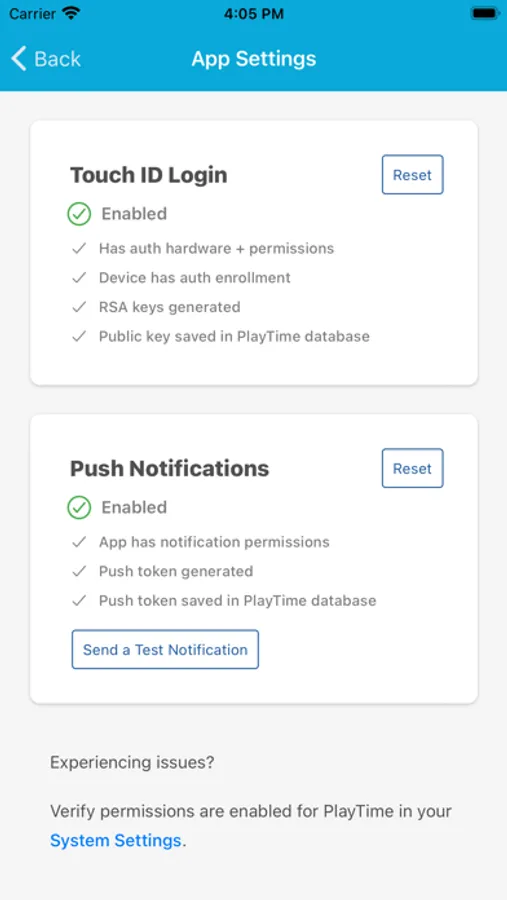
• Face ID/Touch ID login
• Instant push notifications
• Larger fonts and buttons for easier navigation
• Pop-up ad-free experience (Premium/Power Users only)
• Registration and play reminders (Power Users only)
PlayTime Scheduler - Where Pickleball Lives! Join the community today and take your pickleball experience to the next level!
Terms of use: https://www.apple.com/legal/internet-services/itunes/dev/stdeula
Privacy Policy: https://www.playtimescheduler.com/privacy.php
PlayTime Scheduler Screenshots
Tap to Rate:
Reviews for PlayTime Scheduler
kfiske
Paid twice doesn’t work
I have paid to upgrade twice and it still shows I have only the free version. I need a refund for one payment and in my account upgraded or I need both refunds. There’s no one to talk to and express these concerns. On top of that, the people using this app is very limited.
Nickfrikinname
Low value for money
I’m a premium user (highest tier). It still lacks even basic functionality. I pay for most of my apps, and most offer far more functionality for free than this app developer is getting away with at paid level. And this with all the sponsorships. As if that’s not bad enough, there is no way to do certain basic things. How to search based on location? It’s such a basic thing. Not to mention the whole app looks and feels so clunky. Like an app equivalent of a 90s geocities website.