AppRecs review analysis
AppRecs rating 4.7. Trustworthiness 71 out of 100. Review manipulation risk 25 out of 100. Based on a review sample analyzed.
★★★★☆
4.7
AppRecs Rating
Ratings breakdown
5 star
67%
4 star
33%
3 star
0%
2 star
0%
1 star
0%
What to know
✓
Low review manipulation risk
25% review manipulation risk
✓
Credible reviews
71% trustworthiness score from analyzed reviews
✓
High user satisfaction
67% of sampled ratings are 5 stars
About DPR Dream Light
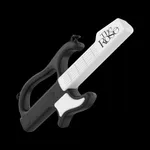
Light stick and smartphone Bluetooth connection
Turn on the light stick and press the button twice to enter Bluetooth mode.
If you turn on the Bluetooth function of your smartphone and put the light stick close to the screen of your smartphone,
The light stick is linked to the smartphone.
[App access rights guide]
Article 22-2 (1) of the Information and Communication Network Act (Regarding information stored in mobile communication terminal devices and installed functions)
Notify the reason and comply with the procedure for consent to access rights) to guide the access rights required when using the app as follows.
[Choice access rights]
- Storage space: used for performance information
- Location: Used for BLE connection
- BLE: Used to connect support tools
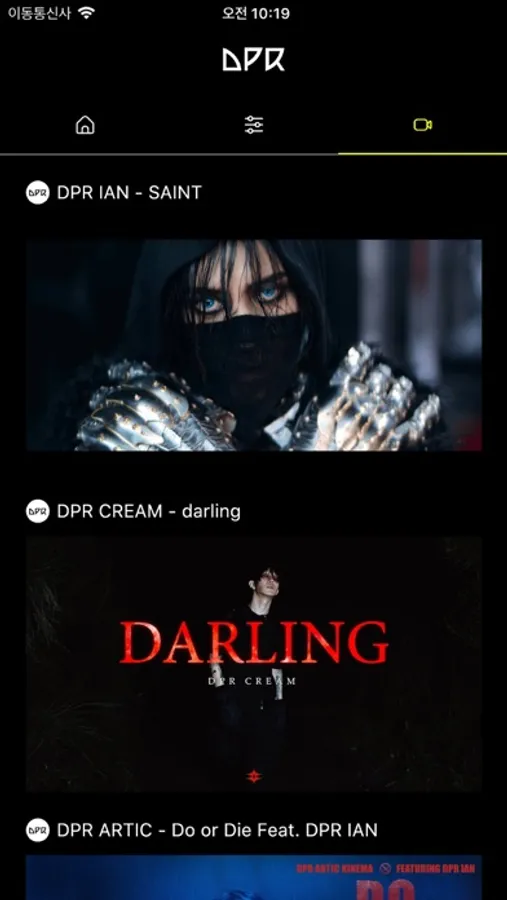
DPR Dream Light Screenshots


Tap to Rate:
Reviews for DPR Dream Light
HoneyAsh*
Light stick got stuck with the app
Hi! I was using the light stick with the app but suddenly it’s not working anymore, my light stick It got stuck with the lights out of nowhere and it's only red, I changed the batteries, and when I turned it on it just changes from red to white but it can't be turned off anymore and I can't connect it to the app because the option to connect it doesn't even give me on the light stick anymore, I don’t know what to do, please if someone from support can help me!
Parenthetical Guy
Loving the DPR lightstick
So excited to receive my new light-stick. It is so pretty and looks awesome on my nightstand. The app is easy to set up and use. Can’t wait to try the concert mode in Chicago!!! To all at DPR - thank you for making dreams come true 💜