In this radar detection app, you can connect your Valentine One detector to your iOS device to view threat images and analyze radar signals. Includes features like firmware upgrades, threat mapping, and customizable alerts.
AppRecs review analysis
AppRecs rating 3.5. Trustworthiness 79 out of 100. Review manipulation risk 20 out of 100. Based on a review sample analyzed.
★★★☆☆
3.5
AppRecs Rating
Ratings breakdown
5 star
31%
4 star
26%
3 star
15%
2 star
9%
1 star
19%
What to know
✓
Low review manipulation risk
20% review manipulation risk
✓
Credible reviews
79% trustworthiness score from analyzed reviews
✓
Detailed user feedback
46% of sampled reviews provide substantial detail
About V1connection, the app
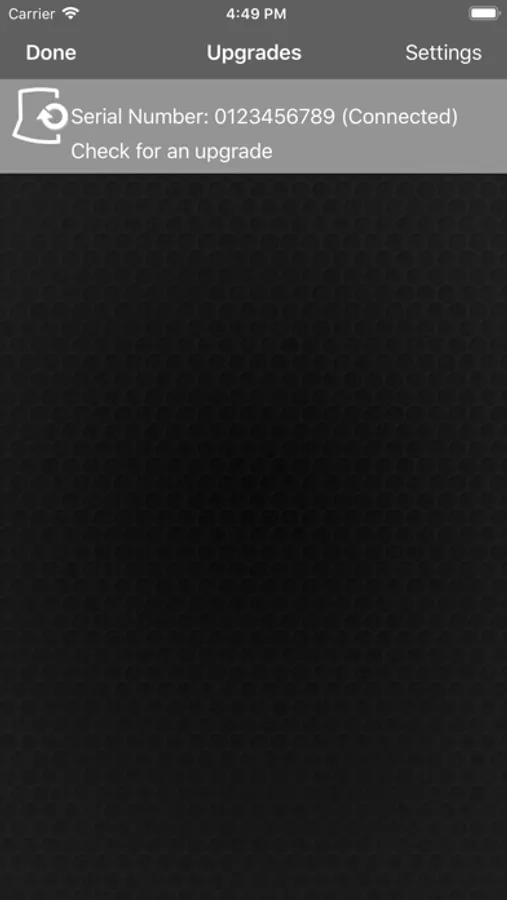
NEW FEATURE—DOWNLOADABLE PERFORMANCE UPGRADES FOR V1 GEN2
V1 Gen2 firmware upgrades are downloadable only through this app; downloadable upgrades are incompatible with V1 Gen1 models.
YOU’LL SEE THE THREAT PICTURE
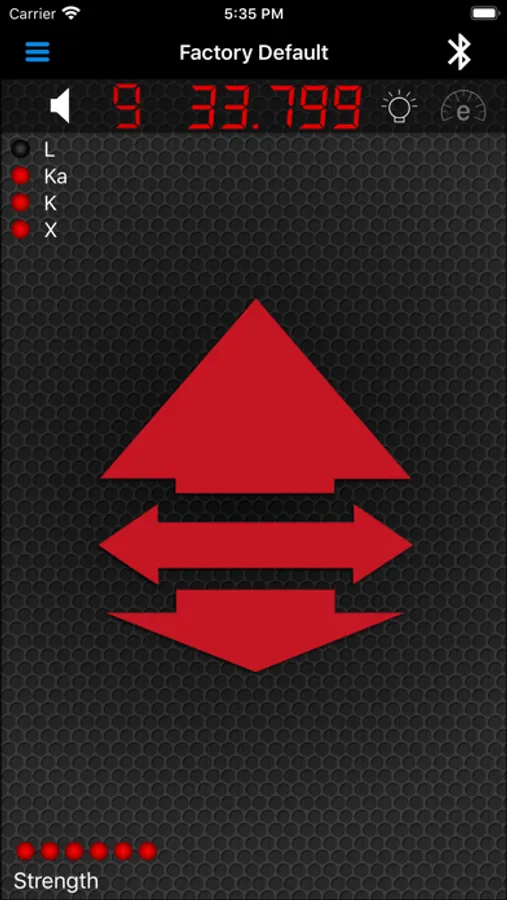
See our exclusive Radar Locator with its illuminated arrows pointing toward each threat as the Bogey Counter tracks multiple threats. Also shows you a revolutionary new way of analyzing radar threats.
ARROW IN THE BOX
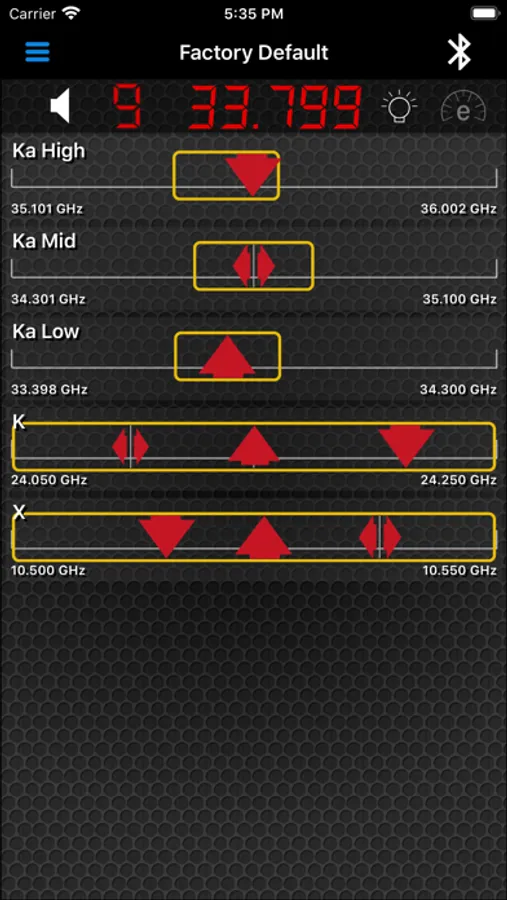
Radar makers, under penalty of law, must certify to the FCC the frequencies used by the equipment they sell. We constantly monitor those certifications so we know exactly where real radar operates on each band. V1 scans the entire width of all radar bands but to draw your attention to the Active Radar Zones, we outline them with a yellow Box. To be in compliance with federal regulations, all radars (except photo) must operate “in the Box.” When you see an arrow outside the Box, that’s probably a false alarm; when it’s in the Box, take it seriously.
ADVANCED SITUATION AWARENESS
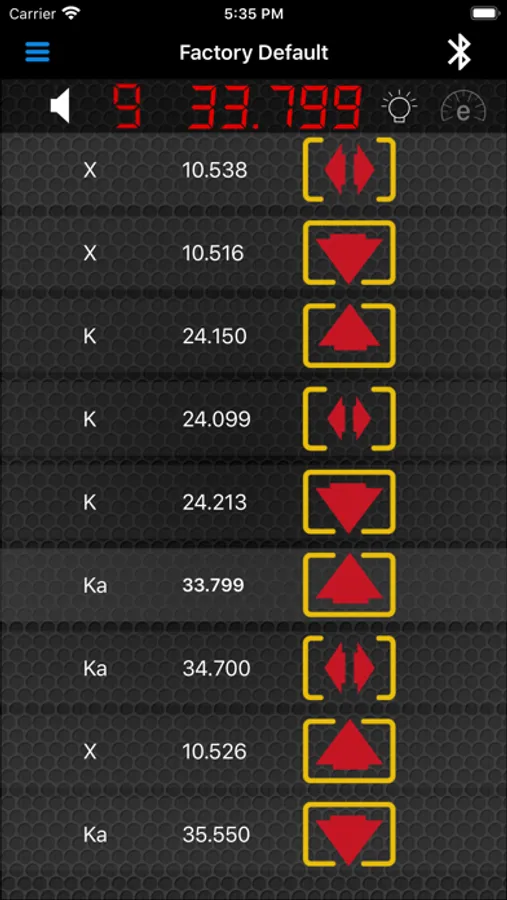
The Threat Picture (aka Picture Screen) displays a separate arrow for every threat within range, pointing ahead, beside or behind, according to its direction from your car. The arrows grow larger as the signal strength increases. Your visual scan of the Threat Picture lets you see which arrows are in the Box, and spot critical trends—which alerts are maturing into threats and which are fading in concern.
SITUATION AWARENESS FOUR WAYS
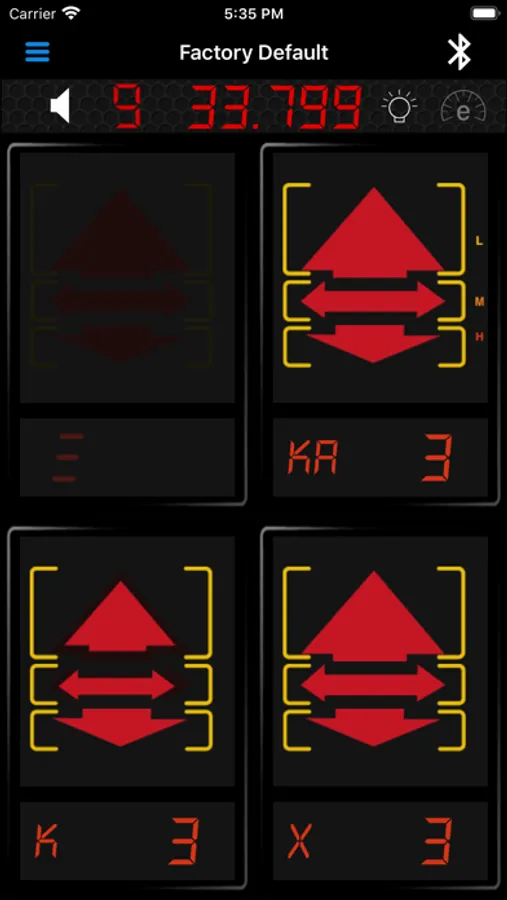
Choose among four information screens at any time. The Quad Screen emphasizes location with up to four separate arrow sets, one for each enabled radar band, or for laser if fewer bands are active. The V1 Screen reproduces V1’s front-panel warnings including signal strength, Bogey Counter and Radar Locator plus frequency of the Priority Alert. Or you can choose the (Threat) Picture Screen or the Threat List, which shows a list of all signals within range, each with an accompanying arrow to show direction.
BEYOND SITUATION AWARENESS
Think of the app as the Master Controller for your V1 system. You can revise programming, adjust SAVVY settings, change muting, activate dark mode, save custom programming profiles for different trips, and more, all from your handheld. DEMO MODE IS AUTOMATIC.
The audible warnings of your V1 Gen2 and V1 can now be transmitted through your phone to your car's sound system, or to speakers in your helmet if you are a motorcyclist. Any other hook-up that allows you to hear your phone can also bring V1's warnings directly to your ear.
NEW PROGRAMMING OPTIONS
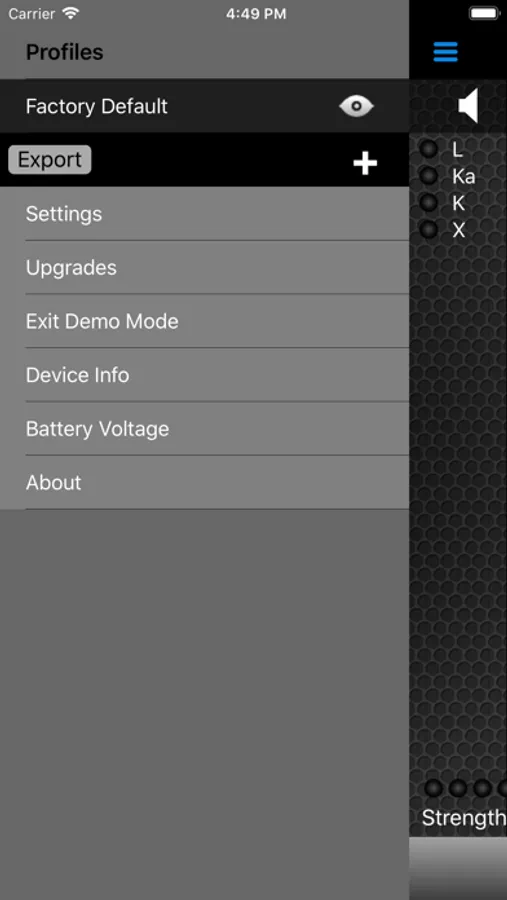
Radar coverage can now be specially tailored to the unique radar bands used outside the U.S. Advanced users may want to modify the sweeps covering frequencies used here in the U.S. according to unique local conditions. The Profiles screen shows a menu of the variables you can modify. For example, you can select "Background Notifications" so that you can run other apps but receive instant notification from V1 whenever a new threat appears.
THE APP IS FREE
Just download this free app. The Demo Mode plays automatically, giving you a look at all four warning screens playing through preloaded on-road scenarios. For further functions with V1 Gen1 w/ESP you’ll need to purchase V1connection LE.
V1connection, the app Screenshots
Tap to Rate:
Reviews for V1connection, the app
Tide110
The Potential
It’s not a bad app if you take the time to get to learn it and also have a really good mount for your phone.
SwankPeRFection
Bad Design
Tech Display should have been a Bluetooth connectivity based device with USBC power. Nobody wants cables running around everywhere and certainly NOT to a cigarette adapter to get the ACC power and communication necessary for this to work! The two other community developed remote displays for the G2 are Bluetooth connectivity driven. This is useless in my opinion for users who want a cleaner connectivity option. It’s 2025, NOT 1994!!!!!!!!!!!