With this photo layer editor, you can create and modify images using features like layers, selections, masks, filters, and effects. Includes support for PSD exports, real-time adjustments, and editing of metadata such as IPTC and geotags.
AppRecs review analysis
AppRecs rating 3.8. Trustworthiness 78 out of 100. Review manipulation risk 24 out of 100. Based on a review sample analyzed.
★★★☆☆
3.8
AppRecs Rating
Ratings breakdown
5 star
57%
4 star
13%
3 star
9%
2 star
10%
1 star
11%
What to know
✓
Low review manipulation risk
24% review manipulation risk
✓
Credible reviews
78% trustworthiness score from analyzed reviews
✓
Good user ratings
69% positive sampled reviews
About Leonardo - Photo Layer Editor
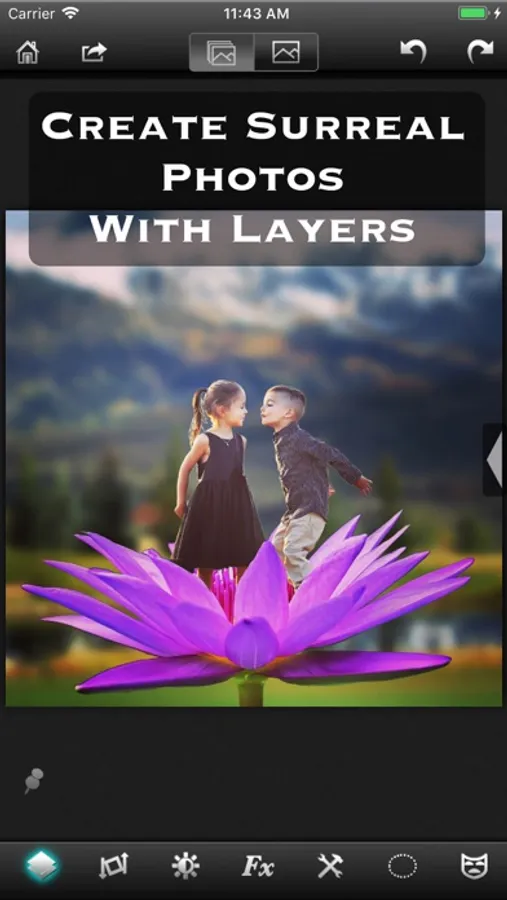
Universal Photo Editor with support for Layers, Selection, Masks and of course filters, effects and other tools.
An editor so powerful that you could do almost anything that you thought was possible only on a desktop.
√ True layer support, just like photo editing on desktop.
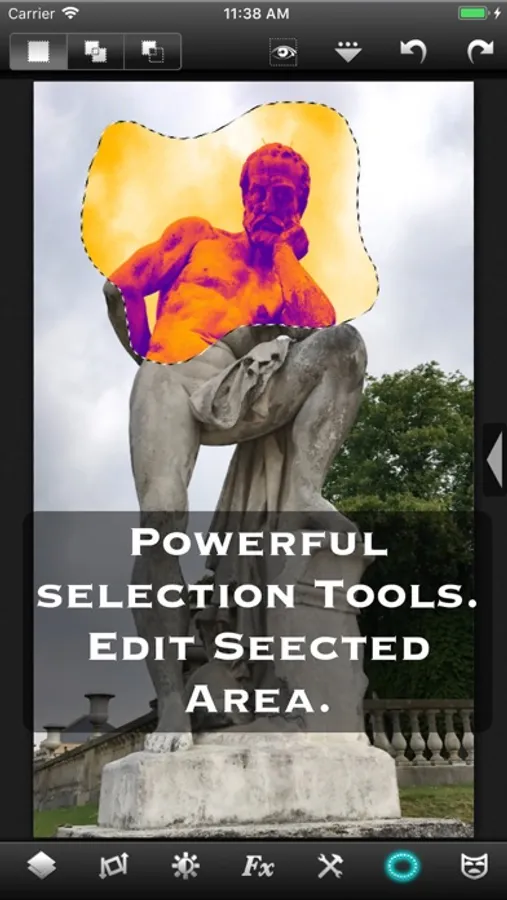
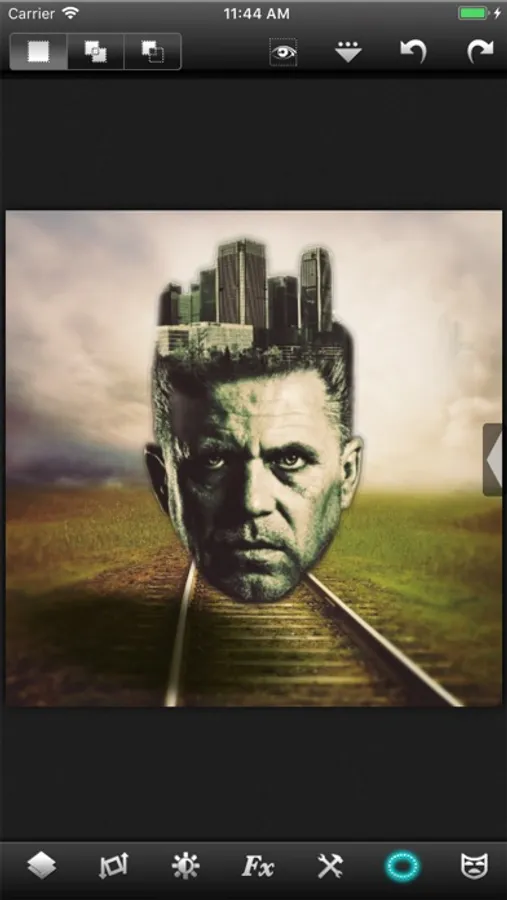
√ Selection. You can select an area and work with filters and effects only on that area.
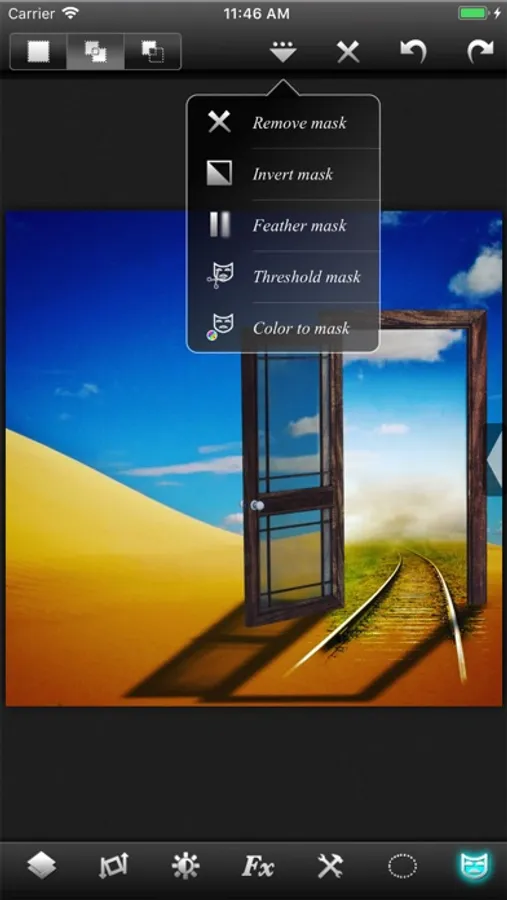
√ Layers can be masked. And not just with brush, you get a whole set of mask editing tool.
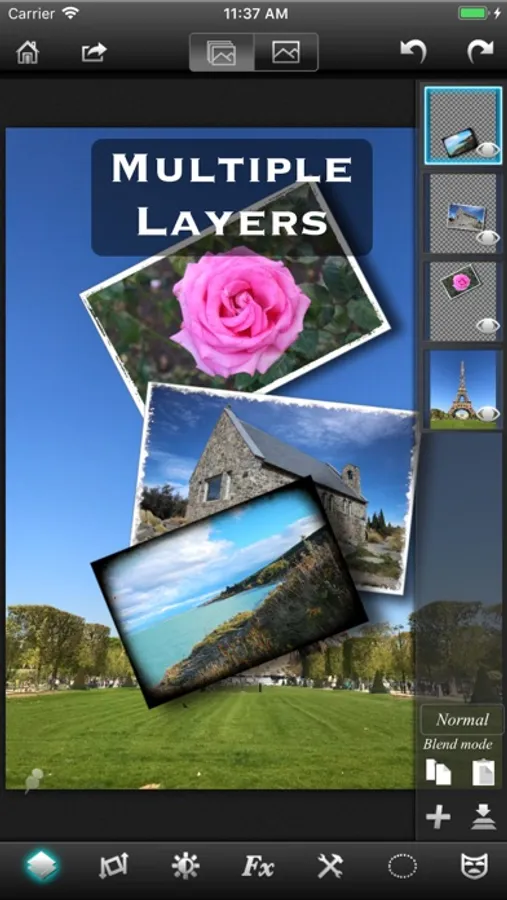
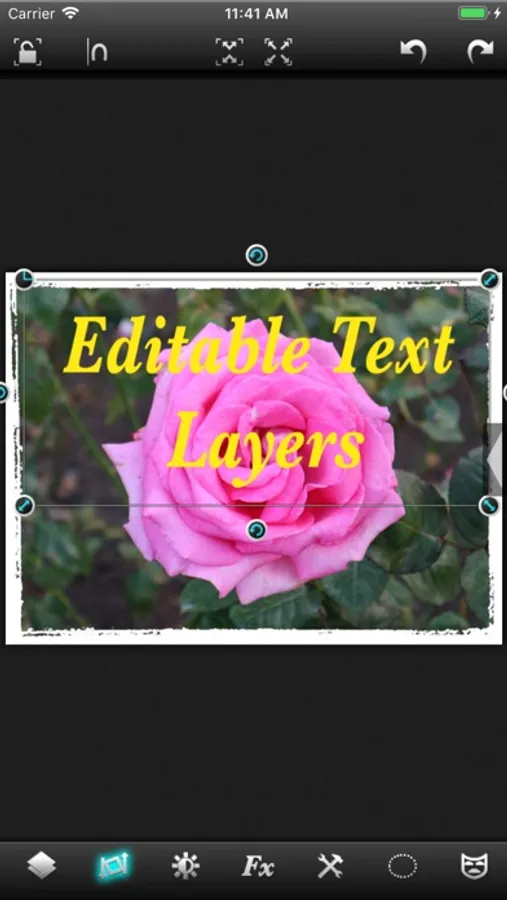
√ Layers support all that a true layer app should. Blending, Opacity, Transform, Duplicate, Merge and flatten.
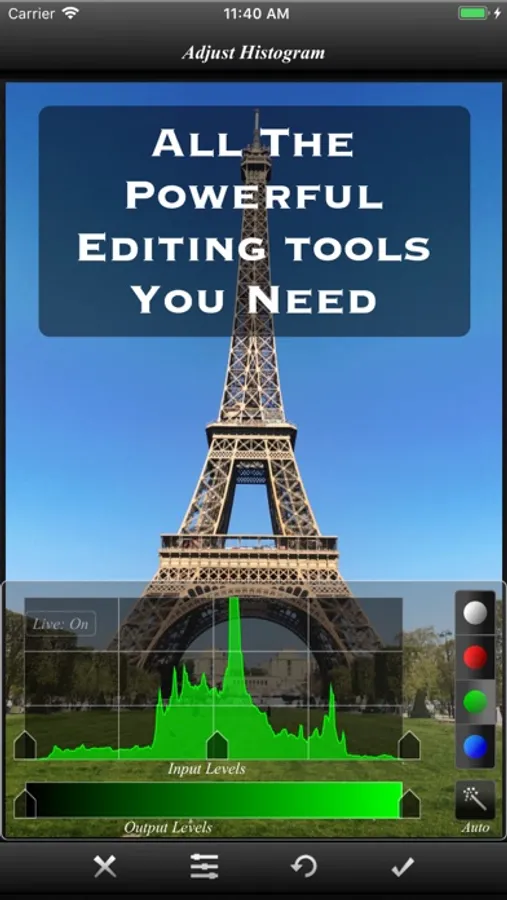
√ The app is so fast that most of the operations are real time. You don't have to wait while adjusting the sliders.
√ Handles Exif, IPTC, Geotag etc. You can even edit Geotag and IPTC.
√ Exports PSD with layers. And of course exports JPEG and PNG too.
√ Copy/Paste with selections and masks.
√ Undo/Redo.
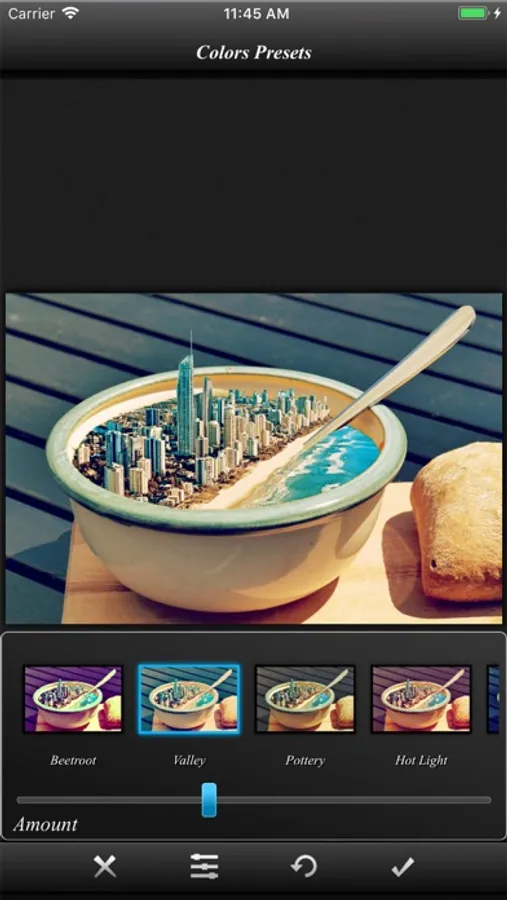
√ Powerful filters you will hardly find on many other apps.
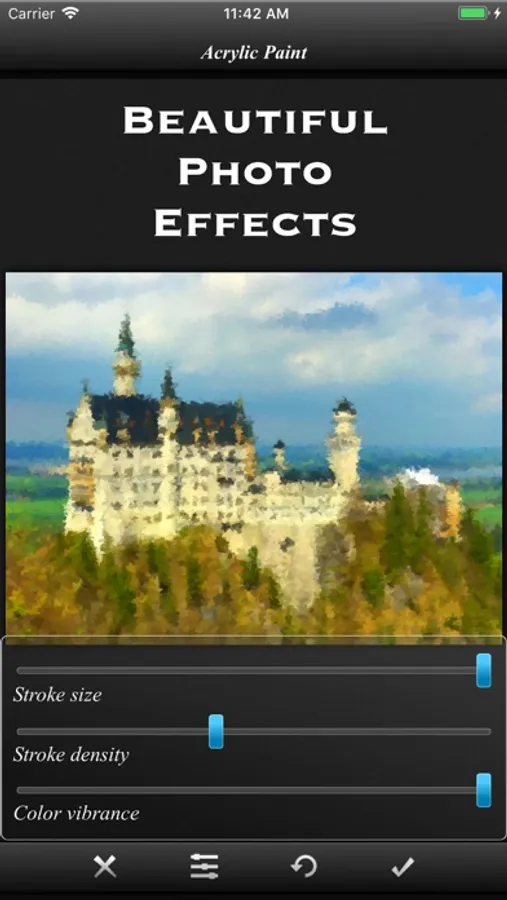
√ 25 preset photo effects.
√ Tools like Crop, Straighten, Clone stamp, color gradient, paint brush, red eye brush and add text etc.
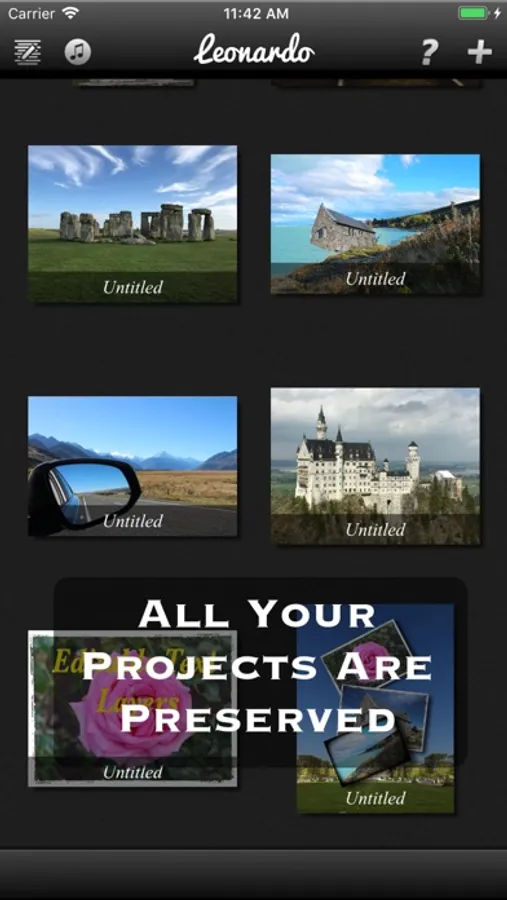
√ You can save your projects with all layers and selections preserved and work on them back and forth.
√ 18 video tutorials.
√ Resolution up to 4096x4096 on iPad3 and above and on iPhone max resolution is equal to the resolution of the built-in camera.
And yes, it runs on both iPhone and iPad.
Note that reduce noise filter is available only on iPhone 5 and iPad3 and above.
To get maximum resolution you will need to...
1. Go to home screen.
2. Press on the "?" button.
3. Under resolution, select the max.
An editor so powerful that you could do almost anything that you thought was possible only on a desktop.
√ True layer support, just like photo editing on desktop.
√ Selection. You can select an area and work with filters and effects only on that area.
√ Layers can be masked. And not just with brush, you get a whole set of mask editing tool.
√ Layers support all that a true layer app should. Blending, Opacity, Transform, Duplicate, Merge and flatten.
√ The app is so fast that most of the operations are real time. You don't have to wait while adjusting the sliders.
√ Handles Exif, IPTC, Geotag etc. You can even edit Geotag and IPTC.
√ Exports PSD with layers. And of course exports JPEG and PNG too.
√ Copy/Paste with selections and masks.
√ Undo/Redo.
√ Powerful filters you will hardly find on many other apps.
√ 25 preset photo effects.
√ Tools like Crop, Straighten, Clone stamp, color gradient, paint brush, red eye brush and add text etc.
√ You can save your projects with all layers and selections preserved and work on them back and forth.
√ 18 video tutorials.
√ Resolution up to 4096x4096 on iPad3 and above and on iPhone max resolution is equal to the resolution of the built-in camera.
And yes, it runs on both iPhone and iPad.
Note that reduce noise filter is available only on iPhone 5 and iPad3 and above.
To get maximum resolution you will need to...
1. Go to home screen.
2. Press on the "?" button.
3. Under resolution, select the max.
Leonardo - Photo Layer Editor Screenshots
Tap to Rate:
Reviews for Leonardo - Photo Layer Editor
Billy2728
Go to app for editing
This app is absolutely legendary, and I use it for all of my photo editing. I create video thumbnails and all of my graphics using this, and I can avoid more expensive and complex editing softwares because this app has everything that I need
junnny
best editor
Does everything you want and need. User interface is straightforward and smart.