
AppRecs review analysis
AppRecs rating 3.8. Trustworthiness 0 out of 100. Review manipulation risk 0 out of 100. Based on a review sample analyzed.
★★★☆☆
3.8
AppRecs Rating
Ratings breakdown
5 star
0%
4 star
0%
3 star
0%
2 star
0%
1 star
100%
About Countdown & Call Reminder
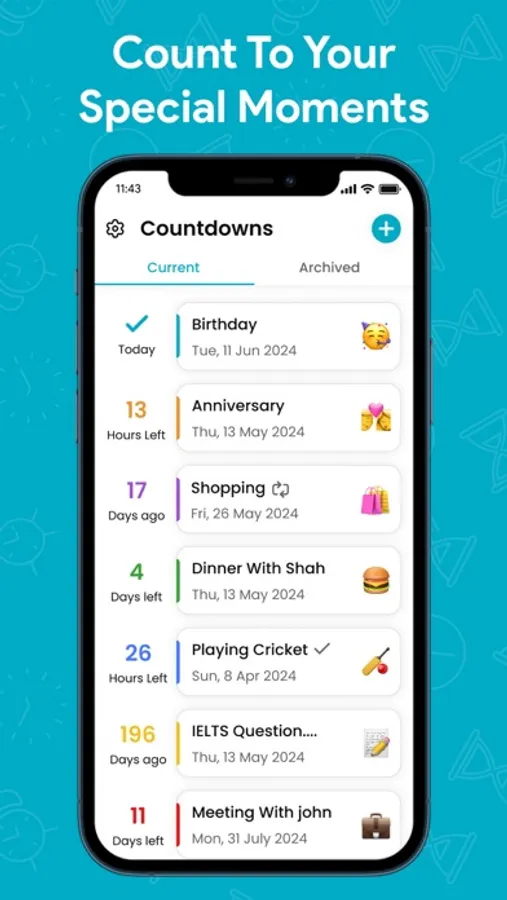
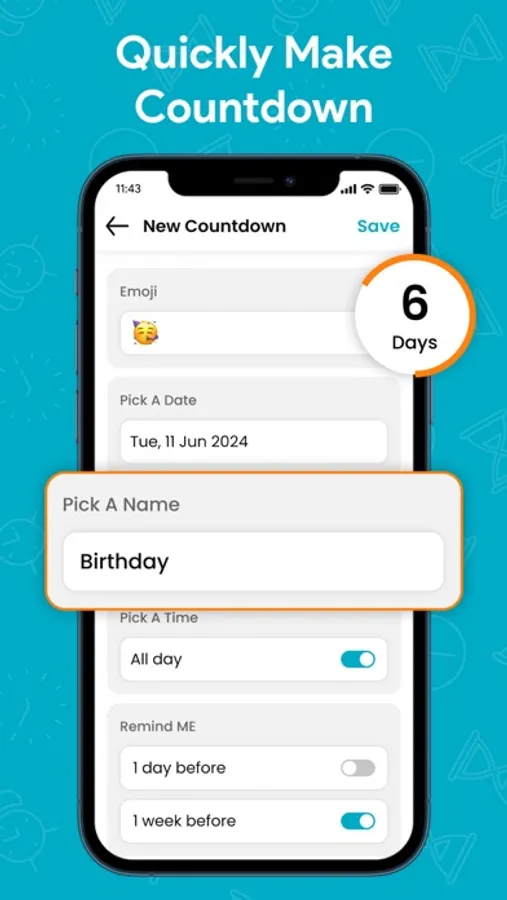
• Time reminder:
Tap one of the default times, or tap Pick a date & time. You can also set the reminder to repeat.
• Call reminder:
Tap call reminder. Then choose the contact number and tap Save. You'll need to keep access to your contacts.
Privacy Policy:
https://countcall.netlify.app/
Terms & Conditions:
https://countcall.netlify.app/terms
EULA:
https://countcall.netlify.app/EULA
Tap one of the default times, or tap Pick a date & time. You can also set the reminder to repeat.
• Call reminder:
Tap call reminder. Then choose the contact number and tap Save. You'll need to keep access to your contacts.
Privacy Policy:
https://countcall.netlify.app/
Terms & Conditions:
https://countcall.netlify.app/terms
EULA:
https://countcall.netlify.app/EULA
Countdown & Call Reminder Screenshots

Tap to Rate:
Reviews for Countdown & Call Reminder
vim vitale
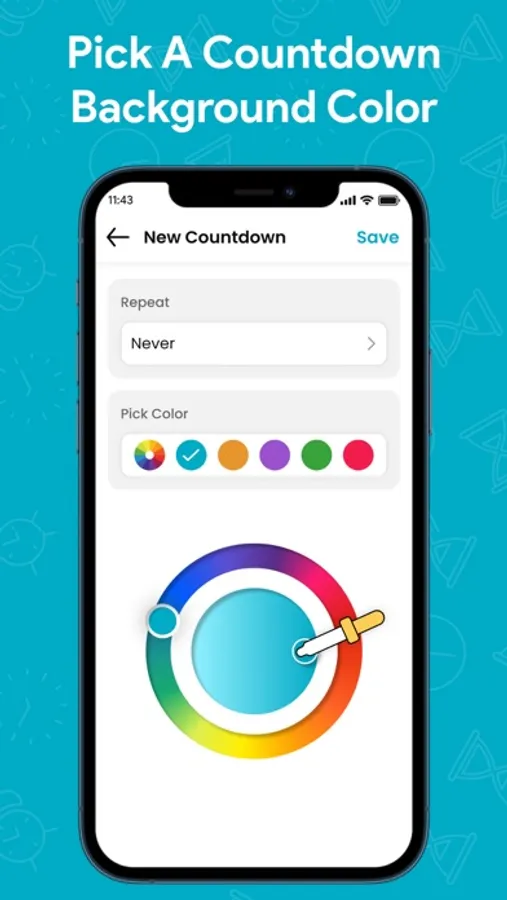
Can’t see font
So I use the dark theme on my iPhone in the main interface when you go to add a countdown, you can’t see the font because it’s white in the background is white. I couldn’t find anywhere where you could change that, unless you subscribed to some dollar amount that I couldn’t see either.