
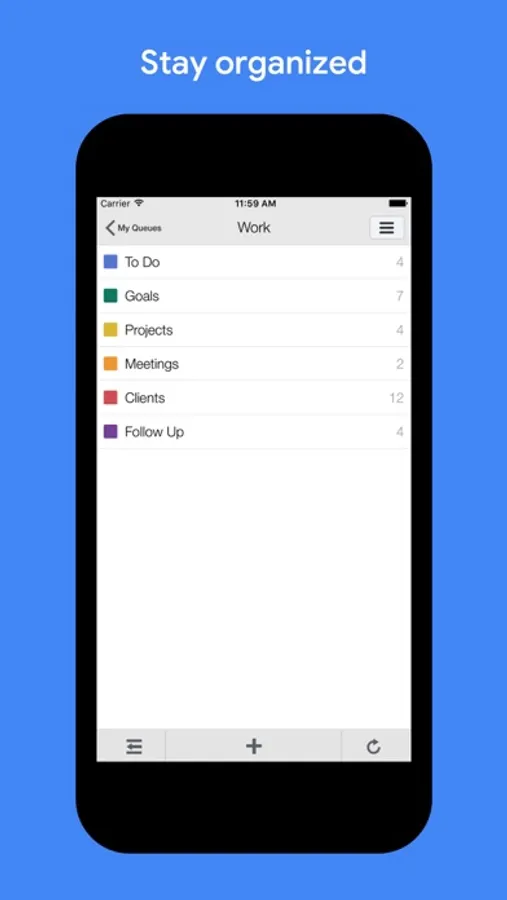
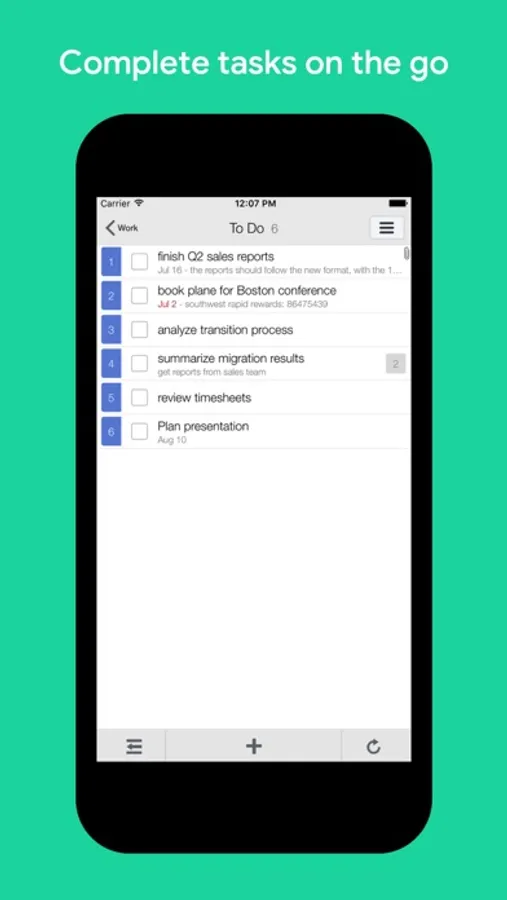
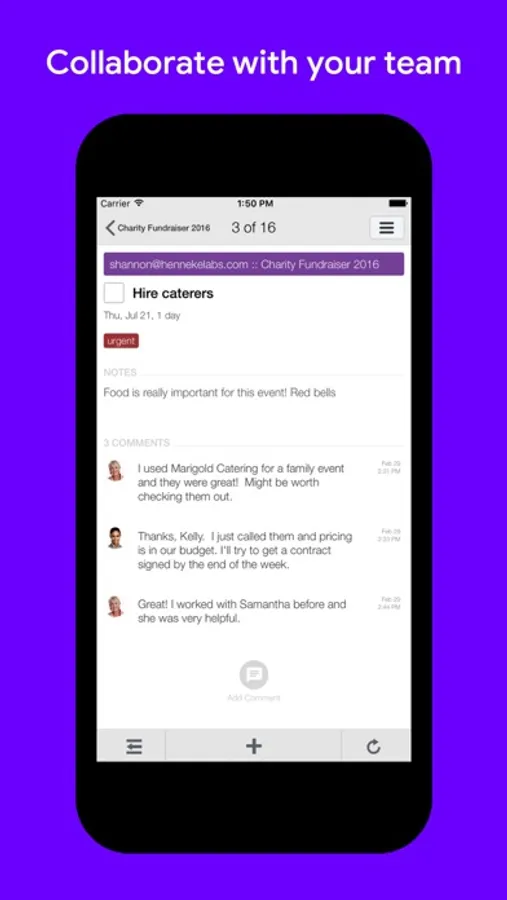
With this task manager, you can create, organize, and track tasks using subtasks, tags, and reminders. Includes Google Calendar integration, team collaboration, and data syncing.
AppRecs review analysis
AppRecs rating 4.8. Trustworthiness 78 out of 100. Review manipulation risk 26 out of 100. Based on a review sample analyzed.
★★★★☆
4.8
AppRecs Rating
Ratings breakdown
5 star
84%
4 star
11%
3 star
2%
2 star
1%
1 star
2%
What to know
✓
Low review manipulation risk
26% review manipulation risk
✓
Credible reviews
78% trustworthiness score from analyzed reviews
✓
High user satisfaction
84% of sampled ratings are 5 stars
About GQueues
BENEFITS:
◆ Intuitive - lets you save the hard thinking for your real work
◆ Powerful - makes staying organized easy with GQueues doing all the work
◆ Reliable - works offline, syncs to the web, so your data is always available
KEY FEATURES:
• Google Calendar integration
• Team collaboration
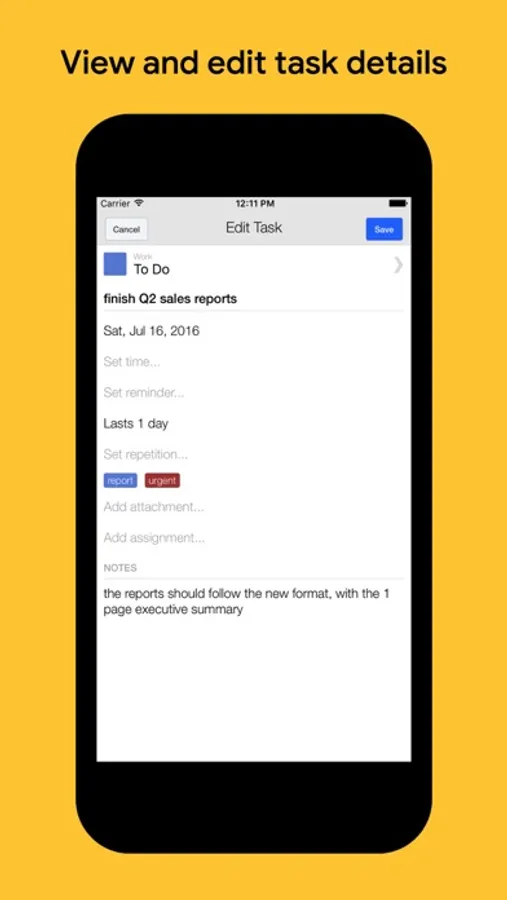
• Reminders for tasks with due dates
• Assignments
• Comments
• Attachments
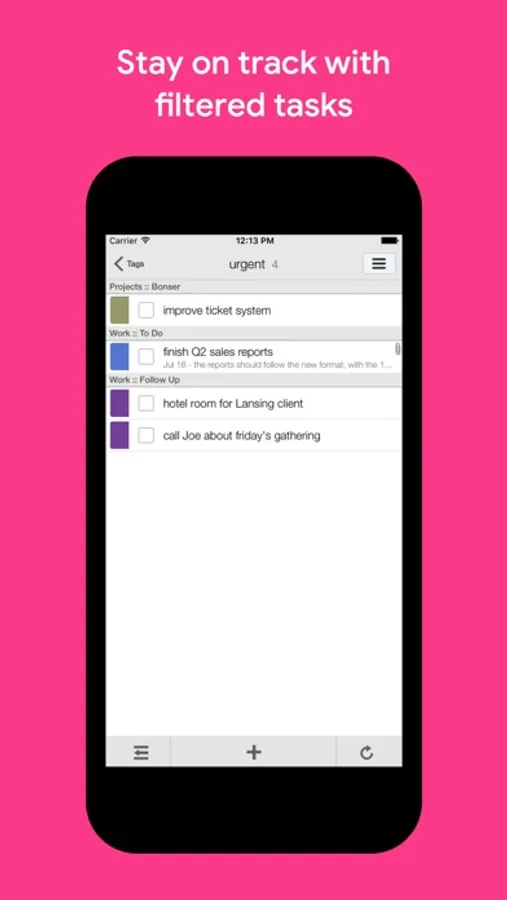
• Tagging
• Subtasks
• Repeating tasks
• Search
• SSL encrypted syncing of all data to your GQueues account in the cloud
GQueues Screenshots
Tap to Rate:
Reviews for GQueues
YesThatAllen
No push notifications
GQueues makes it hard to know what's going on unless you want a ton of emails. The emails themselves are weirdly laid out. The app should allow for push notifications
Regular User Person
Lacks flexibility
Not intuitive. Not obvious how to customize, e.g. removing queues I don’t use to reduce clutter. Can’t consolidate my personal to do list (queue) and those joint queues shared with me (from my partner for a family list) on one page. Opening up to tasks in one queue is good as a simple to do list. But otherwise not that helpful. I wouldn’t pay money for this. For a simple to do list just use the free version or use Apple Reminders. There must be better apps out there to share task lists.