Caldwell Precision Chronograph
Battenfeld Technologies Inc
2.3 ★
194 ratings
Free
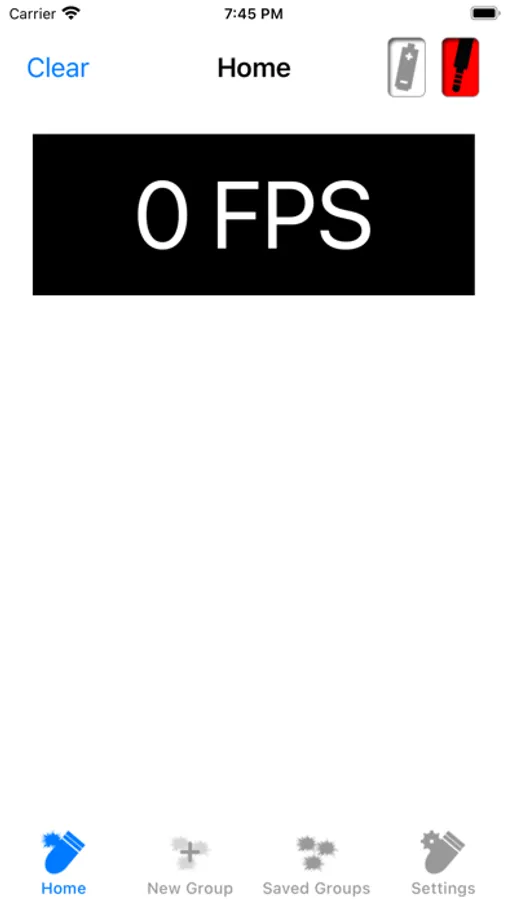
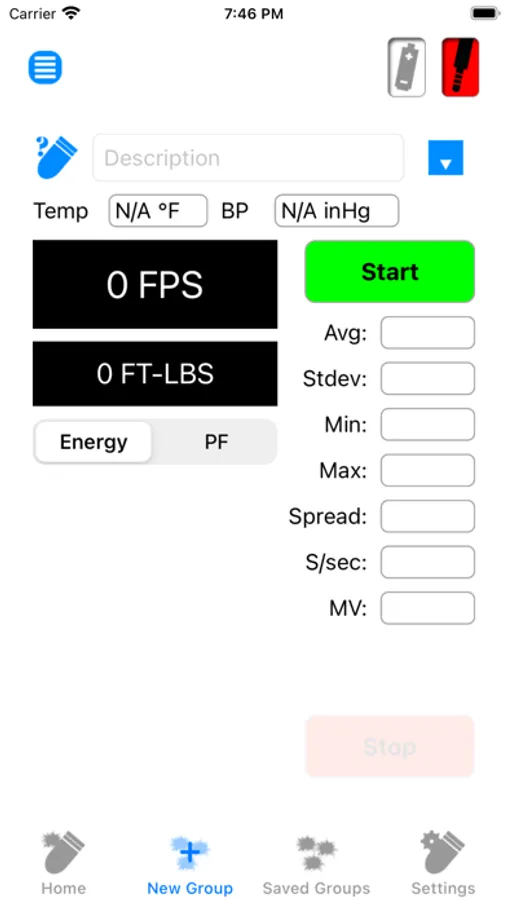
With this ballistic chronograph app, you can pair with Caldwell chronograph devices and record shot data using microphone, camera, or Bluetooth connections. Includes device management, connection setup, and data tracking features.
AppRecs review analysis
AppRecs rating 2.2. Trustworthiness 70 out of 100. Review manipulation risk 27 out of 100. Based on a review sample analyzed.
★★☆☆☆
2.2
AppRecs Rating
Ratings breakdown
5 star
14%
4 star
13%
3 star
8%
2 star
12%
1 star
53%
What to know
✓
Low review manipulation risk
27% review manipulation risk
⚠
Mixed user feedback
Average 2.3★ rating suggests room for improvement
⚠
High negative review ratio
64% of sampled ratings are 1–2 stars
About Caldwell Precision Chronograph
Users running iOS 7 or greater
• When prompted “Caldwell Ballistic Precision Chronograph” Would Like to Access the Microphone - select OK.
• Please ensure that Settings → Privacy → Microphone → Caldwell Ballistic Precision Chronometer is enabled (Access Granted).
Running the app with the setting disabled will result in no shots being seen even though the app is showing it as connected.
Users running version 1.14 or greater
• When prompted “Caldwell Ballistic Precision Chronograph” Would Like to Access the Camera - select OK.
• When prompted “Caldwell Ballistic Precision Chronograph” Would Like to Access Photos - select OK.
• Please ensure that Settings → Caldwell Ballistic Precision Chronometer → Camera is enabled (Access Granted).
Chrono G2 users running 1.17 or greater
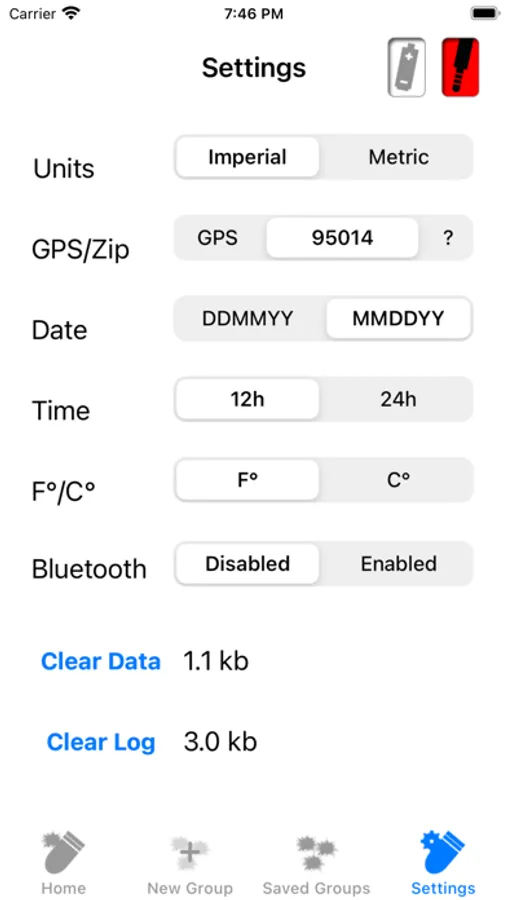
To enable Bluetooth in the app. In the Chrono Settings - set Bluetooth enabled. If prompted - Turn on Bluetooth to Allow "Caldwell Ballistic Precision Chronograph" to Connect to Accessories. Select Settings. Turn on Bluetooth.
If prompted - Bluetooth is not enabled. Enable Bluetooth to continue. In Settings - Turn on Bluetooth.
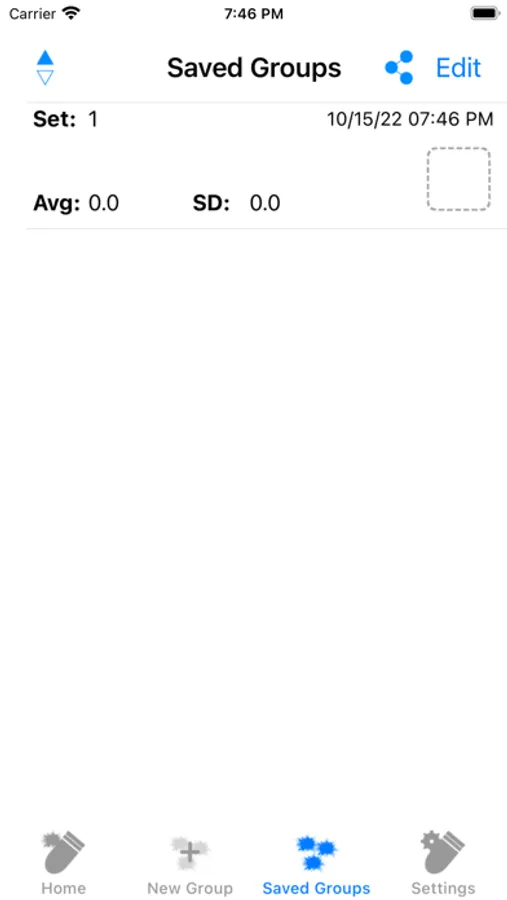
Caldwell Precision Chronograph Screenshots
Tap to Rate:
Reviews for Caldwell Precision Chronograph
Just somthing, anything
Doesn’t work on iPad
App works okay on my iPhone. A little clunky but works well enough. Installed on my iPad and it does not connect to Bluetooth. App settings does not show Bluetooth permissions, only microphone. Needs update for it to work properly with iPads.
RRBabs
Could’ve been great
No way to stop and then restart a string. You have to waste time waiting for your firearm to cool off before you can continue. As opposed to being able to shoot strings from several firearms during a session. No way to load your firearm/string information before hand.