AppRecs review analysis
AppRecs rating 4.6. Trustworthiness 71 out of 100. Review manipulation risk 26 out of 100. Based on a review sample analyzed.
★★★★☆
4.6
AppRecs Rating
Ratings breakdown
5 star
67%
4 star
11%
3 star
11%
2 star
0%
1 star
11%
What to know
✓
Low review manipulation risk
26% review manipulation risk
✓
Credible reviews
71% trustworthiness score from analyzed reviews
✓
High user satisfaction
78% of sampled ratings are 4+ stars (4.2★ average)
About Recap AI
Using the power of Gemini 2.5, Recap allows users to generate quizzes on ANYTHING, and this is available completely free of charge!
All you need is an API key provided by Google, and you're set to use our app. Recap includes only essential AI features, and this allows you to keep as much data stored locally as possible, stay under rate limits, and have a very fast and productive experience. Here are the features Recap offers:
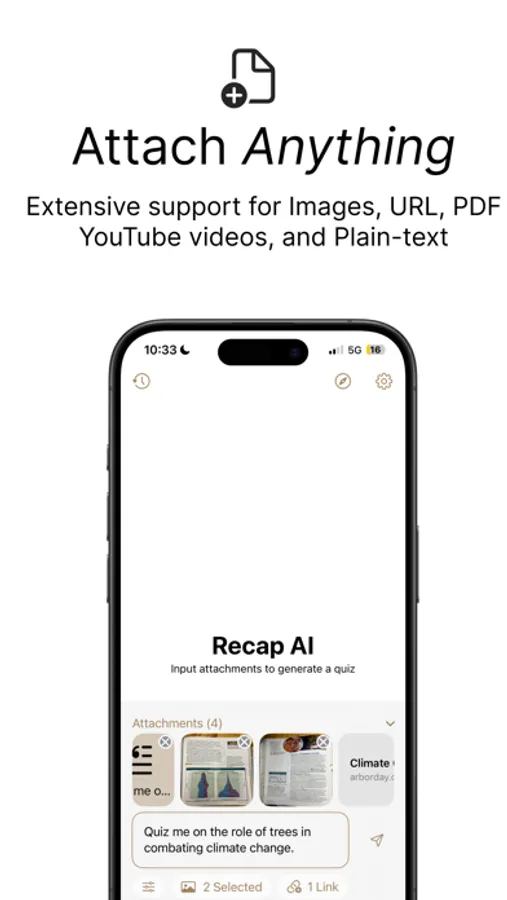
- Quiz generation: Add all your attachments (Images, URL, PDFs, YouTube) and Recap will make you a quiz
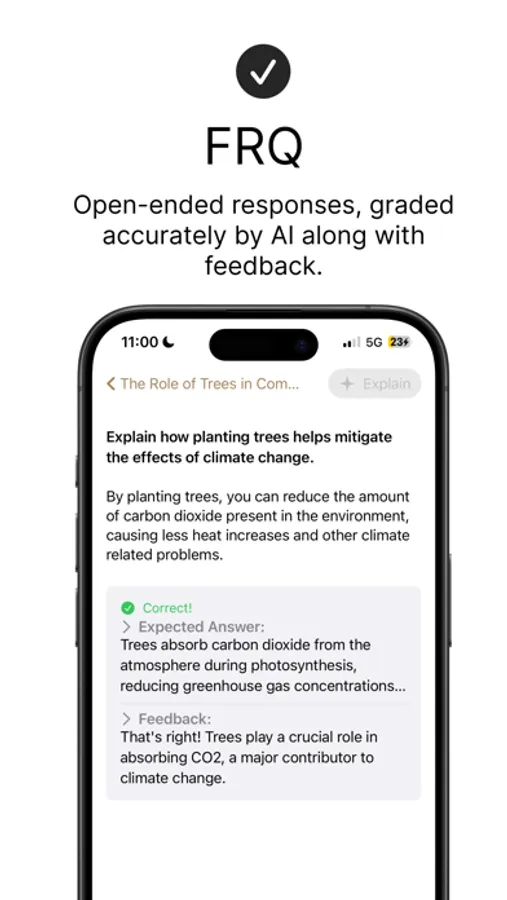
- Free Response Question Grading: When you are asked a free response question, Recap has Gemini grade your answers AND provide you with feedback on how you can improve your answer.
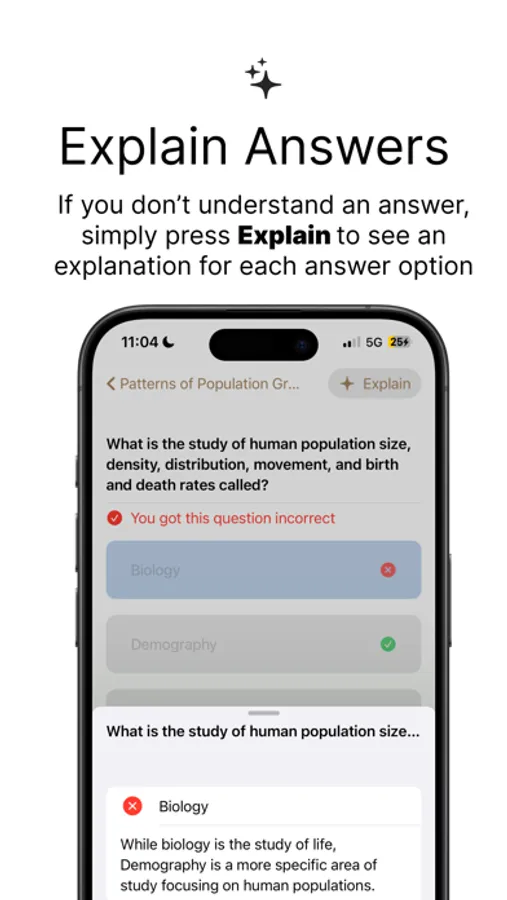
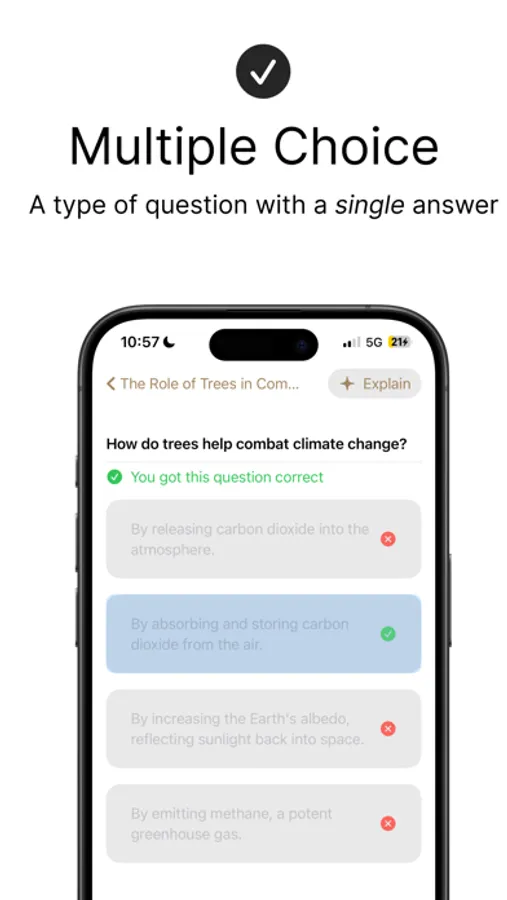
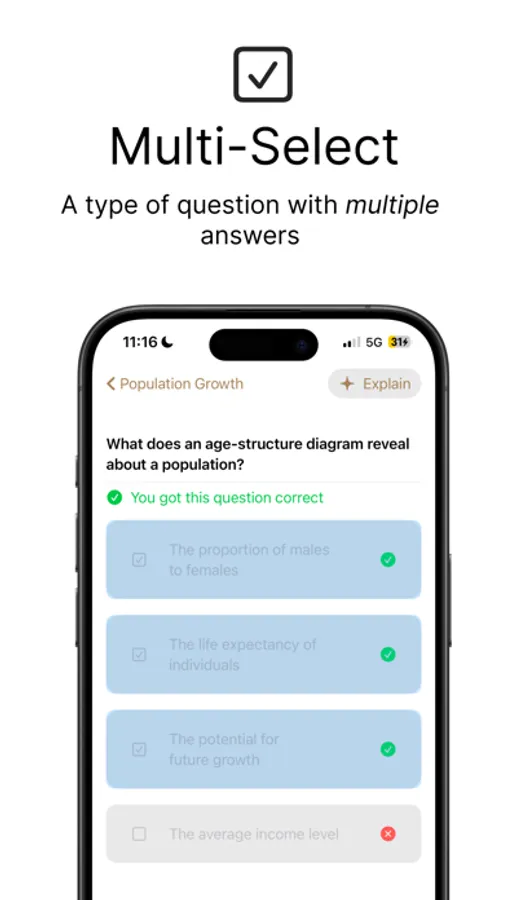
- Explain Answer: If you don't understand why a question is correct/incorrect, simply press explain and Recap will explain all the answers
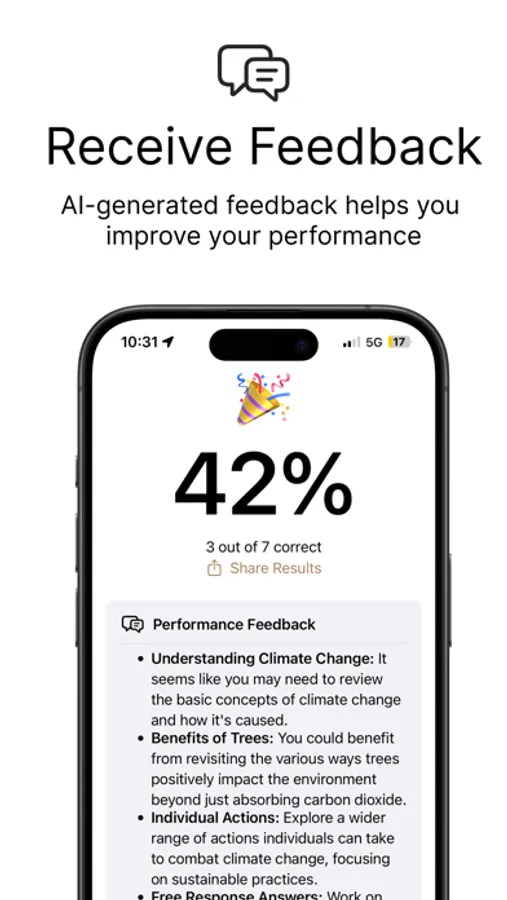
- Performance Feedback: At the end of a quiz, Gemini takes a look at all your responses and gives you feedback on what to review/study/remember so that you can perform better on the same quiz next time.
Here's a little more information on Recap attachments:
- Images: upload up to 5 images (such as pages from a textbook). Recap doesn't ask for Photos permissions, so you can ensure Recap doesn't have access to anything you don't want Recap to have access to.
- URL: Recap supports adding URLs to any webpage, article, PDF, or even a YouTube video. YouTube integration means that Recap scans the video's transcript and passes that into a model.
- PlainText: This is the most foundational attachment type, and it means you can paste long sets of notes from anywhere into Recap.
Check out the GitHub repository here: https://github.com/Visual-Studio-Coder/Recap
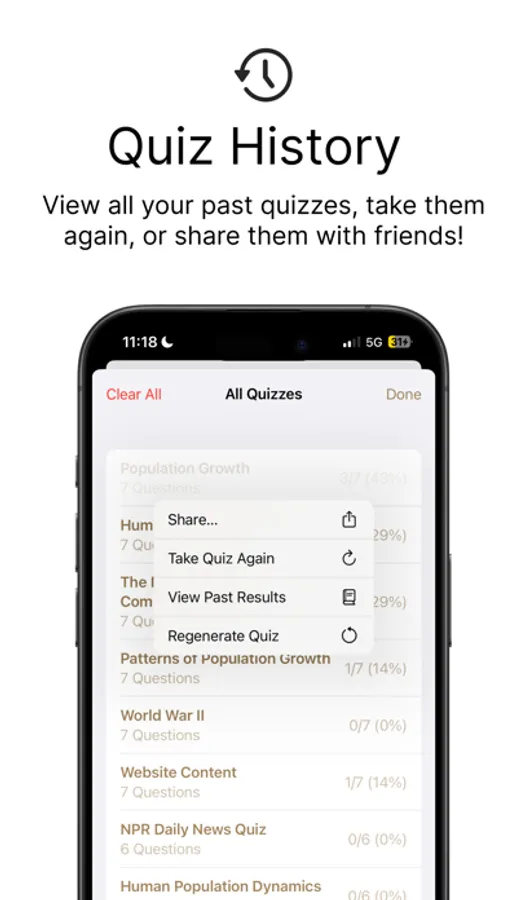
Recap also has ways for users to share their quizzes with friends through the use of a .recap file that can be opened in the app. This can be very useful for study groups!
Recap cares about its user base, and that's why Recap has added Spanish localization as the first language to support.
Recap AI Screenshots
Tap to Rate:
Reviews for Recap AI
MorningJoe42
Good app!
Useful for studying for midterms in college.
AZiddy
Amazing app
This app is a big step up from simply reviewing messy notes. It is very difficult to review for tests and quizzes with just notes, however Recap AI’s quiz feature allows me to make a quiz out of a few pictures of a textbook. Not only that, but it keeps a record of all of the queries you have made to the AI in the past (including quizzes) so you can go back and further strengthen concepts. These are few of many great features that the app has to offer, and I strongly recommend that others give this app a try.