AppRecs review analysis
AppRecs rating 4.0. Trustworthiness 69 out of 100. Review manipulation risk 24 out of 100. Based on a review sample analyzed.
★★★★☆
4.0
AppRecs Rating
Ratings breakdown
5 star
29%
4 star
14%
3 star
29%
2 star
0%
1 star
29%
What to know
✓
Low review manipulation risk
24% review manipulation risk
About Perimeter PRO
Key Features:
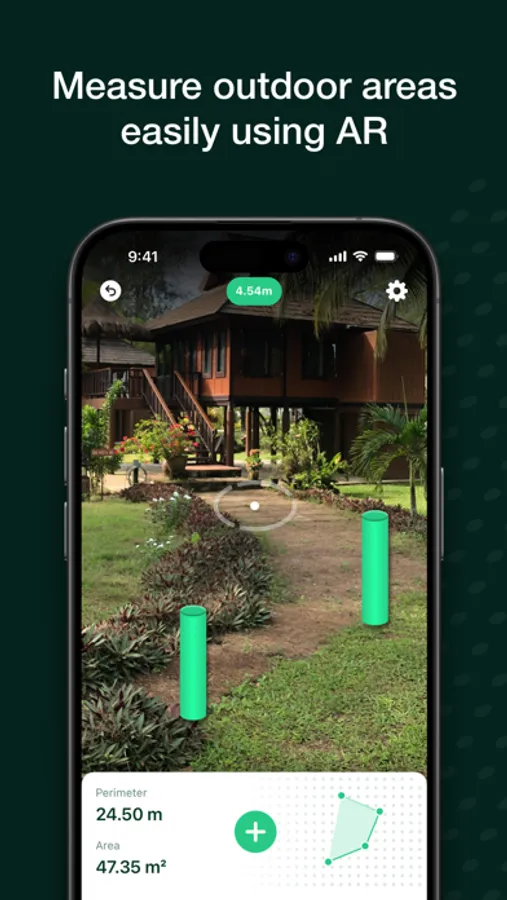
• Measure with AR: Simply walk around any outdoor space and place markers using your device’s camera. Perimeter instantly calculates the area and perimeter with pinpoint accuracy and you can calculate volume too in multiple units by entering your desired thickness.
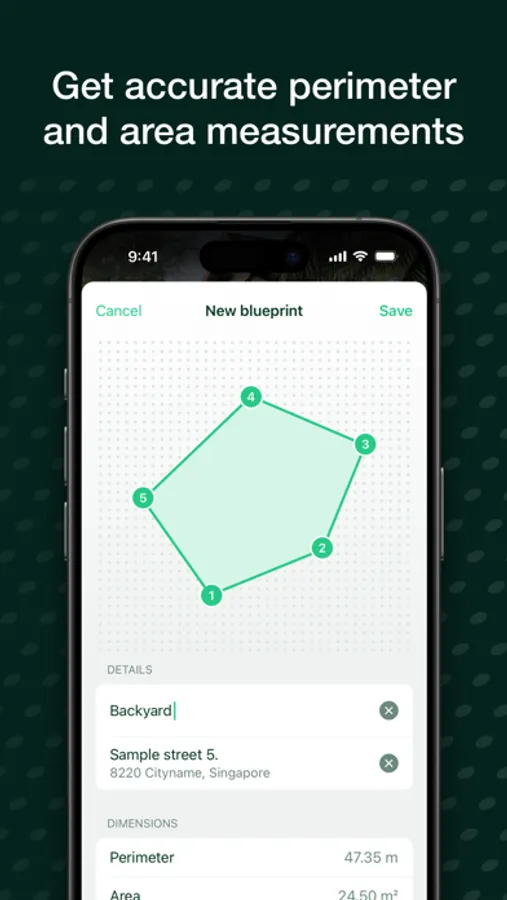
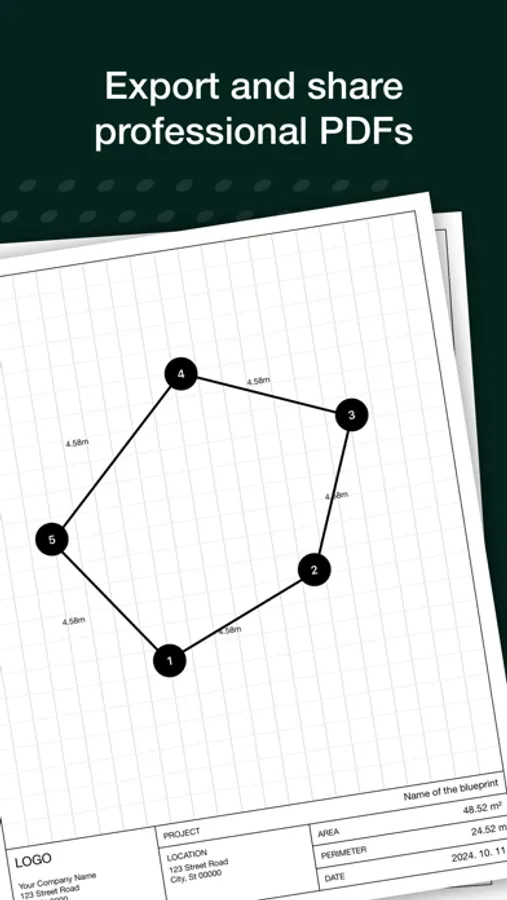
• Generate Detailed Blueprints: Convert your measurements into detailed, editable blueprints. Perfect for planning, design, and presentations.
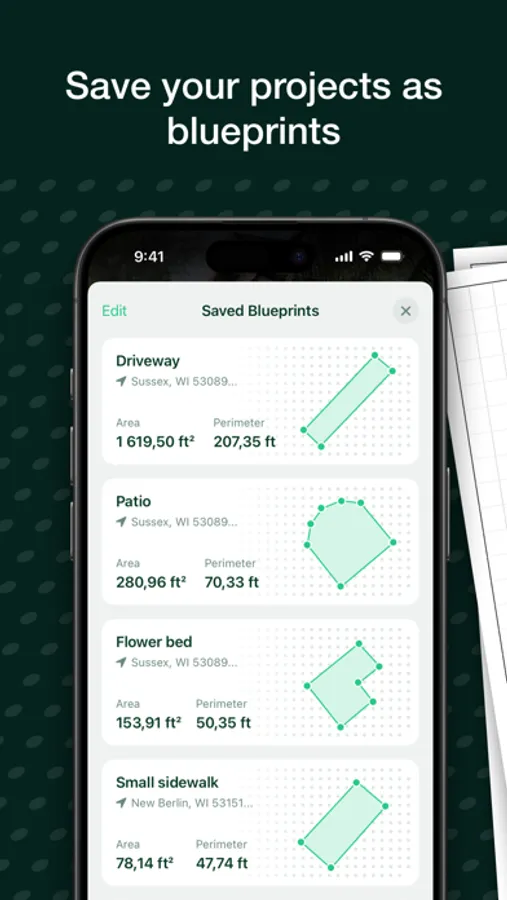
• Save & Organize Projects: Keep all your projects organized in one place. Easily access and update your measurements and blueprints whenever needed.
• Export & Share as PDF: Once your blueprint is complete, export it as a high-quality PDF. Annotate, draw, and share with clients, colleagues, or contractors in just a few taps.
Who’s it for?
• Gardeners & Landscapers: Plan and visualize your outdoor projects with ease.
• Contractors & Builders: Get precise measurements for foundations, patios, and more.
• DIY Enthusiasts: Take the guesswork out of home improvement projects.
• Real Estate Professionals: Accurately measure and present property layouts.
Why Choose Perimeter?
• Accuracy & Simplicity: Harness the power of augmented reality for precise, real-time measurements.
• Professional Output: Create industry-standard blueprints that you can print, share, and present.
• Time-Saving: Streamline your workflow, from initial measurement to final presentation.
Download Perimeter today and take your outdoor projects to the next level with advanced AR technology.
Perimeter PRO Screenshots
Tap to Rate:
Reviews for Perimeter PRO
Gl_hout7
Terrible!
I measured three small areas in the front yard. I had to purchase the pro features so that I could download the resulting PDFs. The 3 PDF files do not match up in any way, shape or form! The dimensions are WAY off, the scale and orientation (planes) are not synched. Complete waste of money AND the developer is no longer reachable for support via the app or website (emails bounce back).
MWW83
Could be better
Works just fine on flat ground but once there is any topology it goes off the rails.