In this classroom management app, teachers can access tools like notes, timers, and random selectors to aid instruction. Includes customization options, Bluetooth and Apple Watch support, and scheduling features.
AppRecs review analysis
AppRecs rating 4.6. Trustworthiness 83 out of 100. Review manipulation risk 19 out of 100. Based on a review sample analyzed.
★★★★☆
4.6
AppRecs Rating
Ratings breakdown
5 star
80%
4 star
10%
3 star
3%
2 star
3%
1 star
4%
What to know
✓
Low review manipulation risk
19% review manipulation risk
✓
Credible reviews
83% trustworthiness score from analyzed reviews
✓
High user satisfaction
80% of sampled ratings are 5 stars
About myClassroom: Class Tools
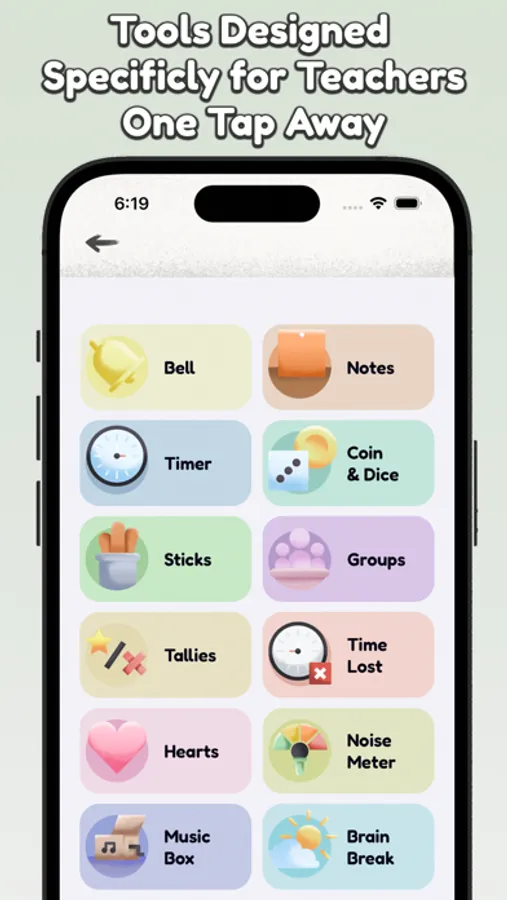
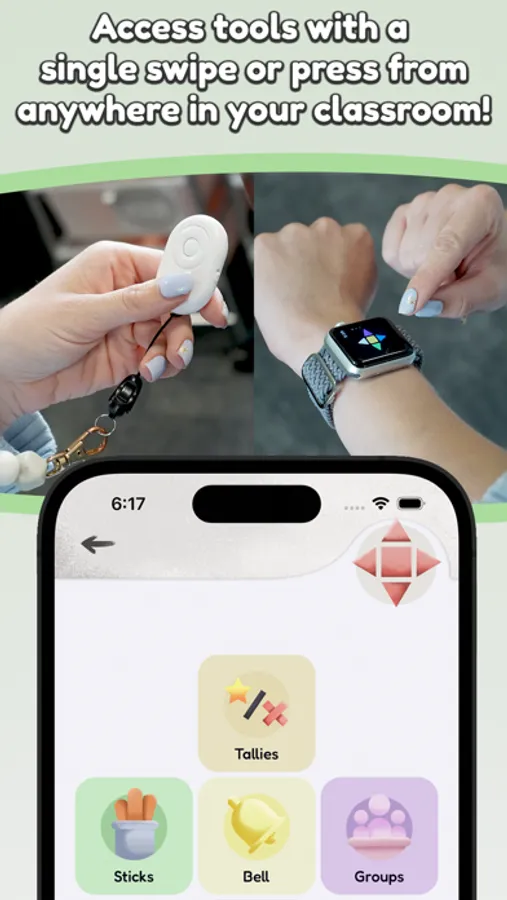
MyClassroom also offers extensive customization. If you don’t like how a tool works, there’s a good chance you can change it. Below is a list of tools and features that are just one press away!
Tools:
Bell
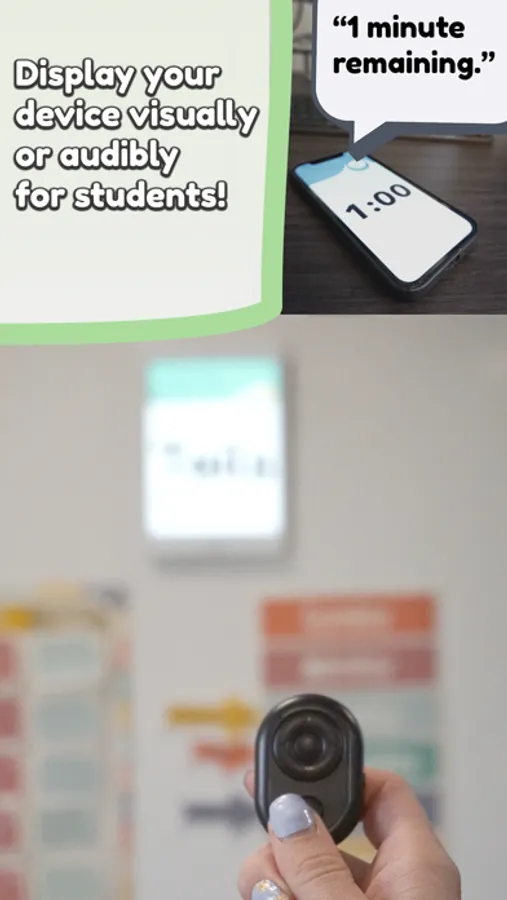
Alert your class with a variety of sounds to choose from.
Notes
Instantly save notes during hectic moments, with automatic logging of time, date, and subject. You can add text later.
Time
Quickly add time increments with each press. It's perfect when precise timing isn't necessary.
Coin & Dice
Randomly generate numbers and outcomes.
Sticks
Randomly call on students, with an option to prevent repeats.
Groups
Create student groups, with settings to avoid unwanted pairings.
Tallies
Keep track of positive and negative classroom behaviors.
Time Lost
Track time wasted by students using a stopwatch and a warning sound.
Hearts
Each press removes a heart. Hearts can automatically replenish after a preset amount of time.
Noise Meter
Tuned to student voice frequencies, with a buffer to prevent false alarms.
Music Box
Play over 150 instrumental tracks covering various genres and moods.
Brain Break
Meditate or get active with quick, interactive breaks.
Features
Routines
Set up your daily schedule and let the app automatically announce subjects and reminders. You won’t need to pull out your phone to turn off an alarm anymore!
Smart Seating
Seating charts with the ability to add rules, and use actual desk distances to generate seating charts.
This app is governed by Apple’s standard End User License Agreement (EULA), available here: https://www.apple.com/legal/internet-services/itunes/dev/stdeula/
myClassroom: Class Tools Screenshots
Tap to Rate:
Reviews for myClassroom: Class Tools
Peterpippin
Looks great but everything beyond what your phone can already do requires a $3.99/mn subscription
Sure, that’s only about $50 a year. But this is being marketed to teachers. In America and adjusted for inflation, teachers make less than they did 10 years ago. A substantial number of states pay starting teachers (the ones most likely to use your app) less than $40,000. Combined with groceries, gas, rent, and buying necessary supplies for our classrooms, $50 is substantial. So cool, an ad free, no cost app is cool with the option to upgrade. But you basically just gave us a bell function for free. Thanks.
EliseYay
Love But Sad It’s Money
I love this app sooooo much but I really don’t like how we have to pay for it