
AppRecs review analysis
AppRecs rating 4.0. Trustworthiness 71 out of 100. Review manipulation risk 18 out of 100. Based on a review sample analyzed.
★★★★☆
4.0
AppRecs Rating
Ratings breakdown
5 star
0%
4 star
50%
3 star
50%
2 star
0%
1 star
0%
What to know
✓
Low review manipulation risk
18% review manipulation risk
✓
Credible reviews
71% trustworthiness score from analyzed reviews
About FrameCube
Key Features:
-1. Professional-Grade Artwork Framing Tools
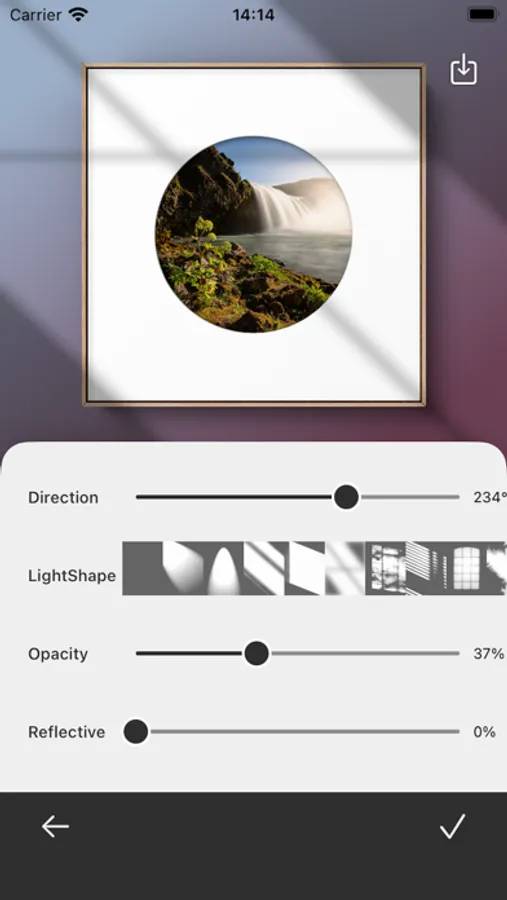
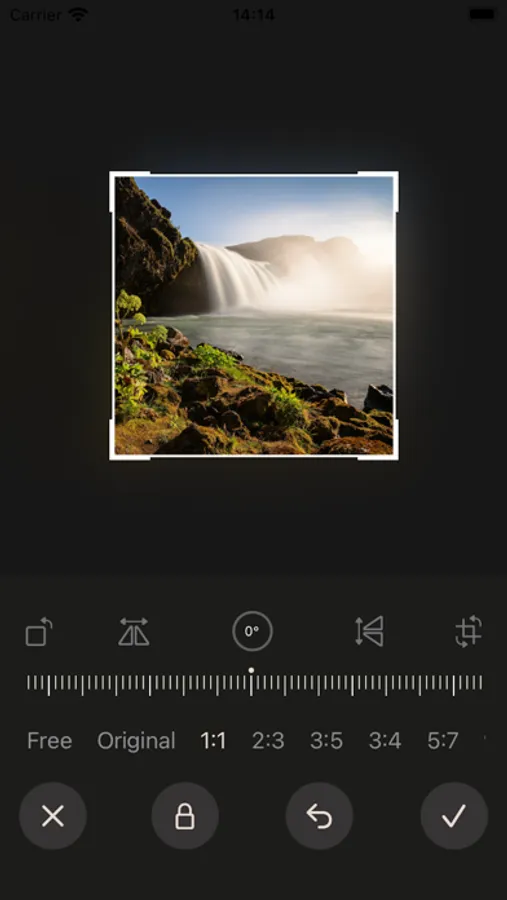
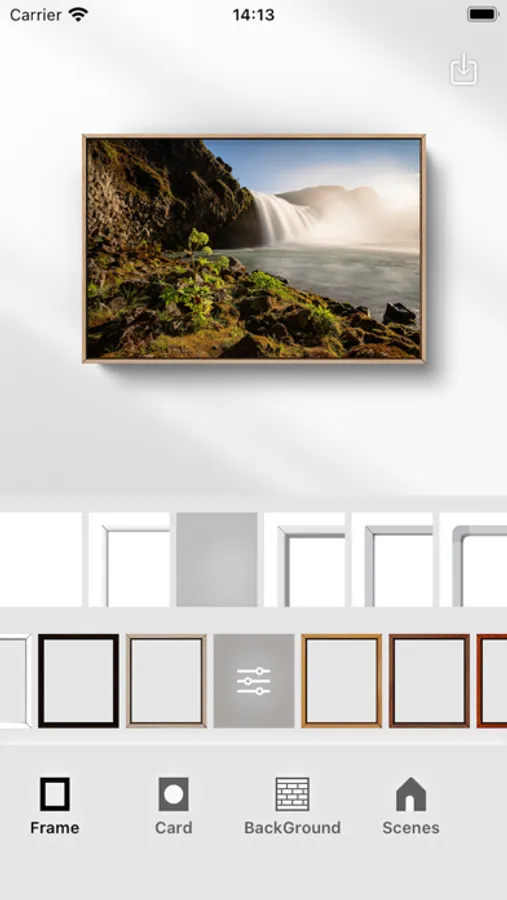
FrameCube provides a wide range of framing options, allowing users to choose different frame styles and adjust frame width, proportions, and shadow angles in real time. These features simulate authentic framing effects, giving your artwork a polished look.
-2. Dual Mat Board Support
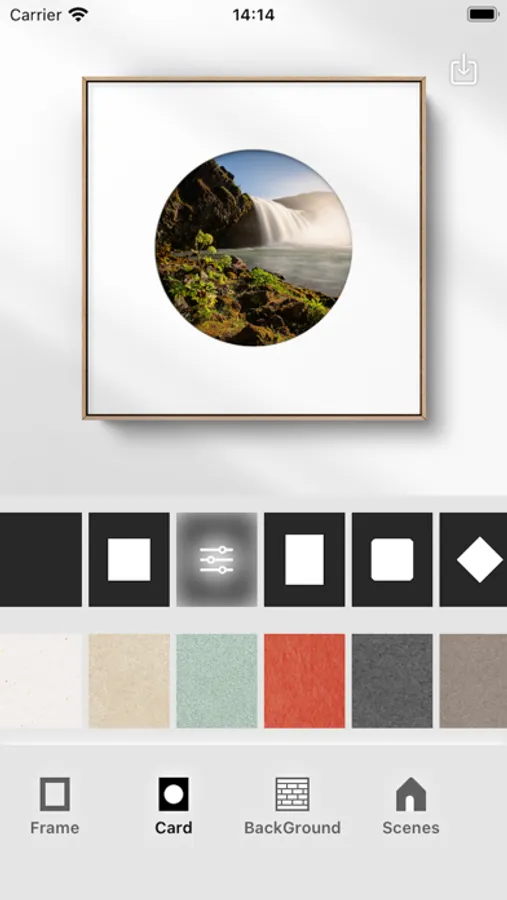
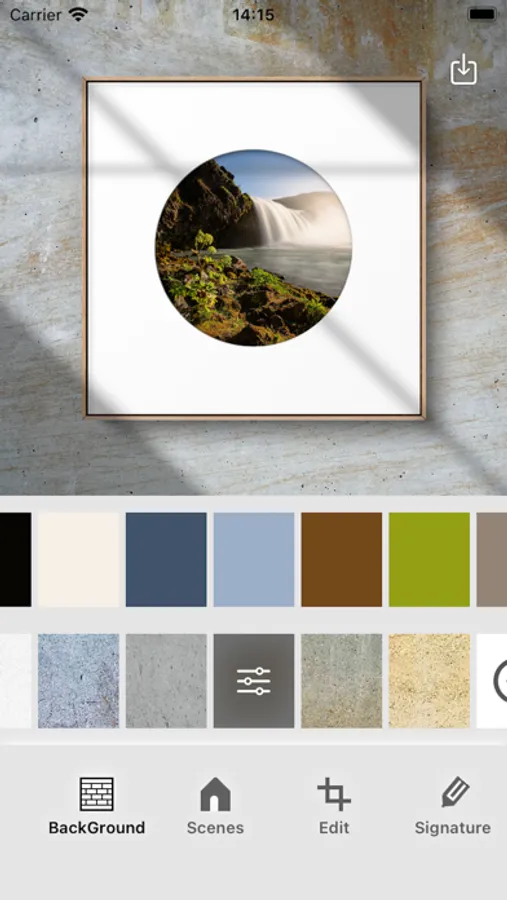
Add two separate mat boards within the frame, each customizable in shape, thickness, and color. Upload custom mat board textures to personalize your artwork further and achieve a unique, distinctive style.
-3. Advanced Filters and Generative Halftone Art Styles
Explore professional-grade color filters and adjustable generative halftone effects. Effortlessly refine your artwork’s color scheme, remove shadows and paper creases from calligraphy, and switch color schemes with a single tap, giving your work a distinct and artistic flair.
-4. Minimalist Backgrounds and Immersive Scenes
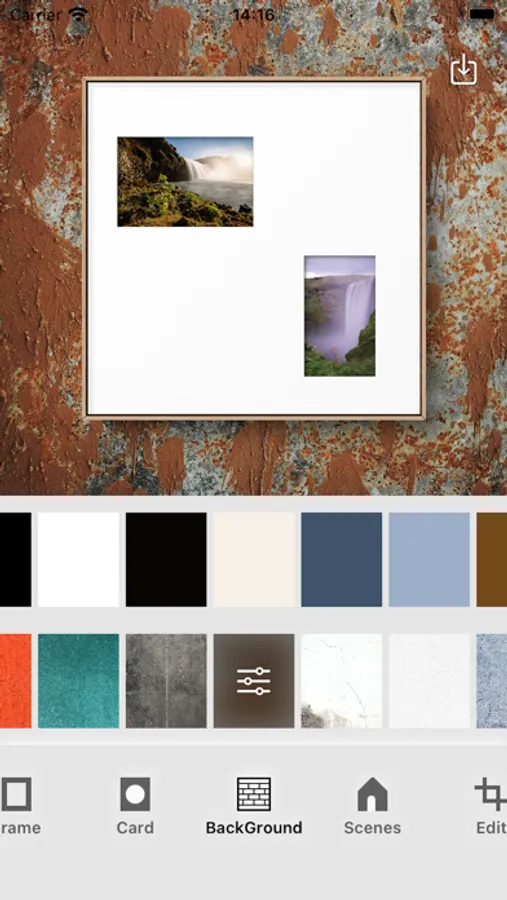
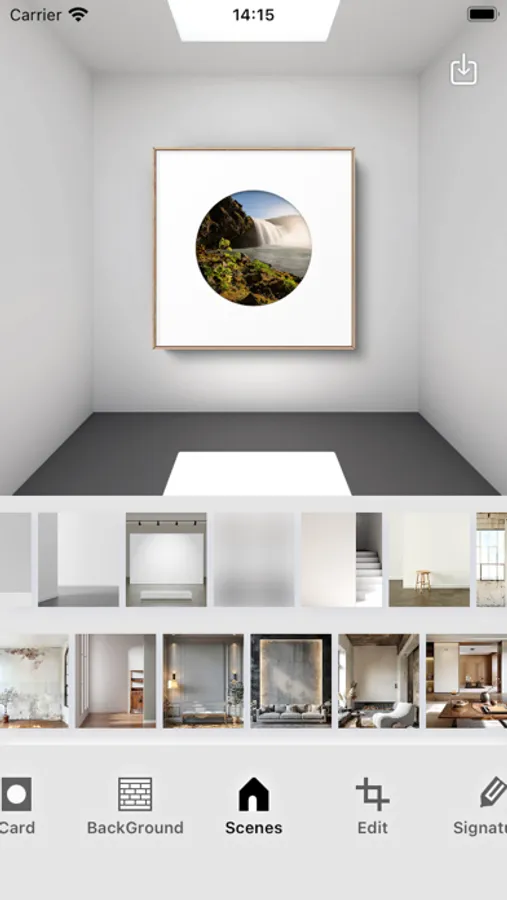
Choose from a variety of professionally designed backgrounds and scenes to integrate your artwork into artistic and living spaces. Upload custom scenes to visualize your creations in personalized settings, achieving perfect harmony between art and space.
-5. Smart Color Matching System
Harness intelligent color analysis to generate coordinated background, mat board, and frame color schemes based on your uploaded images. Easily adjust and fine-tune these combinations to create a personalized, visually appealing masterpiece.
Terms of Use:https://www.apple.com/legal/internet-services/itunes/dev/stdeula/
Privacy Pollicy:https://framecubeart.wordpress.com/2024/09/05/framecubeprivacy/
Technical Support: https://framecubeart.wordpress.com
FrameCube Screenshots
Tap to Rate:
Reviews for FrameCube
leap4artnyc
No Explanation
I love the frames. I appreciate there is issue in the language. I do not even understand the copyright or such. Someone mentions it costs too much; however I don’t see a price. The program says things have been restored. Huh? I have worked in English as a Foreign language. I want to read about the app. Tommy B McDonell
oyeme
Promising but Subscription is a NO
The app is fine, but it’s crippled by the subscription model. Way too much money. Just charge a single fee.