
Sign PDF: Document Signature
KAMILA WITKOWSKA-GAWRONSKA
4.6 ★
49 ratings
Free
With this document signing app, you can upload PDFs, create signatures, and add seals. Includes document editing tools and secure local storage.
AppRecs review analysis
AppRecs rating 4.3. Trustworthiness 0 out of 100. Review manipulation risk 0 out of 100. Based on a review sample analyzed.
★★★★☆
4.3
AppRecs Rating
Ratings breakdown
5 star
86%
4 star
4%
3 star
4%
2 star
0%
1 star
6%
What to know
✓
High user satisfaction
86% of sampled ratings are 5 stars
About Sign PDF: Document Signature
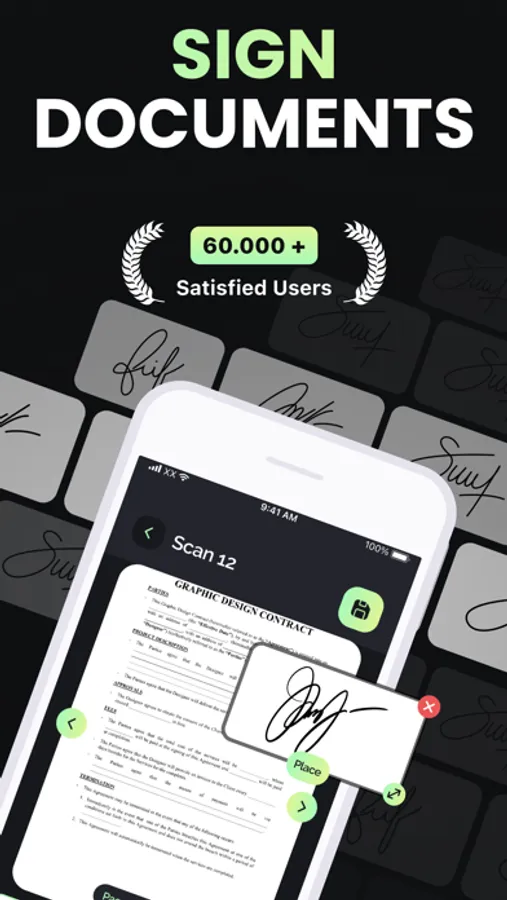
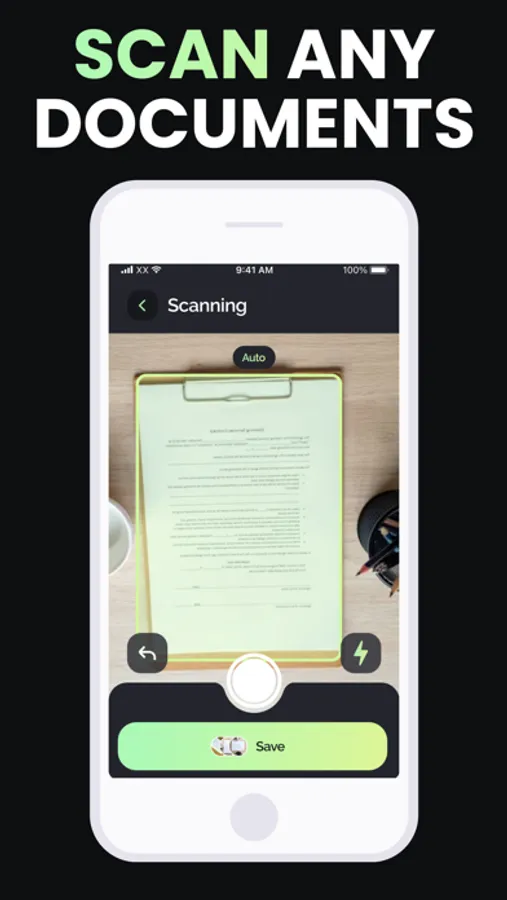
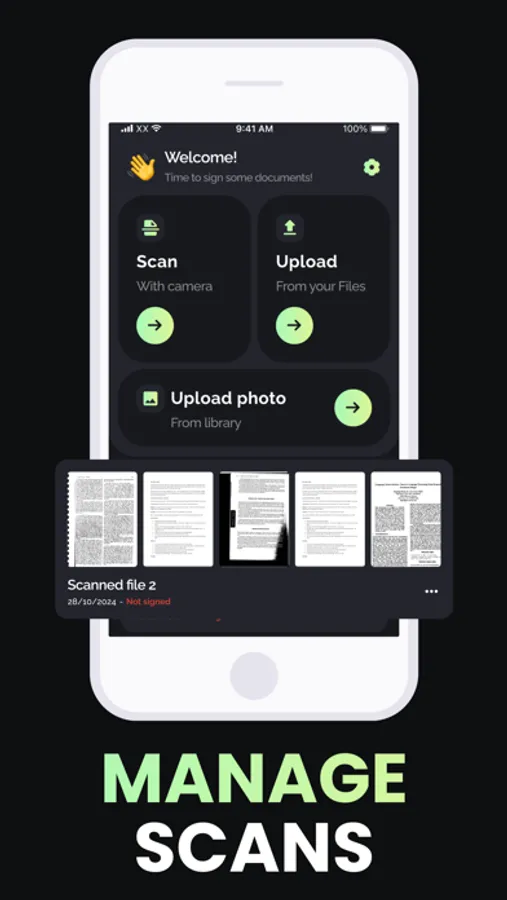
The Sign PDF App is an all-in-one solution crafted to simplify the signing of various document types, including PDFs. With this app, you can quickly pull in documents from your device’s storage or photo gallery, and even digitize physical documents through scanning before adding your signature. Whether you use the app’s built-in editor or a custom signature of your own, the signing process is made seamless. Rest assured, your profile information is kept secure, stored locally on your device to protect your privacy.
Core Features:
— Upload and sign diverse document formats;
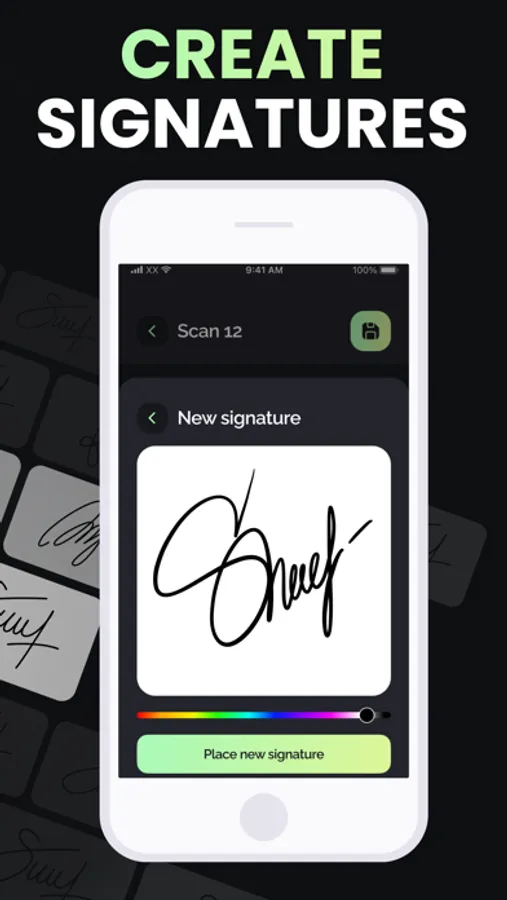
— Generate and store your electronic signature;
— Convert physical documents to digital format for signing;
— Capture and preserve your handwritten signature digitally;
— Integrate seals directly onto your documents;
— Effortlessly share your signed documents.
Terms of Use: https://shorturl.at/b7TO6
Privacy Policy: https://shorturl.at/DYKSn
Core Features:
— Upload and sign diverse document formats;
— Generate and store your electronic signature;
— Convert physical documents to digital format for signing;
— Capture and preserve your handwritten signature digitally;
— Integrate seals directly onto your documents;
— Effortlessly share your signed documents.
Terms of Use: https://shorturl.at/b7TO6
Privacy Policy: https://shorturl.at/DYKSn
Sign PDF: Document Signature Screenshots
Tap to Rate: