AppRecs review analysis
AppRecs rating 1.7. Trustworthiness 65 out of 100. Review manipulation risk 30 out of 100. Based on a review sample analyzed.
★☆☆☆☆
1.7
AppRecs Rating
Ratings breakdown
5 star
17%
4 star
0%
3 star
0%
2 star
0%
1 star
83%
What to know
✓
Low review manipulation risk
30% review manipulation risk
⚠
Mixed user feedback
Average 1.7★ rating suggests room for improvement
About TuTuPlay
【 Introduction 】
TuTuPlay is a simple and easy to operate screen projection software, which can send the computer/mobile phone/tablet image to the display/TV in real time through the screen projection device, and can be sent to up to four receiving terminals at the same time, which is widely used in various scenes such as work, life and advertising. Easily achieve small screen to large screen, one screen to multiple screens!
【 Usage tutorial 】
1. Scan the QR code at the bottom of the device with your mobile phone/tablet, download and install the APP "TuTuPlay";
2. Insert the screen projection device into the display/TV through the HDMI cable, and connect the power supply to power the device;
3. Open the APP "TuTuPlay" and connect it with "TuTu..." The beginning of the transmitter WiFi;
4. The screen can be projected after the WiFi connection of the sending end.
TuTuPlay Screenshots
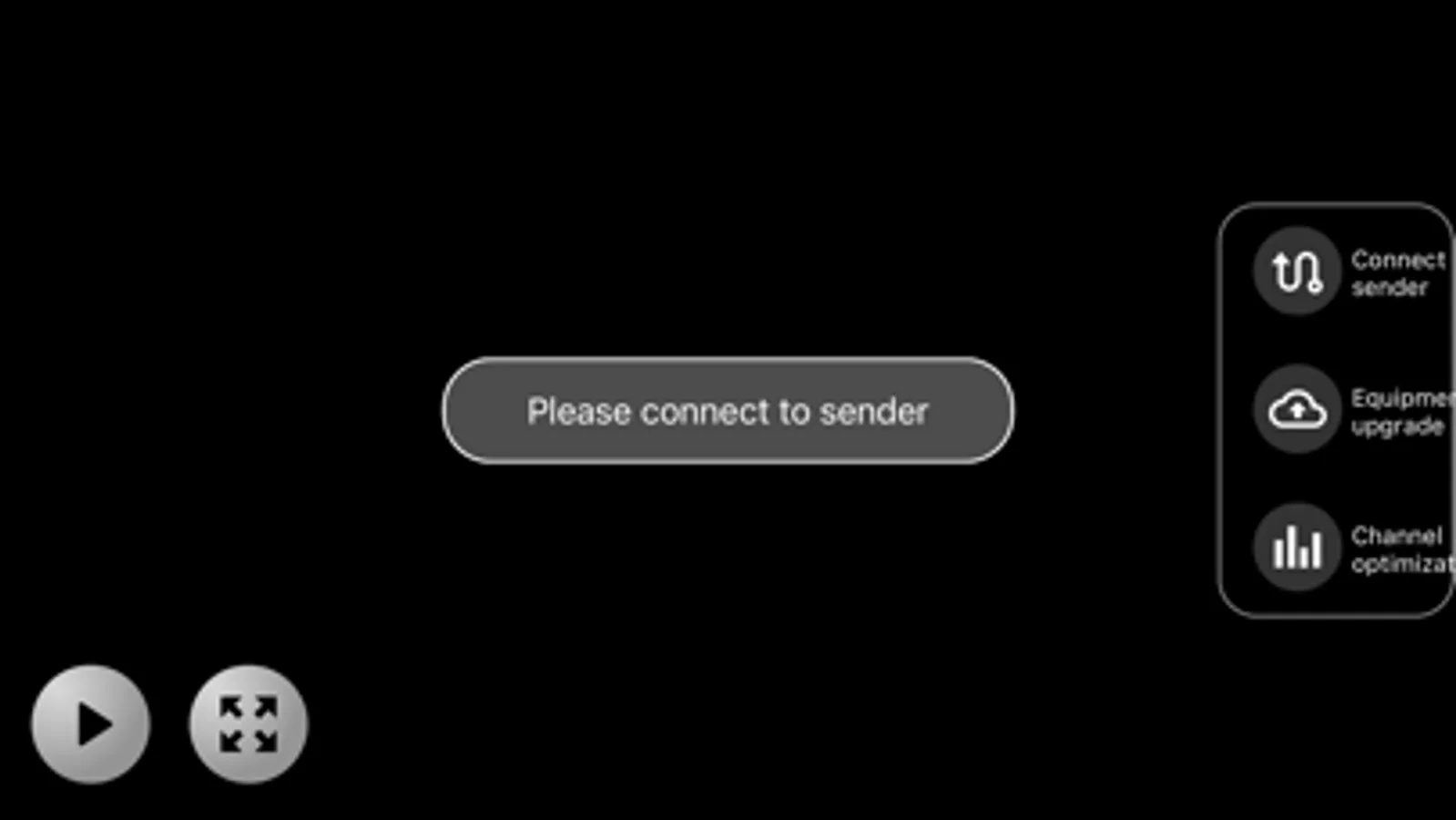
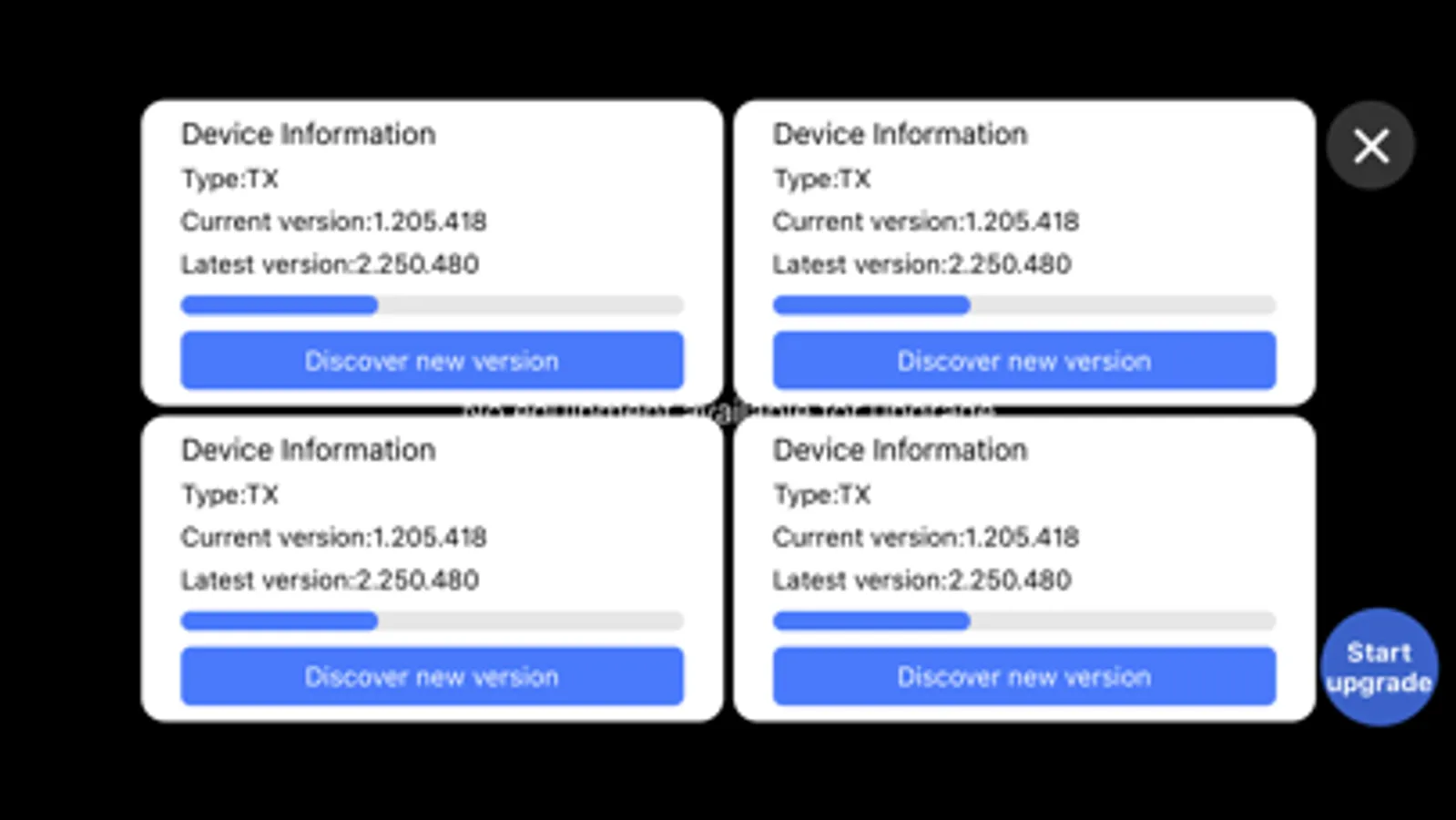
Tap to Rate:
Reviews for TuTuPlay
JohnPDC + DC# + !
GARBAGE.
Bought to share TV to additional rooms/devises but the instructions are so unintelligible (and the graphics in the 2x3" manual impossible to read. Will be returning the associated devices to Amazon.
Originally Pristine
Spike Le Was Right
I read Spike Le’s review about how TuTuPlay doesn’t work on iOS and only works on Android, and I thought, “Eh. Maybe he’s a one-off situation.” Uh, no. I’m in the same freaking boat as he is. I have tried using this application on both my iPhone and iPad and have encountered the exact issue where the transmitter will not create the hotspot Wi-Fi and my devices can not connect to it. Either the TuTuPlay application needs a serious update or the transmitter-receivers need an update. (P.S. I already contacted customer support and the guy literally suggested that I switch to an Android phone if none of his other suggestions worked. LOL. Wow. 💀)