
Expense Report - Scan Receipts
Ramkumar Vellaisamy
4.3 ★
3 ratings
Free
AppRecs review analysis
AppRecs rating 4.3. Trustworthiness 0 out of 100. Review manipulation risk 0 out of 100. Based on a review sample analyzed.
★★★★☆
4.3
AppRecs Rating
Ratings breakdown
5 star
0%
4 star
0%
3 star
100%
2 star
0%
1 star
0%
About Expense Report - Scan Receipts
Take control of your expenses with Olai Expense Report, the ultimate solution for tracking, managing, and submitting your expense reports on the go. Whether you’re a business professional, freelancer, or traveller, Expense Report simplifies expense management with a few taps.
Key Features:
• Quick Expense Entry: Easily log your expenses by adding details like amount, vendor, and date.
• Auto-Scan Receipts: Automatically scan and digitise receipts using OCR technology.
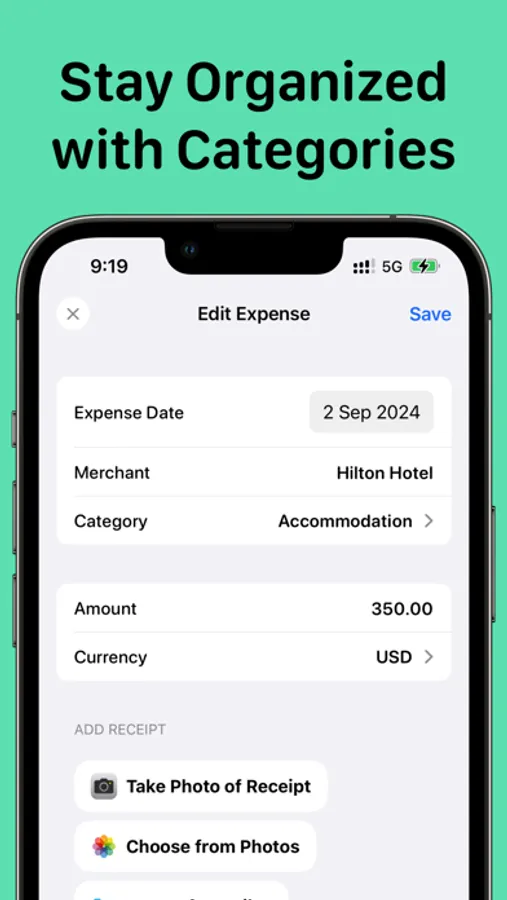
• Expense Categories: Organize your expenses into predefined categories for clear tracking.
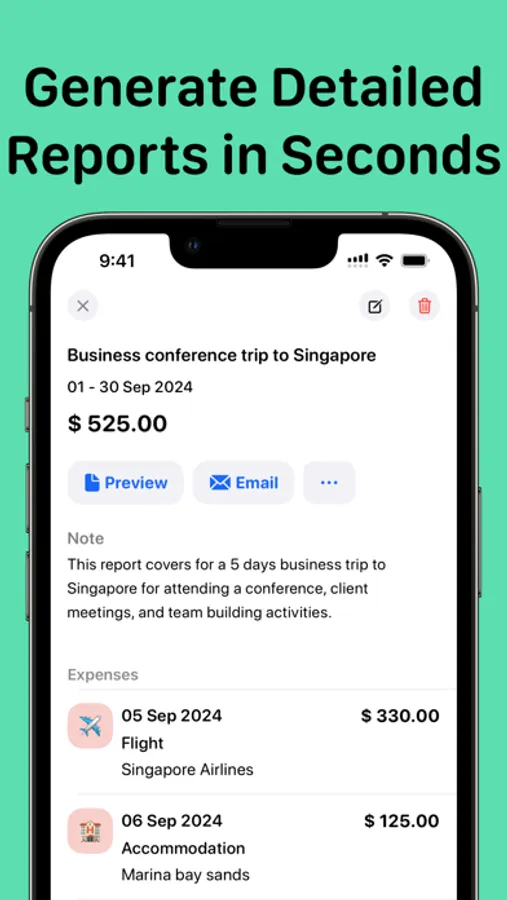
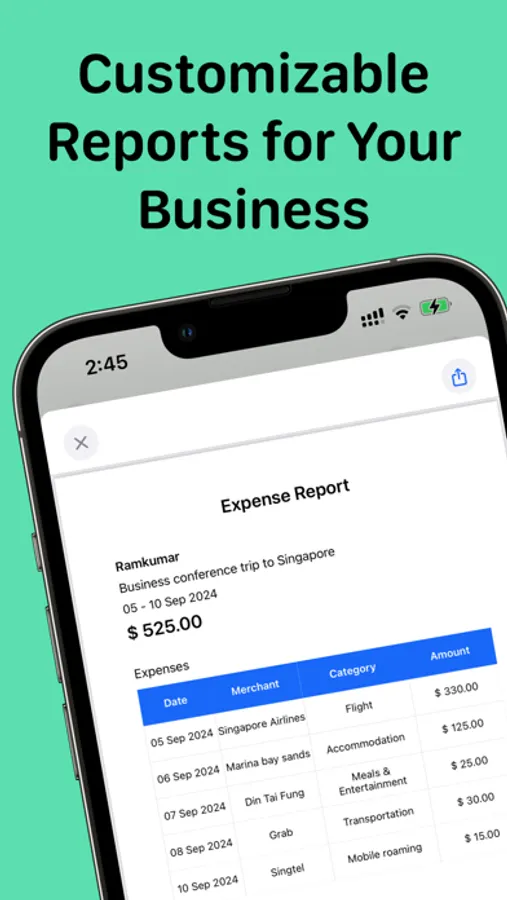
• Generate Detailed Reports: Create and export comprehensive expense reports in just a few steps.
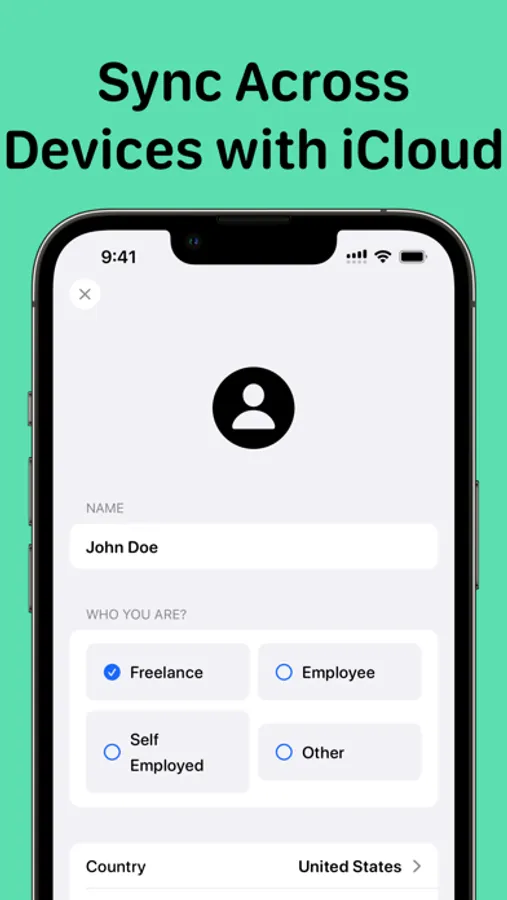
• iCloud Sync: With iCloud support, keep your data safe and synced across all your devices.
• Multi-Currency Support: Manage expenses in multiple currencies.
• Attach Receipts: Upload or snap photos of receipts and attach them to expense entries.
• Export to PDF: Export your reports to PDF for easy sharing with your team or management.
Why Choose Olai Expense Report?
• Fast and Easy: Designed to save you time and effort in managing your finances.
• Secure Data Storage: Keep your data protected with secure storage and encryption.
• Flexible for Any Use: Perfect for professionals, freelancers, or anyone who needs to track expenses efficiently.
Download the Olai Expense Report today and take control of your expense reports!
Opt for Expense Report Pro to unlock additional features. Payment is handled via your Apple ID account at the time of purchase. Subscriptions renew automatically unless cancelled at least 24 hours before the current period ends. You can manage or cancel your subscriptions through your App Store account settings.
Encountered a glitch or want to share feedback? Reach out at support@reku.dev. Your insights fuel our evolution.
Navigate Our Policies:
Privacy Policy: https://reku-indie.notion.site/Privacy-Policy-4229f33de5a147fcb6b904ec1a6cb4eb?pvs=4
Terms & Conditions: https://reku-indie.notion.site/Terms-and-Conditions-8d1f076cc68743169e83eb750a1914e3?pvs=4
Key Features:
• Quick Expense Entry: Easily log your expenses by adding details like amount, vendor, and date.
• Auto-Scan Receipts: Automatically scan and digitise receipts using OCR technology.
• Expense Categories: Organize your expenses into predefined categories for clear tracking.
• Generate Detailed Reports: Create and export comprehensive expense reports in just a few steps.
• iCloud Sync: With iCloud support, keep your data safe and synced across all your devices.
• Multi-Currency Support: Manage expenses in multiple currencies.
• Attach Receipts: Upload or snap photos of receipts and attach them to expense entries.
• Export to PDF: Export your reports to PDF for easy sharing with your team or management.
Why Choose Olai Expense Report?
• Fast and Easy: Designed to save you time and effort in managing your finances.
• Secure Data Storage: Keep your data protected with secure storage and encryption.
• Flexible for Any Use: Perfect for professionals, freelancers, or anyone who needs to track expenses efficiently.
Download the Olai Expense Report today and take control of your expense reports!
Opt for Expense Report Pro to unlock additional features. Payment is handled via your Apple ID account at the time of purchase. Subscriptions renew automatically unless cancelled at least 24 hours before the current period ends. You can manage or cancel your subscriptions through your App Store account settings.
Encountered a glitch or want to share feedback? Reach out at support@reku.dev. Your insights fuel our evolution.
Navigate Our Policies:
Privacy Policy: https://reku-indie.notion.site/Privacy-Policy-4229f33de5a147fcb6b904ec1a6cb4eb?pvs=4
Terms & Conditions: https://reku-indie.notion.site/Terms-and-Conditions-8d1f076cc68743169e83eb750a1914e3?pvs=4
Expense Report - Scan Receipts Screenshots


Tap to Rate:
Reviews for Expense Report - Scan Receipts
Bnoof
Can’t add categories
Looks nice. Doesn’t seem to work. Can’t add any categories.