AppRecs review analysis
AppRecs rating 3.7. Trustworthiness 45 out of 100. Review manipulation risk 20 out of 100. Based on a review sample analyzed.
★★★☆☆
3.7
AppRecs Rating
Ratings breakdown
5 star
67%
4 star
0%
3 star
0%
2 star
0%
1 star
33%
About Strong Motion Monitor Viewer
I own app to Strong Motion Monitor the site found in the National Research Institute for Earth Science and Disaster Prevention, Japan.
The URL hard-coded, such as might not see the site design changes.
You can enter the setting screen from Settings app.
The items that can be set,
• Sleep invalid setting
• background map, white / black / Appearance interlocking(iOS13 or higher) selection
• Type setting of the screen next to the time left map and portrait screen time
• Type setting of the screen next to the time right map in landscape screen(or portrait screen of iPad)
• Server data acquisition offset time
※ Please try to adjust when the blank map is frequently displayed, processing of server is heavy (for example, -4 seconds to -6 seconds)
• selection of Strong Motion Monitor server
Should be done than notification items in the Settings app notification settings.
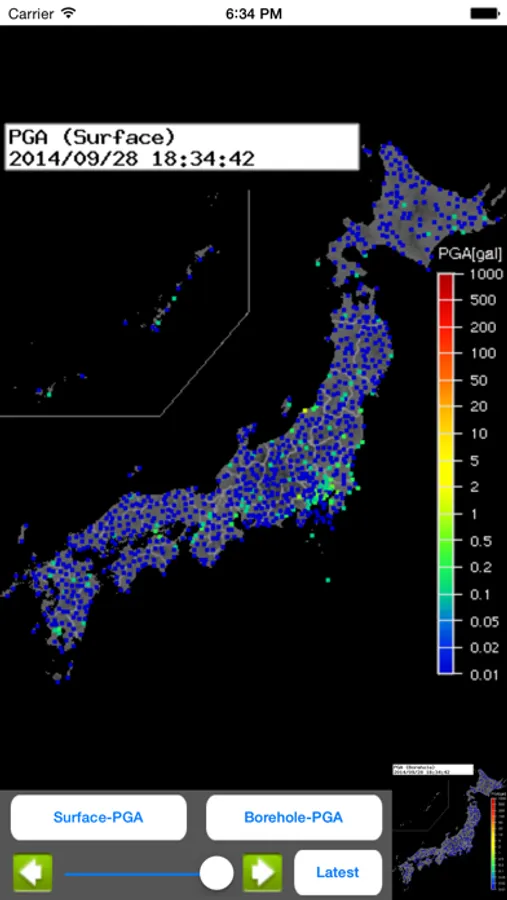
The following operations are possible in the portrait screen display.
• In the lower left button, the type of setting horizontal screen when left map and vertical screen time
• At the bottom right button, the type of setting right next to the screen during map
• In slide bar at the bottom left and display the data for up to one hour past
• In button on the slide bar left and right to move data around 2 seconds
• The return to the latest data displayed in a button press on the bottom right in the past at the time data display
• In iOS6 or more, you can send the image to Twitter, such as by pressing and holding the map.
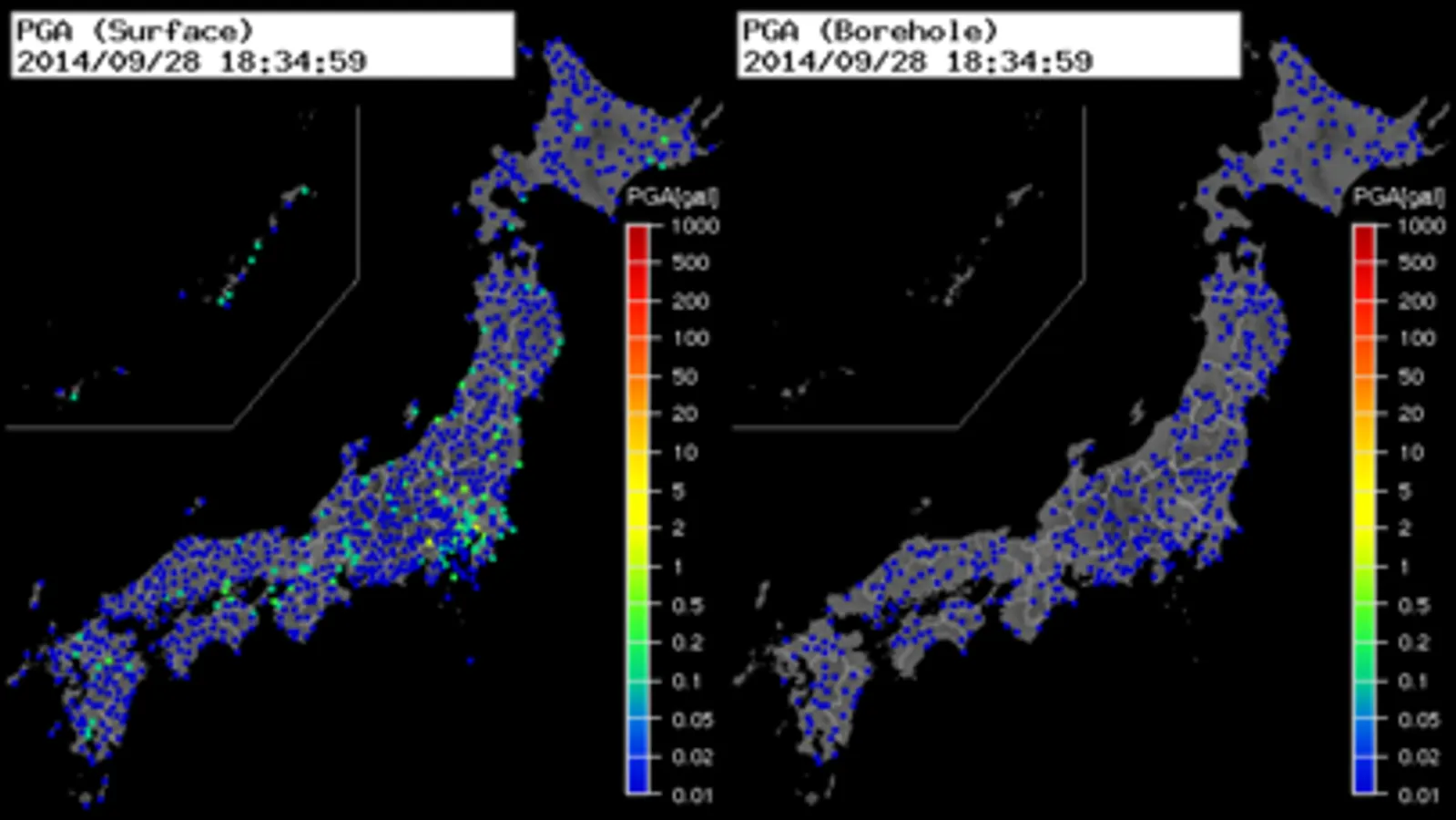
• You can switch the type of map by swiping left and right on the map. (Left:Surface PGA → Surface -Seismic intensity → Borehole-PGA → Borehole-Seismic intensity → Surface PGA, Right:Surface PGA → Borehole-Seismic intensity → Borehole-PGA → Surface -Seismic intensity → Surface PGA)
The URL hard-coded, such as might not see the site design changes.
You can enter the setting screen from Settings app.
The items that can be set,
• Sleep invalid setting
• background map, white / black / Appearance interlocking(iOS13 or higher) selection
• Type setting of the screen next to the time left map and portrait screen time
• Type setting of the screen next to the time right map in landscape screen(or portrait screen of iPad)
• Server data acquisition offset time
※ Please try to adjust when the blank map is frequently displayed, processing of server is heavy (for example, -4 seconds to -6 seconds)
• selection of Strong Motion Monitor server
Should be done than notification items in the Settings app notification settings.
The following operations are possible in the portrait screen display.
• In the lower left button, the type of setting horizontal screen when left map and vertical screen time
• At the bottom right button, the type of setting right next to the screen during map
• In slide bar at the bottom left and display the data for up to one hour past
• In button on the slide bar left and right to move data around 2 seconds
• The return to the latest data displayed in a button press on the bottom right in the past at the time data display
• In iOS6 or more, you can send the image to Twitter, such as by pressing and holding the map.
• You can switch the type of map by swiping left and right on the map. (Left:Surface PGA → Surface -Seismic intensity → Borehole-PGA → Borehole-Seismic intensity → Surface PGA, Right:Surface PGA → Borehole-Seismic intensity → Borehole-PGA → Surface -Seismic intensity → Surface PGA)
Strong Motion Monitor Viewer Screenshots
Tap to Rate:
Reviews for Strong Motion Monitor Viewer
Negachin
nothing showed
Keep loading file and nothing showed.