AppRecs review analysis
AppRecs rating 1.6. Trustworthiness 70 out of 100. Review manipulation risk 14 out of 100. Based on a review sample analyzed.
★☆☆☆☆
1.6
AppRecs Rating
Ratings breakdown
5 star
14%
4 star
0%
3 star
0%
2 star
0%
1 star
86%
What to know
✓
Low review manipulation risk
14% review manipulation risk
✓
Credible reviews
70% trustworthiness score from analyzed reviews
⚠
Mixed user feedback
Average 1.6★ rating suggests room for improvement
About Find Lost Bluetooth Headphones
Introducing Air Tracker - Device Finder, the ultimate app to locate your lost Bluetooth devices in seconds. Never lose your wireless headphones, watch, or any other Bluetooth device again! Our smart algorithms and real-time device radar ensure you can effortlessly find your items with just a few taps.
KEY FEATURES:
*** Signal Radar
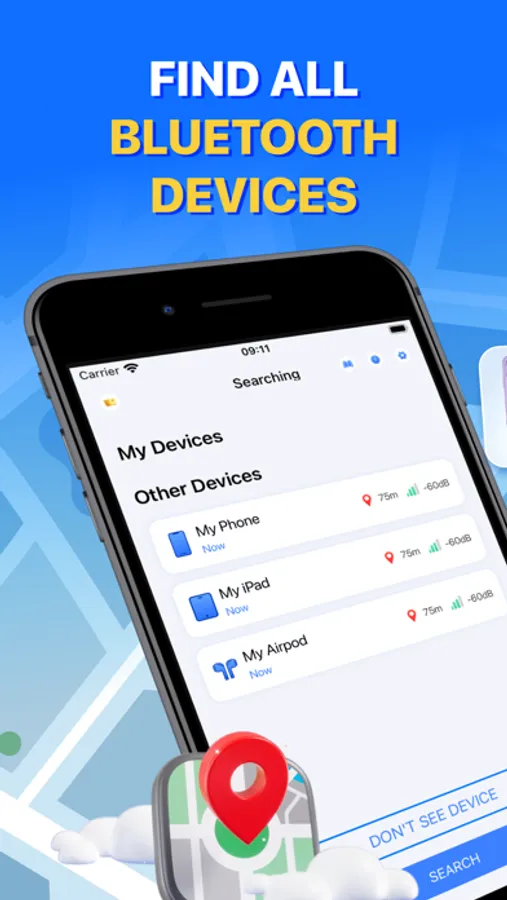
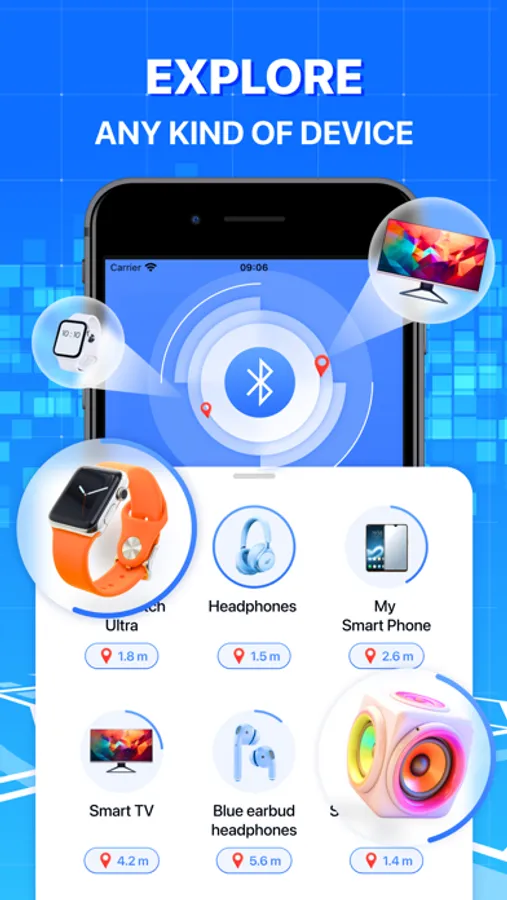
The radar displays all compatible devices in your vicinity. The closer you get to your lost item, the stronger the Bluetooth energy signal becomes.
*** Distance Meter
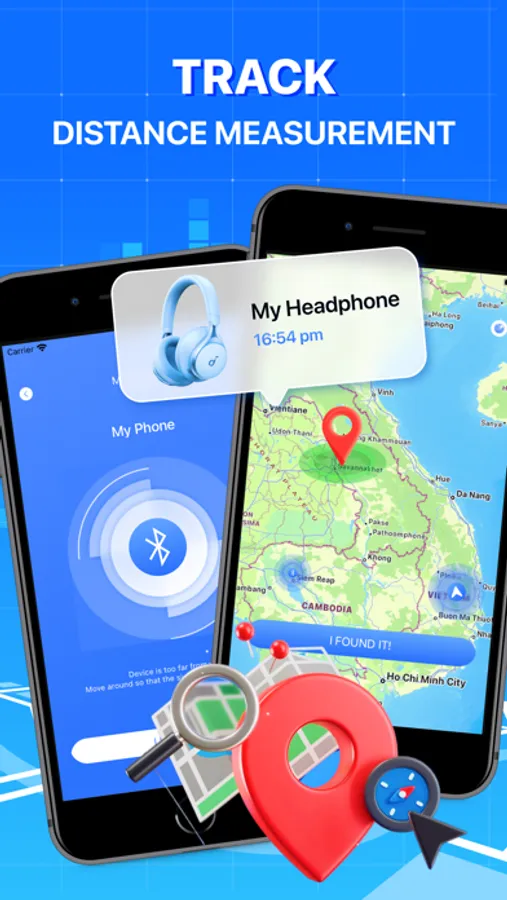
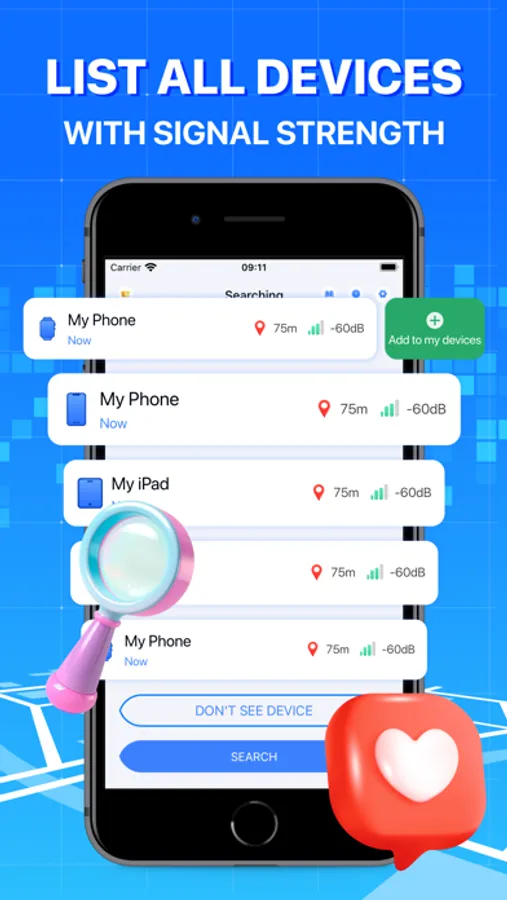
Instantly discover all nearby devices in real-time. Tap on a device to view a real distance beetween your phone and lost device.
*** Map view
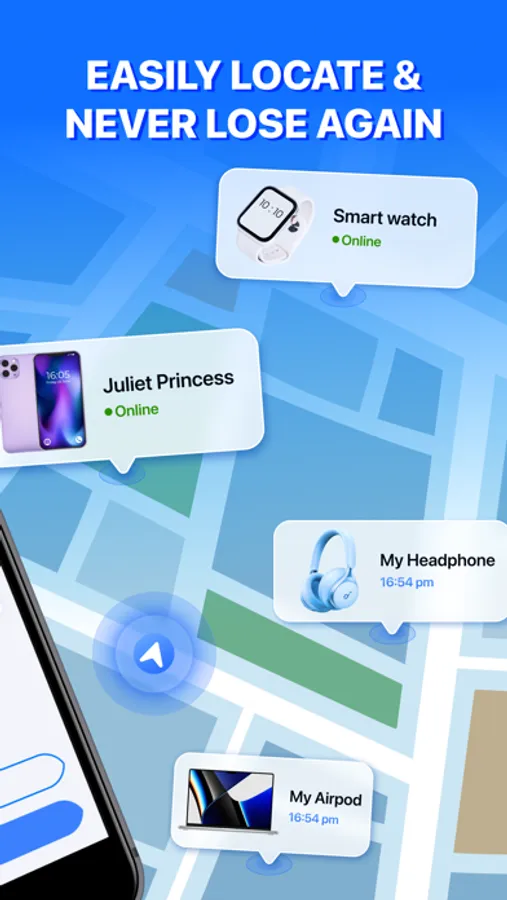
Displays the device's location and distance to it on a map.
*** Supports Various Bluetooth Devices
Compatible with wireless earphones, portable speakers, Fitbit trackers, fitness...
*** Personalized Efficiency
Add your favorite devices at the top of the list for maximum convenience.
Compatibility
- Apple devices
- Digital watches
- Portable speakers
- Fitness and Fitbit trackers
- Bluetooth tracking tags
- Plus many other Bluetooth-enabled devices
How to track the lost item?
1. Launch the app, ensure Bluetooth is activated and permission is granted;
2. Click the button "Search"
2. Walk around to measure the distance;
3. As you approach, the percentage on the signal radar will increase;
4. Congratulations! You've located your device.
Download Air Tracker - Device Finder, now and experience the ultimate Bluetooth device finder. Never lose your precious items again!
Information about the auto-renewal of subscription:
- Payment will be charged to iTunes Account at confirmation of purchase
- Subscription automatically renews unless auto-renew is turned off at least 24-hours before the end of the period.
- If you want to continue the service, your subscription should be continued.
- Payment will be charged to iTunes Account at confirmation of purchase
- Subscription automatically renews unless auto-renew is turned off at least 24-hours before the end of the current period
- The account will be charged for renewal within 24-hours prior to the end of the current period.
- Once it expires, your subscription will automatically renew.
- You can cancel your subscription via this URL: https://support.apple.com/en-us/HT202039
Privacy Policy: https://cemsoftwareltd.com/privacyPolicy.html
Terms of Use: https://cemsoftwareltd.com/term.html
Support: https://cemsoftwareltd.com/contact.html
KEY FEATURES:
*** Signal Radar
The radar displays all compatible devices in your vicinity. The closer you get to your lost item, the stronger the Bluetooth energy signal becomes.
*** Distance Meter
Instantly discover all nearby devices in real-time. Tap on a device to view a real distance beetween your phone and lost device.
*** Map view
Displays the device's location and distance to it on a map.
*** Supports Various Bluetooth Devices
Compatible with wireless earphones, portable speakers, Fitbit trackers, fitness...
*** Personalized Efficiency
Add your favorite devices at the top of the list for maximum convenience.
Compatibility
- Apple devices
- Digital watches
- Portable speakers
- Fitness and Fitbit trackers
- Bluetooth tracking tags
- Plus many other Bluetooth-enabled devices
How to track the lost item?
1. Launch the app, ensure Bluetooth is activated and permission is granted;
2. Click the button "Search"
2. Walk around to measure the distance;
3. As you approach, the percentage on the signal radar will increase;
4. Congratulations! You've located your device.
Download Air Tracker - Device Finder, now and experience the ultimate Bluetooth device finder. Never lose your precious items again!
Information about the auto-renewal of subscription:
- Payment will be charged to iTunes Account at confirmation of purchase
- Subscription automatically renews unless auto-renew is turned off at least 24-hours before the end of the period.
- If you want to continue the service, your subscription should be continued.
- Payment will be charged to iTunes Account at confirmation of purchase
- Subscription automatically renews unless auto-renew is turned off at least 24-hours before the end of the current period
- The account will be charged for renewal within 24-hours prior to the end of the current period.
- Once it expires, your subscription will automatically renew.
- You can cancel your subscription via this URL: https://support.apple.com/en-us/HT202039
Privacy Policy: https://cemsoftwareltd.com/privacyPolicy.html
Terms of Use: https://cemsoftwareltd.com/term.html
Support: https://cemsoftwareltd.com/contact.html
Find Lost Bluetooth Headphones Screenshots
Tap to Rate:
Reviews for Find Lost Bluetooth Headphones
Urdadinme
Bad
I don’t like it it’s hard to find Bluetooth devices
Teck girl
Easy to use
Great app, saved me $250.