About Click Ascending
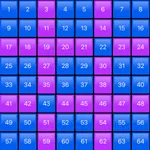
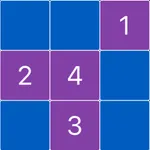
Try to remember the location of the numbers on the playing field and click on the right button in the bottom row.
Then, from memory, click on the tiles with numbers in ascending order.
In the upper left corner, you can see the current number that you have to find.
For each number found, you get 10 points.
For each mistake, you lose 5 points.
You can see the current score in the upper right corner.
To change the size of the playing field, use the plus and minus buttons.
If you want to restart the game, click on the central button at the top.
Then, from memory, click on the tiles with numbers in ascending order.
In the upper left corner, you can see the current number that you have to find.
For each number found, you get 10 points.
For each mistake, you lose 5 points.
You can see the current score in the upper right corner.
To change the size of the playing field, use the plus and minus buttons.
If you want to restart the game, click on the central button at the top.
Tap to Rate: