With this screen mirroring and cast app, you can mirror your iPhone or iPad screen to multiple Smart TVs and Chromecast devices, control the casting process, and share media content effortlessly. Includes support for various TV brands, real-time casting, and privacy safeguards.
AppRecs review analysis
AppRecs rating 4.4. Trustworthiness 0 out of 100. Review manipulation risk 0 out of 100. Based on a review sample analyzed.
★★★★☆
4.4
AppRecs Rating
Ratings breakdown
5 star
76%
4 star
7%
3 star
7%
2 star
0%
1 star
10%
What to know
✓
High user satisfaction
83% of sampled ratings are 4+ stars (4.4★ average)
About Screen Mirroring and Cast App
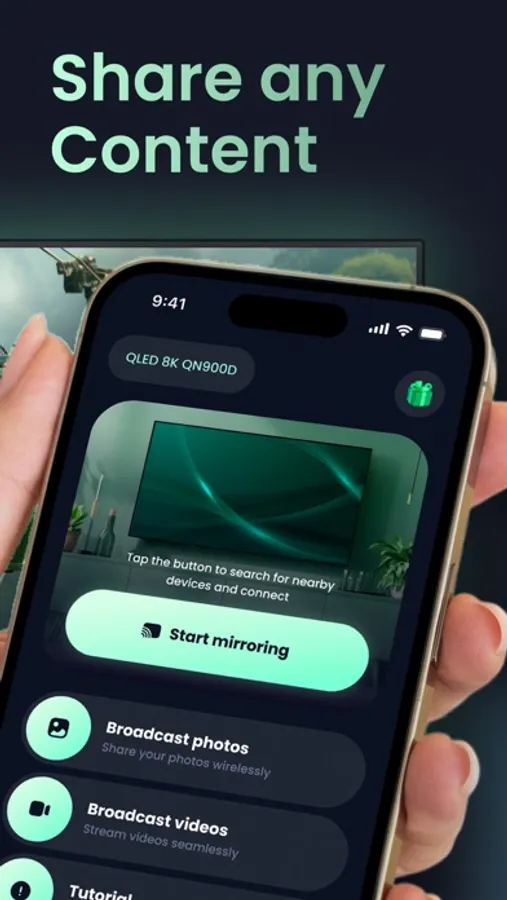
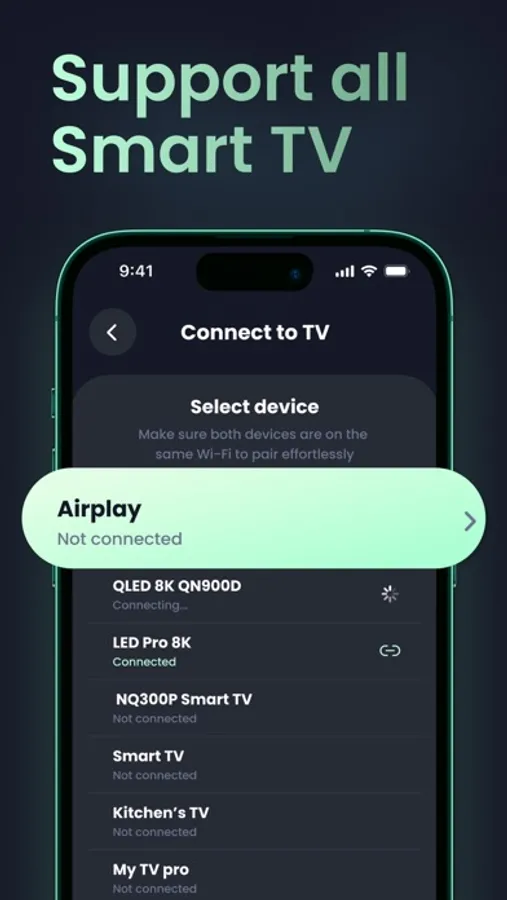
Easily mirror your iPhone or iPad screen to Smart TVs including Samsung, Vizio, Sony, Chromecast, TCL, LG, Roku, and many more!
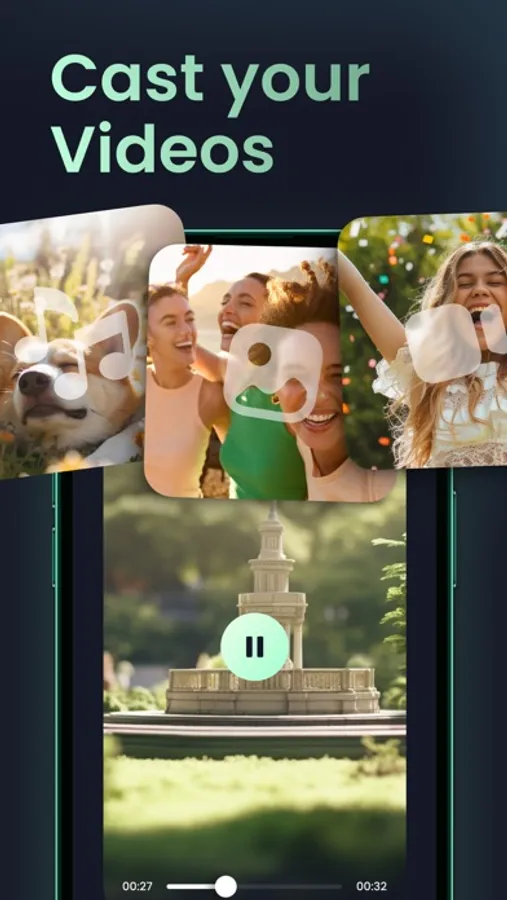
Effortlessly control and cast your device screen in real time — enjoy videos, photos, and more without delays or interruptions.
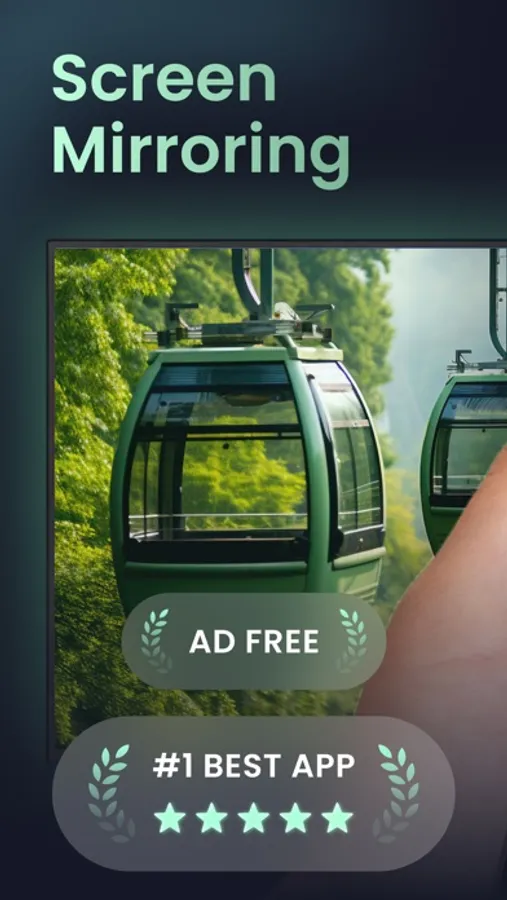
No ads during mirroring or casting — just pure, uninterrupted viewing on the big screen.
Start casting to your Smart TV now and enjoy the experience:
Built with privacy in mind — safely cast even over unsecured networks without worrying about unwanted access.
Includes compatibility options for older TVs with network capabilities.
Optimized for performance — even lower-end iOS devices deliver smooth mirroring.
Instant connection and mirroring to Chromecast devices.
Share photos and videos from your gallery in just two taps.
Works with Smart TVs from various brands.
Technical highlights:
Universal Smart TV support.
No additional setup or installation required.
Ultra-low latency with Chromecast-powered devices for the best viewing experience.
Stream audio to Chromecast-enabled TVs and speakers.
Download now and start enjoying seamless screen casting!
Flexible subscription plans are available — whether you need short-term access or prefer a yearly option, you can cancel anytime, hassle-free. Stay up to date with the latest features and improvements.
Privacy Policy: https://docs.google.com/document/d/1mFtp-c1hb5QNDYcy-d-eFCLnfeeVnyQI49vQ6KnIaCU/edit?tab=t.0
Terms of Use: https://docs.google.com/document/d/16eW1VjWhcSLN-hu4vPVClevIZ7wi8-sE2V-wVcTjACA/edit?tab=t.0
Effortlessly control and cast your device screen in real time — enjoy videos, photos, and more without delays or interruptions.
No ads during mirroring or casting — just pure, uninterrupted viewing on the big screen.
Start casting to your Smart TV now and enjoy the experience:
Built with privacy in mind — safely cast even over unsecured networks without worrying about unwanted access.
Includes compatibility options for older TVs with network capabilities.
Optimized for performance — even lower-end iOS devices deliver smooth mirroring.
Instant connection and mirroring to Chromecast devices.
Share photos and videos from your gallery in just two taps.
Works with Smart TVs from various brands.
Technical highlights:
Universal Smart TV support.
No additional setup or installation required.
Ultra-low latency with Chromecast-powered devices for the best viewing experience.
Stream audio to Chromecast-enabled TVs and speakers.
Download now and start enjoying seamless screen casting!
Flexible subscription plans are available — whether you need short-term access or prefer a yearly option, you can cancel anytime, hassle-free. Stay up to date with the latest features and improvements.
Privacy Policy: https://docs.google.com/document/d/1mFtp-c1hb5QNDYcy-d-eFCLnfeeVnyQI49vQ6KnIaCU/edit?tab=t.0
Terms of Use: https://docs.google.com/document/d/16eW1VjWhcSLN-hu4vPVClevIZ7wi8-sE2V-wVcTjACA/edit?tab=t.0
Screen Mirroring and Cast App Screenshots
Tap to Rate: