
AI Security: Safe & Protection
DIGITAL CORE LIMITED
5.0 ★
1 ratings
Free
About AI Security: Safe & Protection
Take control of your browser safety and privacy with AI Security – your all-in-one solution for a safer, smarter, and cleaner web experience.
Key Features:
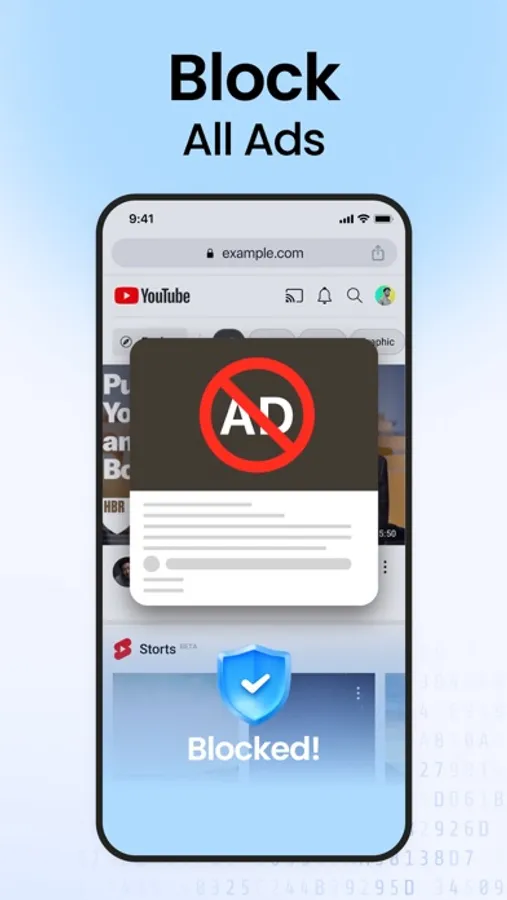
Clean Browsingr: Filters spammy ads for clean and safe browsing.
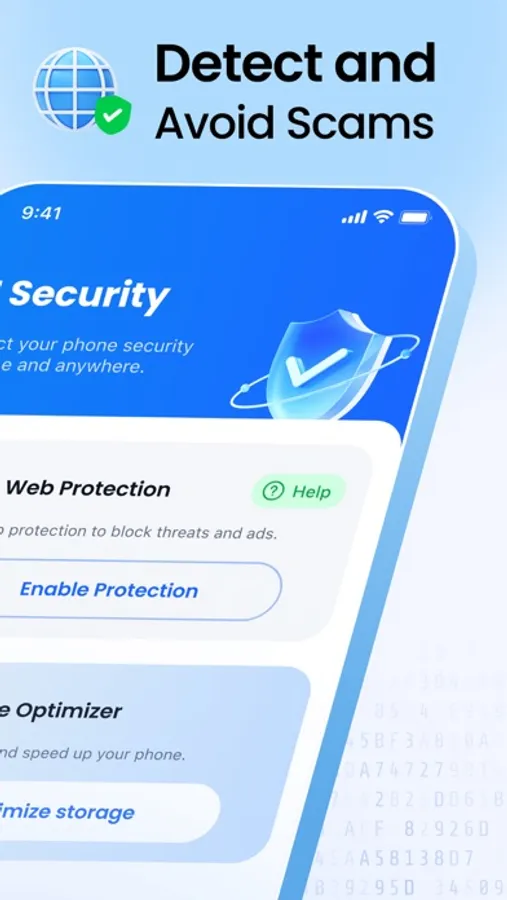
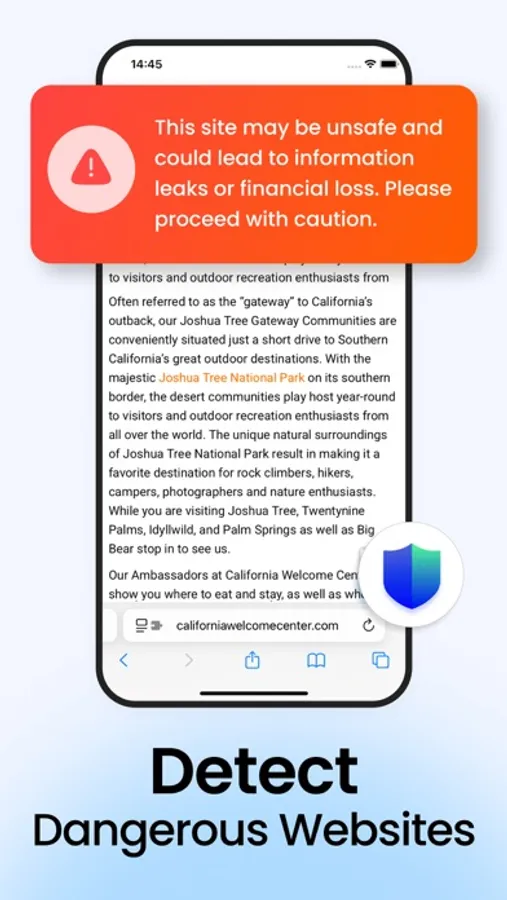
Phishing & Risky Site Alerts: Get real-time warnings when you visit suspicious or dangerous websites, protecting you from scams and phishing attacks.
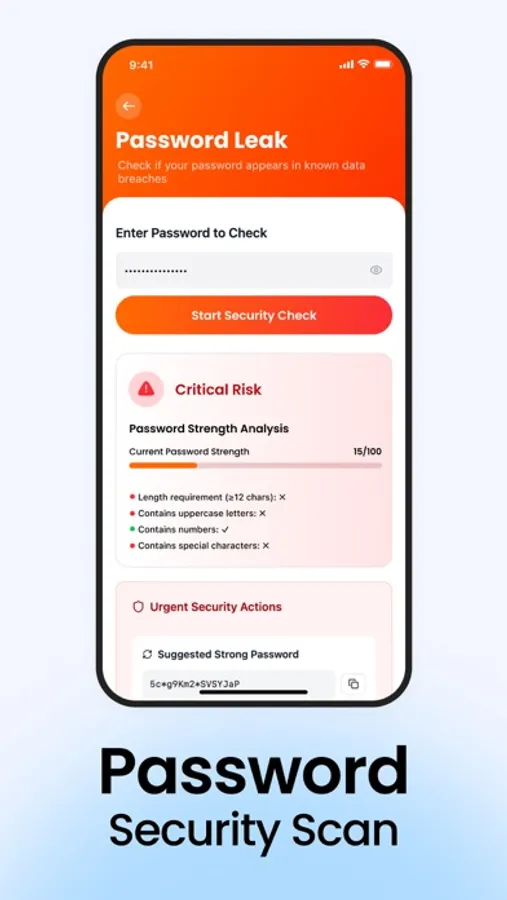
Password Leak Checker: Find out if your passwords have been exposed in data breaches and take action quickly.
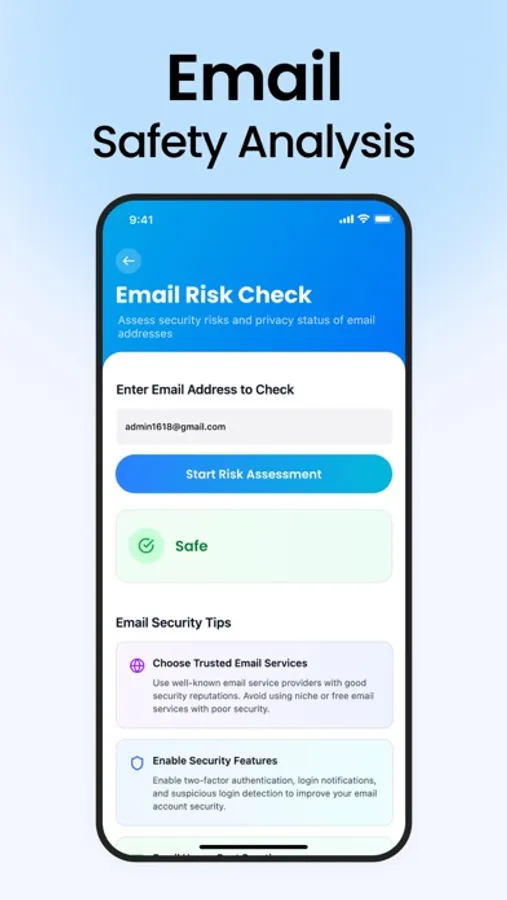
Email Risk Scanner: Check if your email accounts are at risk and receive tips to boost your online security.
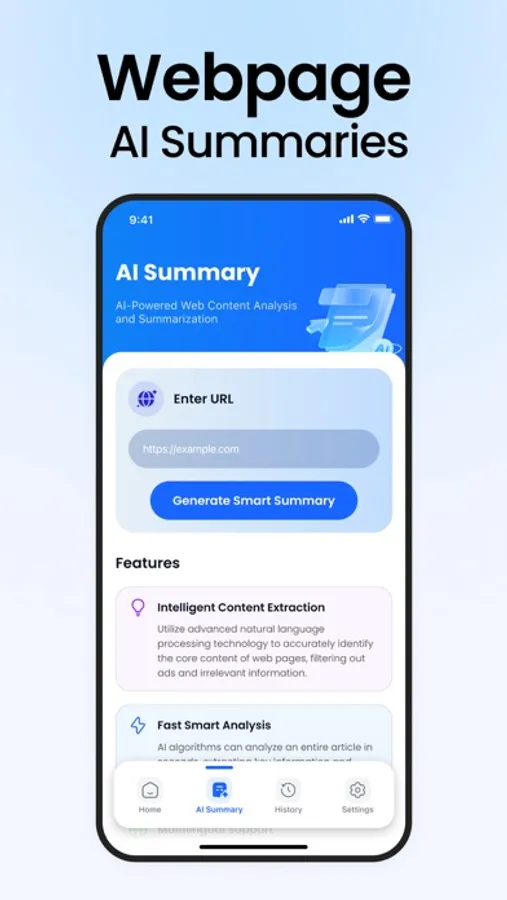
AI Page Summary: Save time with AI-powered webpage summaries. Understand key points of any site at a glance.
Phone Optimizer: Optimize storage and speed up your phone.
Easy to set up and use – protection starts with just a few taps.
Keeps your personal data private and secure.
Enhances your Safari browsing experience without slowing you down.
Start browsing with peace of mind.
--Payment and Subscription Terms--
Auto-Renewal: Subscriptions automatically renew unless auto-renew is turned off at least 24 hours before the end of the current period.
Manage Subscriptions: You can manage subscriptions and turn off auto-renewal by going to your Account Settings after purchase.
Free Trial: Any unused portion of a free trial period will be forfeited when you purchase a subscription.
Payment: Payment will be charged to your iTunes Account at confirmation of purchase.
Renewal Charges: Based on the selected plan, your account will be charged for renewal 24 hours before the end of the current period.
Manage your subscription directly from your iPhone:
Users can manage subscriptions and turn off auto-renewal by going to Account Settings:
- Open the Settings app.
- Tap your name.
- Tap “Subscriptions.”
- Tap the subscription you want to manage.
Privacy policy:https://www.digitalcoreapps.com/privacy
Terms of use: https://www.digitalcoreapps.com/terms
Contact us: https://www.digitalcoreapps.com/support
Key Features:
Clean Browsingr: Filters spammy ads for clean and safe browsing.
Phishing & Risky Site Alerts: Get real-time warnings when you visit suspicious or dangerous websites, protecting you from scams and phishing attacks.
Password Leak Checker: Find out if your passwords have been exposed in data breaches and take action quickly.
Email Risk Scanner: Check if your email accounts are at risk and receive tips to boost your online security.
AI Page Summary: Save time with AI-powered webpage summaries. Understand key points of any site at a glance.
Phone Optimizer: Optimize storage and speed up your phone.
Easy to set up and use – protection starts with just a few taps.
Keeps your personal data private and secure.
Enhances your Safari browsing experience without slowing you down.
Start browsing with peace of mind.
--Payment and Subscription Terms--
Auto-Renewal: Subscriptions automatically renew unless auto-renew is turned off at least 24 hours before the end of the current period.
Manage Subscriptions: You can manage subscriptions and turn off auto-renewal by going to your Account Settings after purchase.
Free Trial: Any unused portion of a free trial period will be forfeited when you purchase a subscription.
Payment: Payment will be charged to your iTunes Account at confirmation of purchase.
Renewal Charges: Based on the selected plan, your account will be charged for renewal 24 hours before the end of the current period.
Manage your subscription directly from your iPhone:
Users can manage subscriptions and turn off auto-renewal by going to Account Settings:
- Open the Settings app.
- Tap your name.
- Tap “Subscriptions.”
- Tap the subscription you want to manage.
Privacy policy:https://www.digitalcoreapps.com/privacy
Terms of use: https://www.digitalcoreapps.com/terms
Contact us: https://www.digitalcoreapps.com/support
AI Security: Safe & Protection Screenshots
Tap to Rate: