AppRecs review analysis
AppRecs rating 3.2. Trustworthiness 65 out of 100. Review manipulation risk 20 out of 100. Based on a review sample analyzed.
★★★☆☆
3.2
AppRecs Rating
Ratings breakdown
5 star
100%
4 star
0%
3 star
0%
2 star
0%
1 star
0%
What to know
✓
Low review manipulation risk
20% review manipulation risk
✓
Good user ratings
100% positive sampled reviews
About Audio Frequency Analyzer
"Audio Frequency Analyzer" is a powerful real-time audio analyzer (RTA) app for iPhone.
With simple operation, you can measure and evaluate your sound environment.
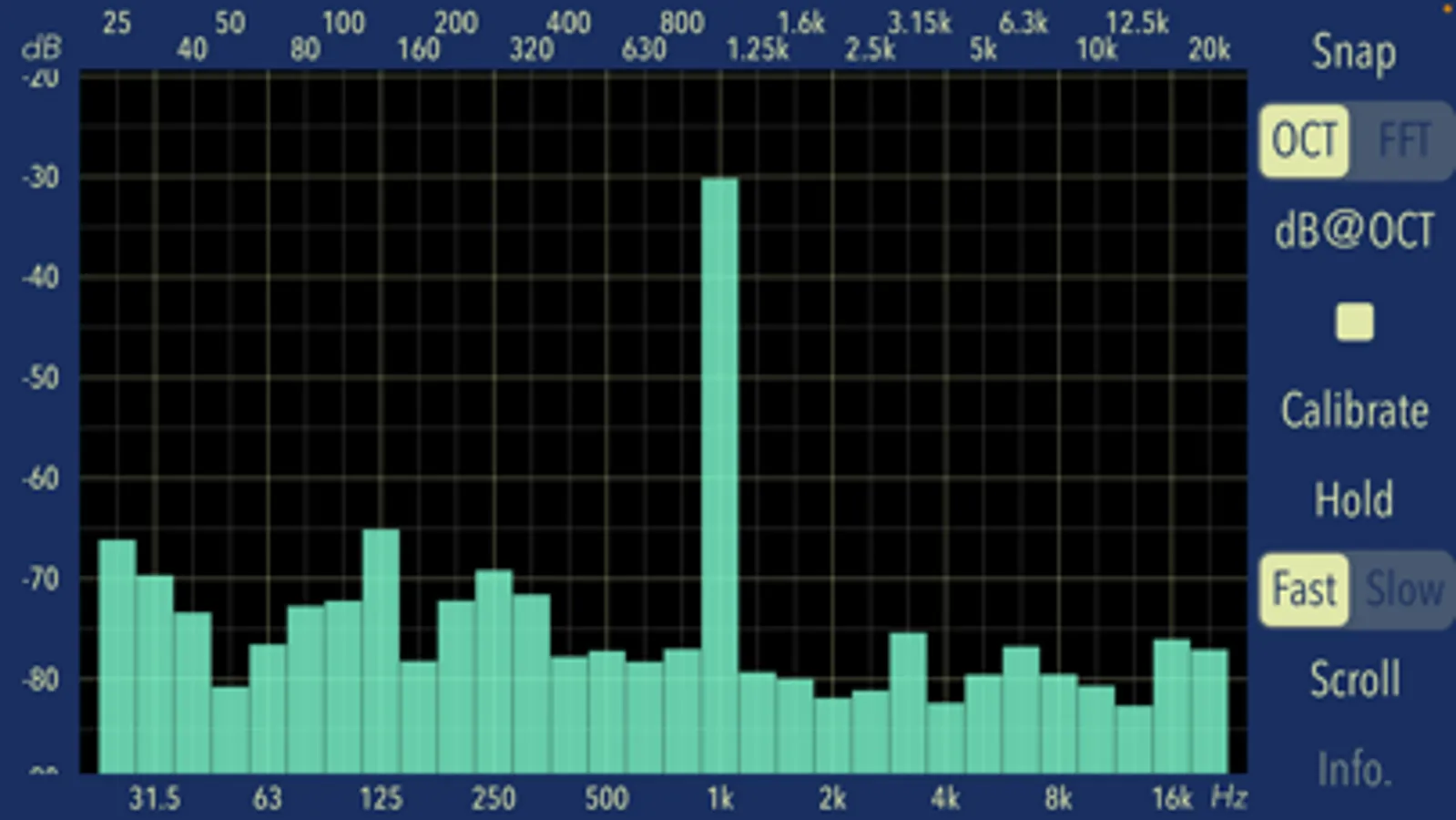
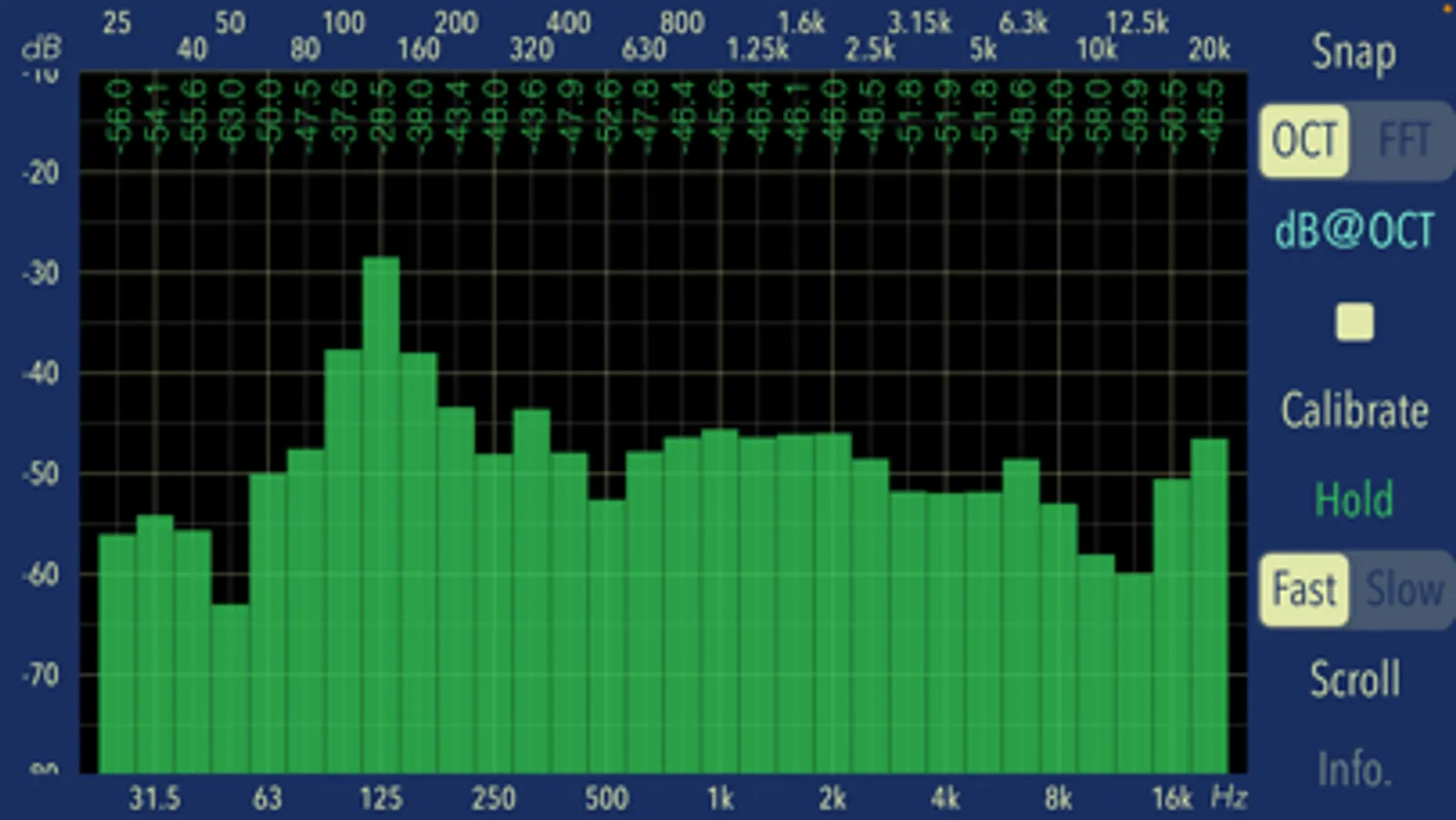
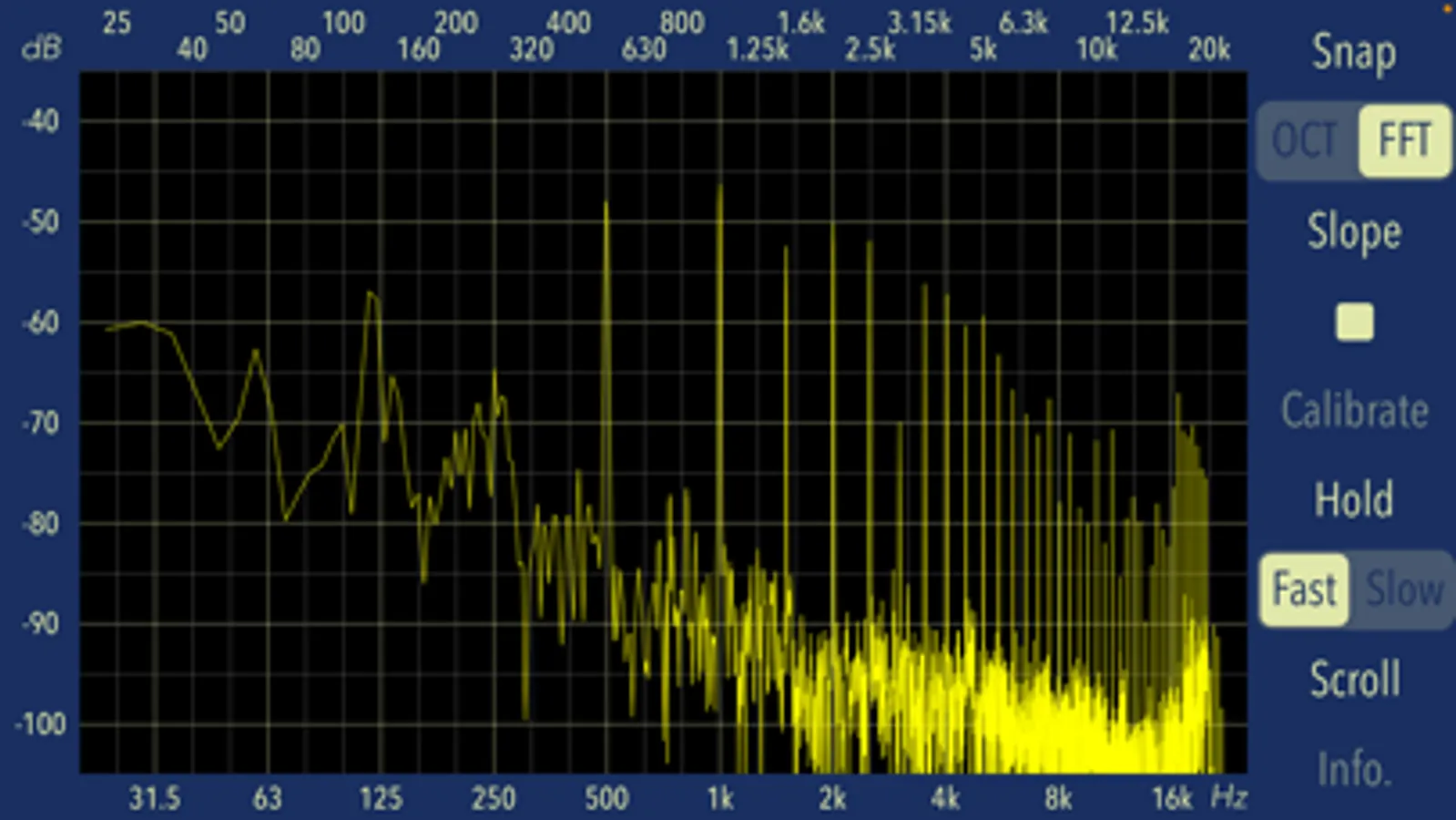
This app can measure the frequency response in 30 split band scale of 1/3 octave in real time. It can also display the FFT analysis results.
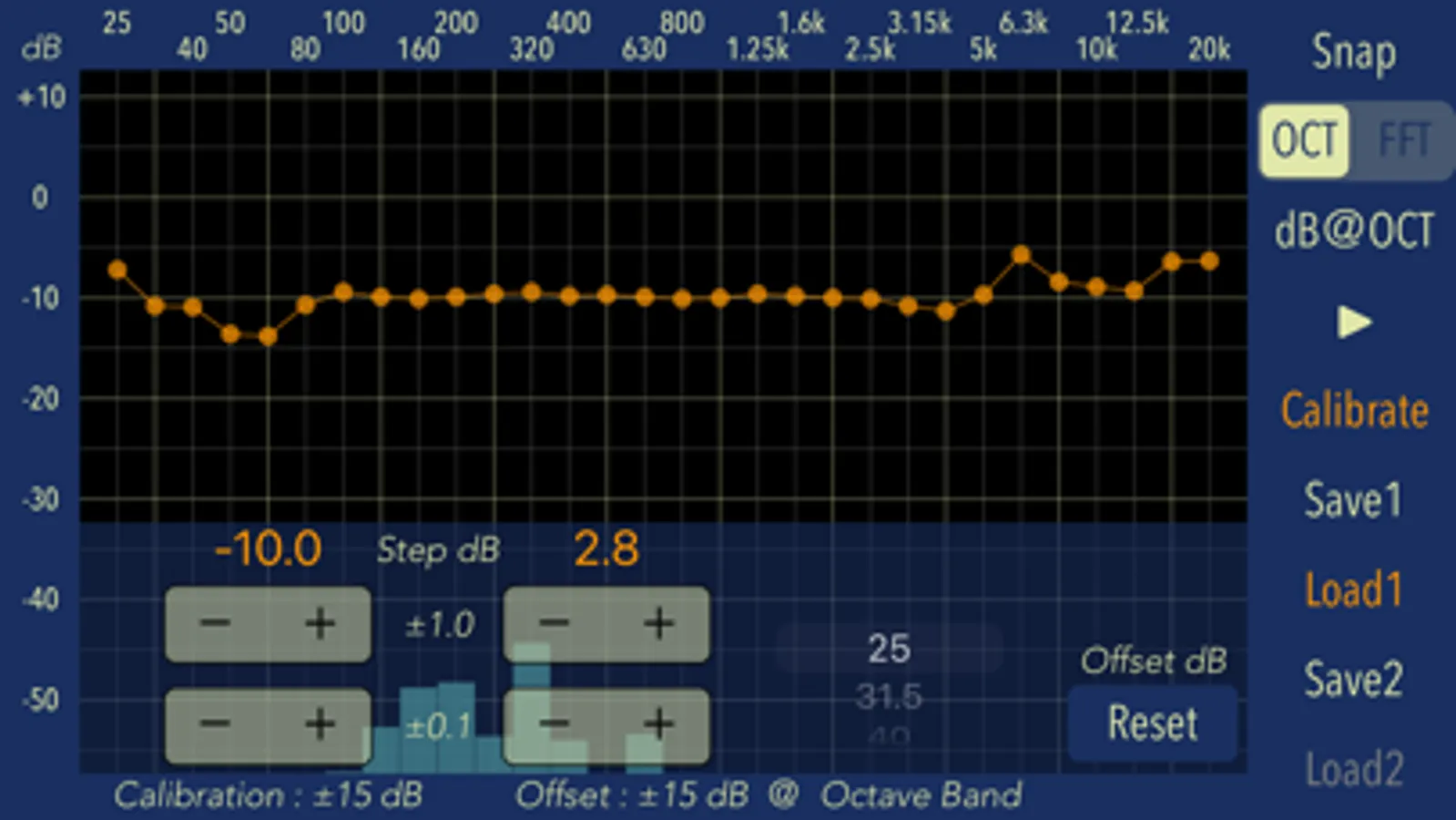
It is capable of calibrating 1/3 octave bands. By adjusting the characteristics to match not only the built-in microphone but also your external microphone, it achieves high measurement accuracy.
"Audio Frequency Analyzer" can be used for various applications, including sound room tuning, speaker settings, audio equipment testing, stage setup measurement, sound mixing environment evaluation and noise environment investigation.
Features:
- Frequency spectrum response measurement of 1/3 octave unit, 30 bands. (OCT)
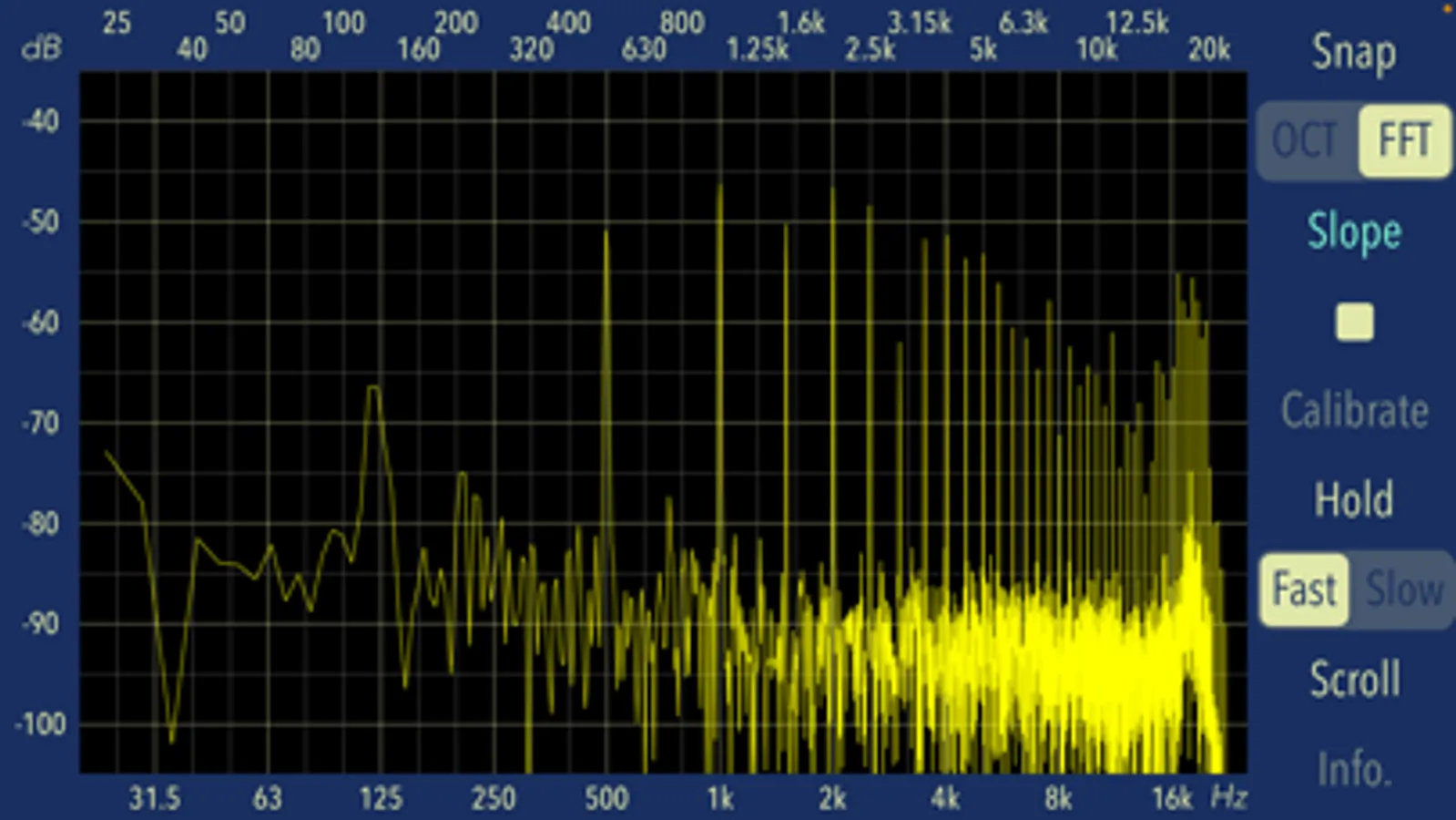
- FFT Analyzer (FFT)
- Frequency display: 20 - 20000 Hz (X-axis)
- Logarithmic amplitude display. (Y-axis)
- Touch-scroll function to adjust visible amplitude ranges.
- Display the measured value of 1/3 oct bands at OCT mode. (dB@OCT)
- Function to change the graph slope at FFT mode. (Slope): -3dB/oct (less than 1kHz), +3dB/oct (1kHz or higher)
- Peak hold function. (Hold)
- Average display function. (Avg): Time linear averaging. Fast-2.56sec, Slow-12.8 sec
- Display response control. (Fast/Slow)
- Reset of Measurement display position. (Scroll)
- Snapshot of Measurement display. (Snap)
- Calibration function in OCT mode. (Calibrate): 1/3 octave band offset and total offset setting.
- Display Info view. (Info.)
- Supports built-in microphone, headset microphone, and external digital audio connection.
Note:
The first time you access your microphone and photos after installing the app, the iOS system will ask you for permission to access them. If you have not enabled this setting, the app will not be able to access them due to iOS system privacy restrictions. Please enable the access permission in the iOS setting "Settings > Privacy & Security > Photos or Microphone".
Please visit our iOS app support page for more information about this app.
With simple operation, you can measure and evaluate your sound environment.
This app can measure the frequency response in 30 split band scale of 1/3 octave in real time. It can also display the FFT analysis results.
It is capable of calibrating 1/3 octave bands. By adjusting the characteristics to match not only the built-in microphone but also your external microphone, it achieves high measurement accuracy.
"Audio Frequency Analyzer" can be used for various applications, including sound room tuning, speaker settings, audio equipment testing, stage setup measurement, sound mixing environment evaluation and noise environment investigation.
Features:
- Frequency spectrum response measurement of 1/3 octave unit, 30 bands. (OCT)
- FFT Analyzer (FFT)
- Frequency display: 20 - 20000 Hz (X-axis)
- Logarithmic amplitude display. (Y-axis)
- Touch-scroll function to adjust visible amplitude ranges.
- Display the measured value of 1/3 oct bands at OCT mode. (dB@OCT)
- Function to change the graph slope at FFT mode. (Slope): -3dB/oct (less than 1kHz), +3dB/oct (1kHz or higher)
- Peak hold function. (Hold)
- Average display function. (Avg): Time linear averaging. Fast-2.56sec, Slow-12.8 sec
- Display response control. (Fast/Slow)
- Reset of Measurement display position. (Scroll)
- Snapshot of Measurement display. (Snap)
- Calibration function in OCT mode. (Calibrate): 1/3 octave band offset and total offset setting.
- Display Info view. (Info.)
- Supports built-in microphone, headset microphone, and external digital audio connection.
Note:
The first time you access your microphone and photos after installing the app, the iOS system will ask you for permission to access them. If you have not enabled this setting, the app will not be able to access them due to iOS system privacy restrictions. Please enable the access permission in the iOS setting "Settings > Privacy & Security > Photos or Microphone".
Please visit our iOS app support page for more information about this app.
Audio Frequency Analyzer Screenshots


Tap to Rate:
Reviews for Audio Frequency Analyzer
coolderp
Great tool
This a great tool that just plain works and is reliable. Been using itfor years! Really helps ringing out monitors on stage.