Partometer - camera measure
VisTech.Projects LLC
3.8 ★
64 ratings
$2.99
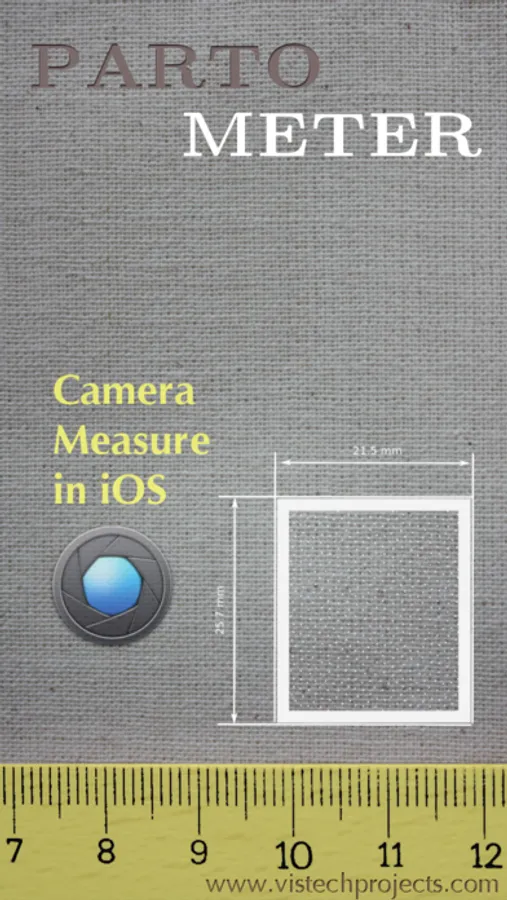
In this camera measurement app, you can perform precise object dimension measurements using reference objects or images. It features modes for length, angle, area, and circle measurements. Includes options for editing, zooming, and unit conversions.
AppRecs review analysis
AppRecs rating 3.8. Trustworthiness 82 out of 100. Review manipulation risk 23 out of 100. Based on a review sample analyzed.
★★★☆☆
3.8
AppRecs Rating
Ratings breakdown
5 star
56%
4 star
13%
3 star
6%
2 star
5%
1 star
20%
What to know
✓
Low review manipulation risk
23% review manipulation risk
✓
Credible reviews
82% trustworthiness score from analyzed reviews
✓
Good user ratings
69% positive sampled reviews
About Partometer - camera measure
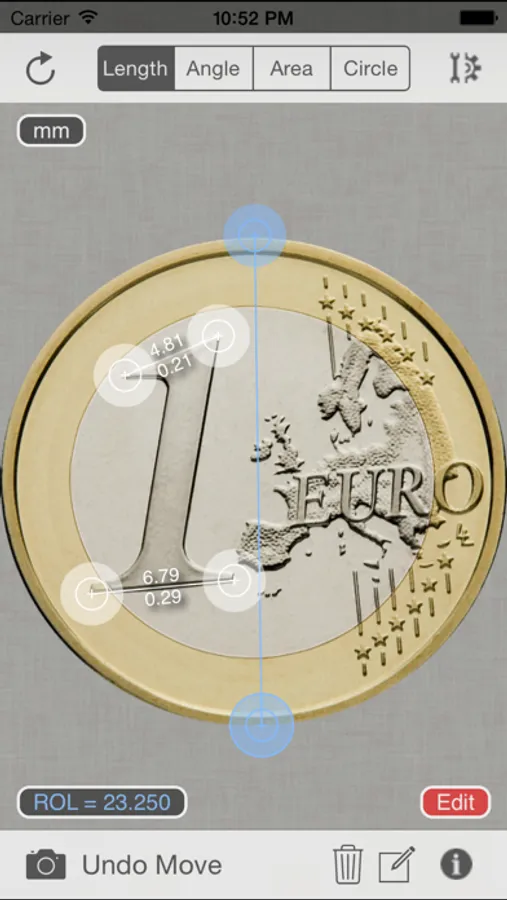
The App performs remote, non-contact in plane measurements. It uses the phone camera and any available object with known size as a reference. Most common objects like credit card, sheet of paper, DVD/CD, etc. are included in the application. Moreover you can use your own custom objects with known size.
The user has an option to make a snapshot of the camera view and work with the image instead of live camera view. Picture upload from the picture gallery is also available.
The following mode are available in the app:
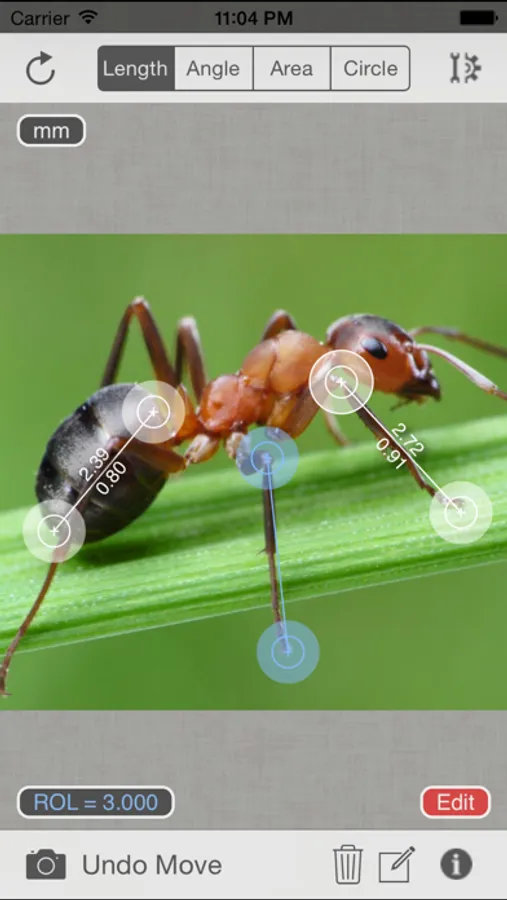
Length Mode: measure objects in any direction and compare parts to each other.
Angle Mode: two rulers are available connected in one point to measure angle and lengths.
Area Mode: area of irregular shaped objects can be calculated using this mode.
Circle Mode: measurements on circle - radius, length, area
The App shows measurement results in different units such as meters, millimeters, centimeters, feet, inches based on user settings. It also calculate dimensions of the object in relative units with respect to the reference object.
Two editing modes Edit and Zoom help the user to align the rulers or to mark an object accurately.
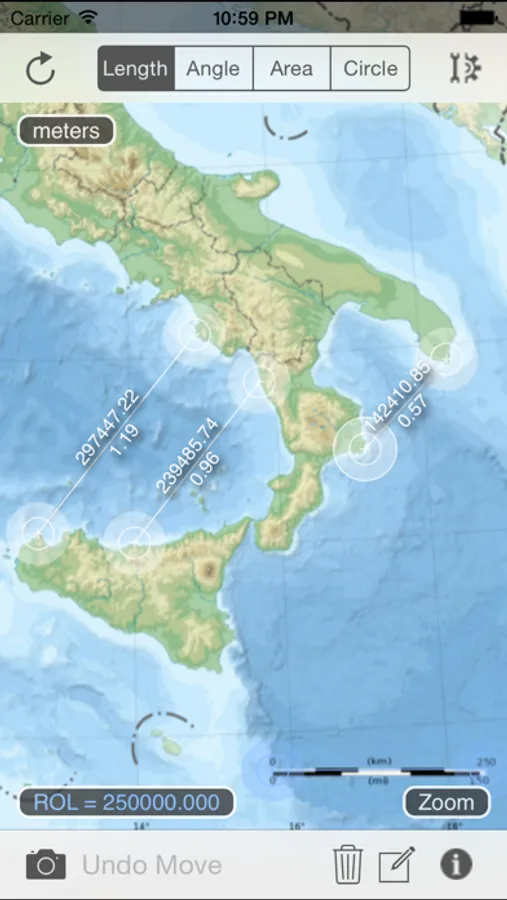
The App can be very useful if you need to measure bigger distances on a plane, where a simple ruler or measure tape is difficult to apply. All you need to do in this case is to place the reference object (credit card or sheet of paper) on the measurement plane, to make sure that an object of interest and reference object fit into the camera view, to take picture and do measurements.
Demo videos:
http://youtu.be/HPSBnIcLz8A
http://youtu.be/NwZnB6sLfqI
Circle Mode:
http://youtu.be/vmX5kBLptg0
Partometer use cases:
- measure size of your room quickly
- estimate furniture size
- measure baggage size
- measure out some distances on objects (handcraft, woodcraft, etc.)
- measure size of a big object that practically impossible to measure with a ruler or tape measure outdoor. For example, you can measure height of a house using sheet of paper as a reference object.
- measure small objects with high accuracy just by placing them on A4 or Letter sheet.
- measure or compare height of a person
- compare objects to each other
- estimate Pupilary Distance by holding credit card next to your face
- measure fish size very quickly or measure all previous catch from the pictures using your own height
- measure fabric or cloth area and size
- measure trees
- measure angles, pitch gauge
- measure spark plug gap
- measure area of irregular shaped objects
- measure bearings, roller bearings, nuts, rings.
- measure any internal feature or irregular shaped area on X-ray if you have a reference( useful for dentists)
- make measurements in different units
- measurements of small objects that fit within your device screen: jewelry, rings, stones, screws, bolts, buttons, nuts, knitting needles, knitting pattern, washers, insects, mosaic tile, hooks, etc.
... and many others, depending on your imagination.
Depending on measurement conditions, reference object and distance to an object you can achieve sub-mm resolution.
Partometer - camera measure Screenshots
Tap to Rate:
Reviews for Partometer - camera measure
CaptSquid92861
iPad Air, iOS 12.4.5
Need to close all background apps to get main screen.
randolphin212
Imported photo at lower resolution
I bought this to some work. Needed to measure map scale and then use that number to find distances on a map but the loaded photo was at a lower resolution than the actual photo so i can’t clearly see the scale - its too blury. It makes this a waste of money for me. It would be great if it could be loaded at same resolution.