
VITEK On Cue Viewer
Vitek Industrial Video Products, Inc.
3.0 ★
rating
Free
AppRecs review analysis
AppRecs rating 3.0. Trustworthiness 64 out of 100. Review manipulation risk 18 out of 100. Based on a review sample analyzed.
★★★☆☆
3.0
AppRecs Rating
Ratings breakdown
5 star
0%
4 star
0%
3 star
0%
2 star
33%
1 star
67%
What to know
✓
Low review manipulation risk
18% review manipulation risk
About VITEK On Cue Viewer
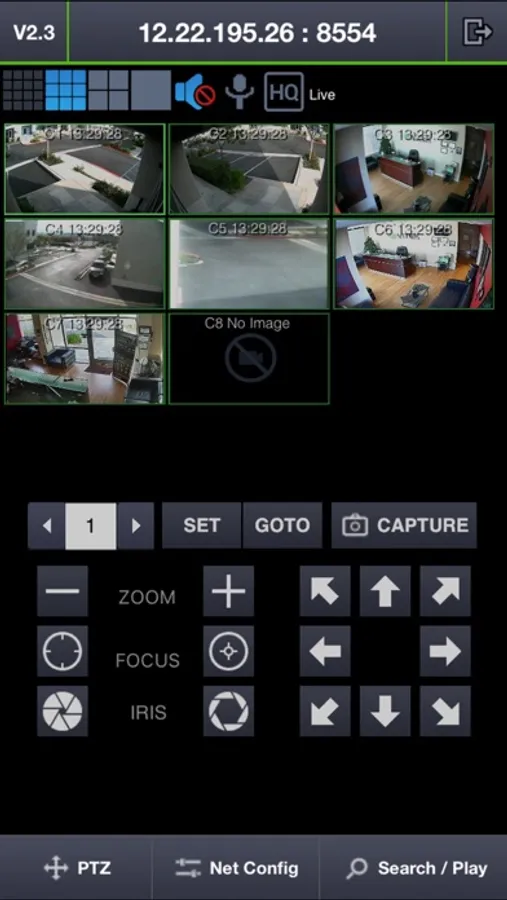
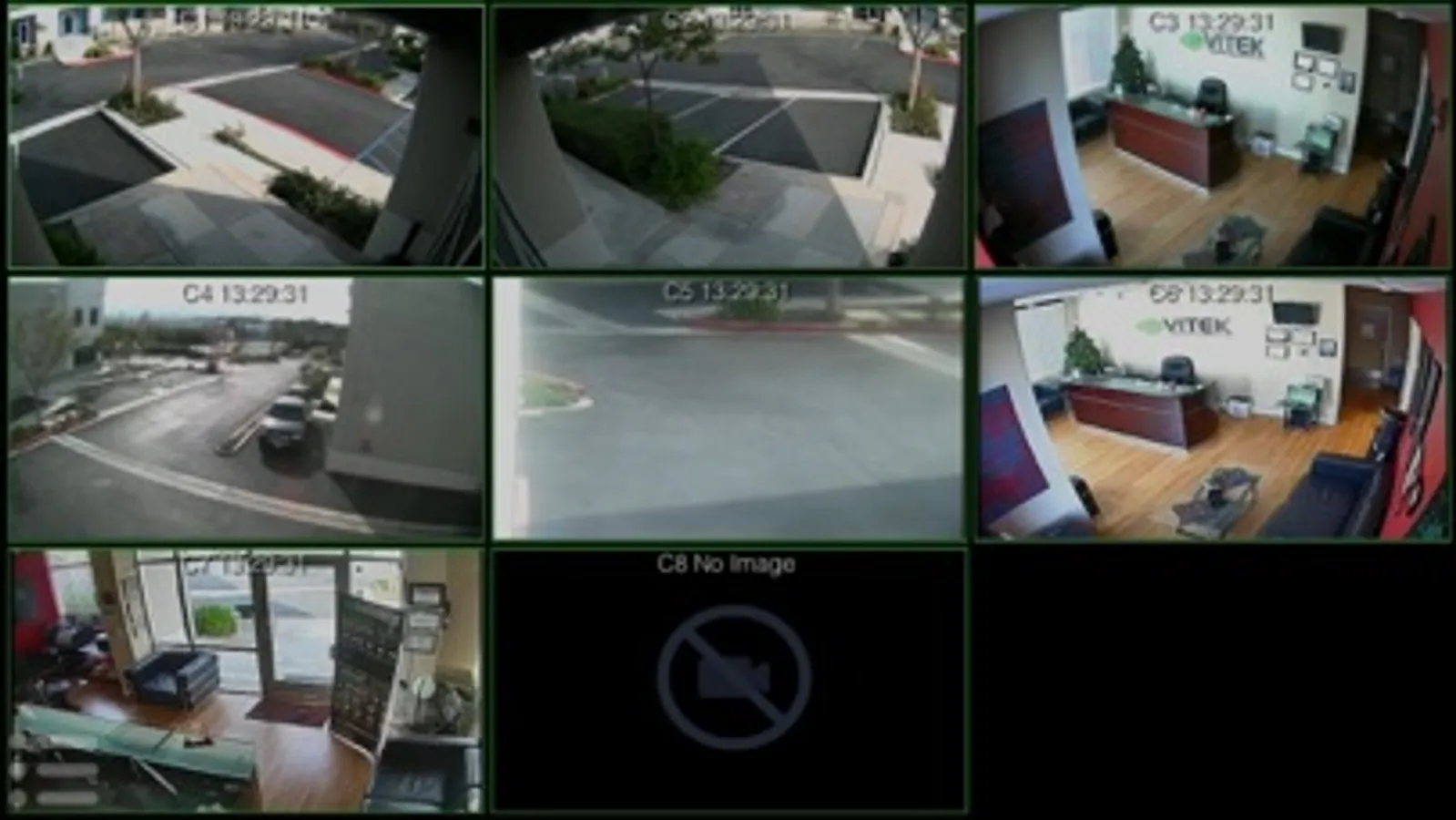
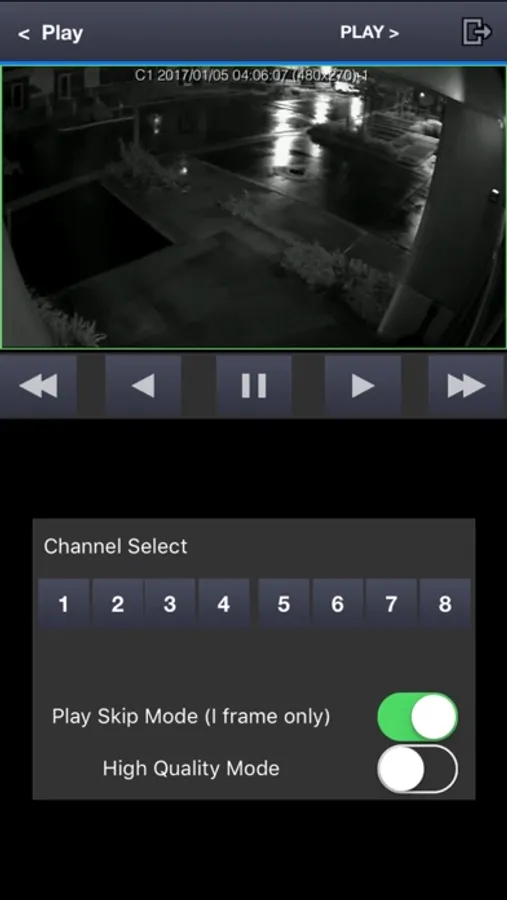
The 4 most popular Remote Viewing functions are seamlessly integrated into a clean, straight forward interface that doesn’t require a manual to use: History Search, Matrix-View, PTZ Control, and Snapshot Image.
Instead of searching through setup menus to access the function you need, the On Cue Viewer app provides all of its functionality from one main screen. Simply swipe to view the matrix, tap and hold to bring-up PTZ controls or take snapshot. Tilt the screen vertical for Search/Playback and Connection Controls. It’s just that simple!
Features
• Pinch-Zoom Gesture Control
• Easy to navigate streamlined Interface
• View Up To 4 1080p Cameras Simultaneously In Matrix View
• Swipe To Change From Camera To Camera Or Back To Matrix
• Quick Search And Playback Functions With Intuitive Controls
• Screen Capture Function Downloads Straight To Your Pictures Folder
• Advanced Setup Features Links To The Full Web GUI For Maximum-Control
• Easy-Access PTZ Controls Integrated Into The Main View
Live Demo Configuration:
1) Press the New button
2) Enter the connection information listed below
Connection Name: Vitek-Demo
Host Address: 12.22.195.26
DVR Port Number: 8554
Web Port: 9000
User Name: DEMO
Password: 1234
3) Press Save
4) Select the DVR from the list
5) Press Connect
VITEK On Cue Viewer Screenshots
Tap to Rate:
Reviews for VITEK On Cue Viewer
Jackie Martling
Worst app on my phone
This app has made me decide to convert 100% of my cameras to ring.com. The functions and features are absolutely horrendous. It’s nearly impossible to find a video or motion that you’re looking for. This is what 1990 considered User Interface design. What an absolute disgrace. I would give this negative stars if I could. I had someone on my property that I need to get to the recording of them and it’s the most complicated process that makes no intuitive sense. I have to search through 24 hours of 8 camera essentially manually. Go to ring.com and see what a good app that is user friendly looks like.
Sssssmmmmuuuurrrfff
Not as described
Can't download the app on the Ipad like it says. the cameras in live view are cool, but trying to pull up a recorded event I still can't get to work, it just searches. I have the iphone 5s, so it should work perfectly and easy like the description says. App needs fixing.