With this app, you can stream photos, videos, and music from your mobile device to connected TVs and audio systems. Includes automatic device discovery, remote control features, and support for multiple connected devices.
AppRecs review analysis
AppRecs rating 3.1. Trustworthiness 77 out of 100. Review manipulation risk 26 out of 100. Based on a review sample analyzed.
★★★☆☆
3.1
AppRecs Rating
Ratings breakdown
5 star
39%
4 star
11%
3 star
9%
2 star
6%
1 star
34%
What to know
✓
Low review manipulation risk
26% review manipulation risk
✓
Credible reviews
77% trustworthiness score from analyzed reviews
⚠
High negative review ratio
40% of sampled ratings are 1–2 stars
About iMediaShare
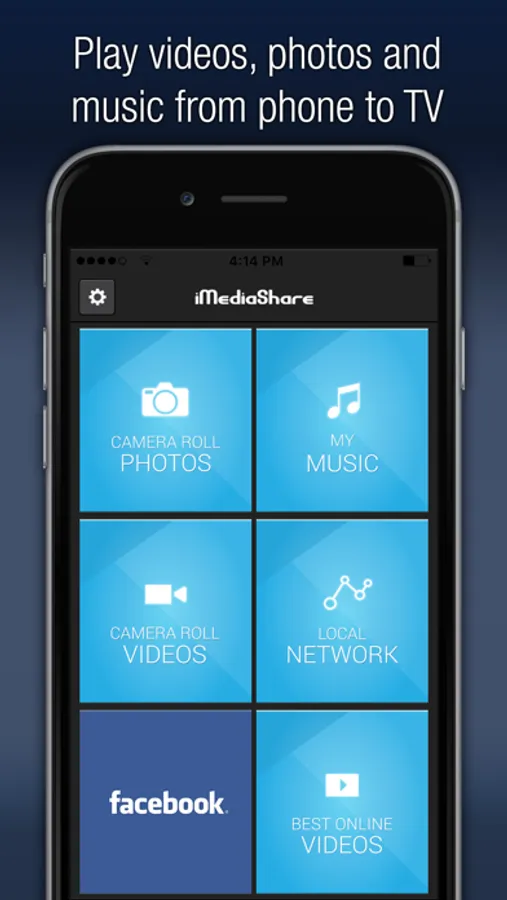
The easiest way to stream photos, video, and music from your mobile to your TV!
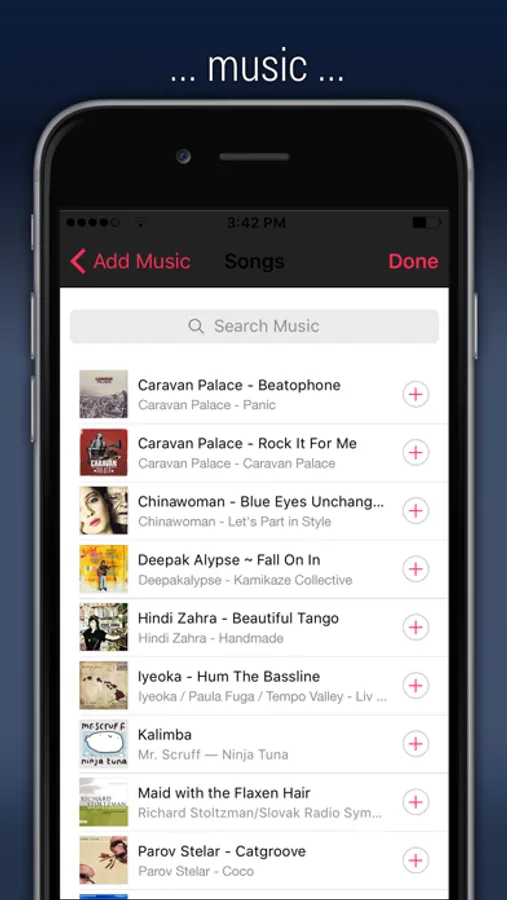
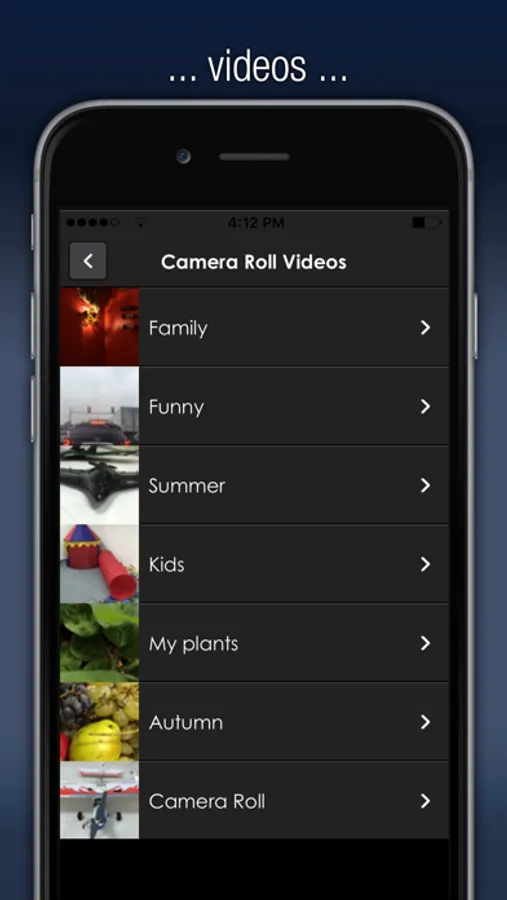
Your photos, videos and music are instantly available to play on any connected TV screen or audio system around – at home, at a friend’s house, or at your local café. For online content like news, sports and music videos, check out the Flipps app.
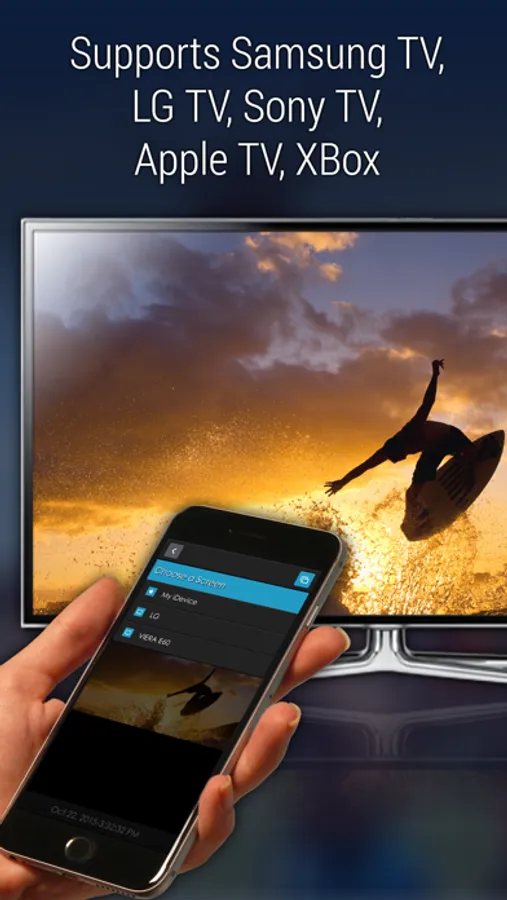
Access your digital content from anywhere. iMediaShare automatically discovers any connected devices around you. All you have to do is choose the one you’d like to play on, and your videos stream instantly on the big screen. iMediaShare also serves as the ultimate remote, so you can adjust volume, playback, or switch videos with intuitive touchscreen gestures.
You no longer have to pass around a single phone from person to person to watch videos while hanging out with friends. Instead, stream those videos to any connected TV so everyone can see!
Supported Players:
- Internet-connected TVs by Samsung, Sony, Panasonic, LG & Philips
- Xbox One, Xbox 360, DISH Hopper, Apple TV
Your photos, videos and music are instantly available to play on any connected TV screen or audio system around – at home, at a friend’s house, or at your local café. For online content like news, sports and music videos, check out the Flipps app.
Access your digital content from anywhere. iMediaShare automatically discovers any connected devices around you. All you have to do is choose the one you’d like to play on, and your videos stream instantly on the big screen. iMediaShare also serves as the ultimate remote, so you can adjust volume, playback, or switch videos with intuitive touchscreen gestures.
You no longer have to pass around a single phone from person to person to watch videos while hanging out with friends. Instead, stream those videos to any connected TV so everyone can see!
Supported Players:
- Internet-connected TVs by Samsung, Sony, Panasonic, LG & Philips
- Xbox One, Xbox 360, DISH Hopper, Apple TV
iMediaShare Screenshots
Tap to Rate:
Reviews for iMediaShare
Scopiie
helped
thank u it helped me translate photos from iphone to ps3
X23madman
Sometimes
Sometimes it works sometimes it doesn’t can you fix this everytime you play the video and Lock Screen it goes away