Use this remote desktop app to securely connect to Windows PCs and virtual desktops across cloud services. Includes connection management, credential handling, audio and video streaming, and device redirection options.
AppRecs review analysis
AppRecs rating 4.0. Trustworthiness 78 out of 100. Review manipulation risk 22 out of 100. Based on a review sample analyzed.
★★★★☆
4.0
AppRecs Rating
Ratings breakdown
5 star
69%
4 star
8%
3 star
5%
2 star
4%
1 star
14%
What to know
✓
Low review manipulation risk
22% review manipulation risk
✓
Credible reviews
78% trustworthiness score from analyzed reviews
✓
High user satisfaction
77% of sampled ratings are 4+ stars (4.1★ average)
About Windows App Mobile
Embrace the simplicity of a unified client with Windows App Mobile and connect to your Windows in the cloud with ease and security, from the device of your choice.
GET STARTED
• Learn more about the features of Windows App Mobile at https://aka.ms/WindowsApp.
• Configure your PC for remote access using the information at https://aka.ms/rdsetup.
KEY FEATURES
• Access remote PCs running Windows Professional or Enterprise and Windows Server.
• Access managed resources published by your admin.
• Connect through a Remote Desktop Gateway.
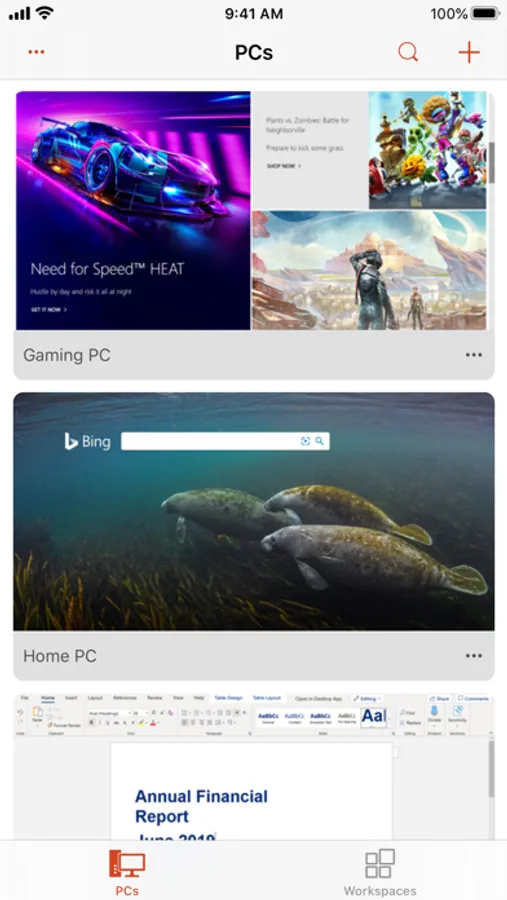
• Simplified management of your connections and credentials from the Connection Center, including a Favorites page to cater to your unique workflow needs.
• Audio and video streaming.
• Redirect folders, your clipboard, and local devices such as microphones and cameras.
• Connect your iPhone or iPad to an external monitor.
• Easily switch between Entra accounts.
• Dynamically switch between Portrait and Landscape mode.
By downloading Windows App Mobile, you agree to the license (see https://aka.ms/WindowsAppLicense) and privacy terms (see https://aka.ms/privacy).
Windows App Mobile Screenshots
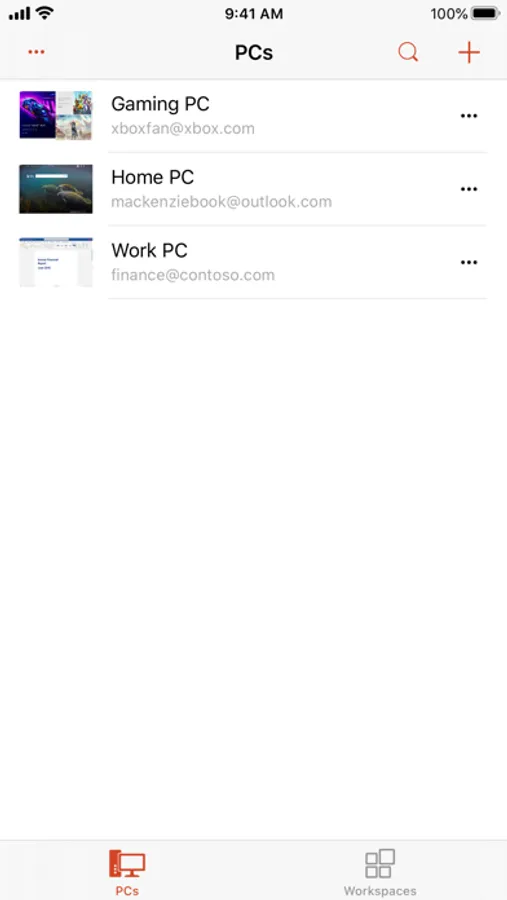
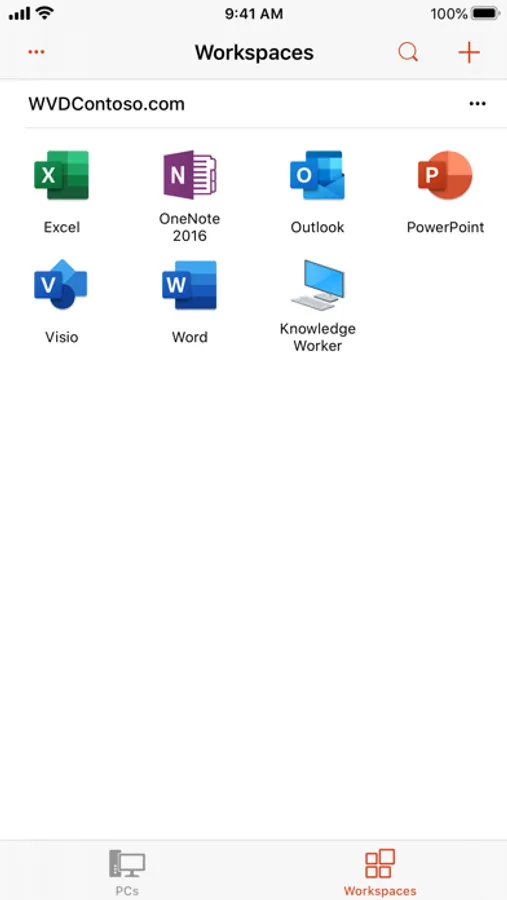
Tap to Rate:
Reviews for Windows App Mobile
Stephen Cannon
Useless for most consumers
App is an upsell for windows home. Why would you be able to use Remote Desktop on Windows home? All the other apps can do this without me upgrading my plan. Microsoft garbage. No way to even test of it is worthwhile without them taking money from you. Normal pathetic corporate tactics
RaymondBull
Absolutely love it! But how to get “CTRL + /“ to work?
This app lets me work on my home PC from anywhere using my iPad, which is awesome. However, modifier keys (Shift/Ctrl) don’t work reliably when combined with non-letter keys (for example, Ctrl + /), which really degrades the experience—especially in apps like VS Code. Could you please fix this issue soon?