AppRecs review analysis
AppRecs rating 4.8. Trustworthiness 71 out of 100. Review manipulation risk 24 out of 100. Based on a review sample analyzed.
★★★★☆
4.8
AppRecs Rating
Ratings breakdown
5 star
79%
4 star
7%
3 star
14%
2 star
0%
1 star
0%
What to know
✓
Low review manipulation risk
24% review manipulation risk
✓
Credible reviews
71% trustworthiness score from analyzed reviews
✓
High user satisfaction
79% of sampled ratings are 5 stars
About AnyCal
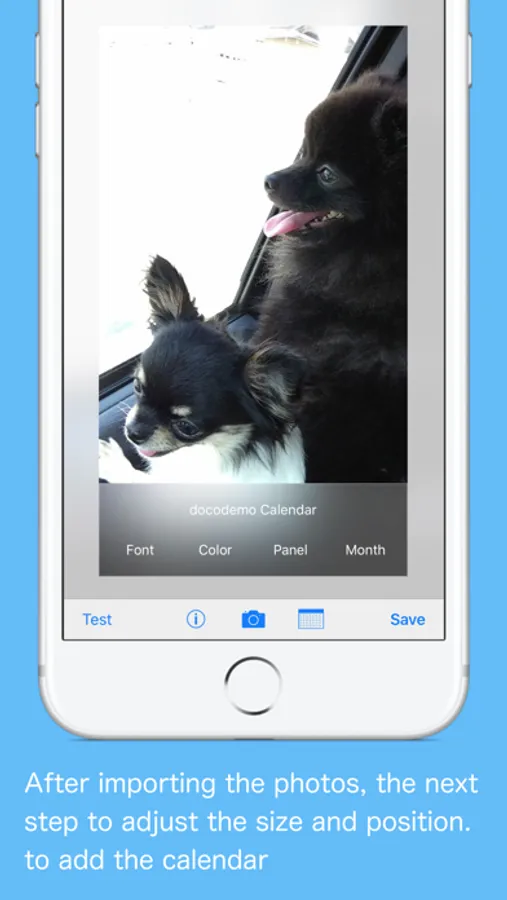
And you can check the appearance of the photo in the test.
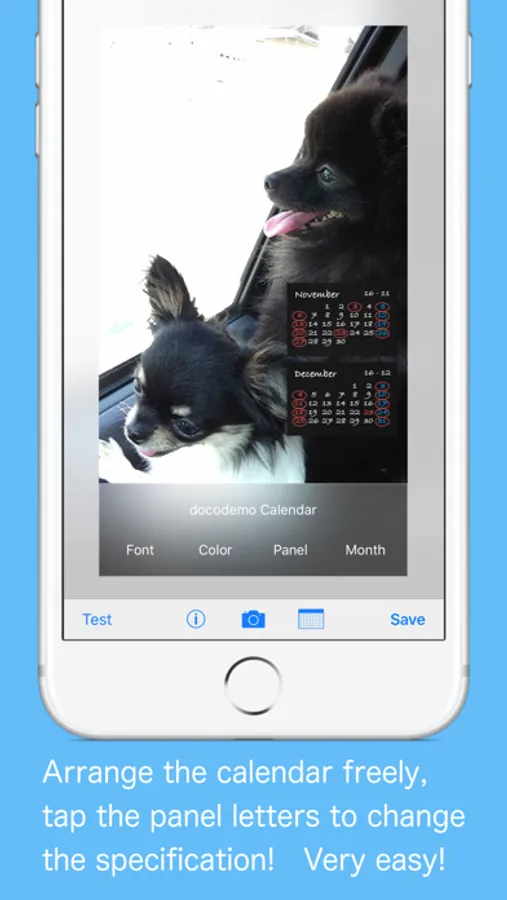
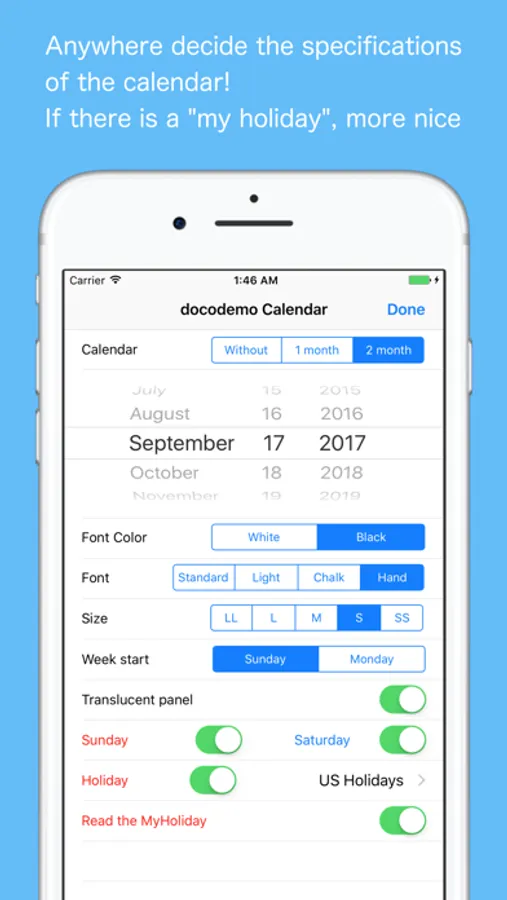
- Two months of the calendar display is now possible.
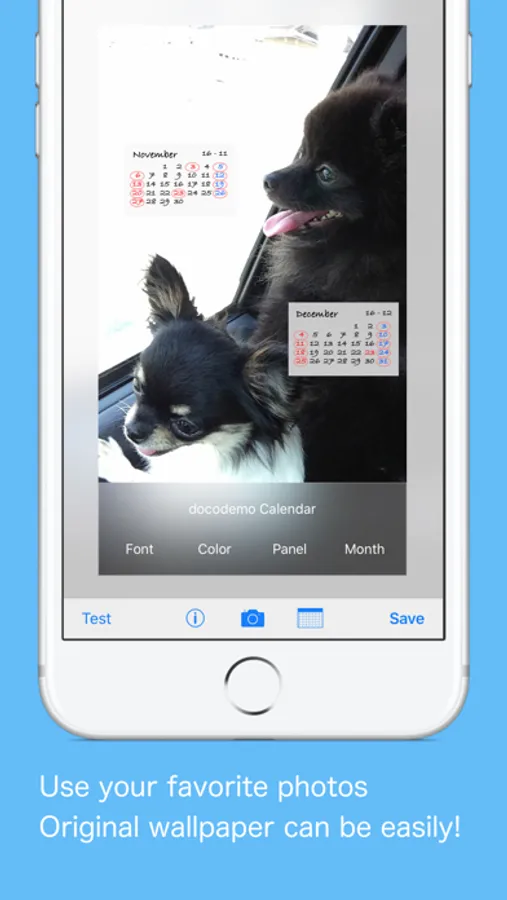
- You can add a calendar to wallpaper.
- This app reads the holiday from "MyHoliday" to add calendar.
- See sister product of the "MyHoliday”.
How to use
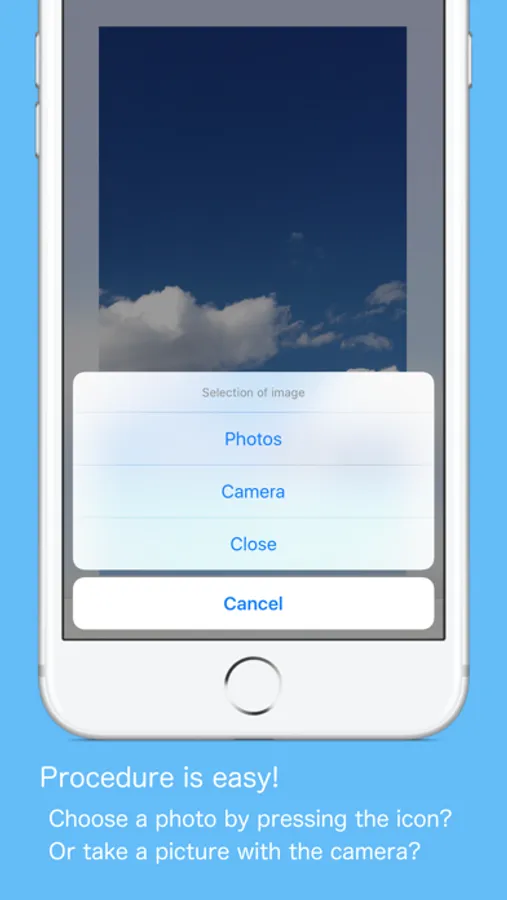
1. To read the image (Photo, camera, camera roll).
2. To determine the position by the expansion and movement.
3. To determine the placement by adding a calendar.
4. Test the appearance of wallpaper.
5. To save the wallpaper by pressing the "Save" button.
6. Just to set wallpaper after.
AnyCal Screenshots
Tap to Rate:
Reviews for AnyCal
Scott👨💻
Mostly works
This app mostly works but it’s a little odd that there has been weekly updates to fix bugs yet the same quirky bugs still exist and nothing seems to change. What is actually being changed in these updates? Be specific! There are some obvious translation errors and just overall poor UI/UX but once you work around them the app seems to be fine and gets the job done.
iToNeG
Can you add option to contact dev for support ?
Unable to disable weekend colors, when disabled still shows. Can we please be able to change holiday color? Can we change year/day format to day/year for US format? Like all options but just some bugs above. Thanks.