AppRecs review analysis
AppRecs rating 2.9. Trustworthiness 82 out of 100. Review manipulation risk 23 out of 100. Based on a review sample analyzed.
★★☆☆☆
2.9
AppRecs Rating
Ratings breakdown
5 star
35%
4 star
18%
3 star
0%
2 star
6%
1 star
41%
What to know
✓
Low review manipulation risk
23% review manipulation risk
✓
Credible reviews
82% trustworthiness score from analyzed reviews
About Video Pause
▸ No lengthy and tedious editing, splicing and combining of numerous clips when all you really needed was a pause button
▸ Capture your kids sports action sequences in one clip (Yes, soccer and little league parents, this app was made for you) and then easily re-watch that back on your Apple TV (item sold separately).
▸ Universal App: One price fits all (use for your iPad, iPhone and/or iPod Touch and pay only once)
▶ Some features include:
▸ Ability to snap photos while recording video
▸ Ability to Zoom while recording, paused or stopped (device must support video zooming)
▸ Square video capture support (Thanks for your patience Vine fans! See the 'Video Aspect Ratio' option under settings)
▸ Not only is Square (1:1 aspect ratio) supported, you are now able to record video holding device vertically (Portrait) but getting landscape (16:9 or 4:3 aspect ratios) output! (Again, see the 'Video Aspect Ratio' option under settings)
▸ SWIPE UP to access photos library so you can view and play what you just recorded (Recording must be paused or stopped)
▸ SWIPE LEFT or RIGHT to access settings
▸ If you leave the app, get a phone call or turn off the device, you now have the options to automatically save, pause or discard the video when recording or in pause mode (See 'When Leaving app (Multicasting)' under settings)
▸ Video stabilization is automatically enabled but can also be disabled (Configurable under settings)
▸ To pause/resume video simply tap once anywhere on the screen (Also configurable)
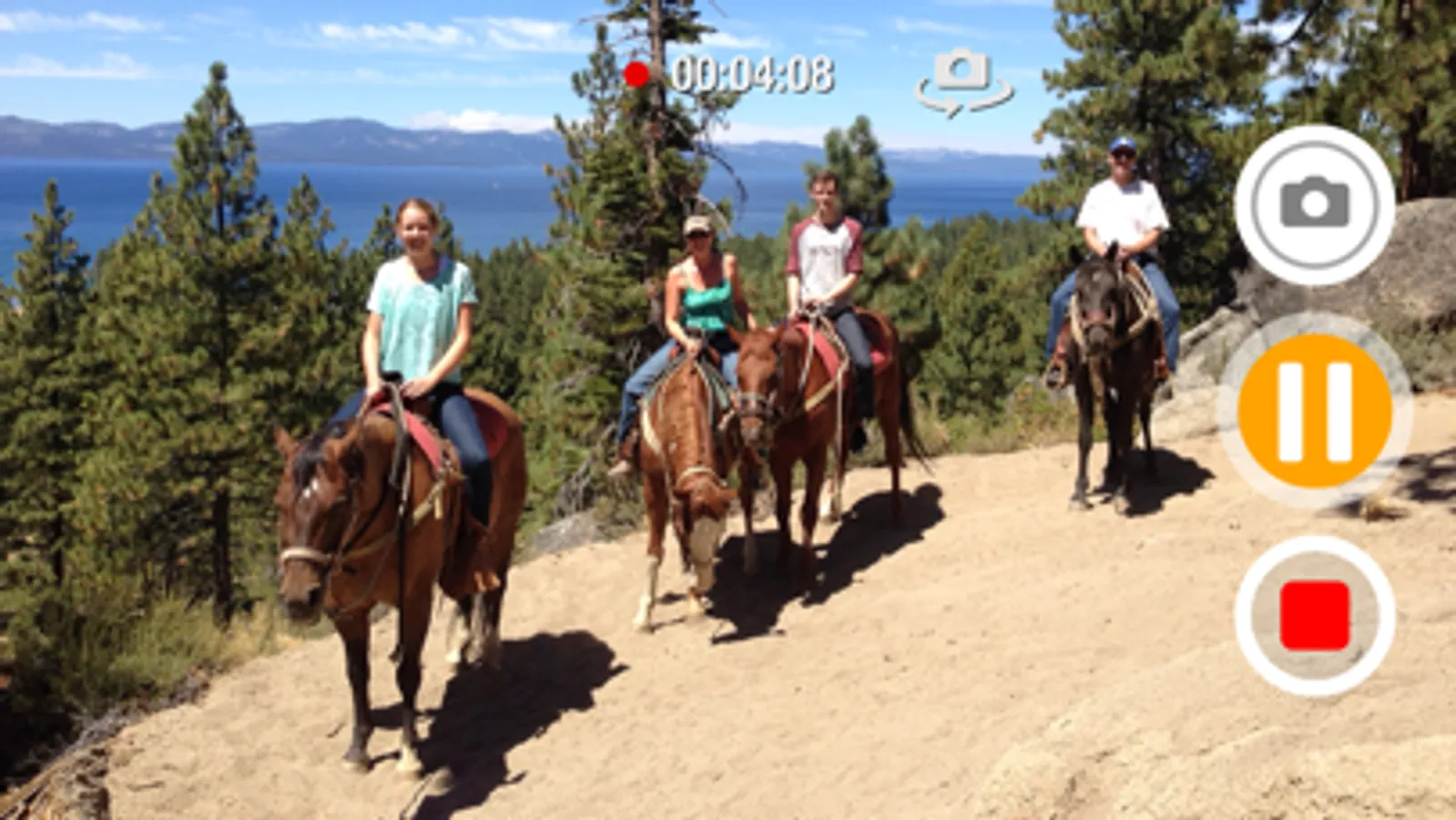
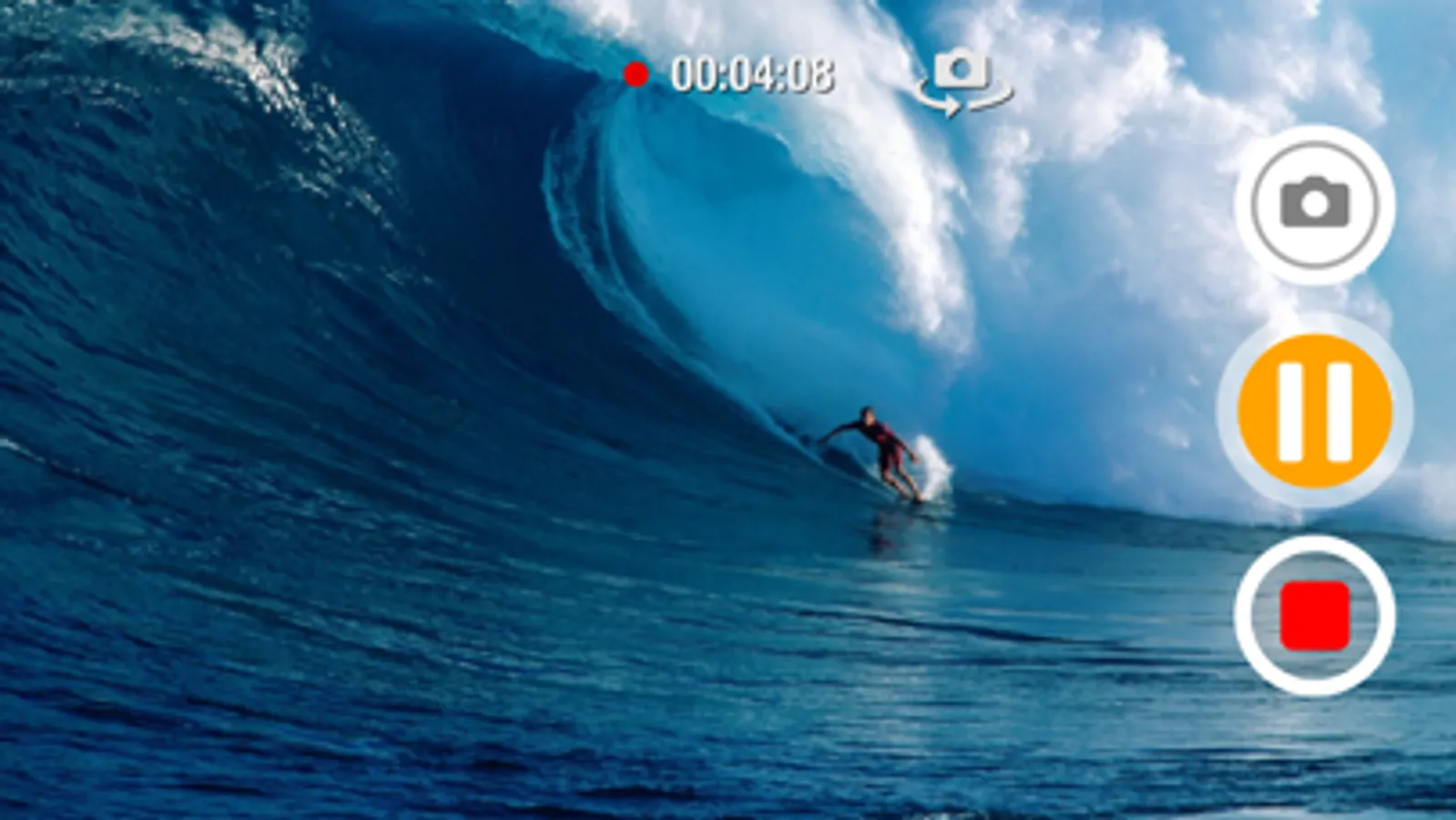
Video Pause Screenshots
Tap to Rate:
Reviews for Video Pause
swash2002
Works well, Flip camera needs fix
The app is simple, clean, and works as advertised—especially the ability to pause and resume video recording. However, there’s one major problem: in landscape mode, when switching from the rear camera to the front selfie camera, the recording appears normal while filming but the saved selfie clip ends up upside down. This needs to be fixed.
gleynswaq
Remote button
There are numerous remote buttons available for the default camera app on iPhone, but none that work with this particular camera pause application, or other similar products. Does anyone know if there is a button that will work with this?