
AppRecs review analysis
AppRecs rating 4.5. Trustworthiness 60 out of 100. Review manipulation risk 22 out of 100. Based on a review sample analyzed.
★★★★☆
4.5
AppRecs Rating
Ratings breakdown
5 star
100%
4 star
0%
3 star
0%
2 star
0%
1 star
0%
What to know
✓
Low review manipulation risk
22% review manipulation risk
✓
High user satisfaction
100% of sampled ratings are 5 stars
About KeyedIn Projects
Update critical project information on the move with KeyedIn® Projects.
No matter how much you love the job, we all hate the administrative work; filling in the timesheets and claiming expenses. It wastes valuable time. Unfortunately, your boss needs your timesheets to monitor project progress and you need your expenses paid ASAP. Using KeyedIn Projects you can log your time and expenses in dead time, when it’s convenient for you: in the taxi, on the train, or in the airport, whether online or offline.
KeyedIn Projects makes it fast and easy to…
• Submit Timesheets – easily view existing timesheets and enter new timesheets against authorised projects, tasks and assignments, both online and offline.
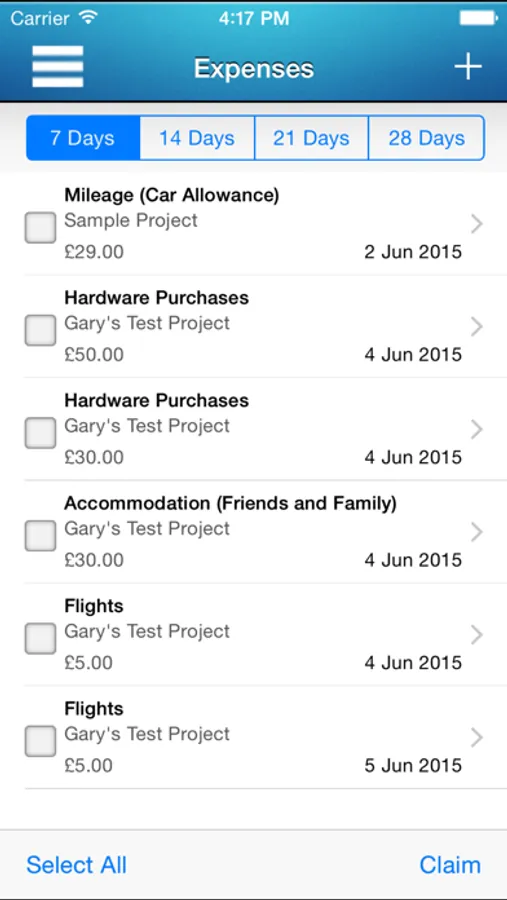
• Capture Expenses – conveniently enter expense items against authorised projects and expense types, and easily attach receipt images, both online and offline.
• Submit Expenses – quickly build and submit expense claims and monitor claim approval and payment status
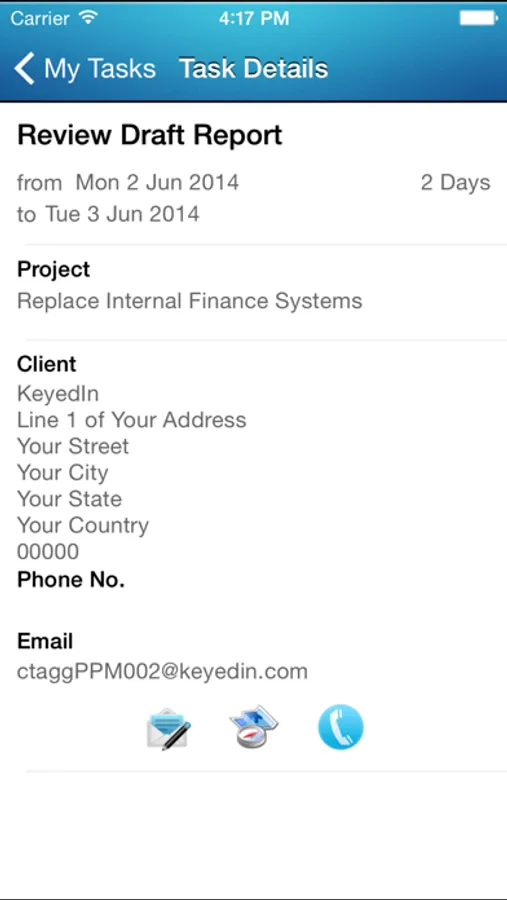
• Action Task Assignments – easily view and action your current task assignments
• Access Contact Information – view your KeyedIn Projects clients and contacts with full integration to your mobile device’s telephone, email and GPS capabilities
• Access Approvals - Take action on timesheet and expense submissions
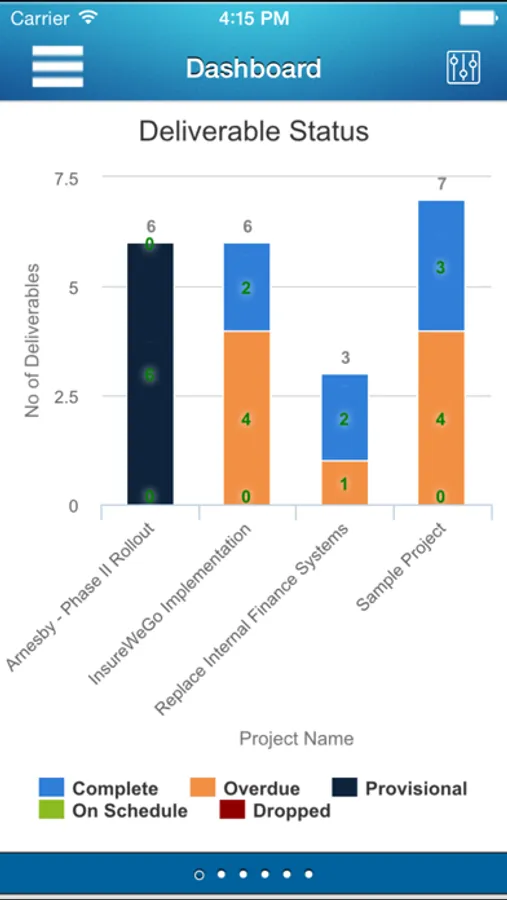
• View Analytics - view system reporting charts both online and offline.
KeyedIn Projects is both secure and robust, providing…
• Integrated Security – use the same login credentials as the KeyedIn Projects SaaS application, and your host security layer will be applied automatically
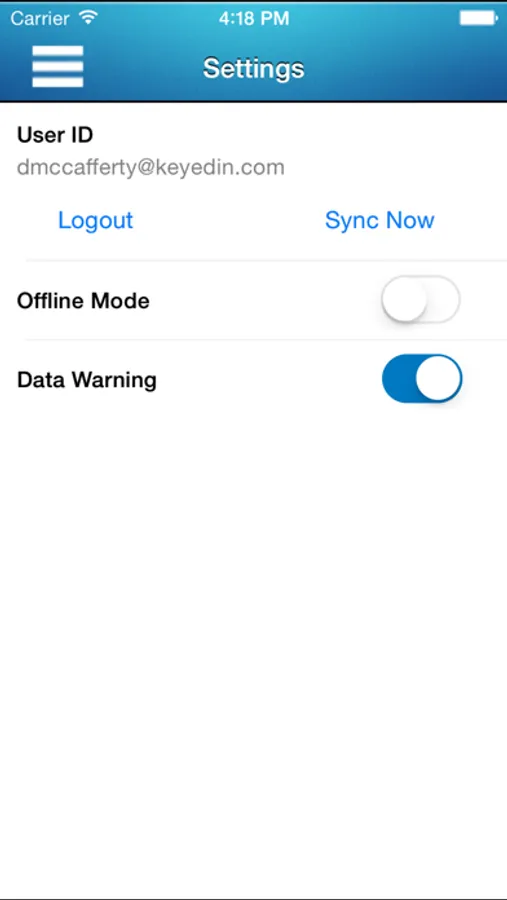
• Automated synchronisation – eliminate data entry errors; authorised projects, activities and expense types are synchronised automatically each time you connect
IMPORTANT: To use this application you must already have access to KeyedIn Projects. You will need your KeyedIn Projects username and password. If you have any trouble logging in, please contact your systems administrator.
No matter how much you love the job, we all hate the administrative work; filling in the timesheets and claiming expenses. It wastes valuable time. Unfortunately, your boss needs your timesheets to monitor project progress and you need your expenses paid ASAP. Using KeyedIn Projects you can log your time and expenses in dead time, when it’s convenient for you: in the taxi, on the train, or in the airport, whether online or offline.
KeyedIn Projects makes it fast and easy to…
• Submit Timesheets – easily view existing timesheets and enter new timesheets against authorised projects, tasks and assignments, both online and offline.
• Capture Expenses – conveniently enter expense items against authorised projects and expense types, and easily attach receipt images, both online and offline.
• Submit Expenses – quickly build and submit expense claims and monitor claim approval and payment status
• Action Task Assignments – easily view and action your current task assignments
• Access Contact Information – view your KeyedIn Projects clients and contacts with full integration to your mobile device’s telephone, email and GPS capabilities
• Access Approvals - Take action on timesheet and expense submissions
• View Analytics - view system reporting charts both online and offline.
KeyedIn Projects is both secure and robust, providing…
• Integrated Security – use the same login credentials as the KeyedIn Projects SaaS application, and your host security layer will be applied automatically
• Automated synchronisation – eliminate data entry errors; authorised projects, activities and expense types are synchronised automatically each time you connect
IMPORTANT: To use this application you must already have access to KeyedIn Projects. You will need your KeyedIn Projects username and password. If you have any trouble logging in, please contact your systems administrator.
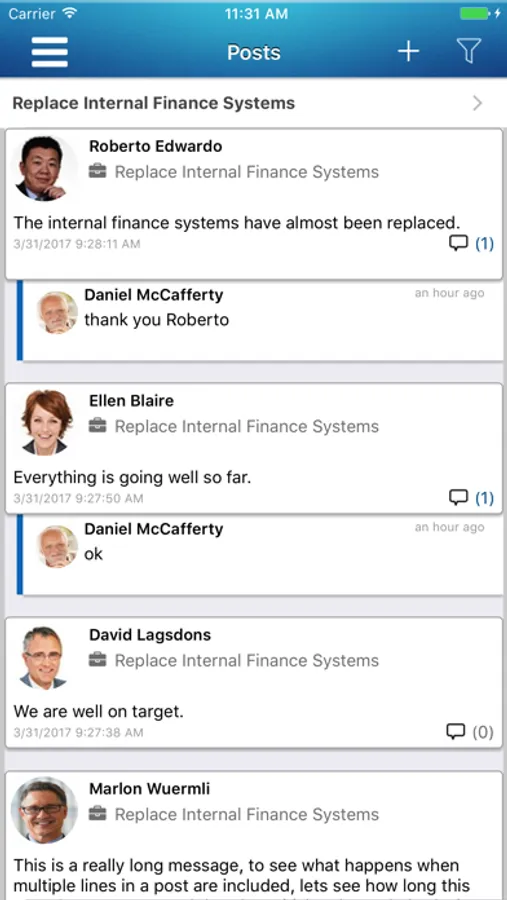
KeyedIn Projects Screenshots
Tap to Rate:
Reviews for KeyedIn Projects
KeyedIn’s Newest Fan!
Visibility+Control=Perfection!
KeyedIn Projects has given my team total visibility and control into our projects, and its top-down approach to project management has guaranteed that everyone has bought into using the system. I’d recommend it wholeheartedly!
Rachel Ziebell
Great upgrade
KeyedIn Projects offering mobile capabilities is key for the mobile workforce!