
With this app, you can create and customize mobile and web applications using your cloud data sources, without coding. You can display content, capture signatures, scan barcodes, and generate workflows for various business needs. Includes data integration from cloud storage and databases, customizable templates, and options for sharing and collaboration.
AppRecs review analysis
AppRecs rating 3.3. Trustworthiness 81 out of 100. Review manipulation risk 20 out of 100. Based on a review sample analyzed.
★★★☆☆
3.3
AppRecs Rating
Ratings breakdown
5 star
47%
4 star
8%
3 star
8%
2 star
9%
1 star
28%
What to know
✓
Low review manipulation risk
20% review manipulation risk
✓
Credible reviews
81% trustworthiness score from analyzed reviews
⚠
High negative review ratio
37% of sampled ratings are 1–2 stars
About AppSheet
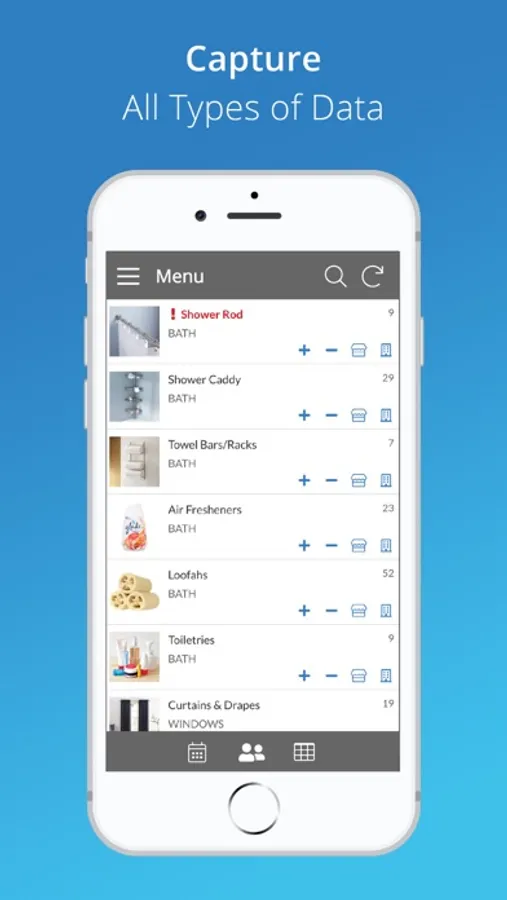
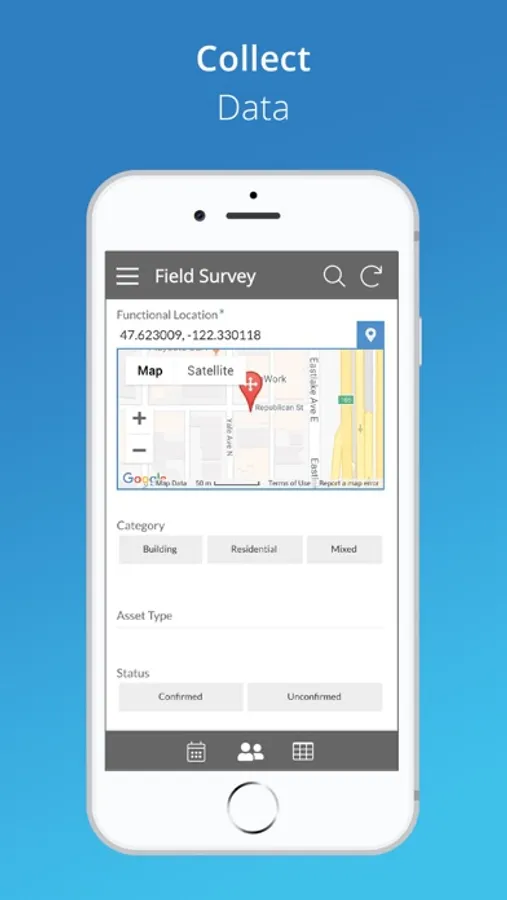
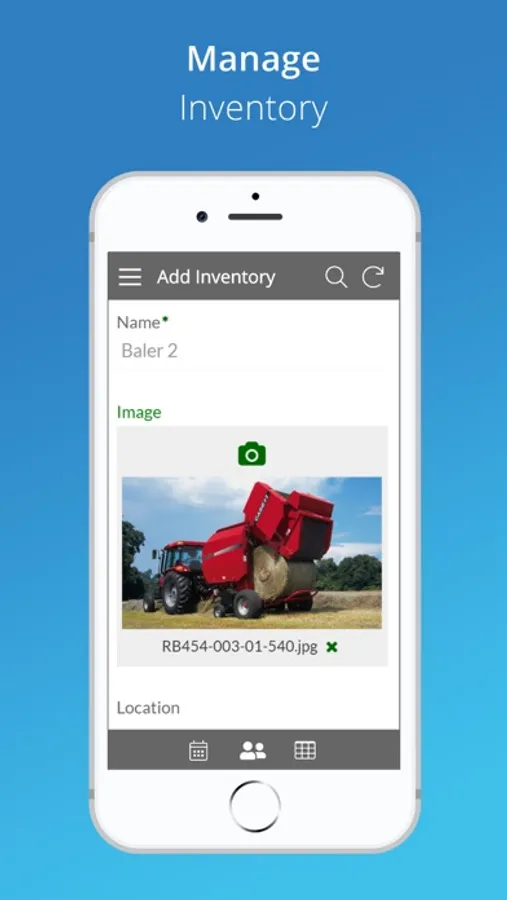
With AppSheet, you can create and distribute your own custom mobile apps without writing code or hiring developers. These apps can display content, take notes, create forms, capture photos, signatures and GPS, scan bar codes, and generate workflows for a wide variety of business scenarios. You can also build web apps and chatbots.
AppSheet uses data from your cloud storage -- Google Sheets, Excel on Office365, Dropbox or Box, Smartsheet, SalesForce, and a variety of databases (SQLServer, mySQL, Postgres, and DynamoDB). You can create an app in minutes and enhance it to create rich custom apps for your team, business, or enterprise. Check review sites like Capterra to learn how AppSheet’s modern technology platform outpaces older low-code solutions like PowerApps, Salesforce1, and App Maker.
AppSheet is an ideal solution for many business, including those in property management, agriculture, supply chain, operations, salesforce management, education and more. Here are just a few scenarios:
WORKING WITH REMOTE TEAMS
Apps built with AppSheet can help a remote team work with centralized data saved in spreadsheets (eg: in Google Drive, Box, or Droppox) or SQL databases.
PROJECT MANAGEMENT
Millions of people manage projects using Google Sheets, Excel, and Smartsheets. Project managers can build apps with AppSheet to display and share project data through a mobile device with other team members and stakeholders. Keep data centralized in a core spreadsheet and share only the parts that their audience needs to see. No more managing dozens of files that go back and forth via email!
EDUCATION
Manage study plans, school rosters, grading, and group work by creating a custom app with charts, maps, text summaries and image galleries. Share the app securely with students and colleagues.
CUSTOMER SUPPORT AND ENGAGEMENT:
Keep track of your customer pipeline on a Google Sheet but get the benefits of a streamlined custom mobile app using AppSheet. You can also interact with your data in new ways like building maps from your data, calling or messaging to telephone numbers, sending emails to contacts, and building catalogs using image galleries.
AppSheet uses data from your cloud storage -- Google Sheets, Excel on Office365, Dropbox or Box, Smartsheet, SalesForce, and a variety of databases (SQLServer, mySQL, Postgres, and DynamoDB). You can create an app in minutes and enhance it to create rich custom apps for your team, business, or enterprise. Check review sites like Capterra to learn how AppSheet’s modern technology platform outpaces older low-code solutions like PowerApps, Salesforce1, and App Maker.
AppSheet is an ideal solution for many business, including those in property management, agriculture, supply chain, operations, salesforce management, education and more. Here are just a few scenarios:
WORKING WITH REMOTE TEAMS
Apps built with AppSheet can help a remote team work with centralized data saved in spreadsheets (eg: in Google Drive, Box, or Droppox) or SQL databases.
PROJECT MANAGEMENT
Millions of people manage projects using Google Sheets, Excel, and Smartsheets. Project managers can build apps with AppSheet to display and share project data through a mobile device with other team members and stakeholders. Keep data centralized in a core spreadsheet and share only the parts that their audience needs to see. No more managing dozens of files that go back and forth via email!
EDUCATION
Manage study plans, school rosters, grading, and group work by creating a custom app with charts, maps, text summaries and image galleries. Share the app securely with students and colleagues.
CUSTOMER SUPPORT AND ENGAGEMENT:
Keep track of your customer pipeline on a Google Sheet but get the benefits of a streamlined custom mobile app using AppSheet. You can also interact with your data in new ways like building maps from your data, calling or messaging to telephone numbers, sending emails to contacts, and building catalogs using image galleries.
AppSheet Screenshots
Tap to Rate:
Reviews for AppSheet
ohhare1
Nourish LA
It would be great if they could name the app Nourish LA.
Jackpott100
Was working… now it isn’t
This app used to be excellent! Now it crashes every single time I open it. I’m on an iPhone 14 Pro running 18.7.2. Please fix this app. My company uses this app for database entry and I really need this to be accessible everywhere I go.