In this screen recording app, users can capture videos of their iPhone or iPad screens and add face reactions or commentary. Includes editing tools for trimming, merging, and adding background music.
About Screen Recorder - Clips Editor
Screen Recorder helps you record iPhone, iPad screen. The app allows you to record your favorite games and apps for tutorials, games walk-through, video demos or anything on your iPhone and iPad.
Highlight Features:
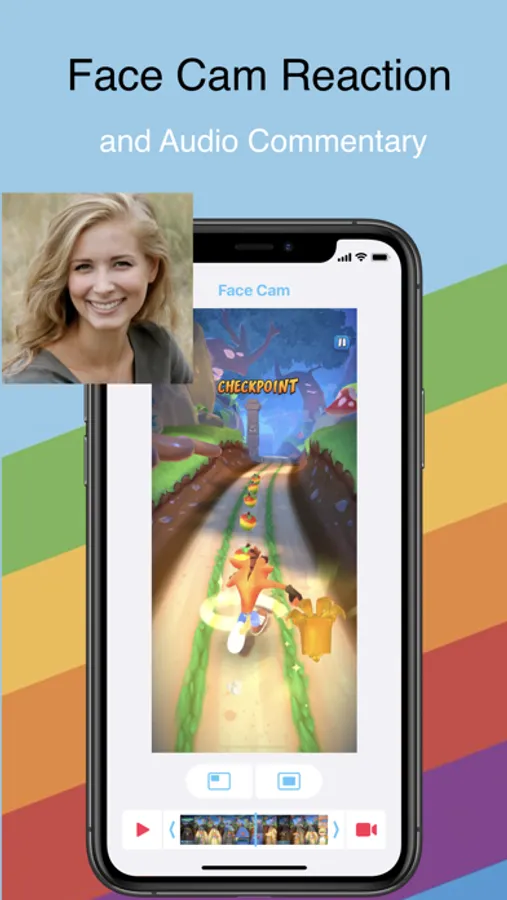
+ Add Face Camera reaction and audio commentary to your videos.
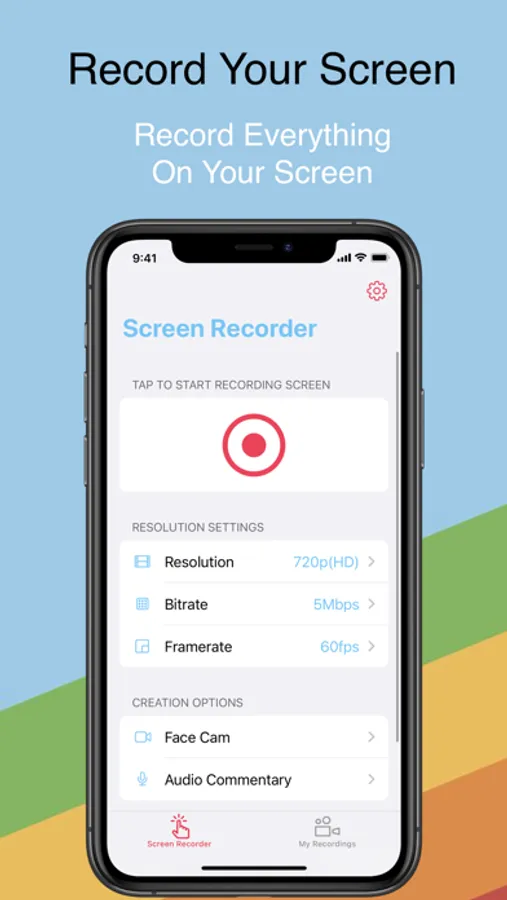
+ Record full screen videos and be able to optimize your prefered framerate and bitrate.
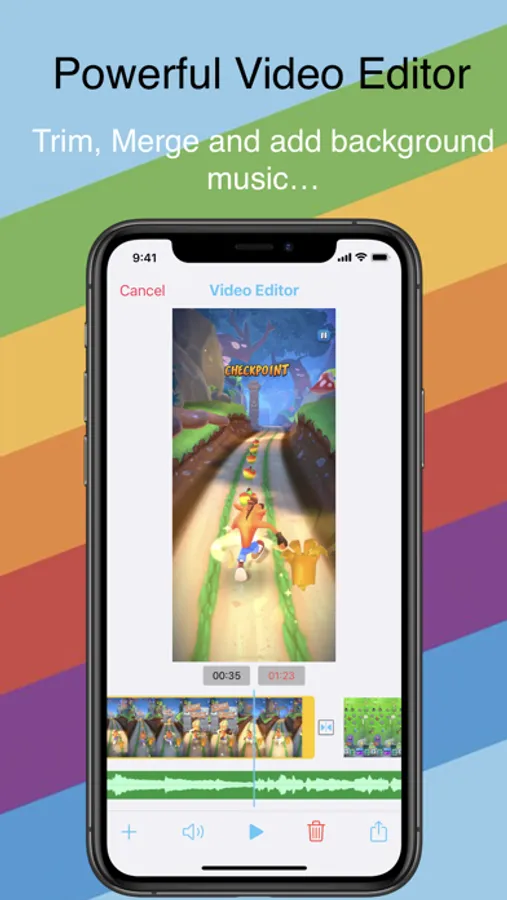
+ Trim, Merge and add background music to your videos.
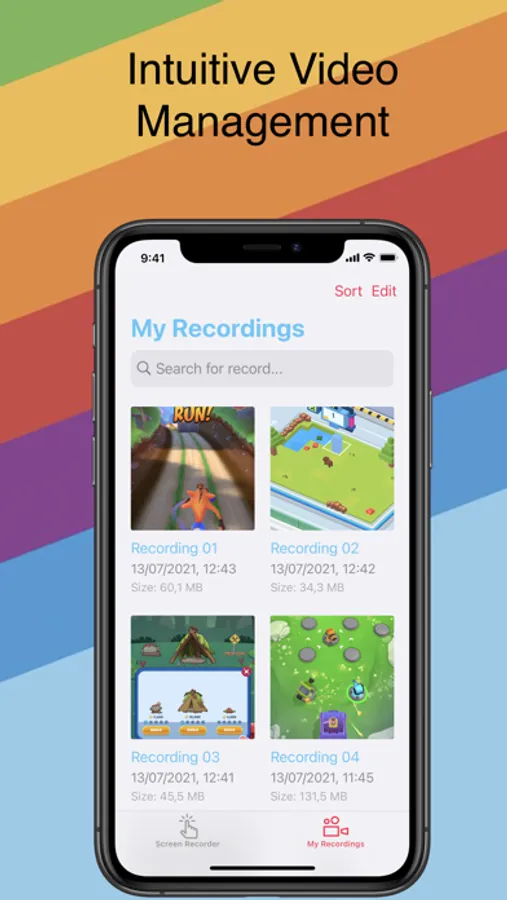
+ Easy to Sort or Search for your records.
+ Share and export to other apps.
Upgrade to Premium for Ad-Free experience and full featured app.
$9.99/year for Premium Subscription
• Length of subscription: 1 Year
• Payment will be charged to iTunes Account at confirmation of purchase
• Subscription automatically renews unless auto-renew is turned off at least 24-hours before the end of the current period
• Account will be charged for renewal within 24-hours prior to the end of the current period, and identify the cost of the renewal
• Subscriptions may be managed by the user and auto-renewal may be turned off by going to the user's Account Settings after purchase
For more infos, Please visit:
www.l7mobile.com/terms
www.l7mobile.com/privacy
Highlight Features:
+ Add Face Camera reaction and audio commentary to your videos.
+ Record full screen videos and be able to optimize your prefered framerate and bitrate.
+ Trim, Merge and add background music to your videos.
+ Easy to Sort or Search for your records.
+ Share and export to other apps.
Upgrade to Premium for Ad-Free experience and full featured app.
$9.99/year for Premium Subscription
• Length of subscription: 1 Year
• Payment will be charged to iTunes Account at confirmation of purchase
• Subscription automatically renews unless auto-renew is turned off at least 24-hours before the end of the current period
• Account will be charged for renewal within 24-hours prior to the end of the current period, and identify the cost of the renewal
• Subscriptions may be managed by the user and auto-renewal may be turned off by going to the user's Account Settings after purchase
For more infos, Please visit:
www.l7mobile.com/terms
www.l7mobile.com/privacy
Screen Recorder - Clips Editor Screenshots
Tap to Rate: